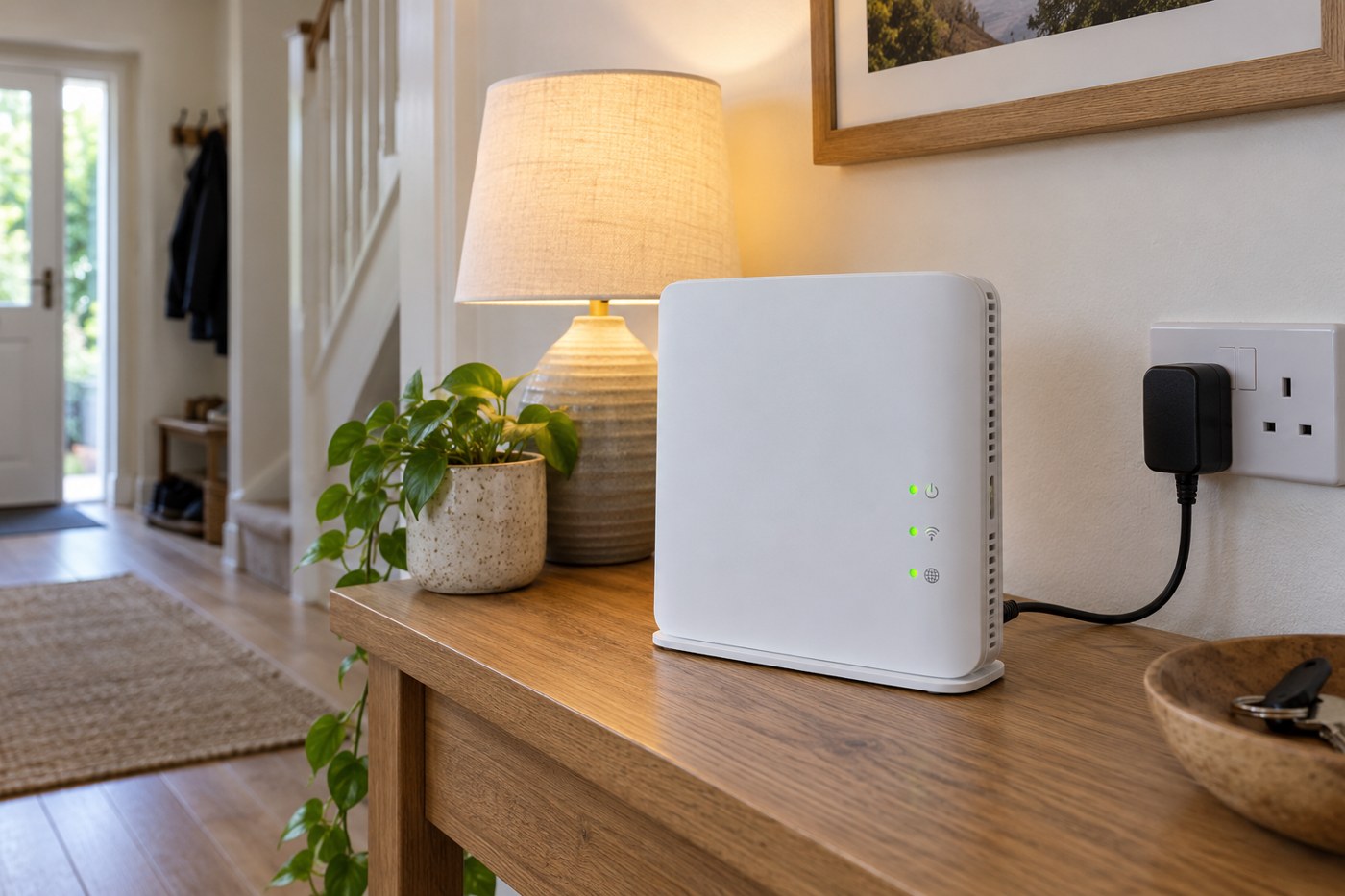
Begin with the power situation
When the lights return, home technology does not necessarily become ready at the same moment. A router may need to reconnect, a separate fibre terminal may still be starting and a smart device may be waiting for the network. Give the equipment its documented startup time before treating every offline message as a separate failure.
If a socket, cable or adapter looks damaged, smells burnt or behaves abnormally, stop using that equipment. Repeatedly trying a suspect power connection is not a network test. For an ordinary outage with no sign of damage, check that the intended sockets and device power switches are on, including any extension strip used by the desk.
Find the first missing connection
Check the router's status using its own guide. Light colours are not universal, so a colour that meant online on an old model may mean something else now. If there is a separate modem or fibre terminal, check its status too without disturbing the fibre cable or opening the equipment.
Use a phone's mobile connection, if available, to look at the broadband provider's service information. A neighbourhood outage can continue after power returns to your home. Resetting your router cannot repair an upstream fault and may erase useful settings while you wait.
Restart only when it is useful
If the provider recommends a restart, follow the sequence for your equipment. BT notes that power cycling its Openreach modem temporarily interrupts broadband and fibre voice service. That is a reason to choose the moment deliberately, especially when someone is trying to make a call.
Do not confuse the ordinary power control with a recessed reset button. A factory reset can turn a temporary interruption into a complete setup job. If the router is already showing a normal connection, try one phone or computer before restarting it again. One device working online is valuable evidence that the whole connection is not still down.
Bring the remaining devices back gradually
Once the network is usable, check devices that have not reappeared. Open their normal app or try a physical control. Some will reconnect without intervention; others may need a normal restart according to their instructions. Work through one type of device at a time so that you can see which action helped.
Check clocks, timers and scheduled routines afterwards. Equipment may retain a schedule but temporarily lack the correct time or connection required to run it. Verify the next intended action instead of assuming that an online status proves every routine is back to normal.
If several devices remain offline, record their names, the router status and when the outage ended before contacting support. That gives the provider or manufacturer a useful starting point. Avoid changing Wi-Fi names, passwords and security modes during recovery unless there is a specific reason: devices that were already configured need a chance to return to the network they recognise.