Home Wi-Fi
Where to put your router before buying anything else
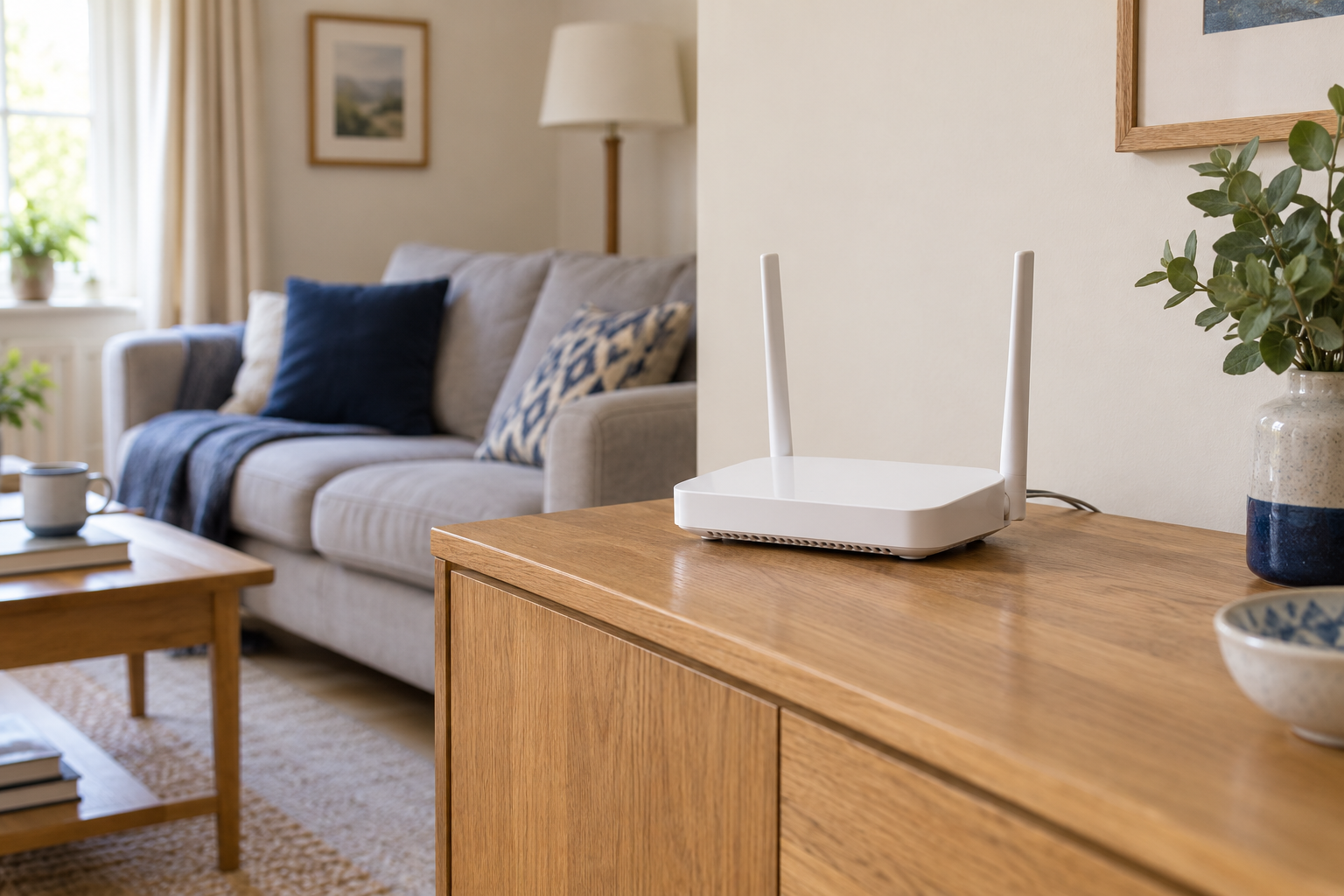
A better position can help a router reach the places you use most. Before changing settings or ordering extra hardware, try a small, repeatable placement test.
The Leetek guides
Find weak spots, place equipment sensibly and work out what is slowing a connection.
Home Wi-Fi
A better position can help a router reach the places you use most. Before changing settings or ordering extra hardware, try a small, repeatable placement test.
Home Wi-Fi
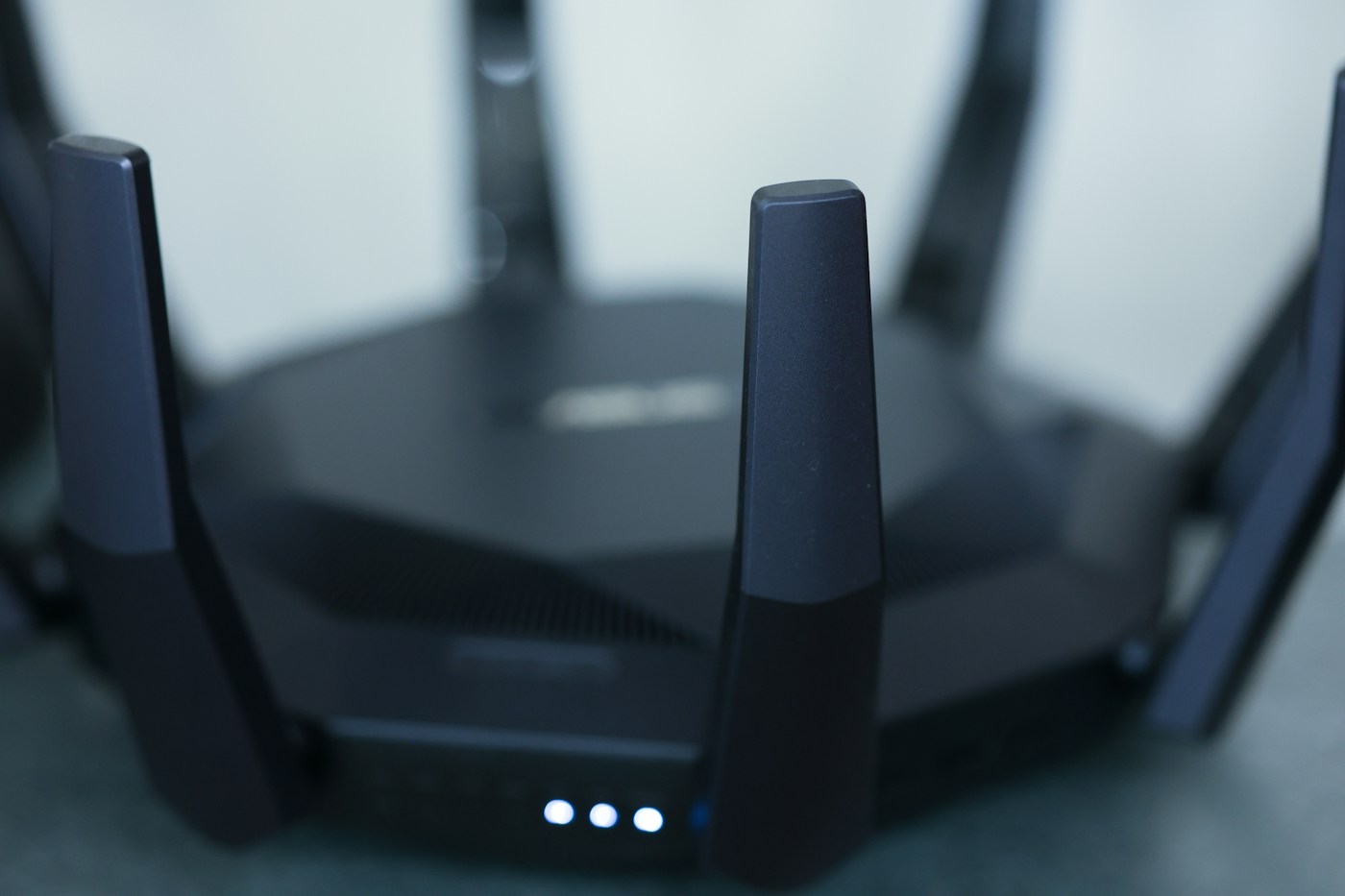
Compare one device in a few carefully chosen places before deciding that a troublesome room needs more equipment.
Home Wi-Fi
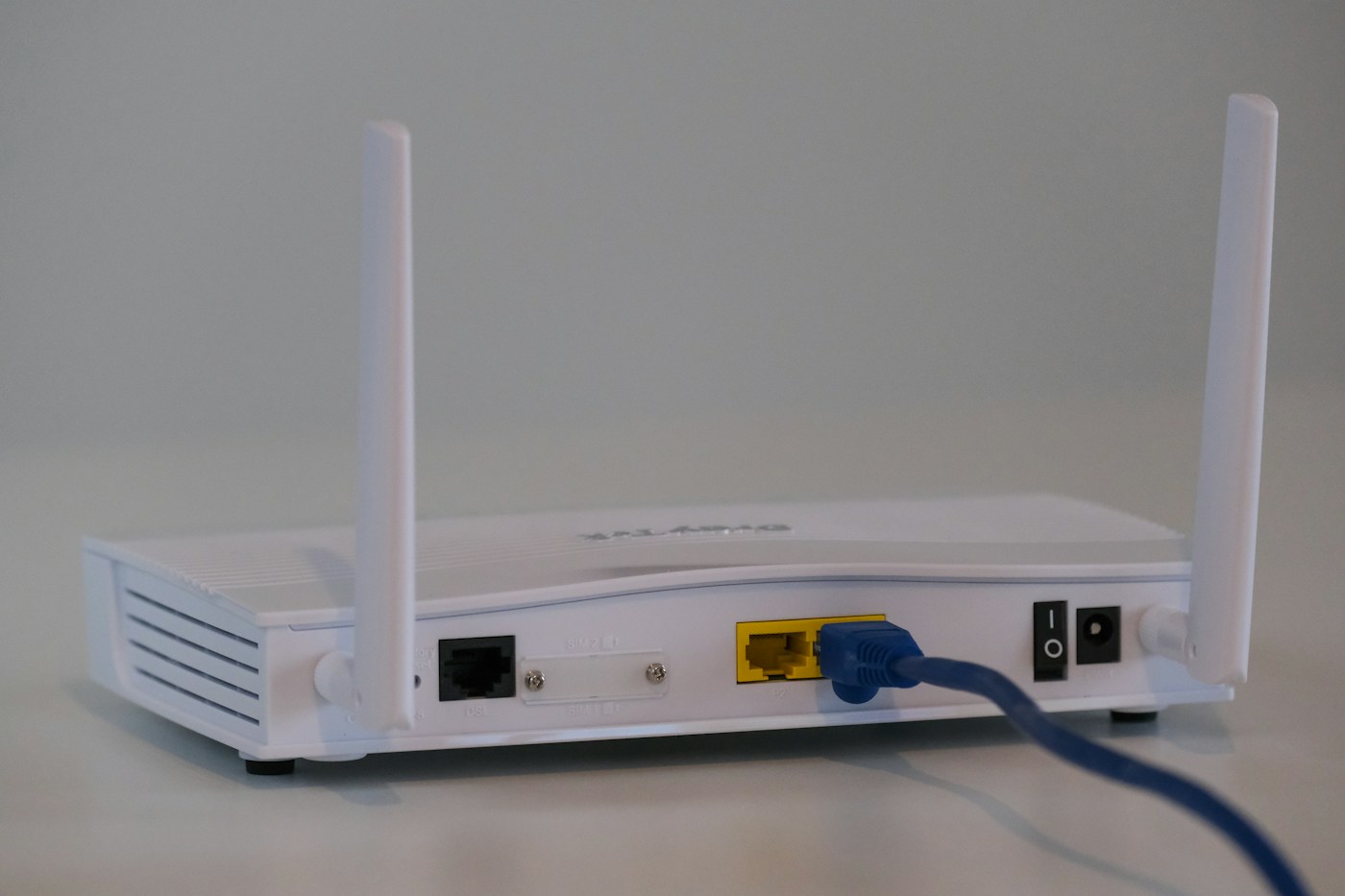
A connection has several stages. Testing them separately helps you avoid replacing the router for a problem elsewhere.
Home Wi-Fi
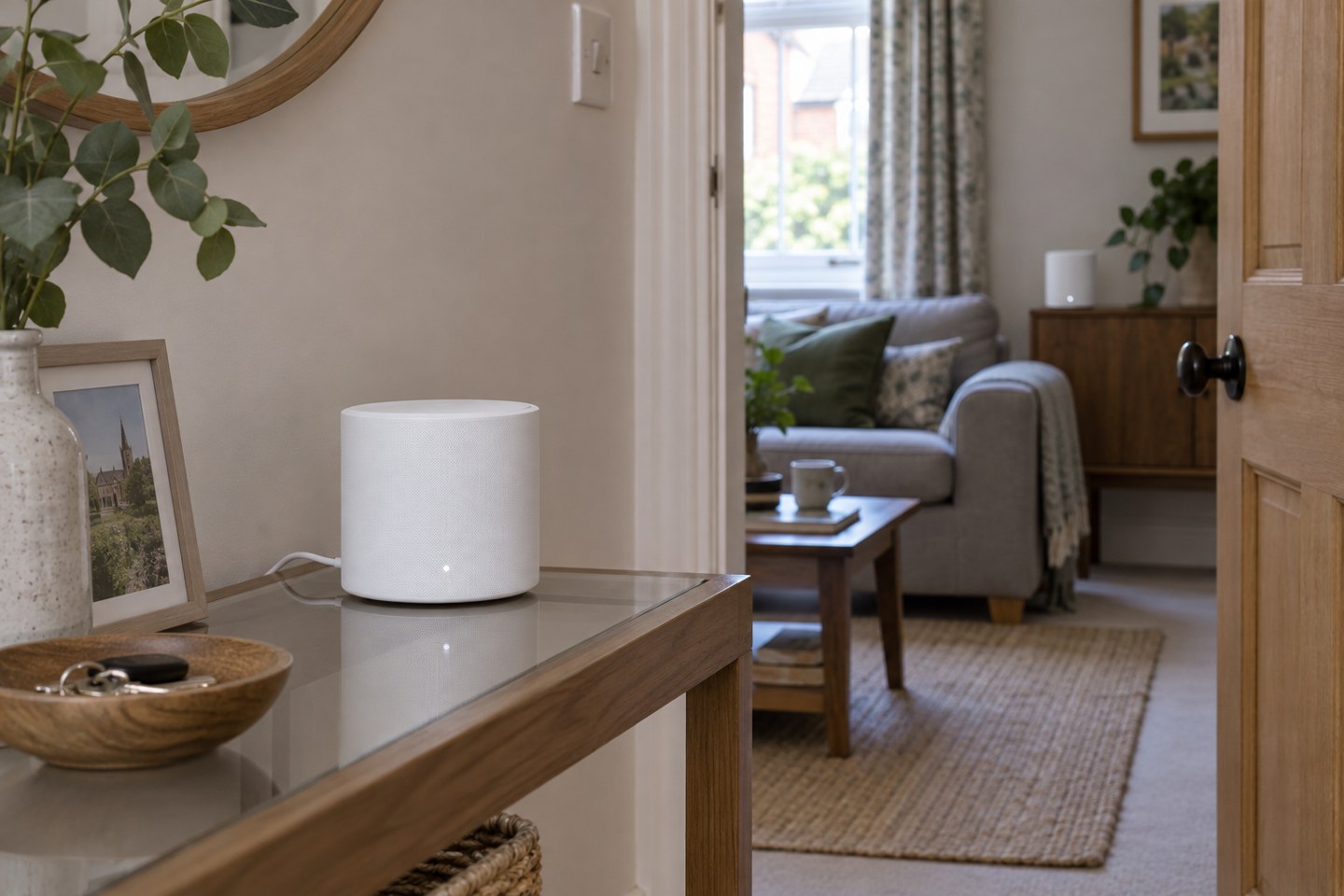
A mesh node needs a useful connection back to the network as well as a useful position near your devices.
Home Wi-Fi
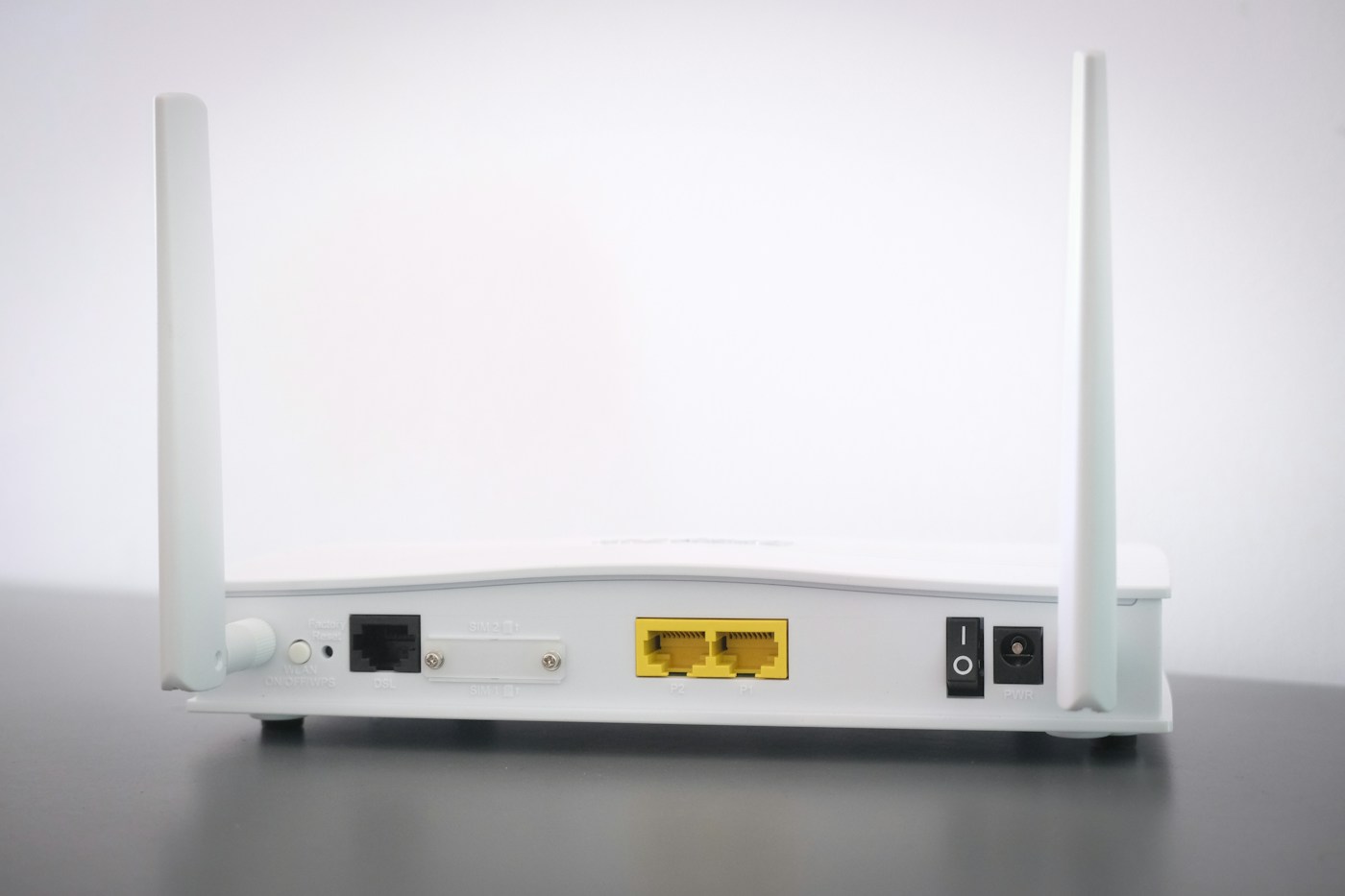
Ethernet backhaul can help a distant mesh unit, but the system, ports and cable route all need to support the plan.
Home Wi-Fi
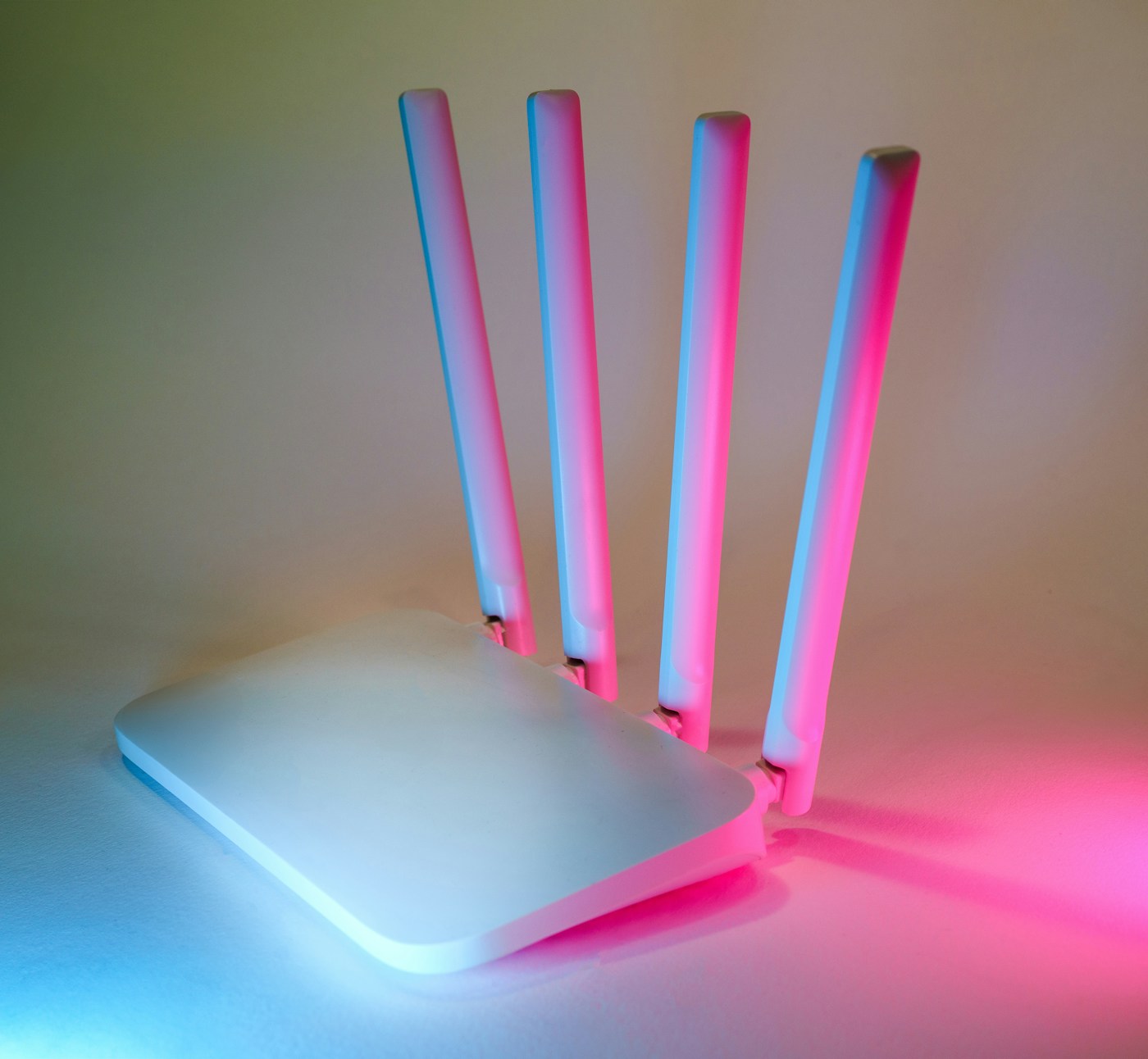
The best band depends on the device, distance and task. A bigger number is not an automatic improvement.

Home Wi-Fi
A guest network can make visitor access simpler while keeping everyday household devices on their usual connection.
Home Wi-Fi
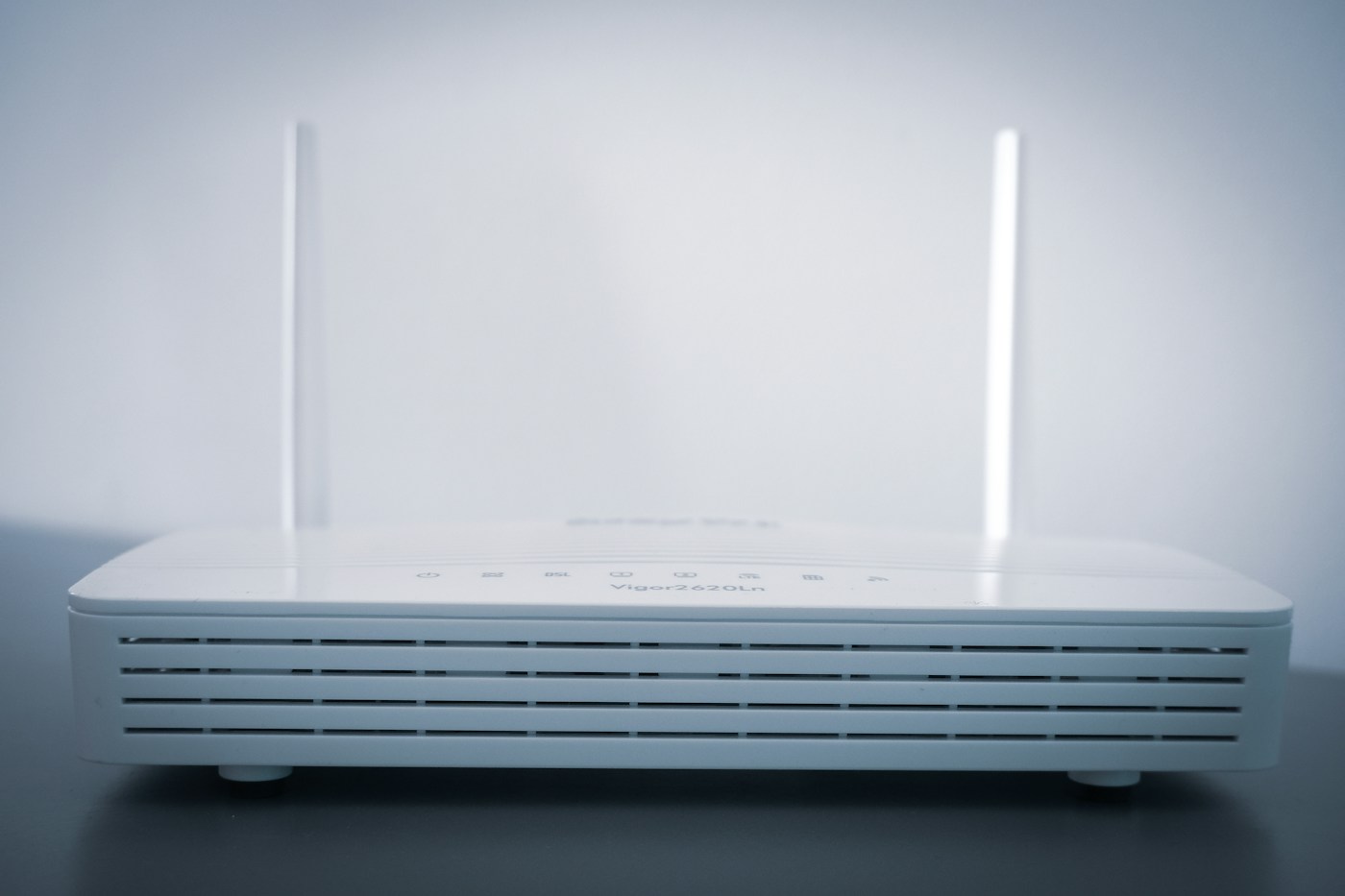
A clearer network name is easy to recognise, but changing it can leave saved devices looking for the old connection.
Home Wi-Fi
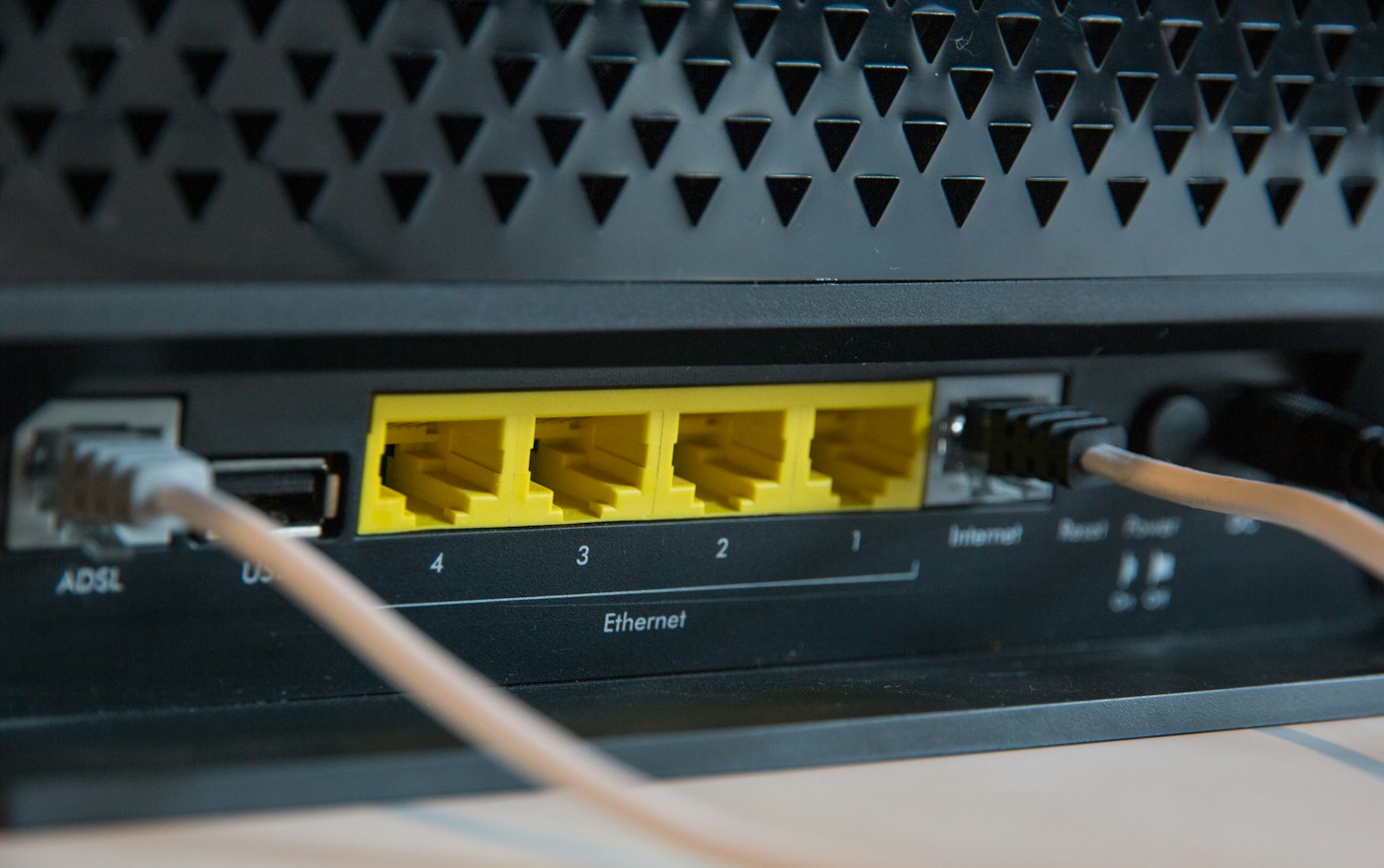
A normal restart and a factory reset have very different consequences. Identify the control before touching it.
Home Wi-Fi
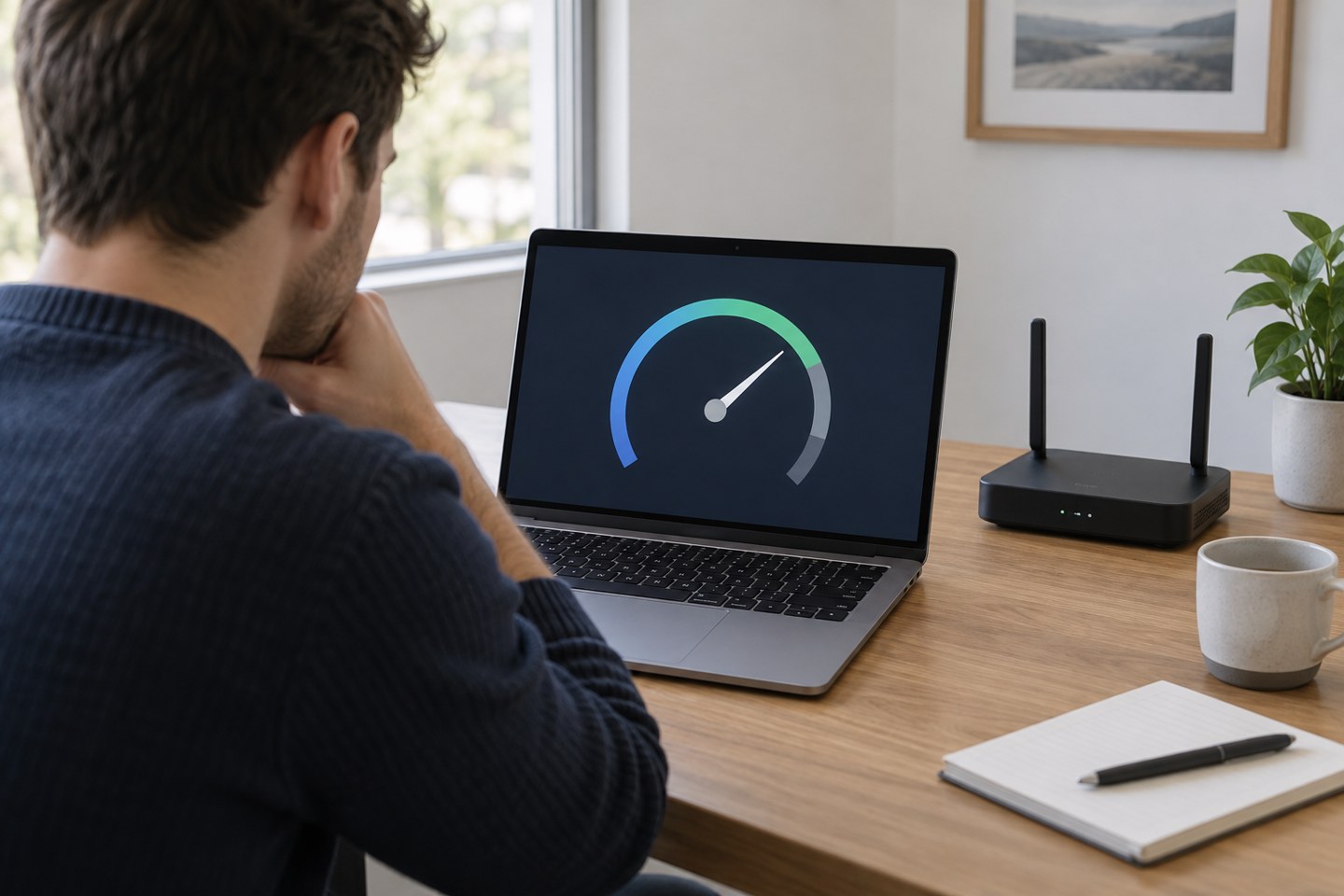
Choose whether you are testing the incoming service, a particular room or one device, then keep the comparison consistent.

Home Wi-Fi
When calls, streams and downloads overlap, identify the busy activity before paying for a faster package.
Home Wi-Fi
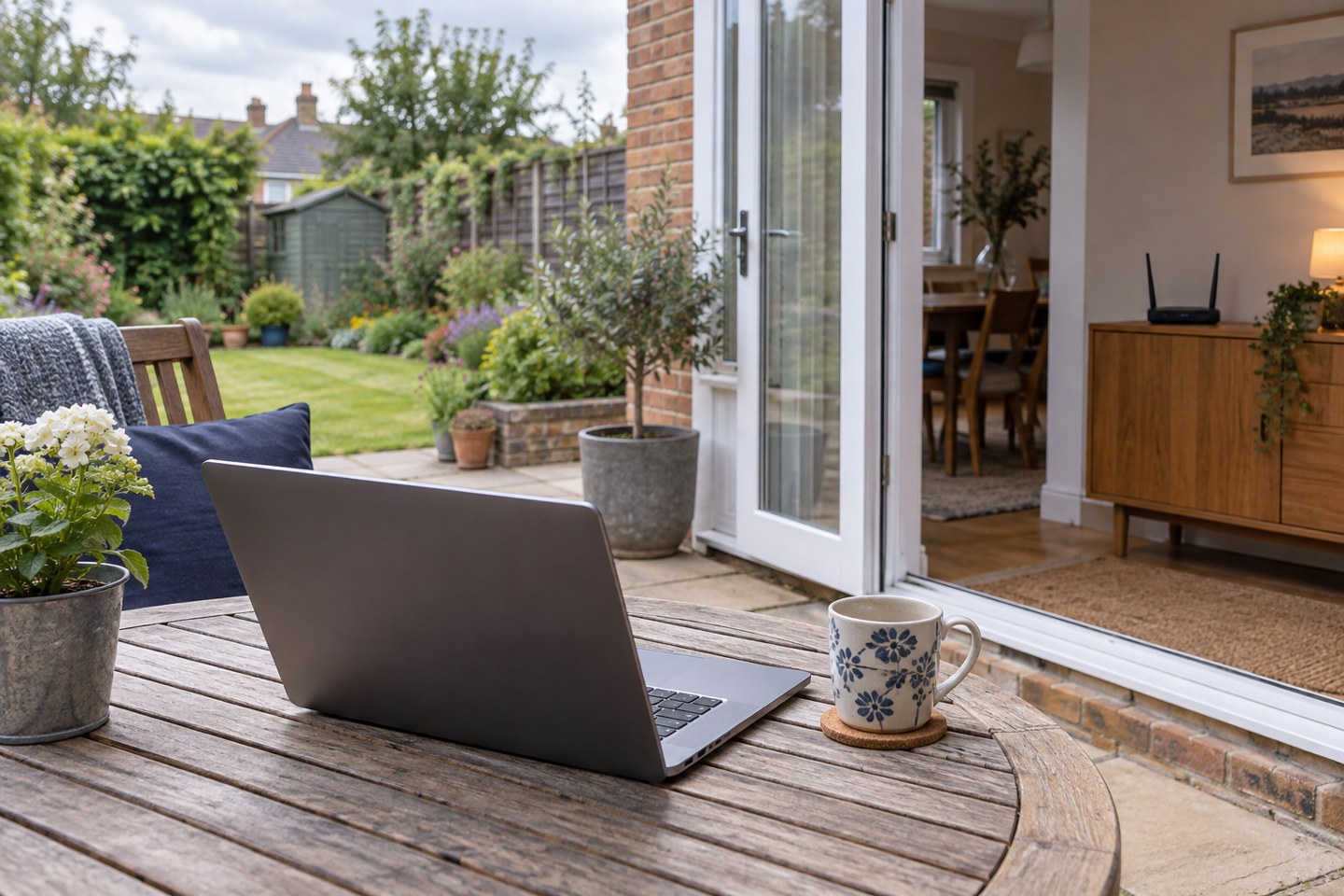
Start with the place you will sit and the route back indoors. Outdoor coverage needs more than a strong-looking signal icon.
Home Wi-Fi
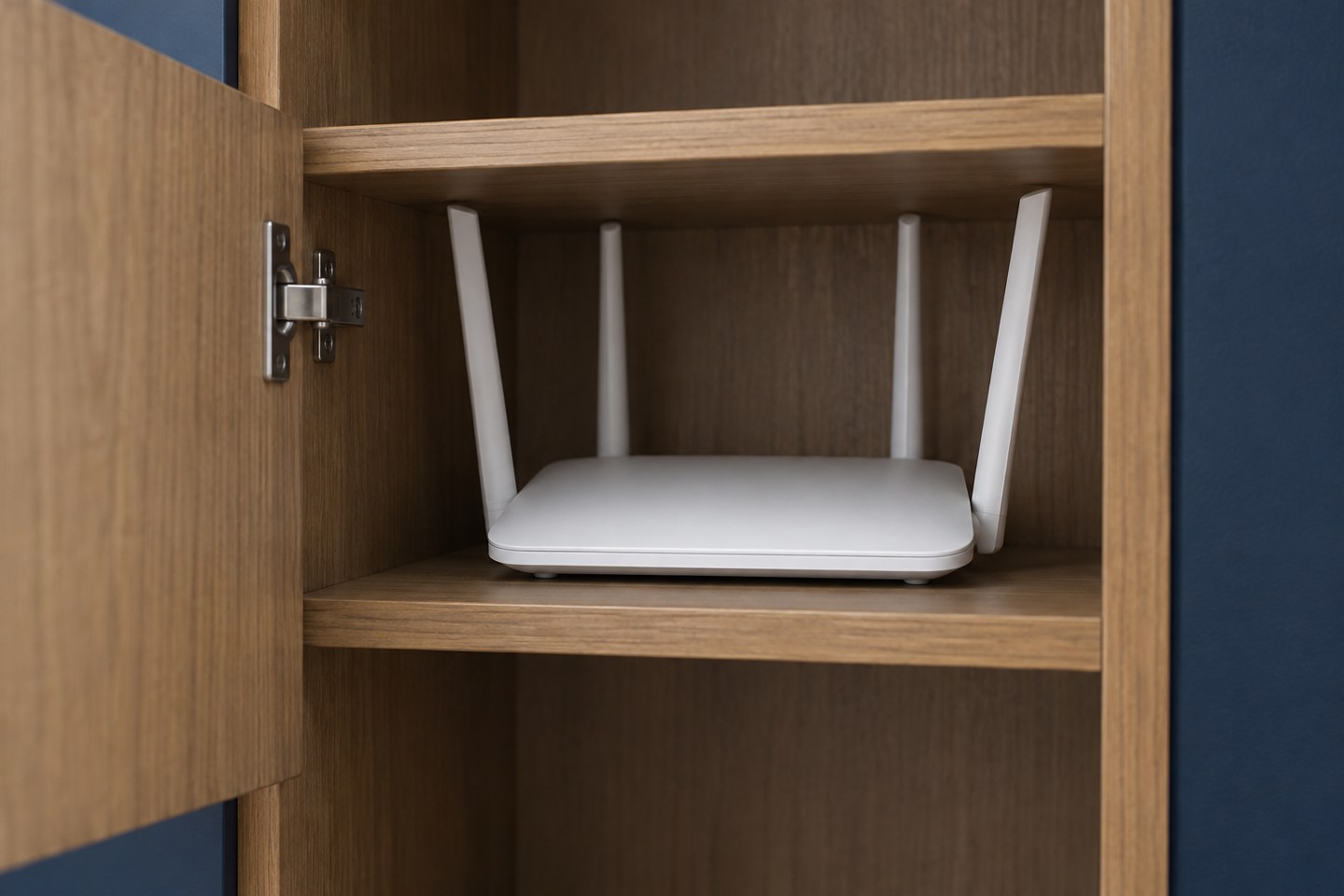
A cupboard can hide the router neatly while making its signal, ventilation and controls harder to manage.
Home Wi-Fi
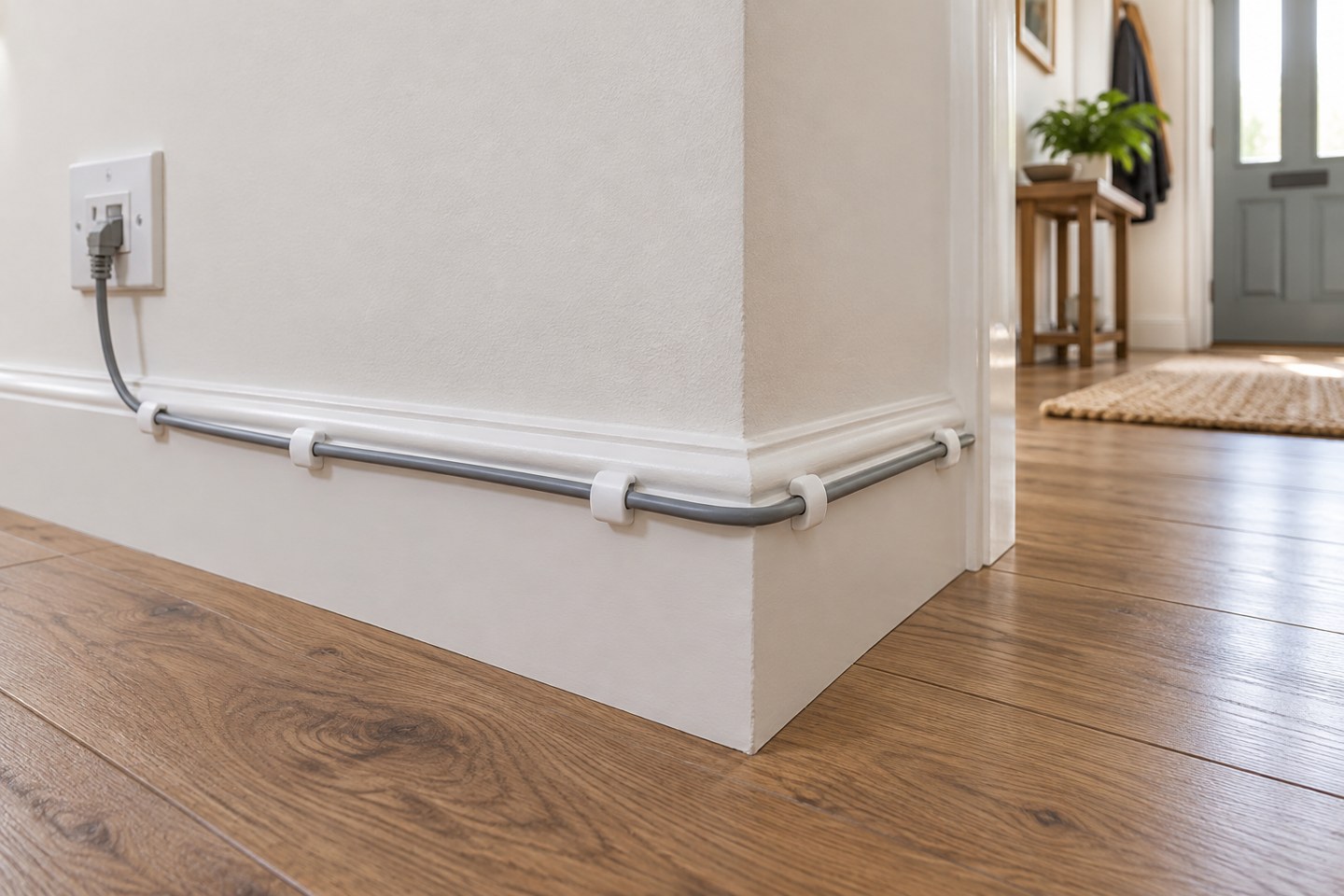
One well-planned cable can make a fixed desk easier to connect without turning the room into a wiring project.
Home Wi-Fi
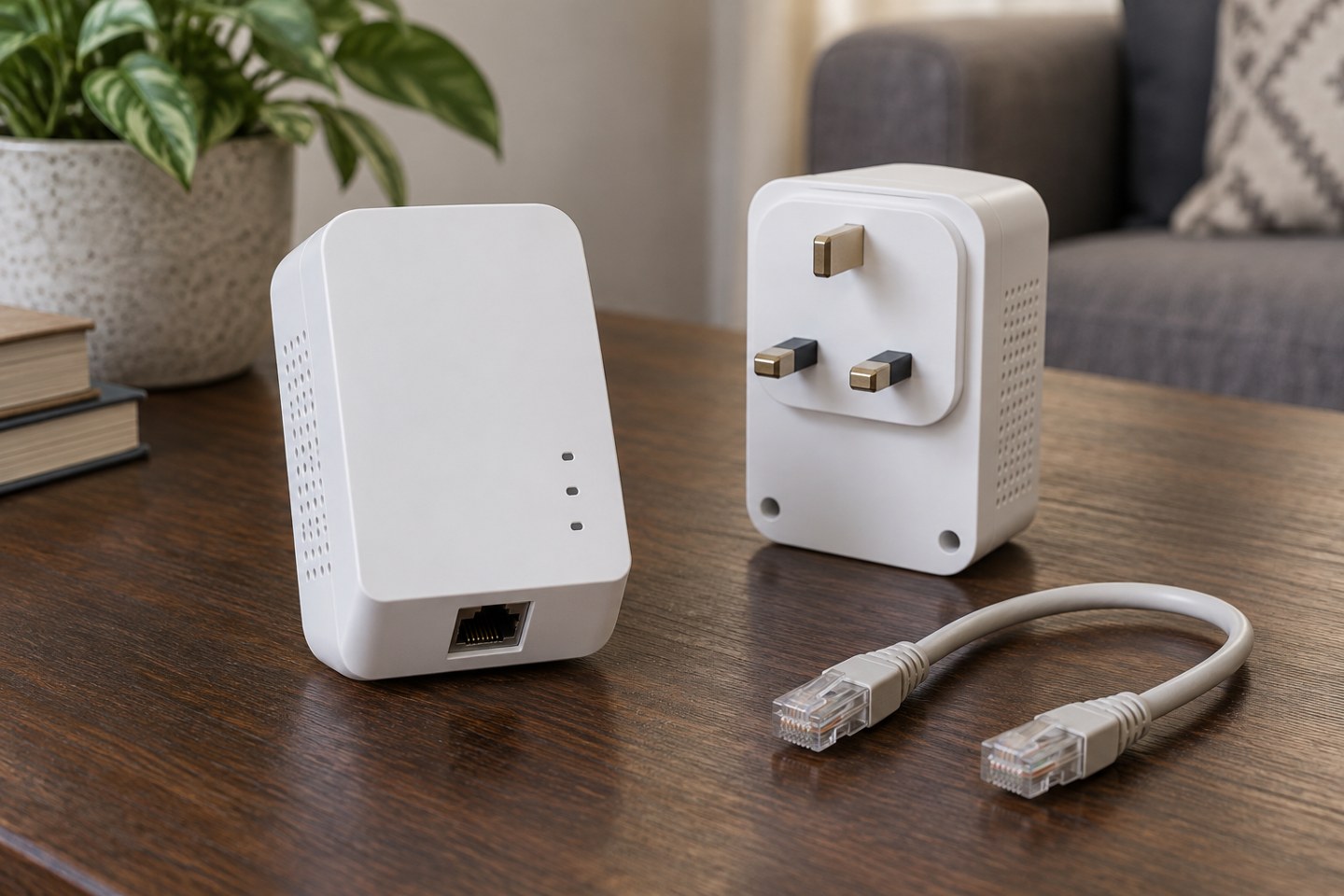
Powerline adapters use existing electrical wiring, so the building and socket arrangement matter as much as the box specification.
Home Wi-Fi
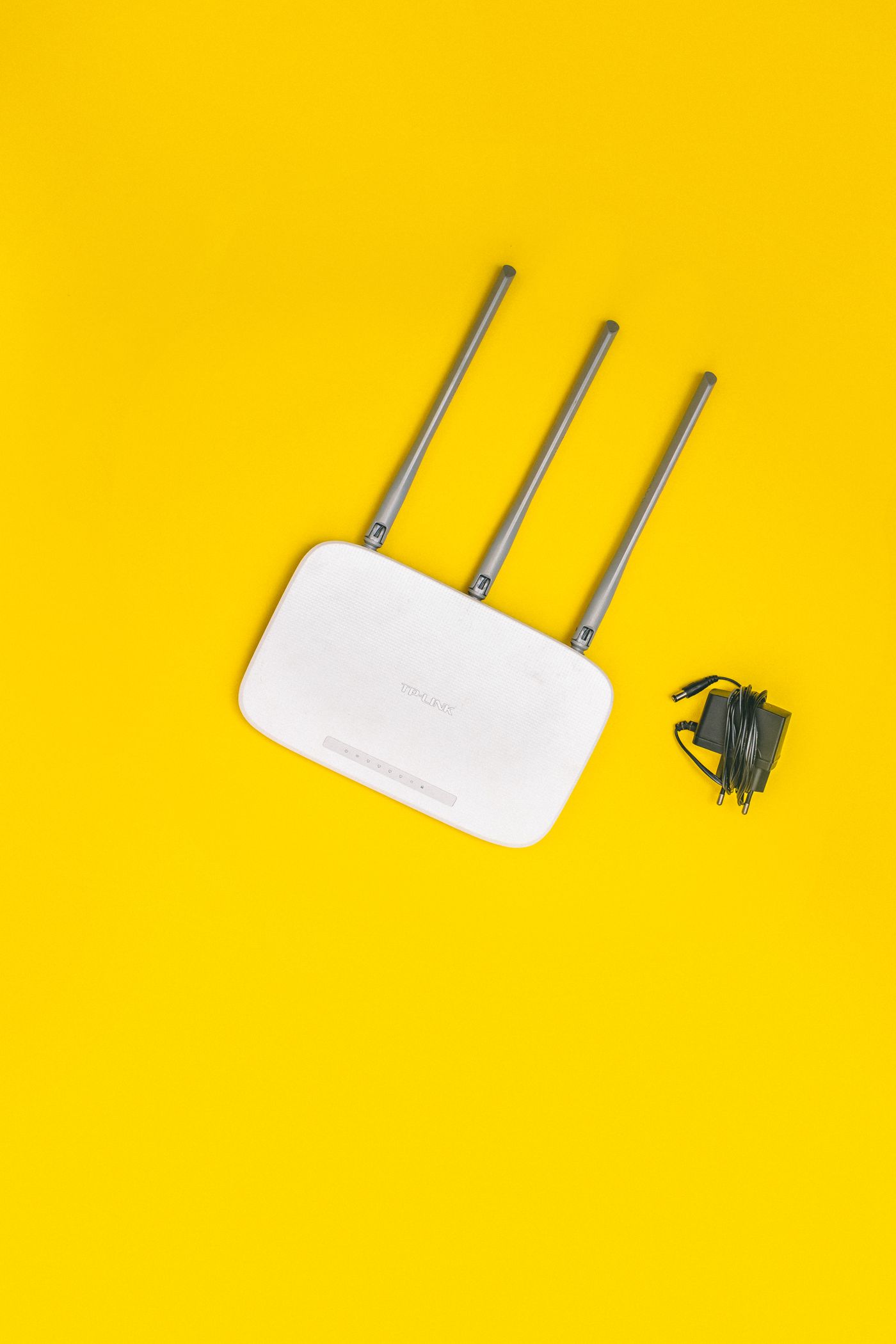
A replacement router is only useful if it fits the incoming service and fixes a limitation you can identify.

Home Wi-Fi
For an important call, reduce uncertainty in the connection and test the whole calling setup before the meeting starts.
Home Wi-Fi
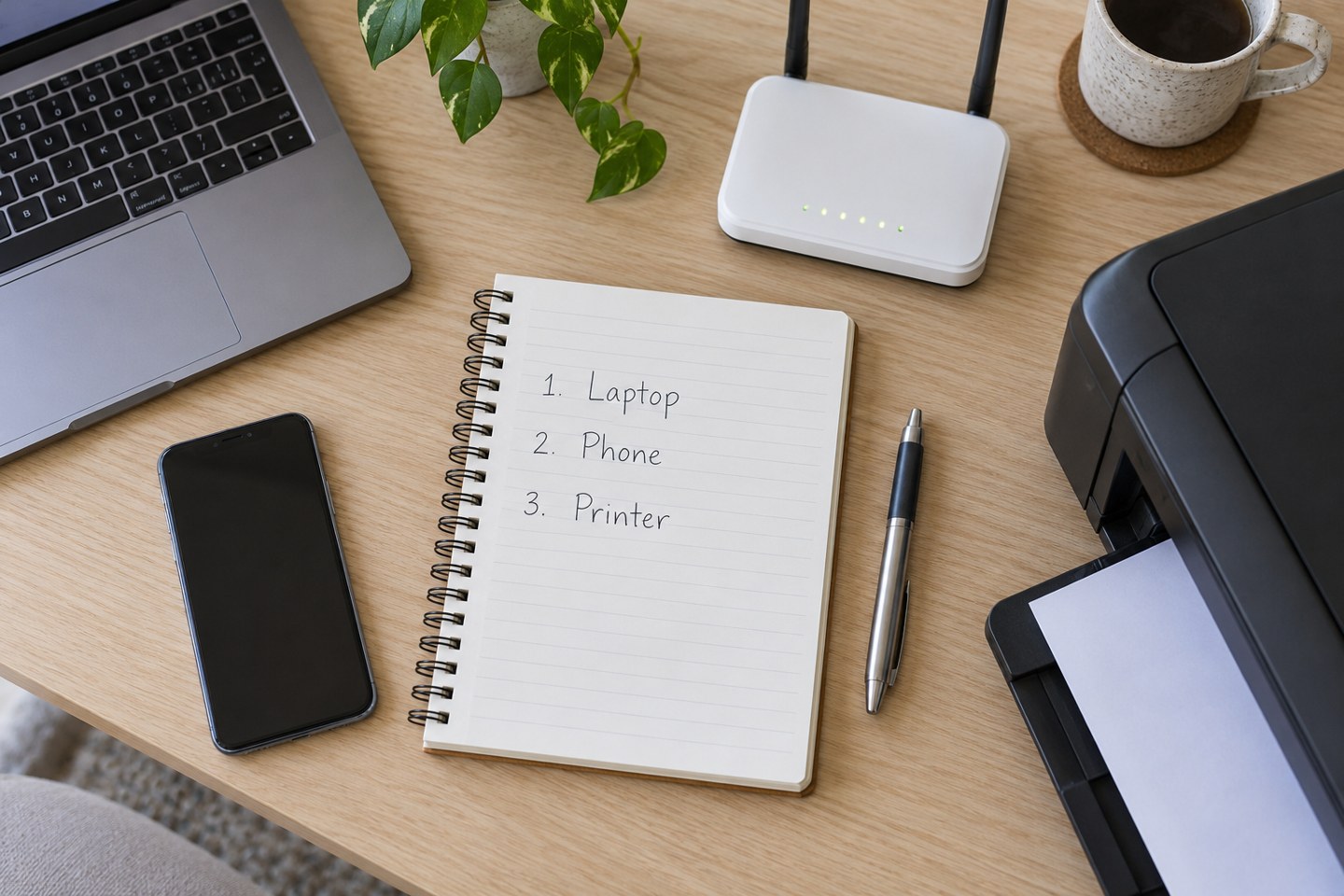
A modest device list can make a router replacement or an unexplained offline message much easier to handle.
Home Wi-Fi
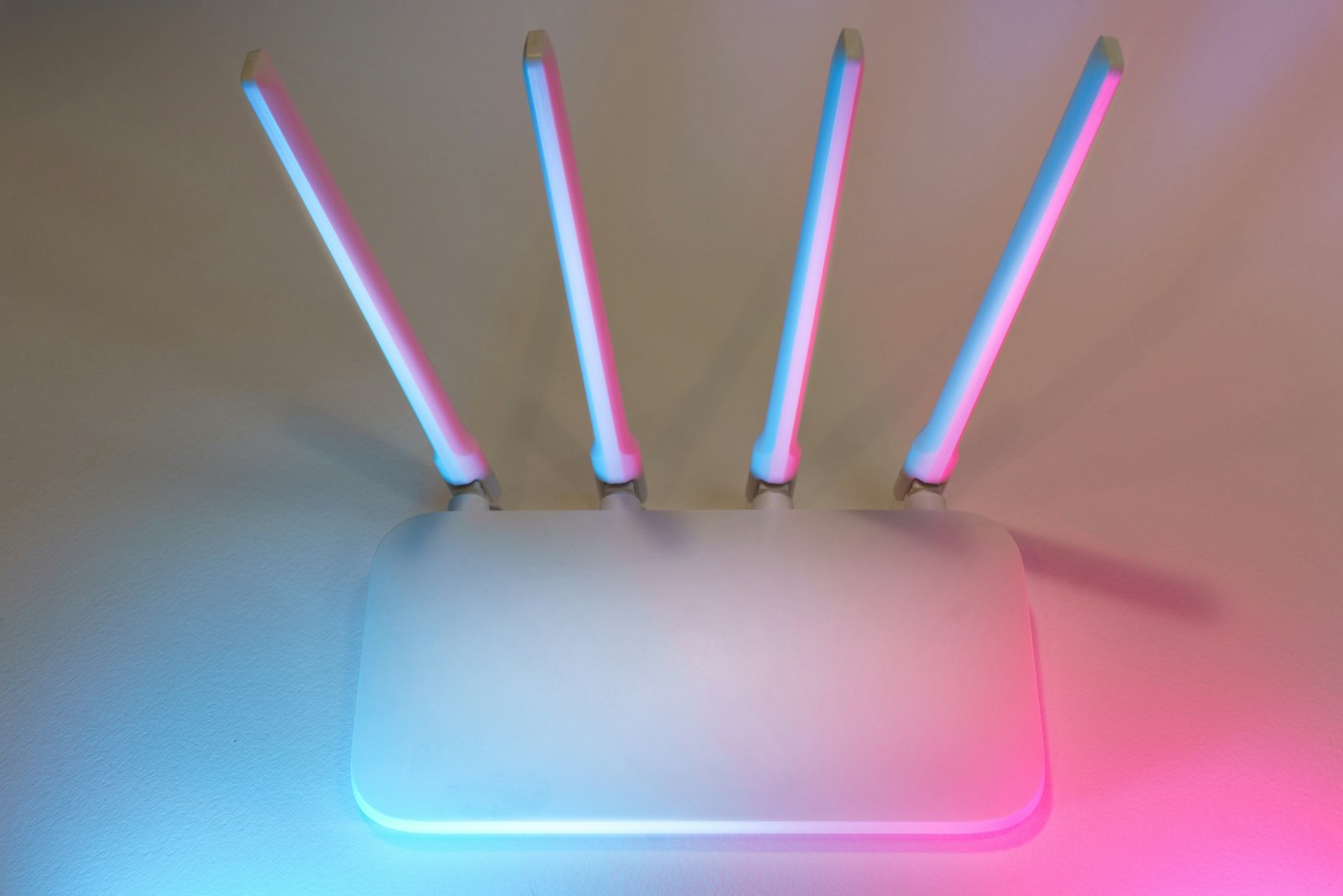
Plan for the devices that will disconnect, and keep router administration details separate from the network password.
Home Wi-Fi
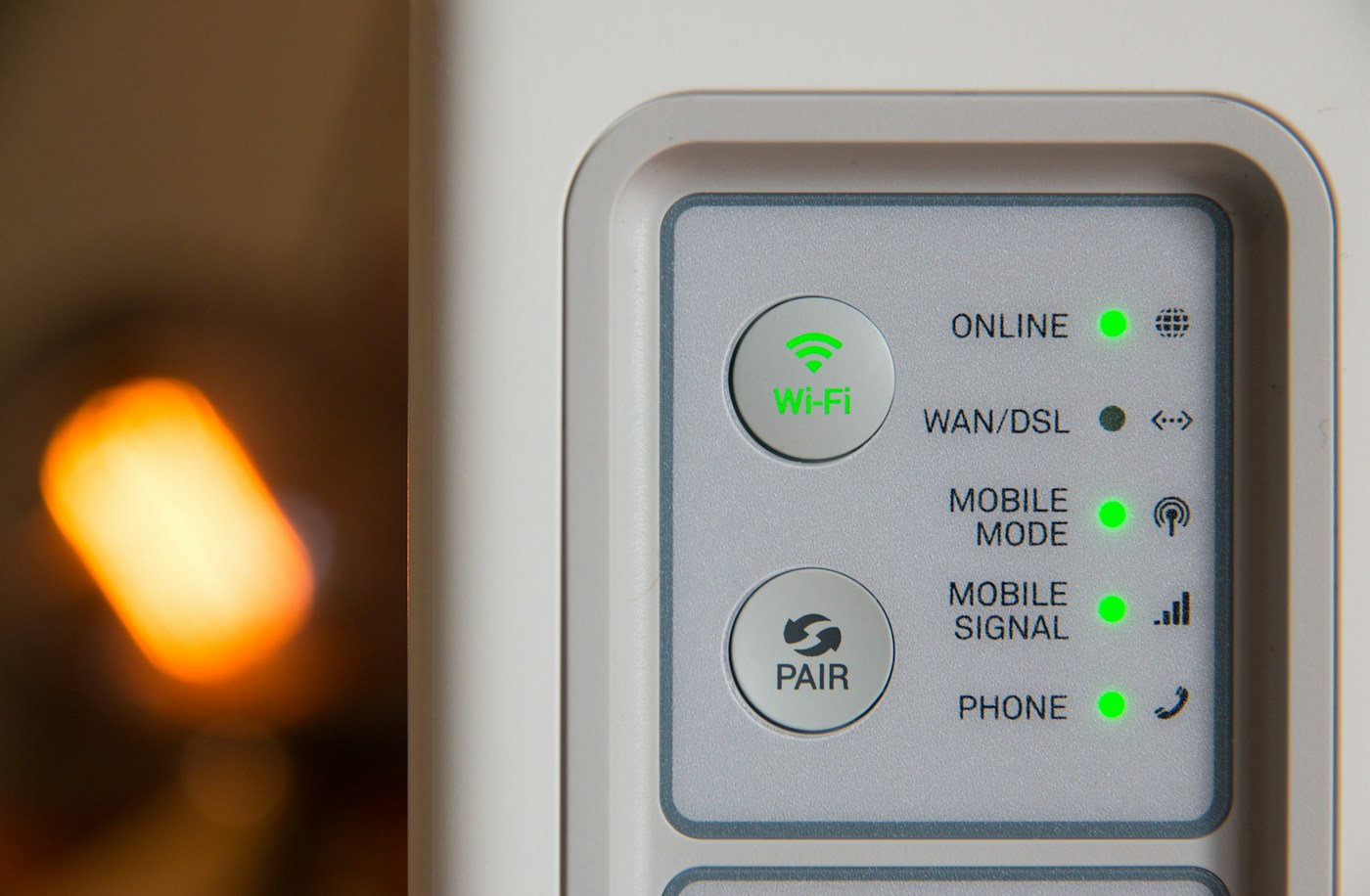
Router lights are model-specific clues. Record the pattern and look up its meaning before deciding what to restart.