Give the test a question
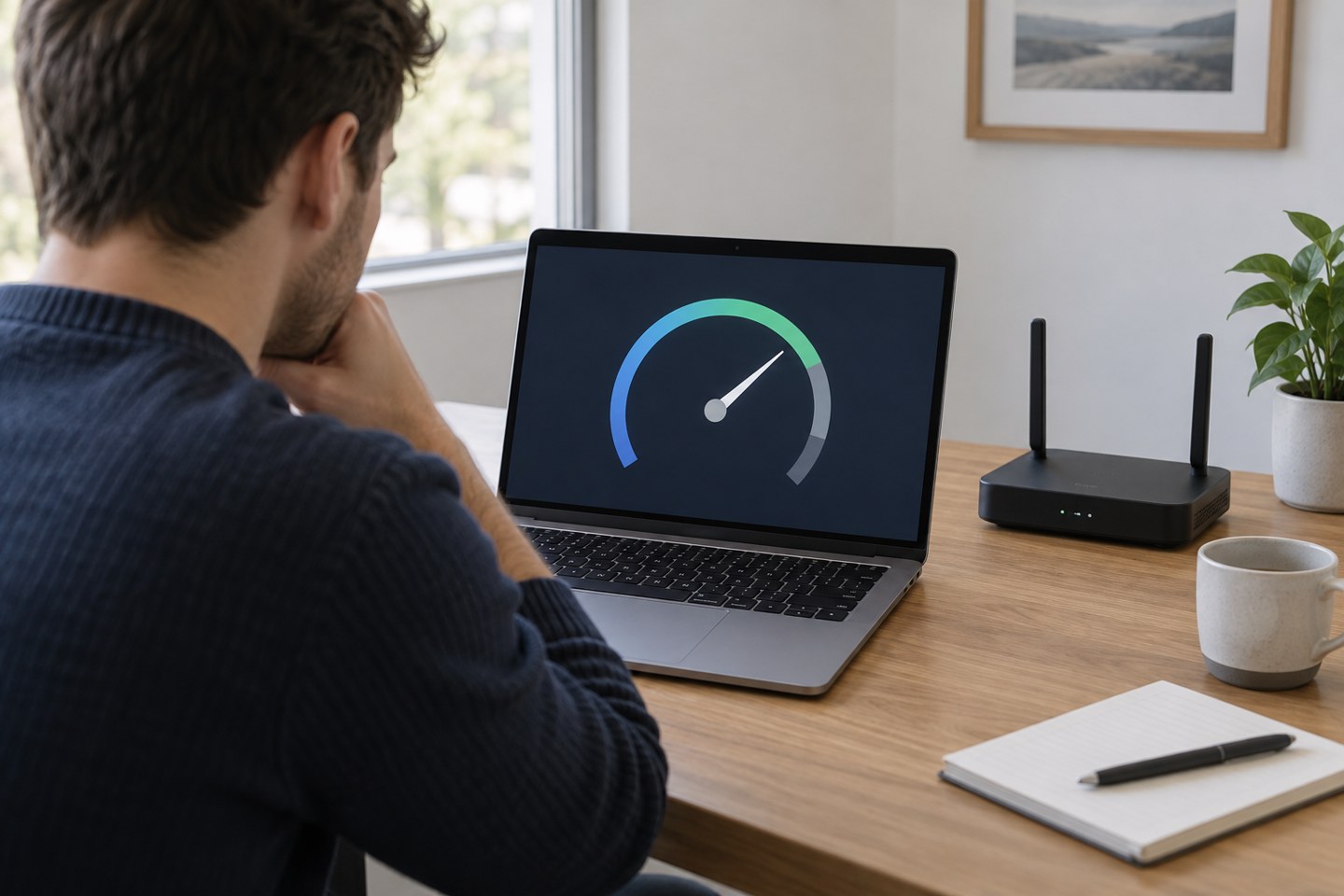
A speed result is a measurement of one route at one time. It is not a verdict on every part of your home network. Decide what you want to learn: whether the broadband service is broadly performing as expected, whether the spare room has a weak wireless link, or whether a particular laptop is unusually slow.
For a room comparison, use the same device and test service in each location. For a service check, follow your provider's recommended method, which may include a wired connection with suitable equipment. A wireless result from behind several walls mixes the incoming connection with the quality of that wireless path.
Remove avoidable confusion
Check for large uploads, downloads, backups and updates. Pause a known transfer only with the user's agreement, and note that you have done so. Keep other conditions consistent, including VPN use and the device's power state. A work VPN may affect the route and may not be something you are permitted to disable.
Record download, upload and any latency information the test provides. The highest download number is not the only useful result. Video calls, file uploads and interactive tasks place different demands on the connection. Also write down the time, location, device and whether the connection was wired or wireless.
Repeat a small, useful comparison
Run a few tests under comparable conditions rather than dozens in rapid succession. Test at the time the problem normally occurs and at a quieter time. If you are checking placement, move the device or router only after collecting the original result, then repeat the same process.
Look for a pattern rather than a single peak. If the spare room is consistently worse than the living room on the same device, investigate coverage. If all rooms and a suitable wired test slow down together, look at household traffic and the incoming service. If only one application struggles while tests look normal, the application or its route still needs attention.
Turn the numbers back into an ordinary task
After a change, try the call, stream or upload that actually matters. A numerical improvement is less useful if the call still freezes. Conversely, a stable connection that supports the household may not need further tuning simply because another room produces a larger result.
Keep a concise set of results for provider support if needed. Explain the conditions and what you already tested. A dated comparison with a clear method is easier to interpret than a gallery of unexplained screenshots, and it helps support avoid asking you to repeat checks you have already completed.