Start with the places that matter
Draw a rough outline of your home and mark the rooms where a connection regularly causes trouble. Include the actual working position: a laptop at the back of a room may behave differently from a phone near its doorway. Mark where the router sits now and where its power and incoming connection enter the room.
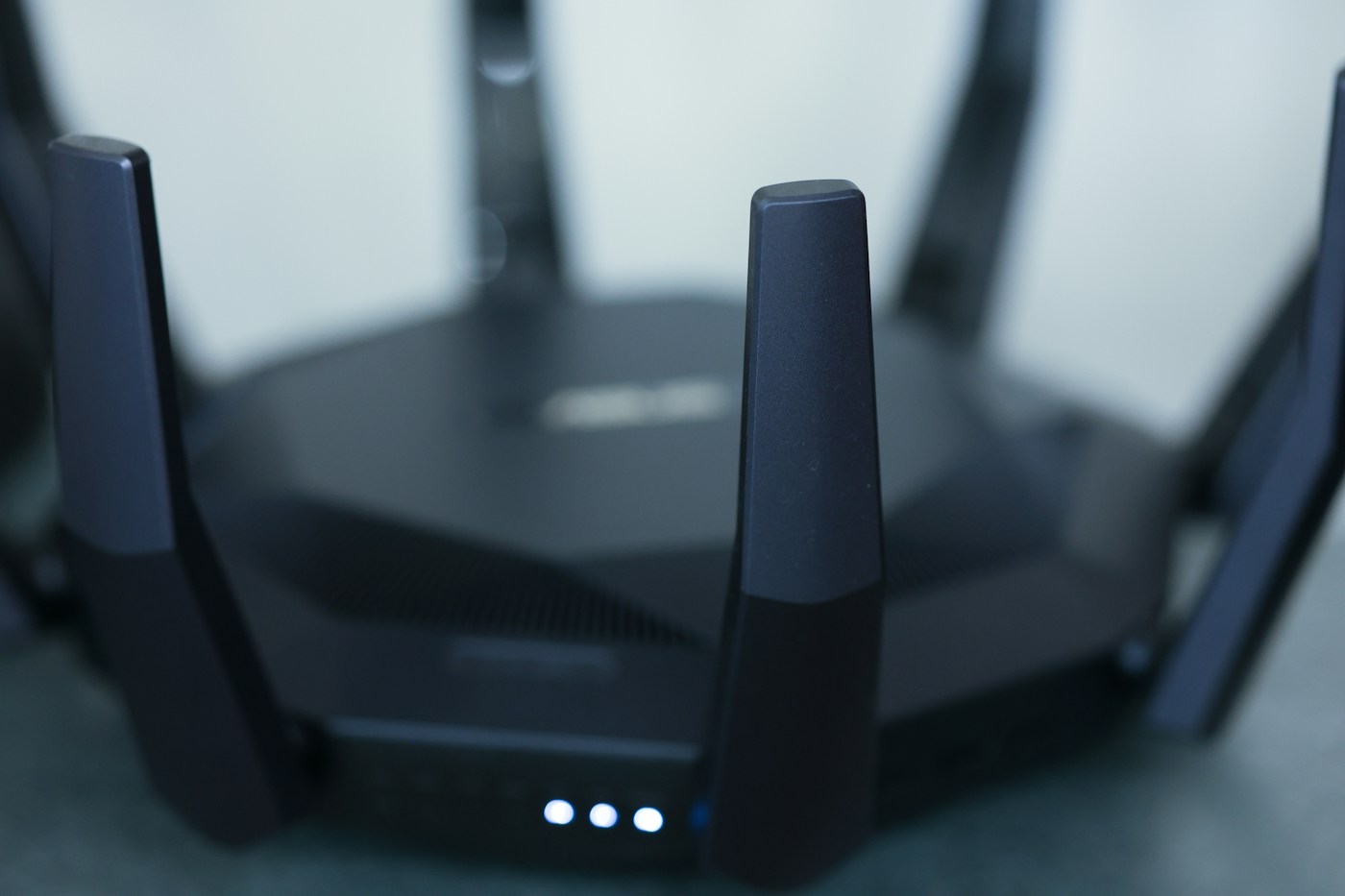
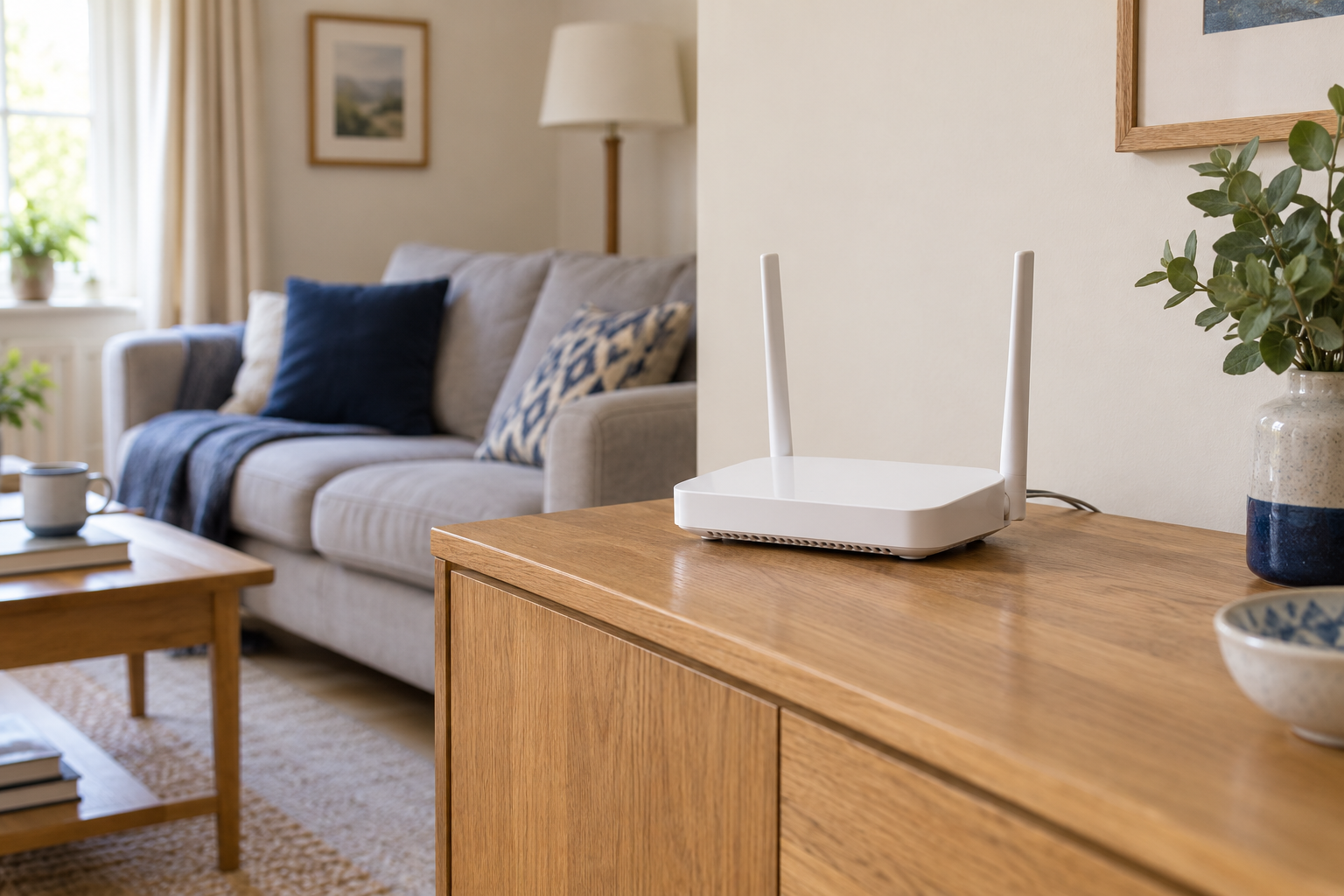
You are looking for a practical improvement, not a mathematically perfect centre. A central, open position is a useful starting point, but the cable route, walls and furniture constrain the choices. Moving the router from behind a television to a clear nearby shelf may be easier to test than relocating it to another floor. Keep its ventilation clear and follow the manufacturer's mounting and orientation guidance.
Compare two realistic positions
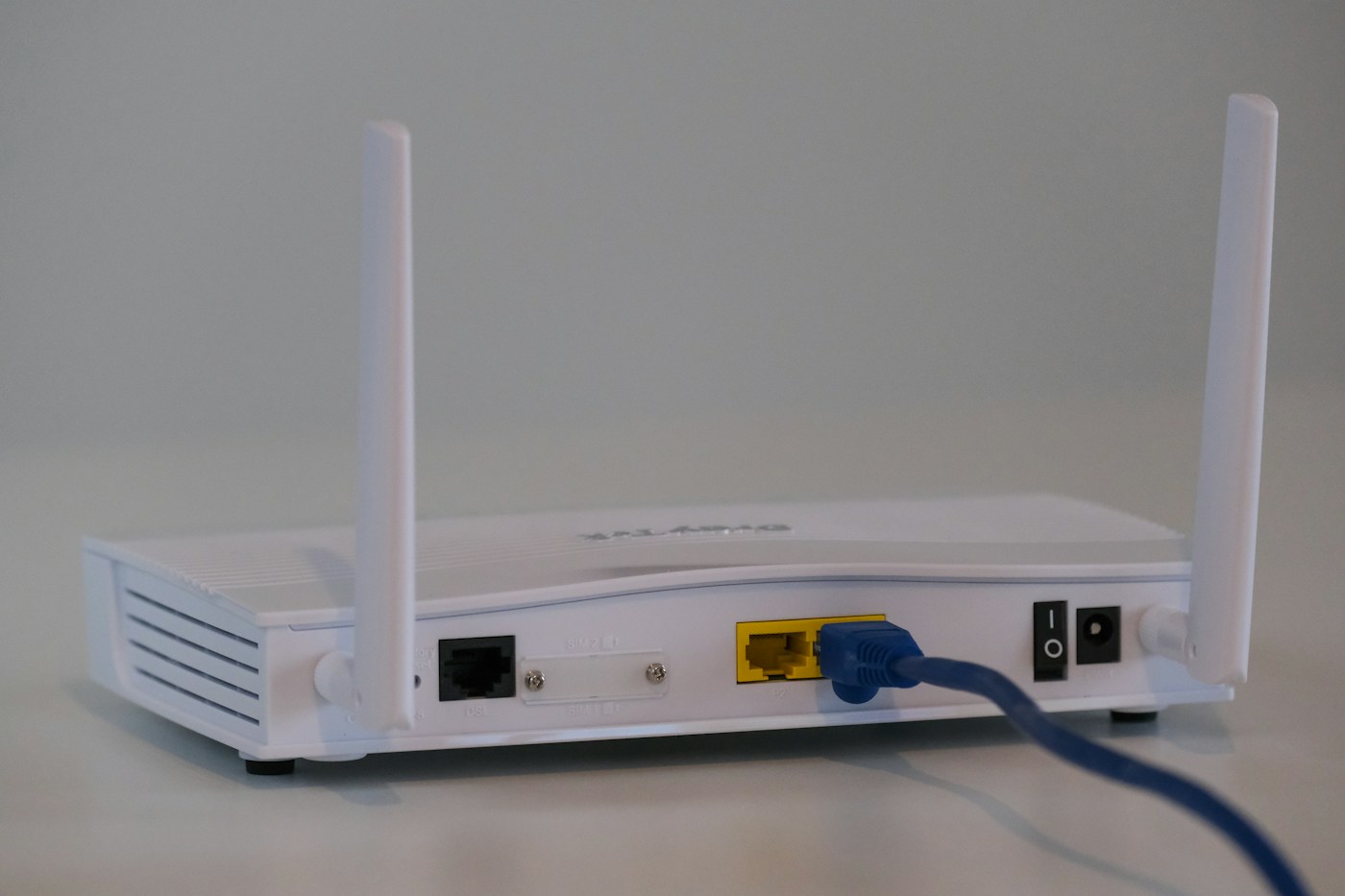
Choose one alternative position that you can reach with the existing cables without pulling on connectors or creating a trip hazard. Avoid enclosing the router among metal objects or burying it behind dense furniture. Do not stretch, sharply bend or disconnect an unfamiliar fibre lead merely to gain another metre. If the incoming connection limits movement, ask the provider what relocation options are appropriate.
Use the same phone or laptop in the same problem location for each comparison. First note whether ordinary tasks work: opening a page, joining a call or playing a familiar video. If you run a speed test, use the same service and pause large downloads elsewhere when possible. Write down the result and the time instead of remembering only whether the connection felt better.
Move the router, allow it to reconnect fully, and repeat. Keep other changes out of this trial. Renaming the network, replacing a cable and moving the router at once might improve things, but you would not know which change helped. A short comparison also needs a later check during normal household use; a quiet morning result is not the whole story.
Check the rooms you might have made worse
An improvement at a desk can come at the expense of the television or an upstairs bedroom. Repeat a simple connection check in those places before fixing cables permanently. Ask another household member to try the device they normally use rather than treating one phone as a measurement of every device's experience.
Record the position that works best, including whether doors were open or closed. A photo of the shelf and cable arrangement can be useful if the router gets moved while cleaning. Label power leads only where it is safe and practical to do so; avoid covering vents, ports or equipment labels.
Recognise the limit of placement
If the connection is poor even beside the router, moving it may not address the real fault. Compare another device and check the provider's connection status before buying a range extender. If nearby performance is good but a distant room remains unreliable, coverage is a more plausible part of the problem. A wired connection or carefully placed additional access point may then be worth investigating.
Keep the result of your experiment. A note saying that the back bedroom works with the router on the open shelf but not behind the television is more useful than a general complaint that the Wi-Fi is bad. It gives the next decision a clear starting point.