Home Wi-Fi
Setting up a useful guest network
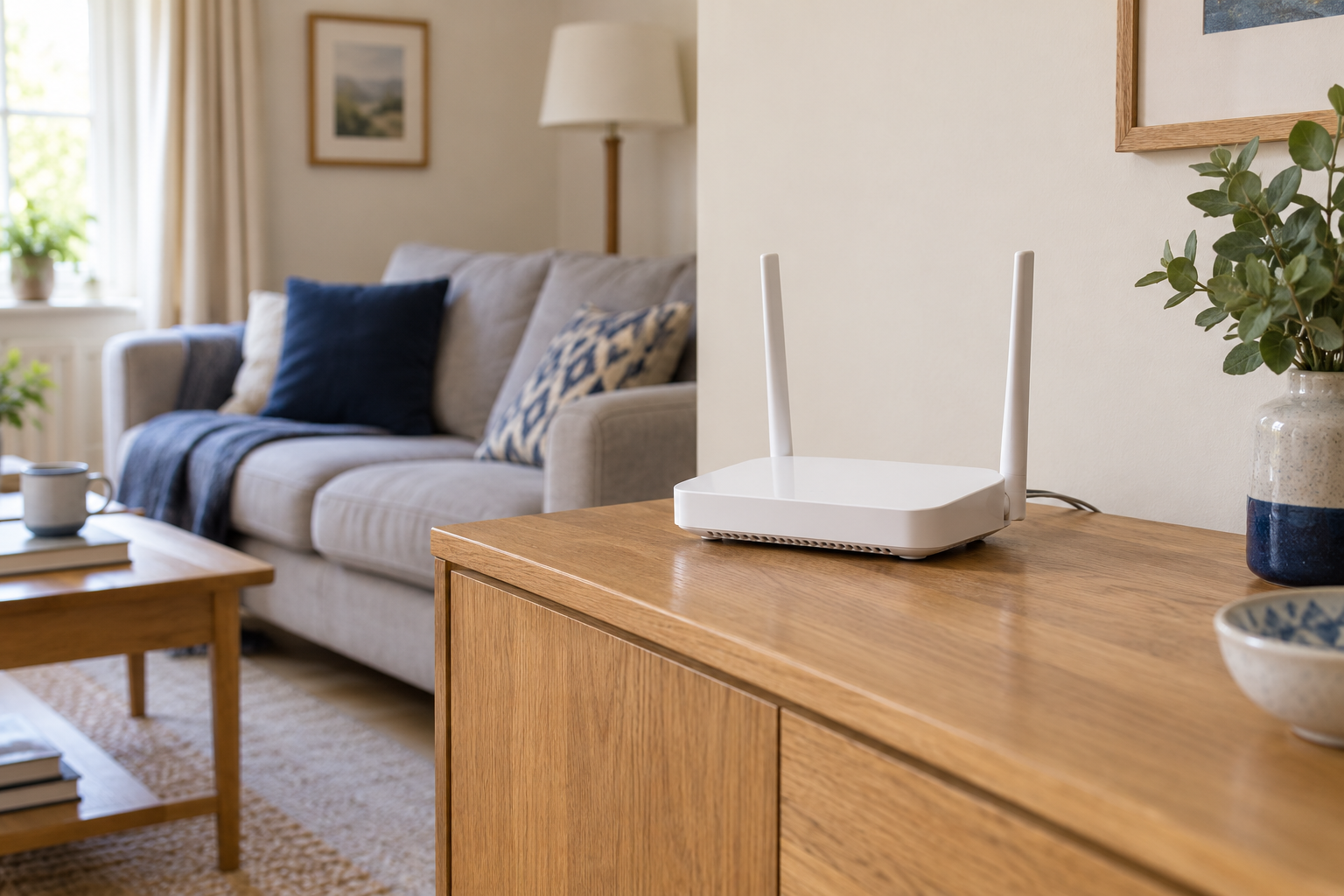
A guest network can make visitor access simpler while keeping everyday household devices on their usual connection.
Technology, at home.
A clearer connection. A calmer desk. Devices that do what you need. Start with the problem in front of you.
Start here / Home Wi-Fi →
Browse by topic
Find weak spots, place equipment sensibly and work out what is slowing a connection.
02 / 18 GUIDESMake lights, sensors and routines fit the way your household actually works.
03 / 17 GUIDESConnect screens, sort out call audio and make everyday desk equipment easier to use.
04 / 16 GUIDESGet familiar with the printers, televisions, headphones and other devices already at home.
05 / 16 GUIDESNarrow down a fault, protect your settings and know what to tell support.
06 / 15 GUIDESRead the specifications that matter before choosing cables, accessories or a replacement device.
Useful starting points
Home Wi-Fi
A guest network can make visitor access simpler while keeping everyday household devices on their usual connection.
Smart home
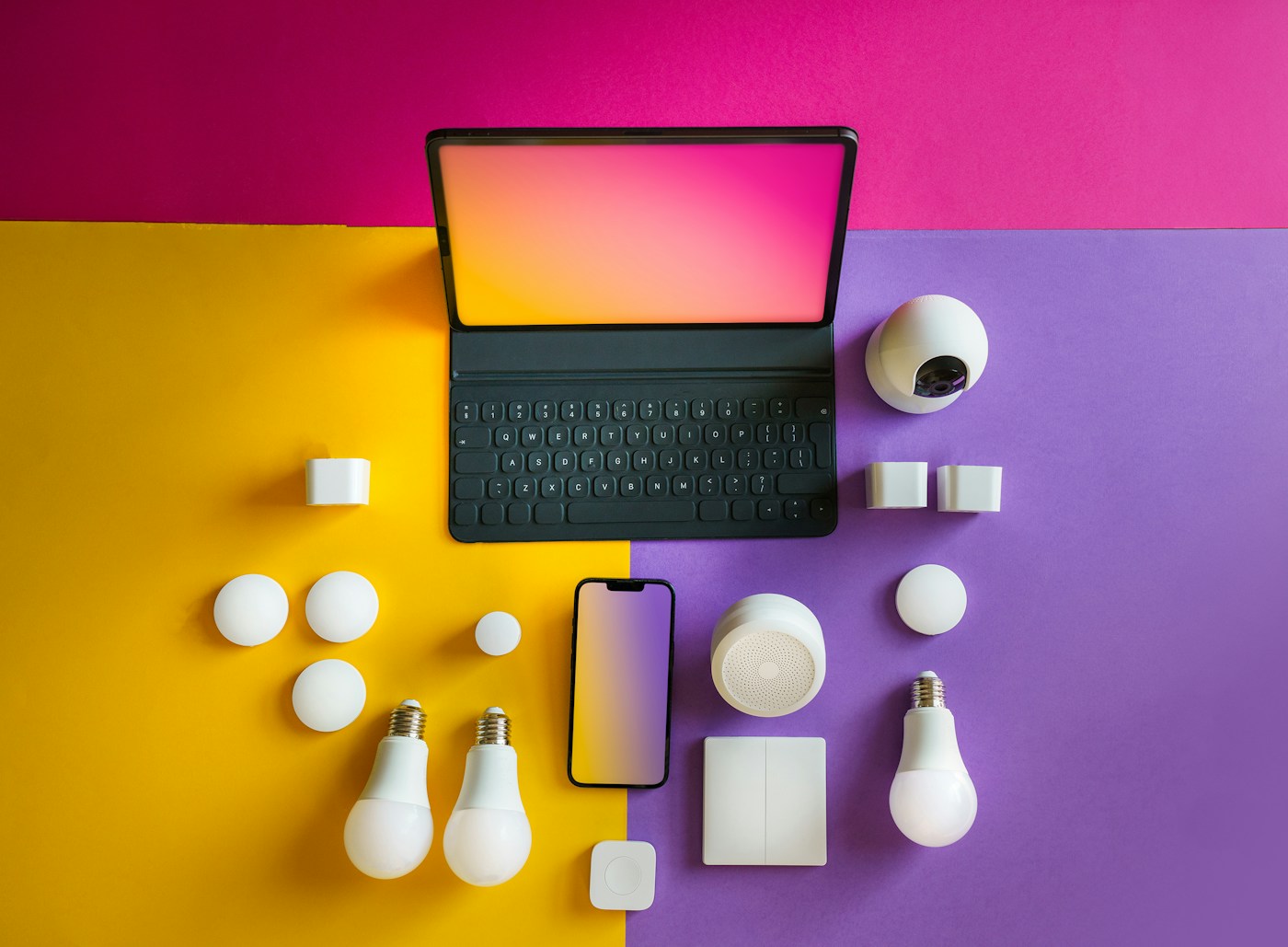
Matter describes how compatible devices work together. Thread describes one network they can use. Understanding the distinction makes shopping and setup less confusing.
Desk & workspace
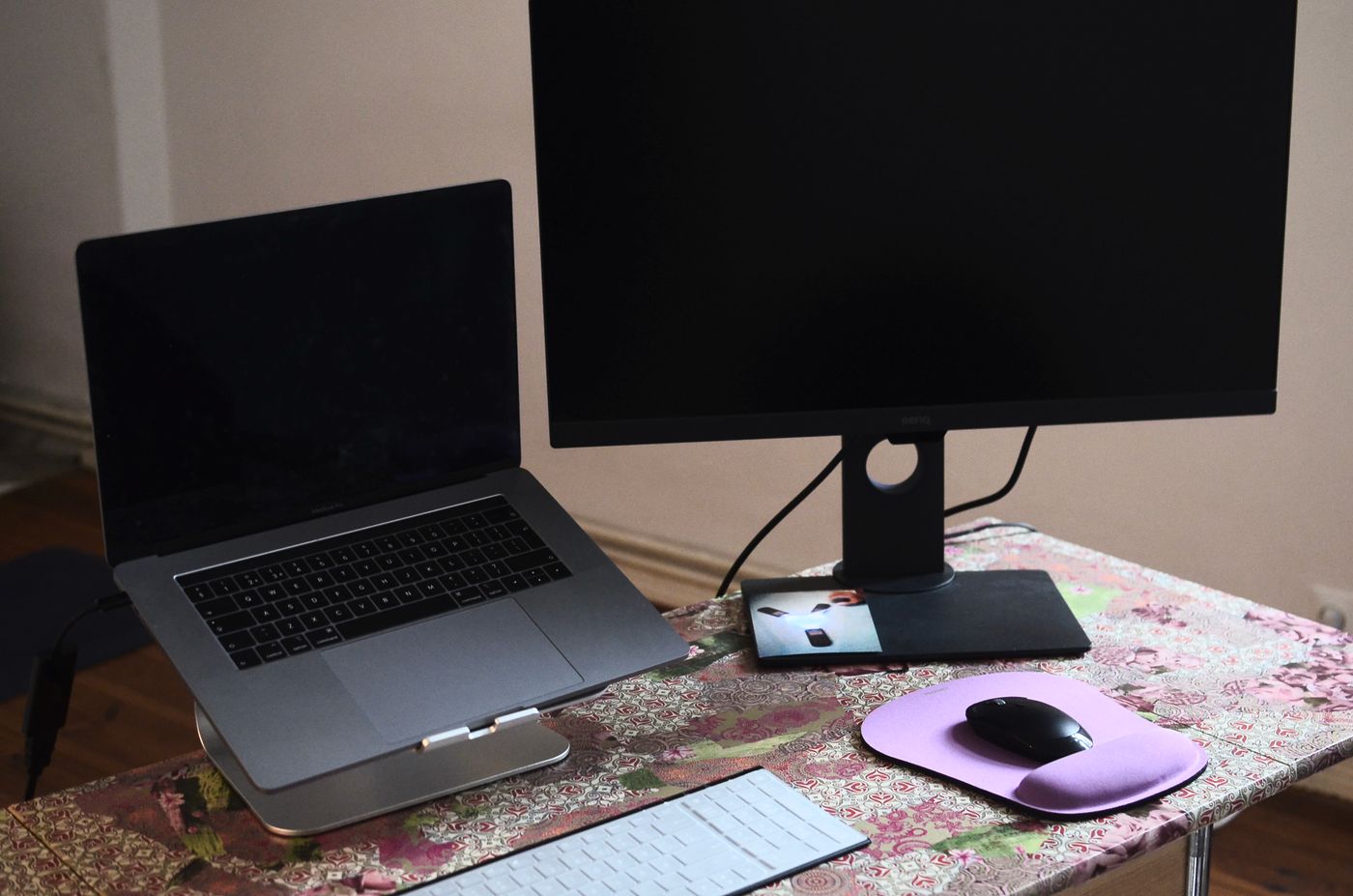
A USB-C socket does not promise video, charging and USB accessories through one cable. Check the laptop, monitor and cable as three separate parts of the connection.

Everyday devices
Give the headphones one clear pairing target, then check where the sound is being sent.
Setup & fixes
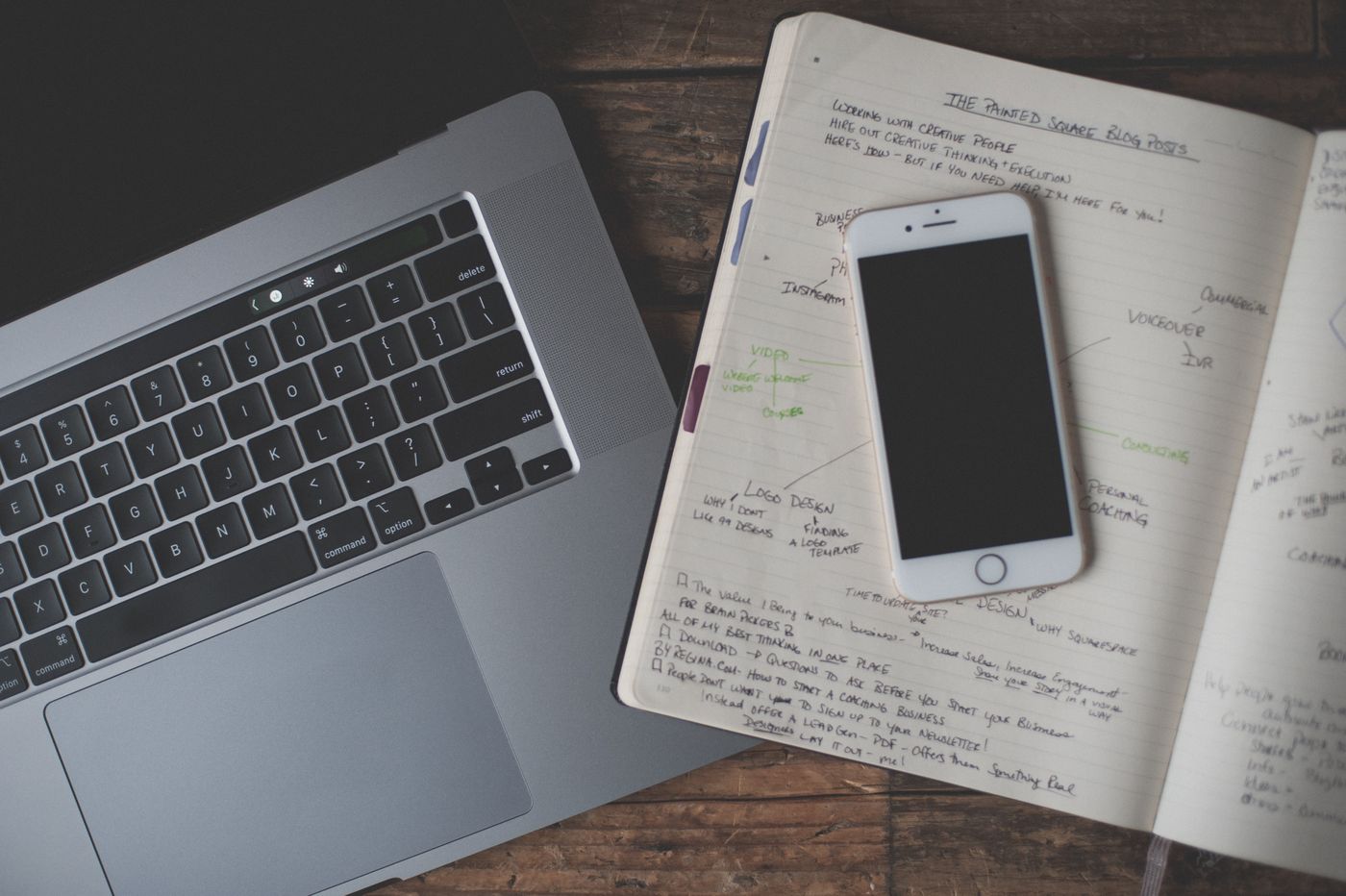
A reset is easier to recover from when your notes cover access, settings and the things a backup may leave out.
Buying guides
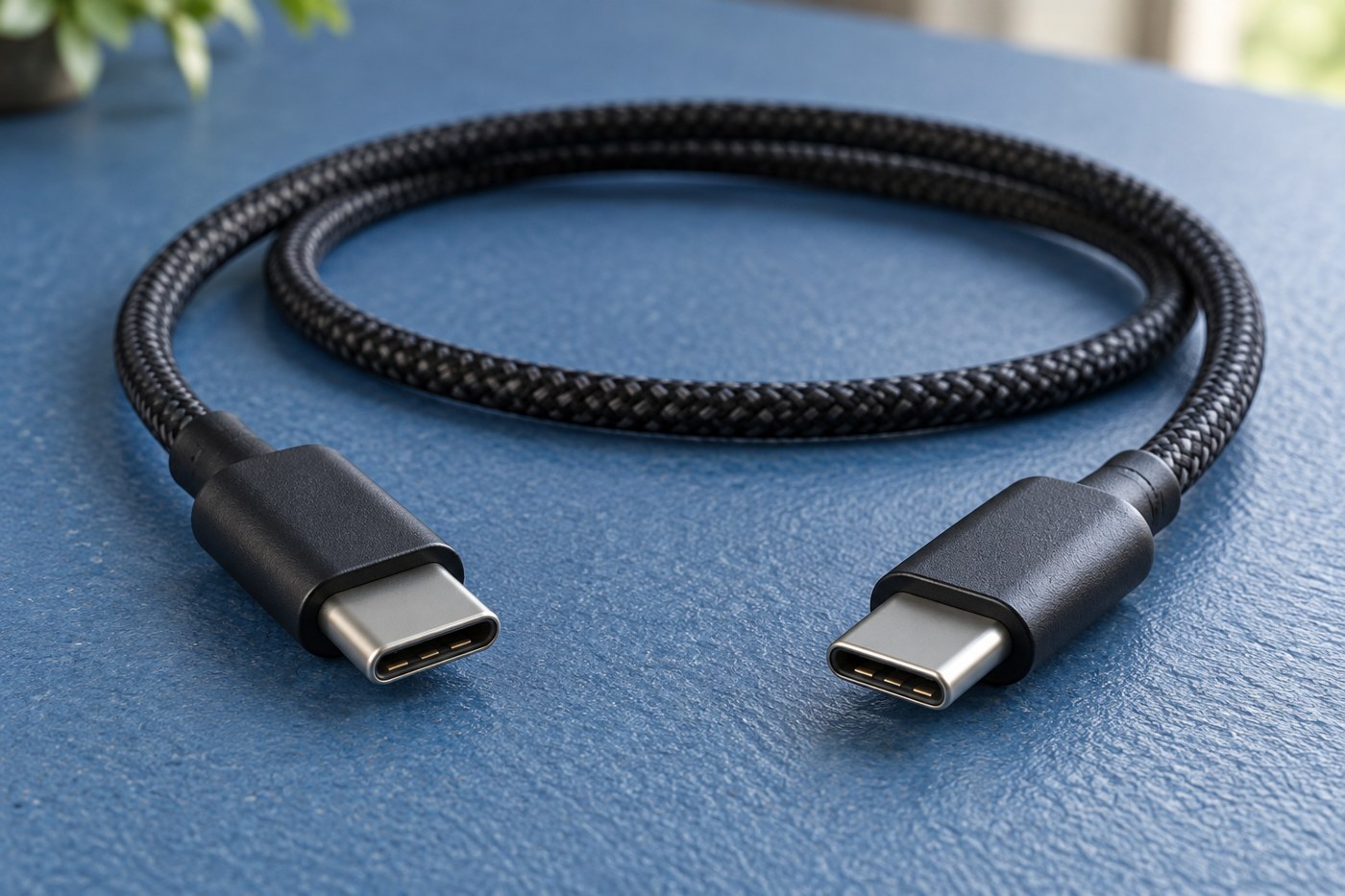
Two USB-C cables can look alike and do different jobs. Match power, data and video requirements separately.