Separate permanent and travelling connections
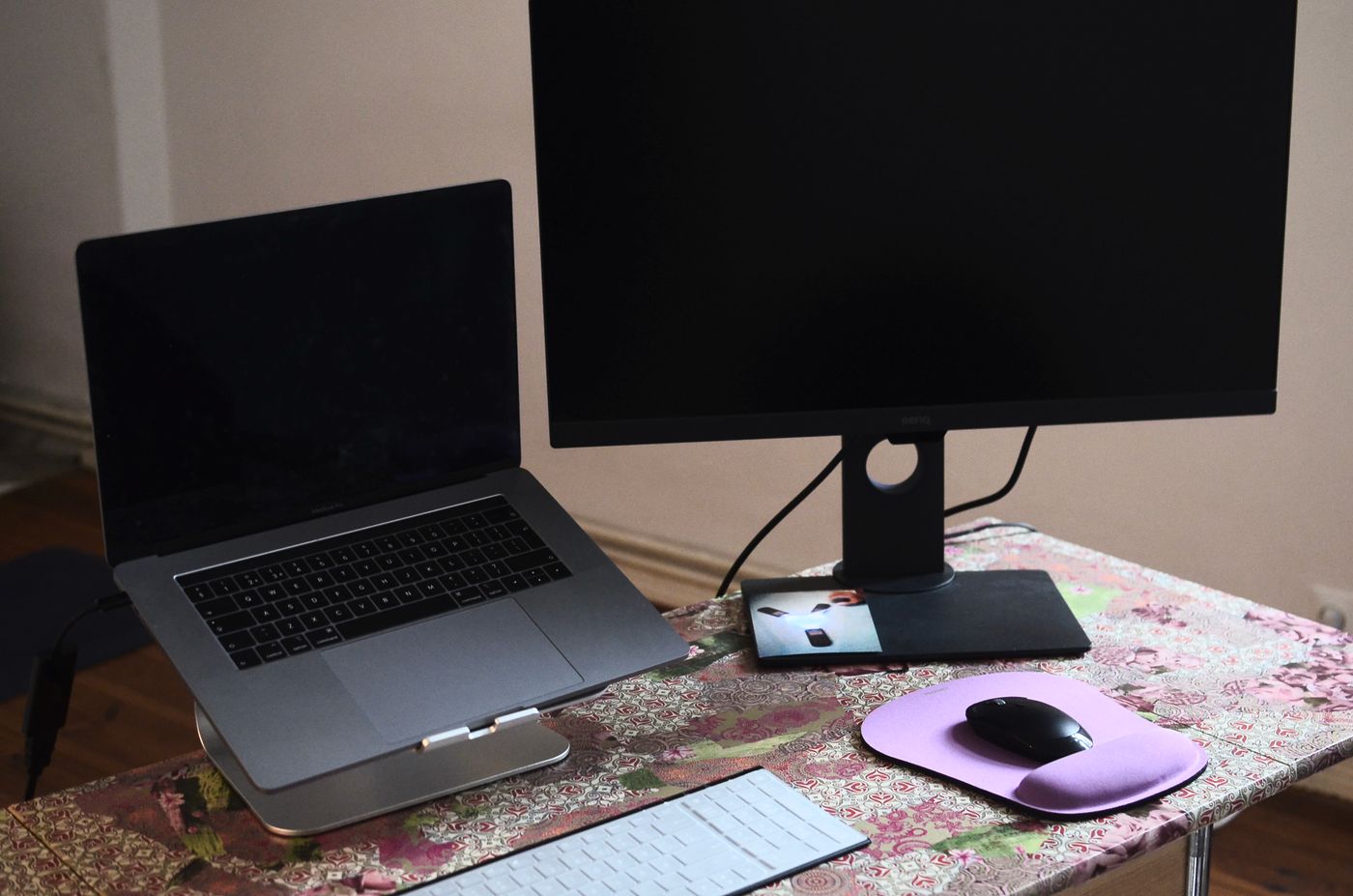
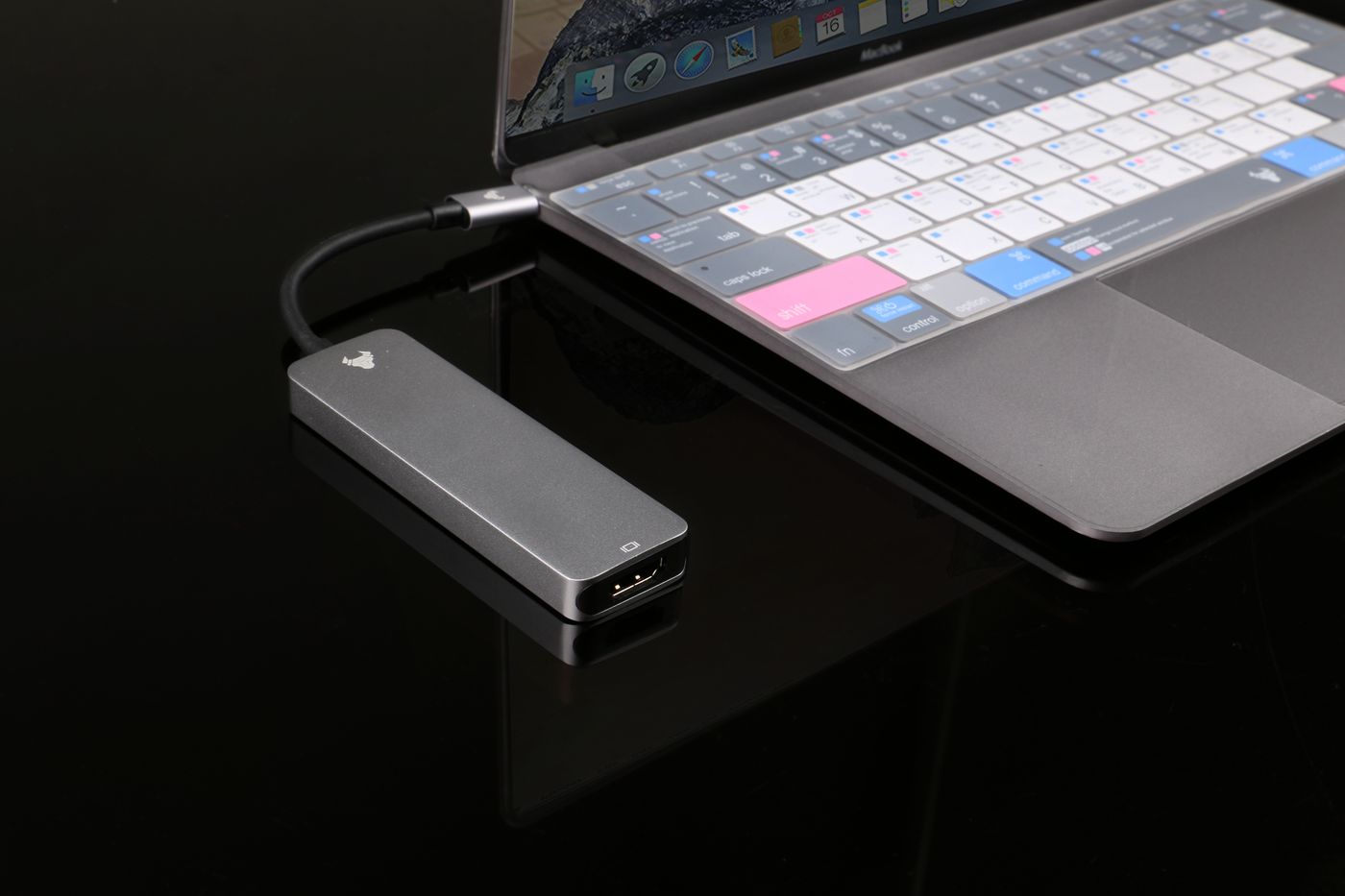
Lay out the desk in its working position before fastening anything. Identify the cables that usually stay put, such as a monitor lead, and those removed every day, such as the laptop connection. A travelling cable should remain easy to reach instead of being woven through the permanent bundle.
Trace each cable from end to end and remove genuinely unused leads. Keep useful spares elsewhere with a label describing their purpose. Leaving an abandoned cable attached to a dock because it might be useful someday makes later troubleshooting harder.
Leave movement where it is needed
Move the monitor through its normal height and swivel range. Check the laptop position and, if relevant, the desk's full height adjustment. The cables should not become taut, pull on a connector or catch in moving parts. Allow a modest service loop where movement occurs rather than stretching a cable to achieve a perfectly straight line.
Use suitable reusable ties or clips without crushing the cable. Follow the cable and equipment guidance around bends and ventilation. Keep plugs accessible enough to disconnect safely, and do not fasten a connector so tightly that the device must be dragged across the desk to reach it.
Keep power equipment within its ratings and do not extend reach by daisy-chaining extension leads. If the wall socket is poorly placed, solve the route with suitable equipment or professional advice rather than hiding a chain of adapters behind furniture.
Label the ends that matter
A small label near the accessible end can say Monitor video, Laptop host or Desk lamp. Avoid putting passwords or other private information on visible labels. If several power supplies look similar, keep each associated with its correct device; connector shape alone is not a compatibility check.
Photograph the working connections for your own reference once the layout is complete. Focus on the port assignments, not a decorative overhead view. A clear picture can save time after moving the desk or temporarily borrowing a cable.
Test access before calling it finished
Disconnect and reconnect the laptop as you would when leaving for work. Remove one USB accessory and put it back. If either task requires opening every tie, the bundle is too tightly organised. Loosen the layout around the frequently changed connections.
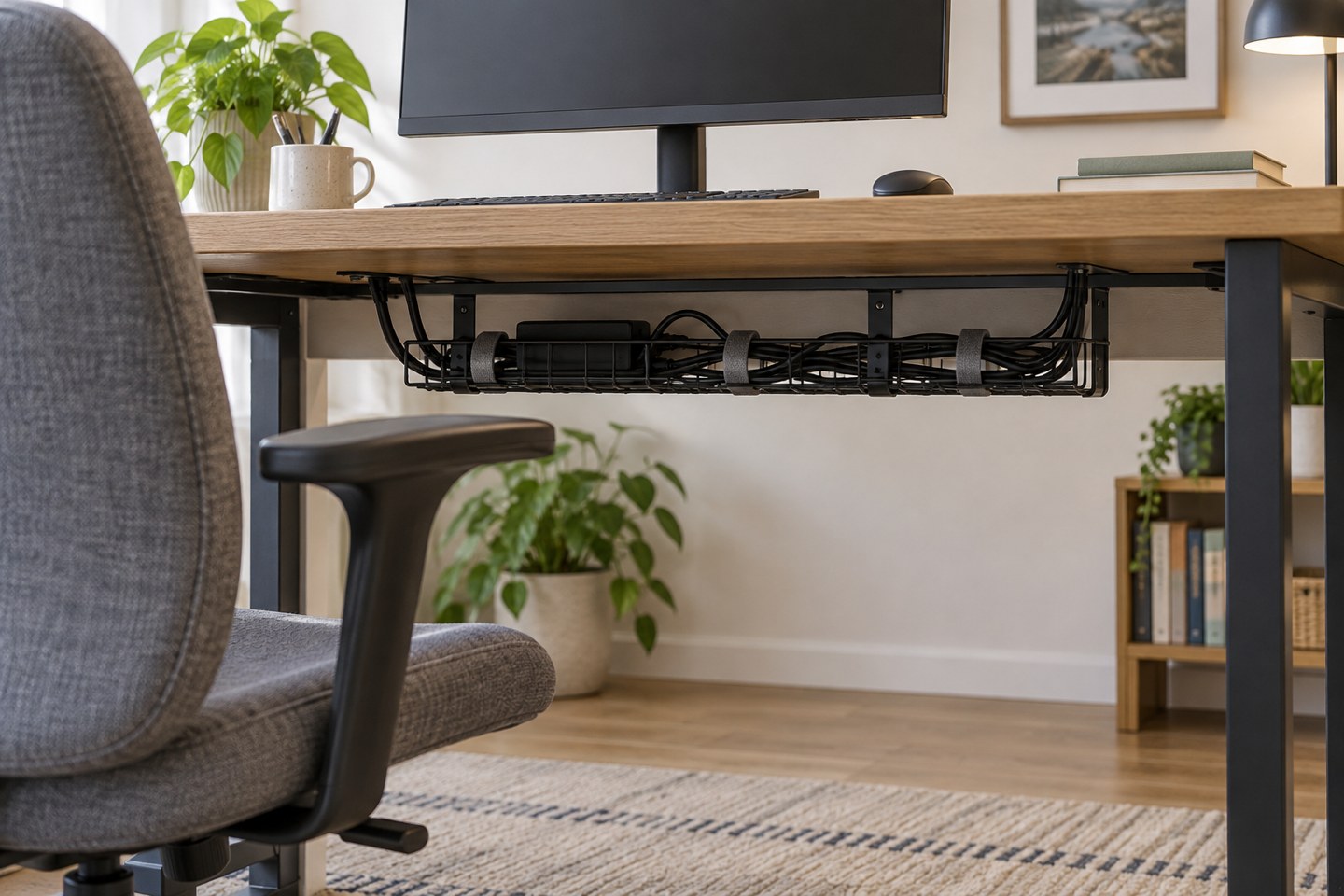
Leave space for cleaning and visual inspection. A cable tray should not turn into a sealed container full of power bricks and dust. Check that equipment retains its specified airflow and that sockets, switches and damaged leads remain visible enough to notice.
After a week, adjust the few routes that proved inconvenient. A maintainable desk may show a little cable; that is a reasonable trade for being able to change one component without undoing the whole arrangement.