
Setup & fixes
What to record before a factory reset
A reset is easier to recover from when your notes cover access, settings and the things a backup may leave out.
Home technology
Record the symptom, protect your settings and test one possible cause at a time.
A reset is easier to recover from when your notes cover access, settings and the things a backup may leave out.

A small, repeatable test tells you more than a burst of settings changes that happens to make the problem disappear.

Use a known working comparison to separate a damaged connection from one that simply cannot perform the job you have asked of it.

Start by separating a weak Bluetooth link from a streaming problem, then change the distance and surroundings in a controlled way.
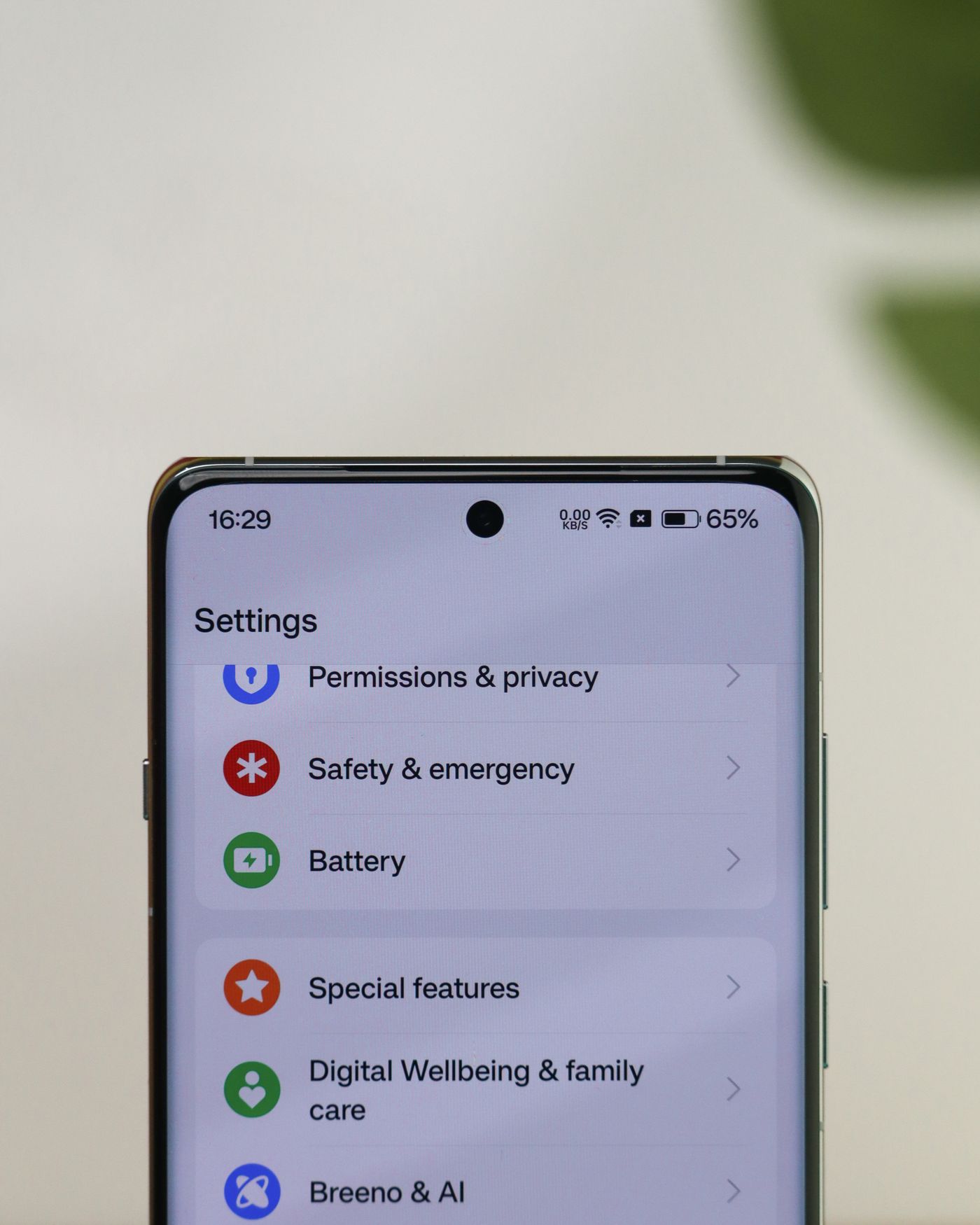
Read a permission request in the context of the action you are taking, and use the narrowest access that lets the feature work.

An incorrect date can make a healthy connection look broken. Check the clock before working around a security warning.

Find the large, replaceable items first, and keep a clear distinction between removing a local copy and deleting the only copy.
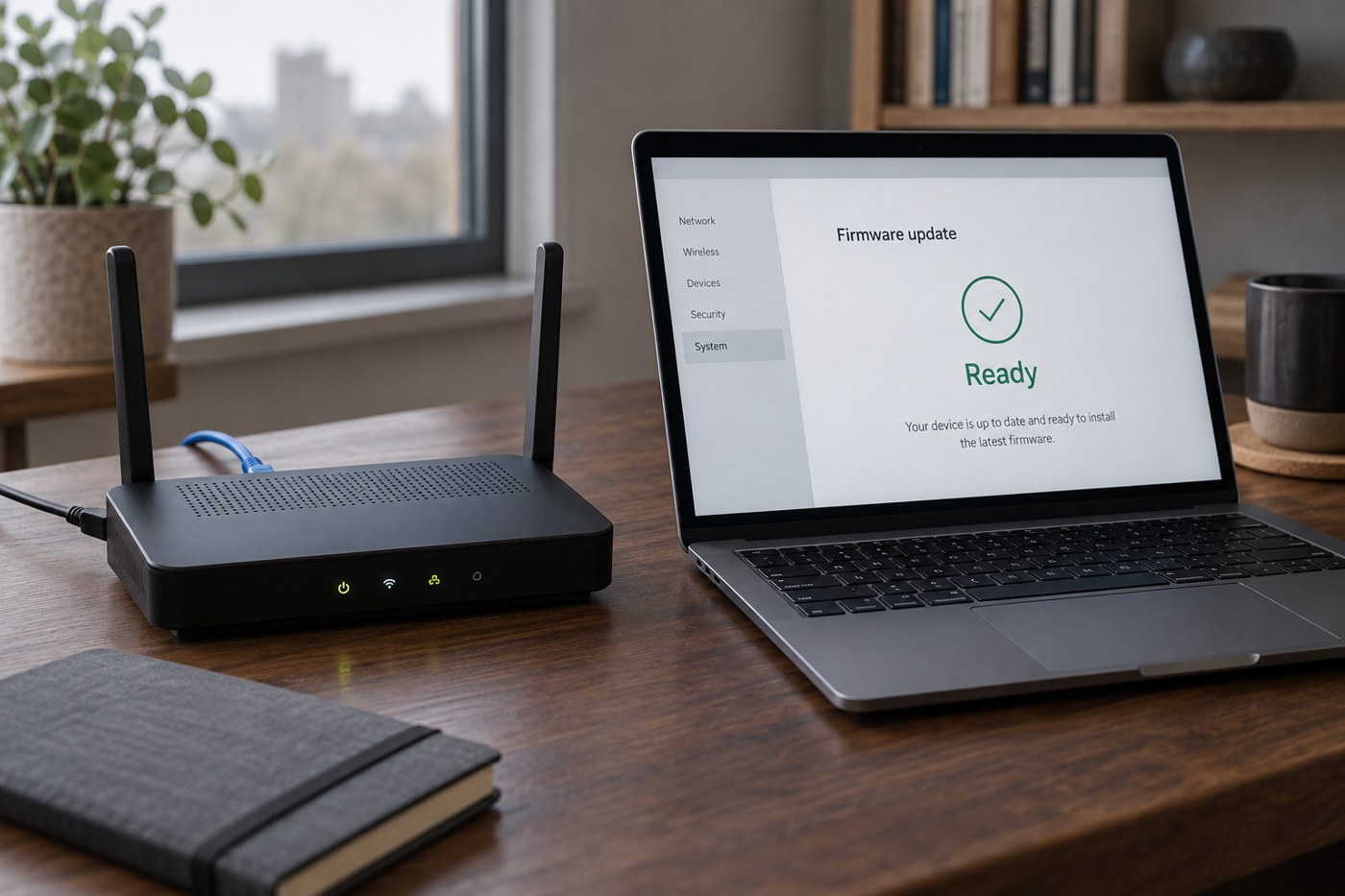
A little preparation makes an update less disruptive and reduces the chance of using a file intended for a different device.
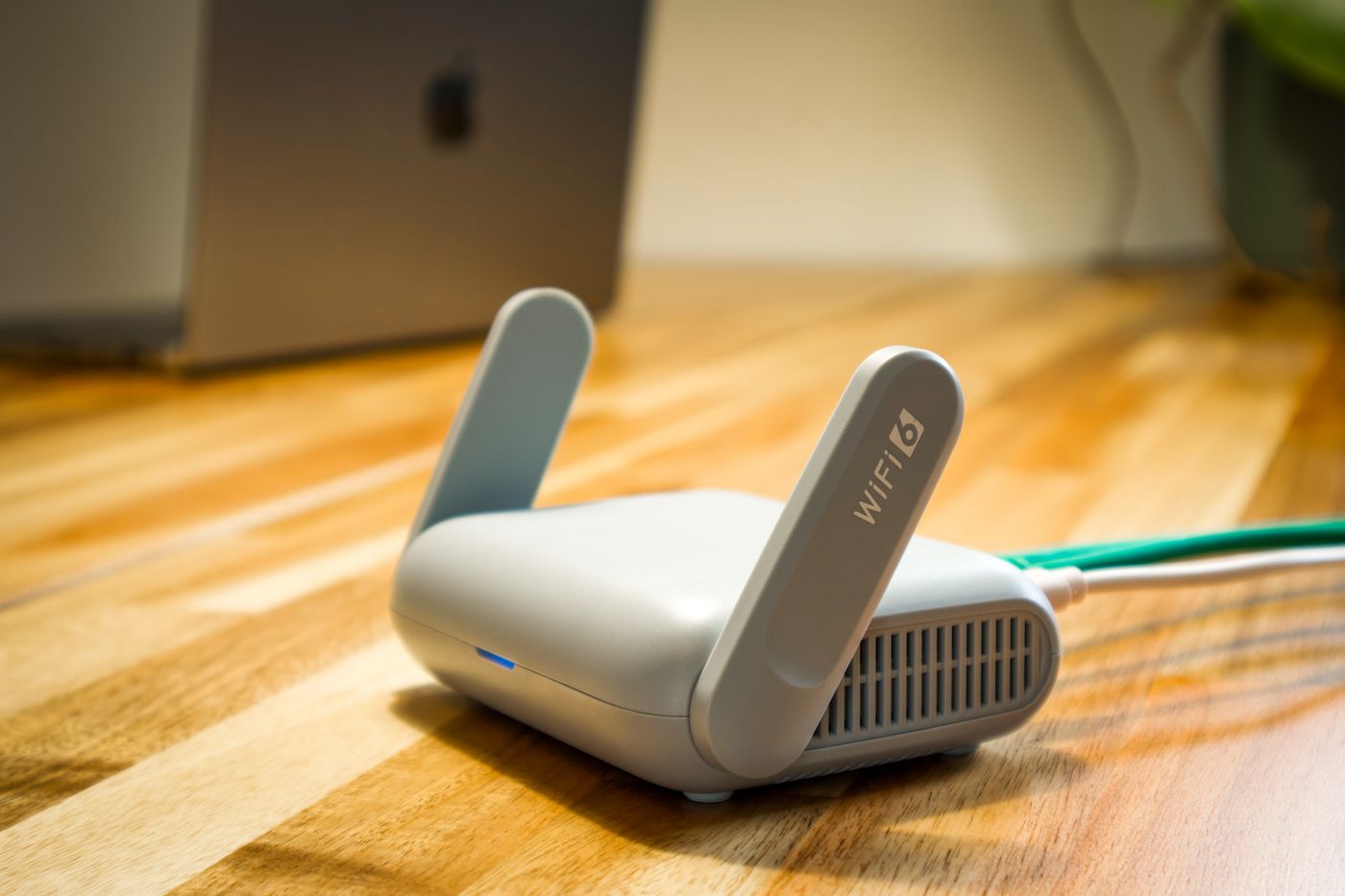
Plan the replacement around your broadband connection and the devices that already depend on it, not just the new Wi-Fi name.