Desk & workspace
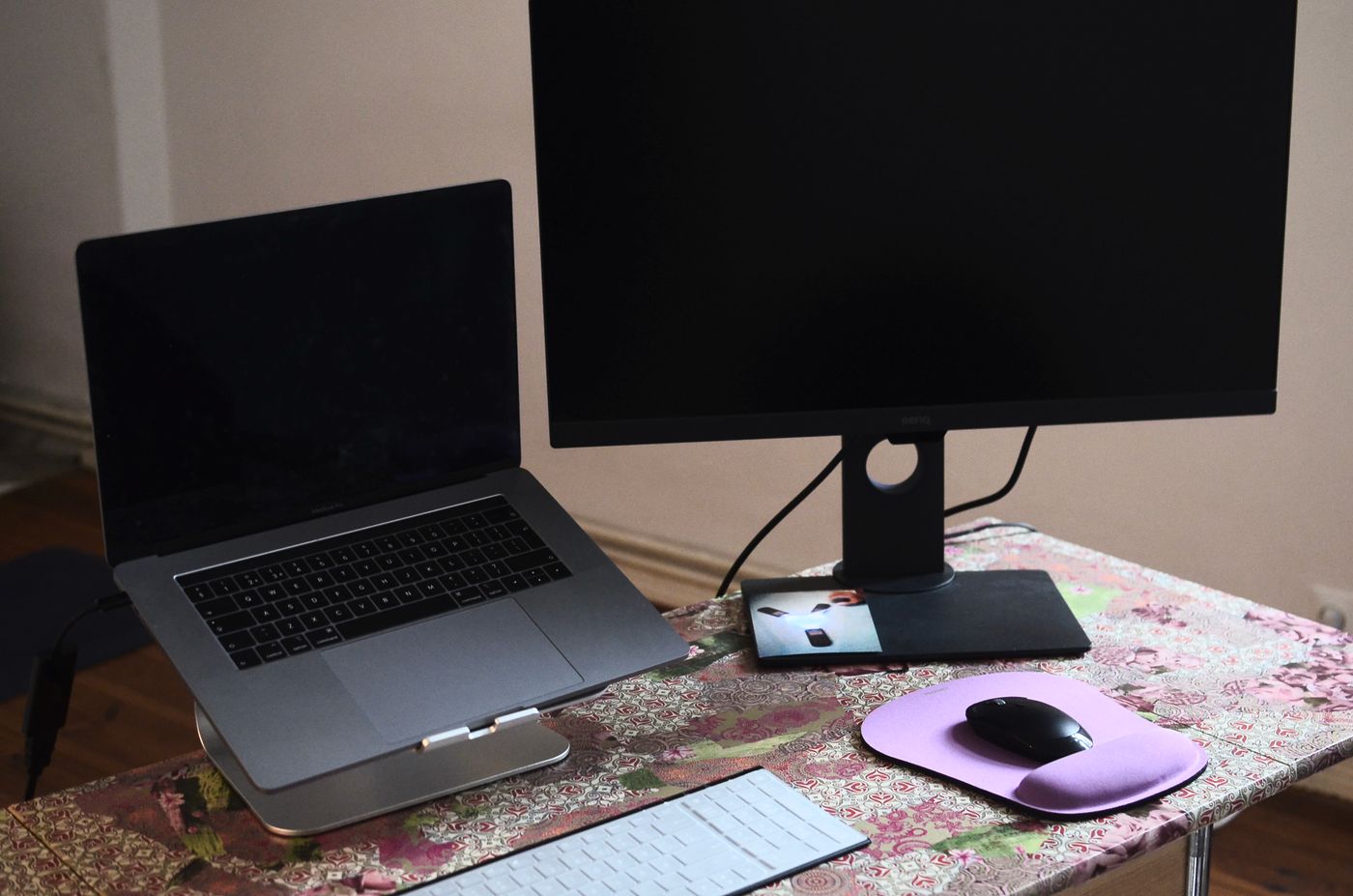
Checking whether one USB-C cable can connect your monitor
A USB-C socket does not promise video, charging and USB accessories through one cable. Check the laptop, monitor and cable as three separate parts of the connection.
The Leetek guides
Connect screens, sort out call audio and make everyday desk equipment easier to use.
Desk & workspace
A USB-C socket does not promise video, charging and USB accessories through one cable. Check the laptop, monitor and cable as three separate parts of the connection.
Desk & workspace
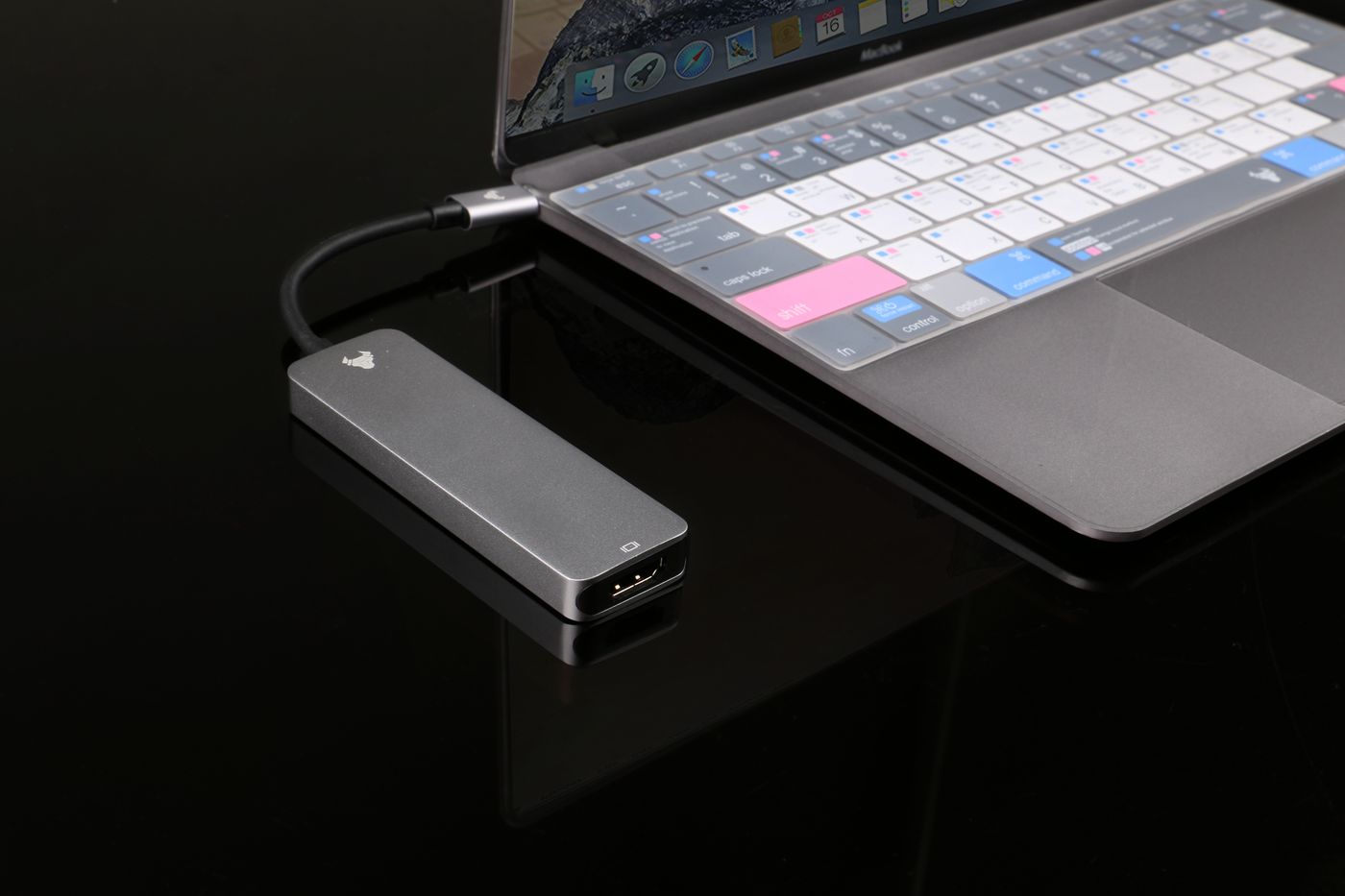
Count the connections you will use together, then check whether the laptop and dock support that combination.
Desk & workspace
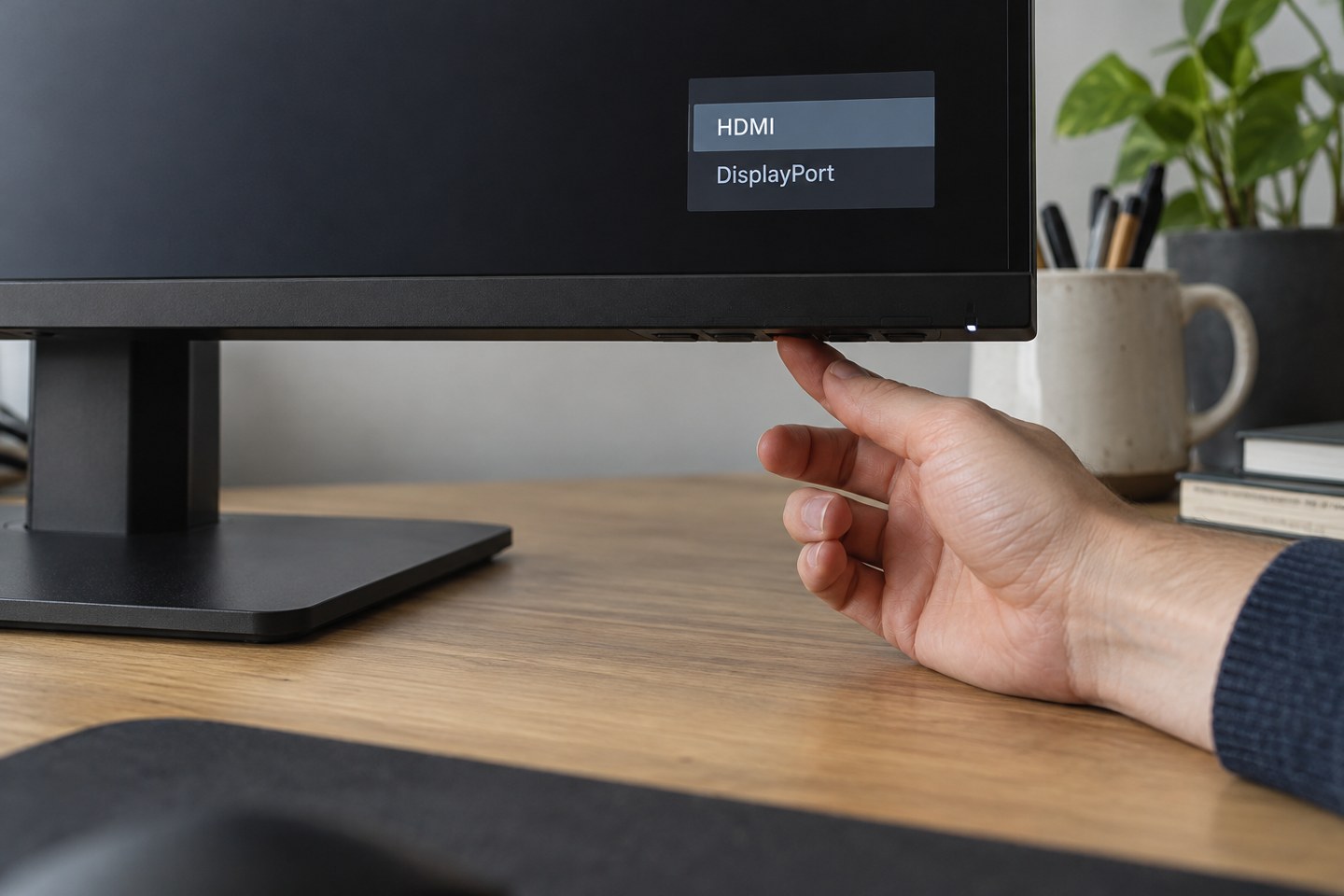
Match the monitor menu to the socket carrying the picture before changing computer settings.
Desk & workspace
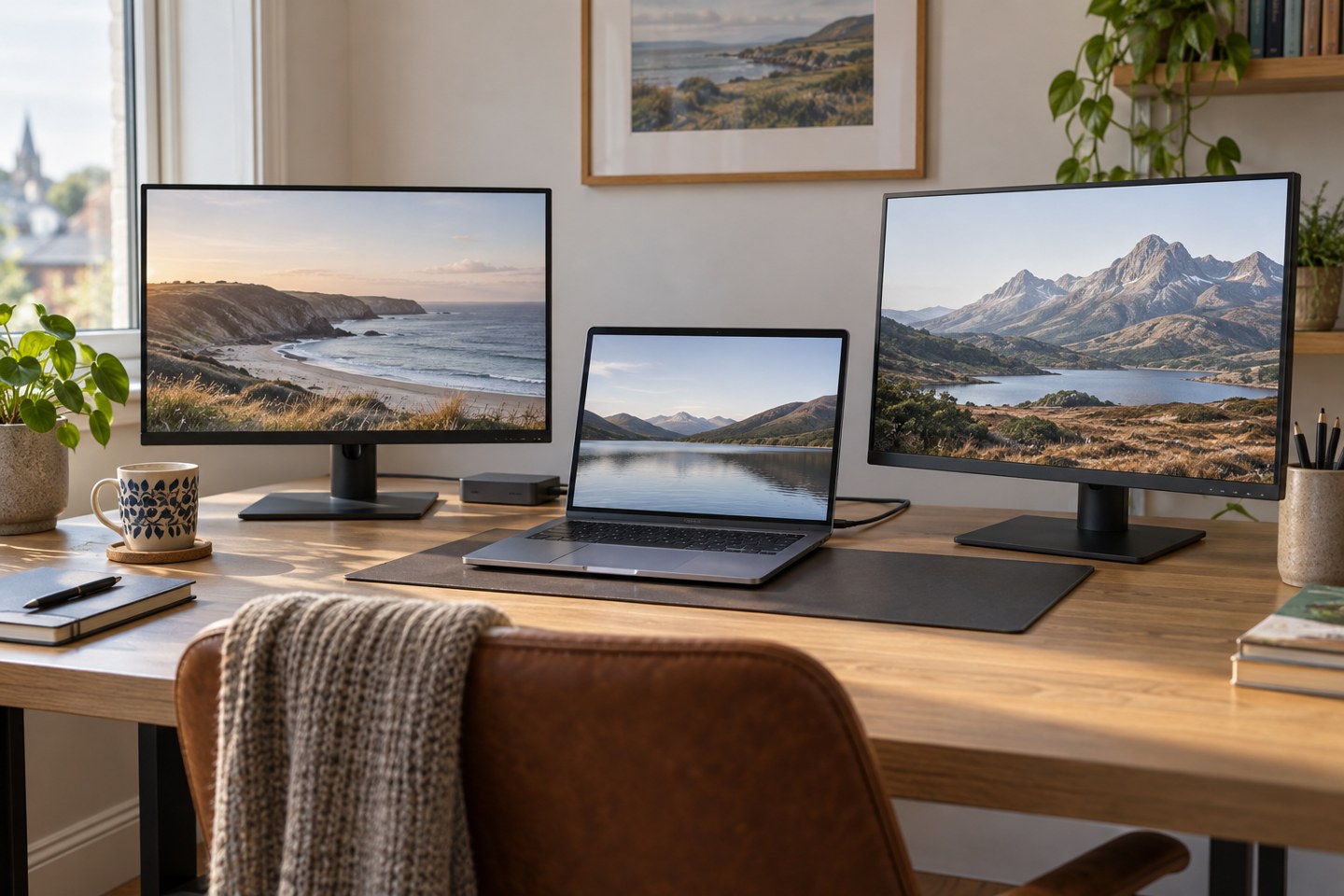
Two spare sockets do not establish two-screen support. Check the laptop, connection route and display modes as a complete arrangement.
Desk & workspace
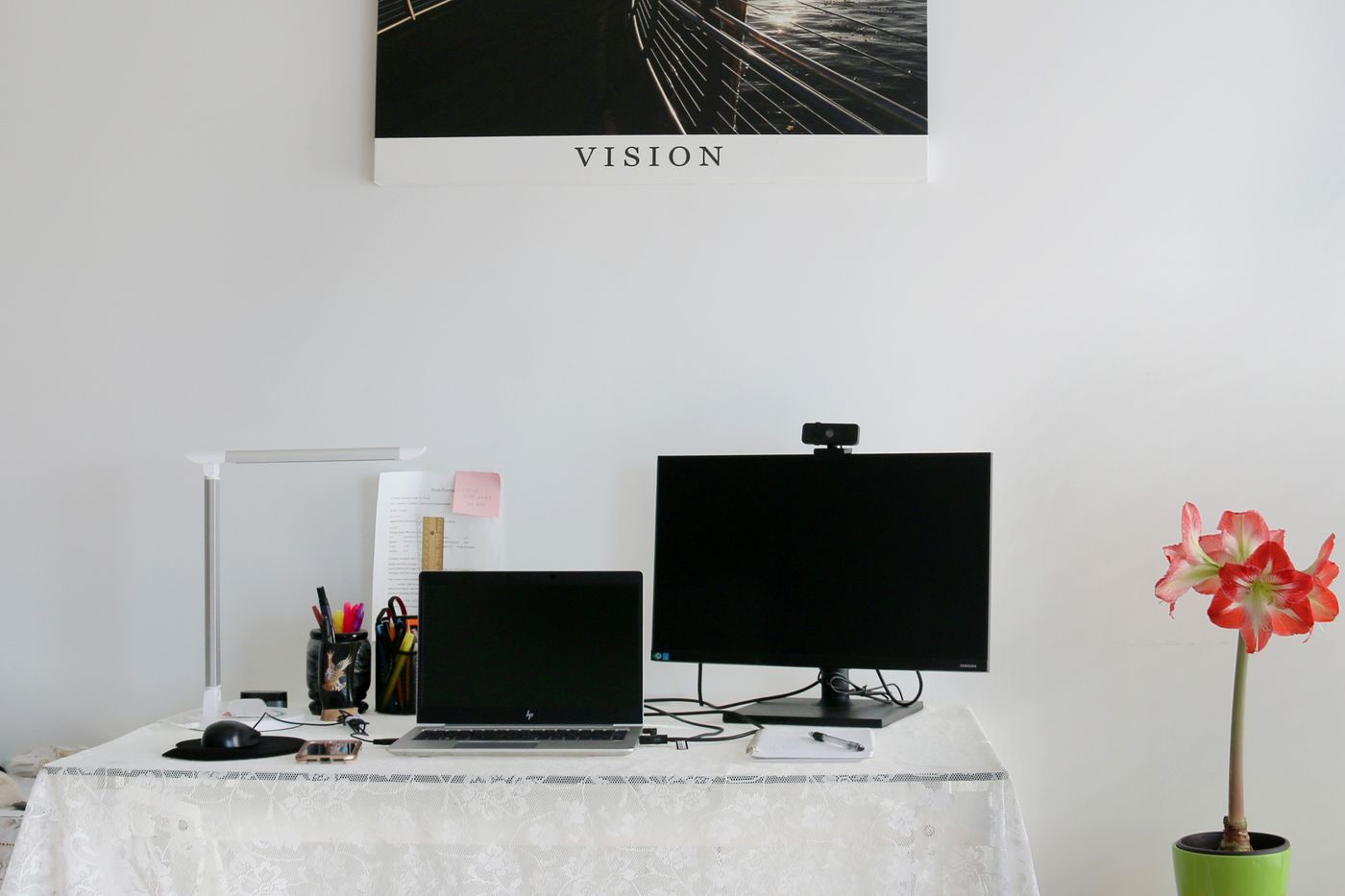
Move and soften the light before assuming the webcam needs replacing.
Desk & workspace
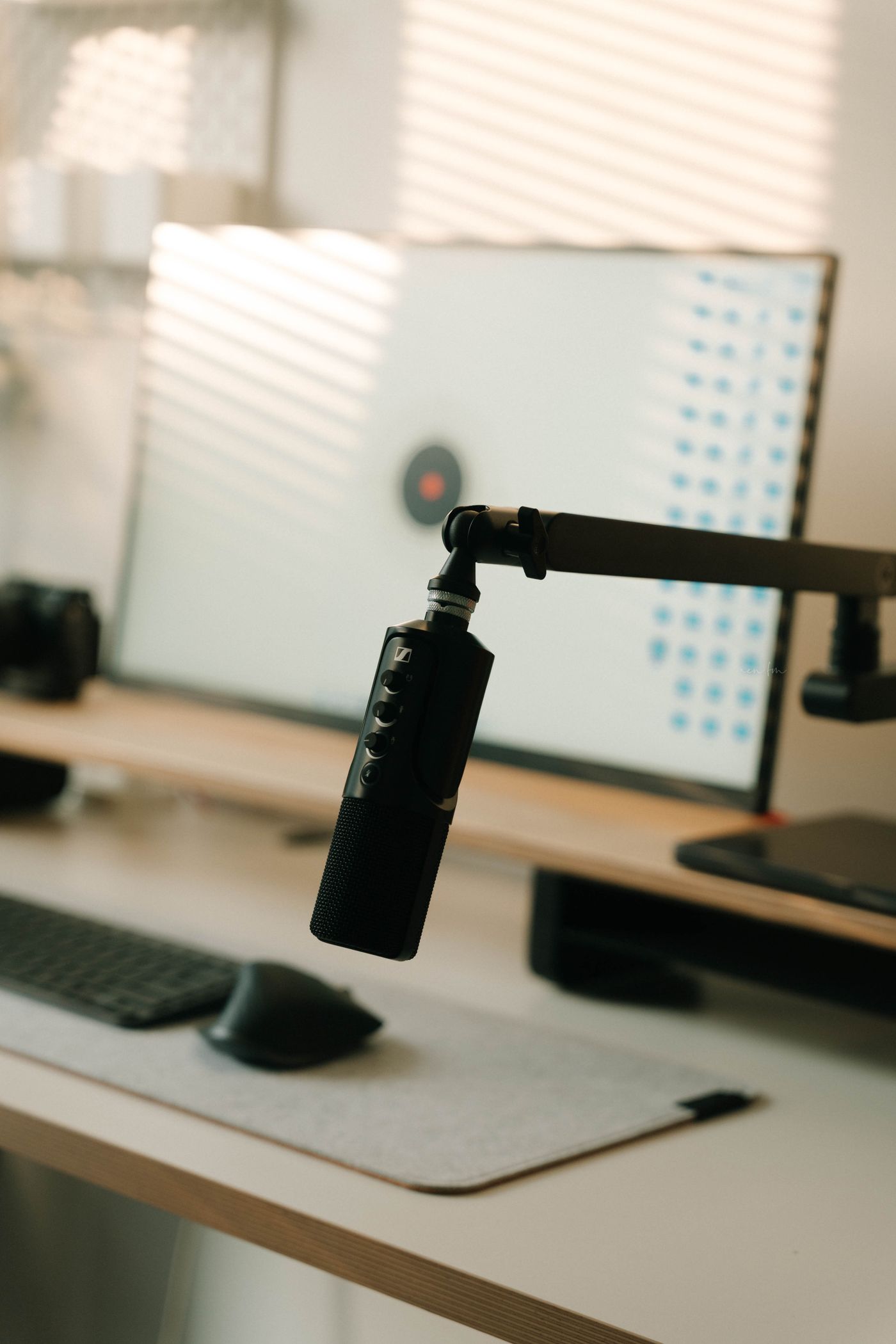
Choose the input and output separately, then test the pair in the application you will actually use.
Desk & workspace
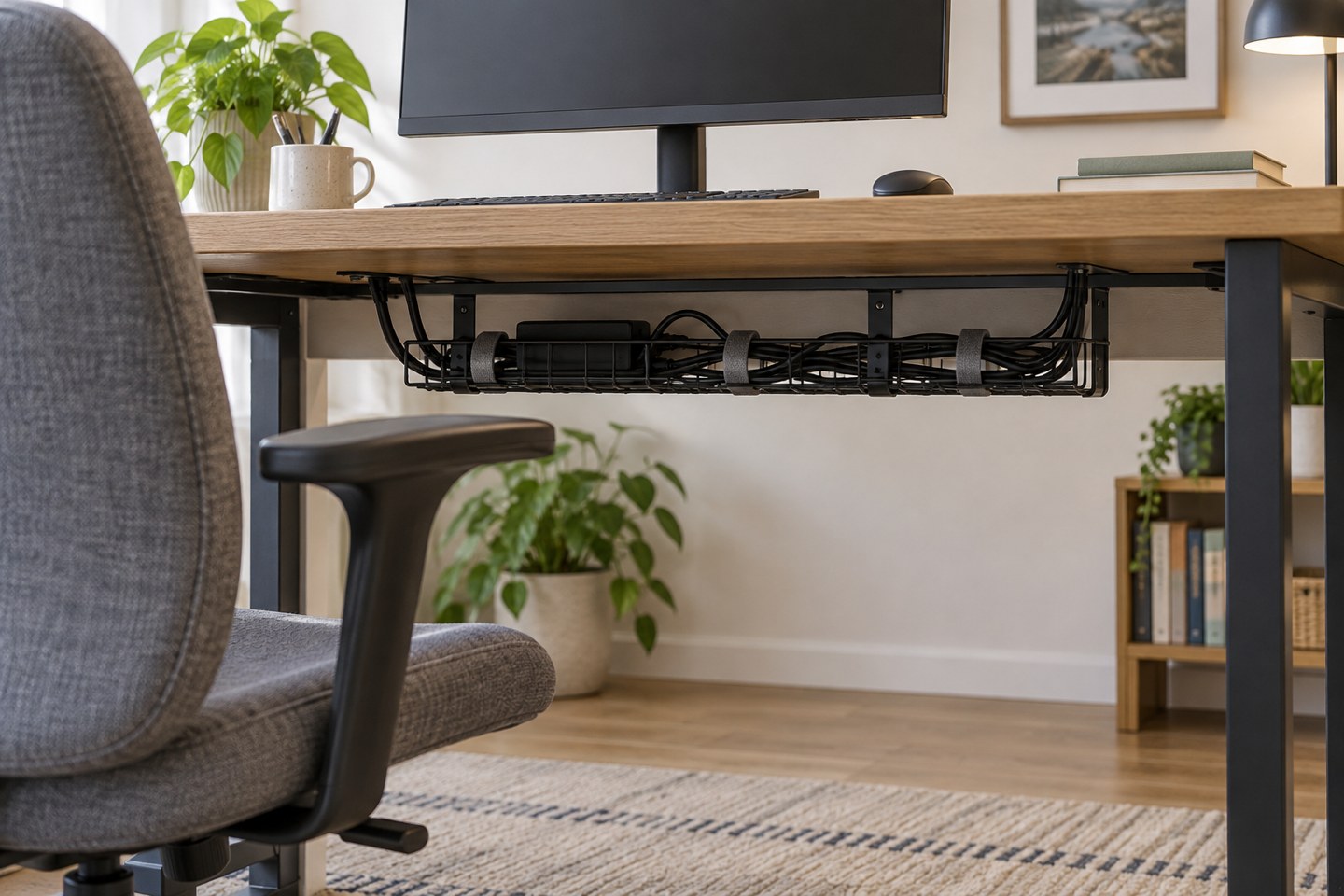
Organise cables so you can identify, disconnect and replace one without dismantling the entire desk.
Desk & workspace
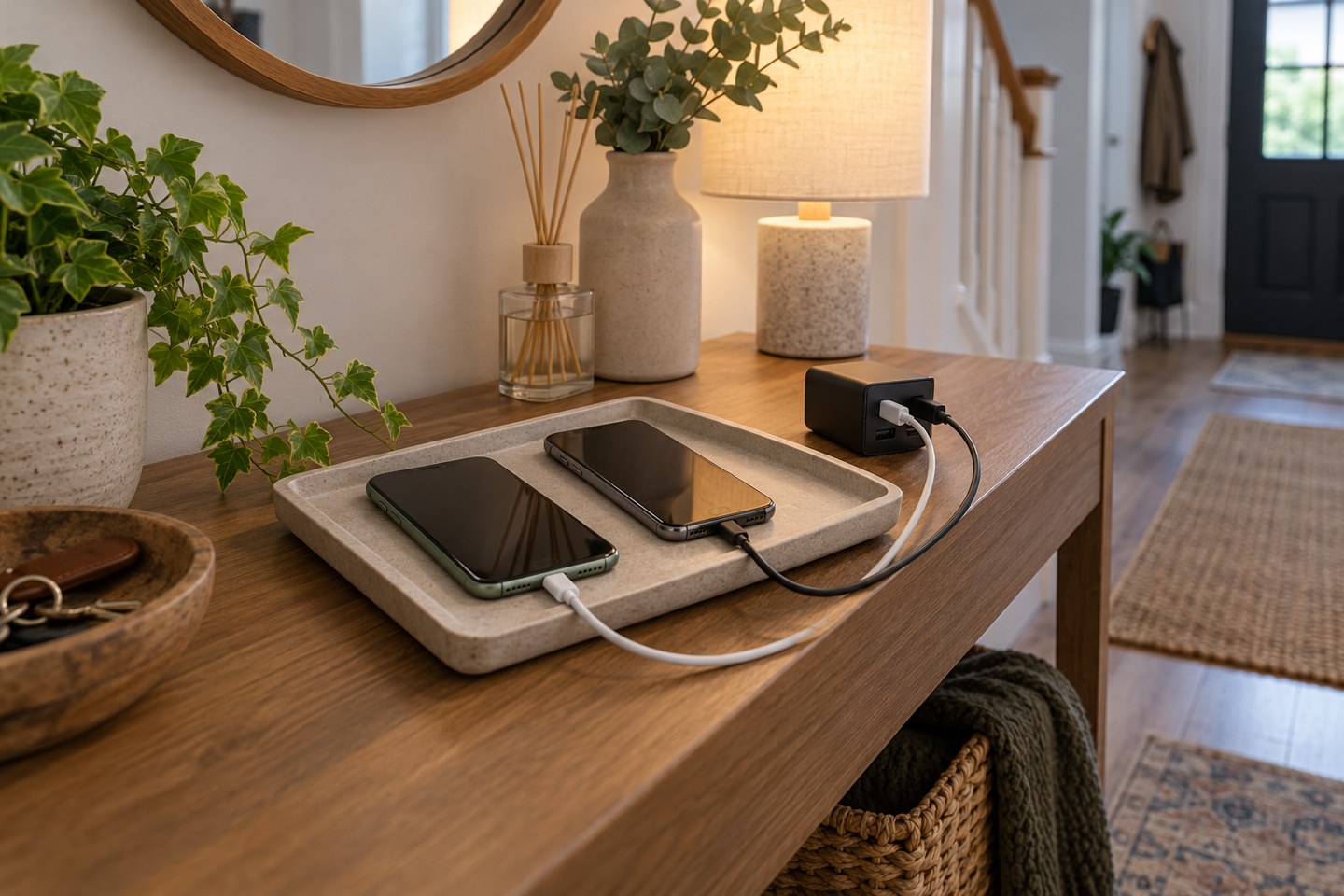
Give each regularly used device a clear place and a suitable cable, without enclosing chargers or creating a tangle of adapters.
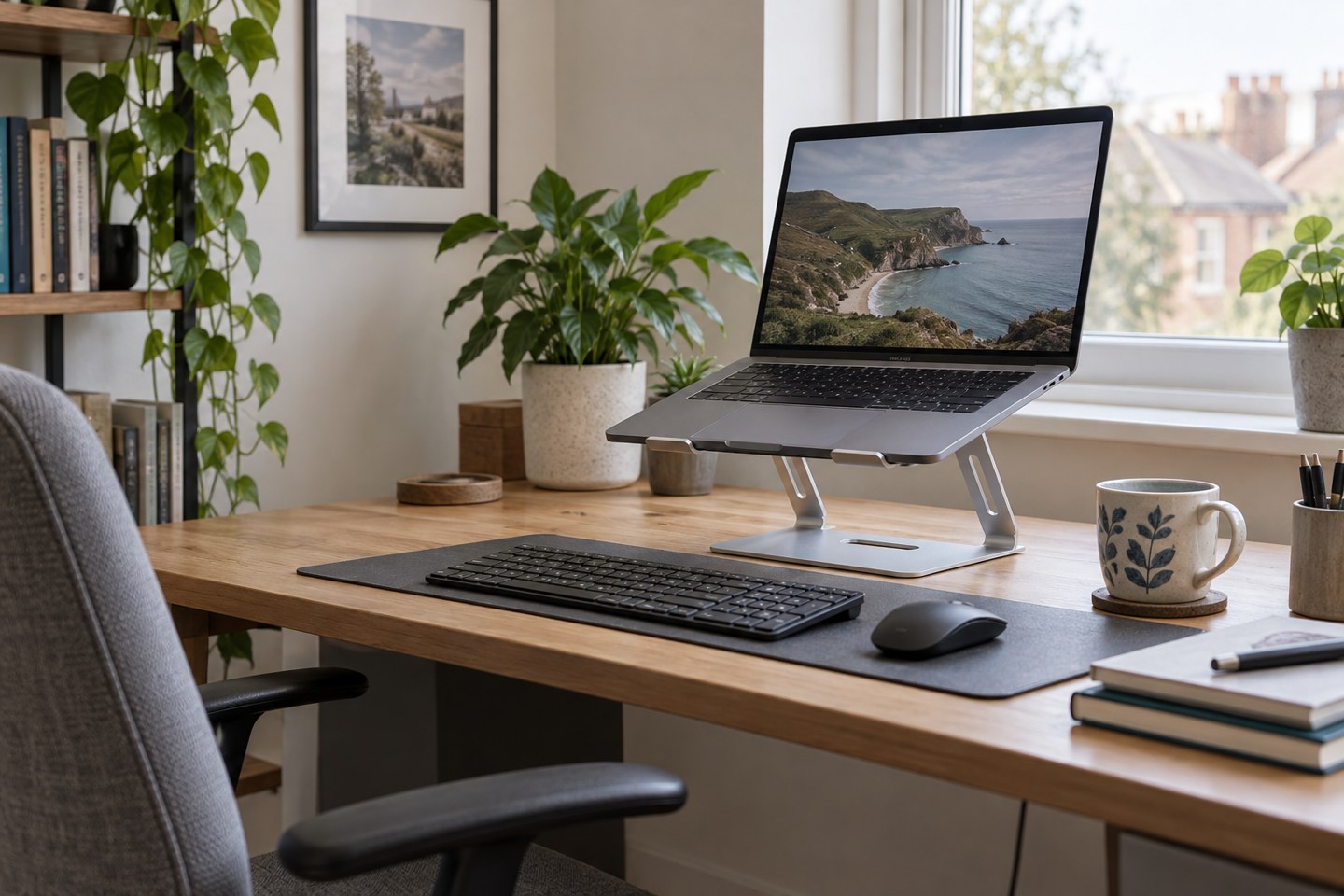
Desk & workspace
Raising a laptop changes the screen position and the keyboard position together. Plan the rest of the desk around that change.
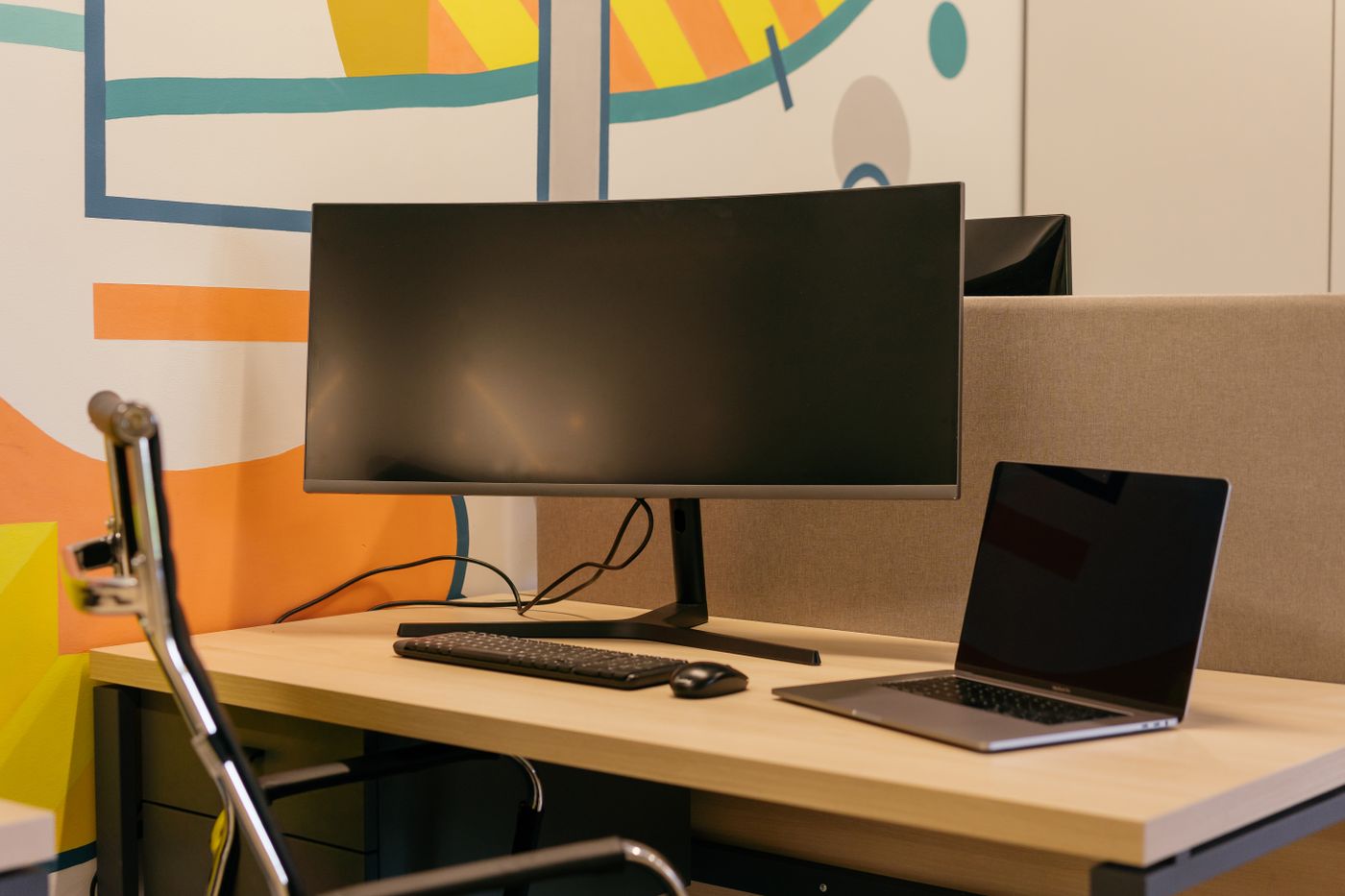
Desk & workspace
The screen diagonal is only one measurement. Include the stand, cables and space for your hands before ordering.
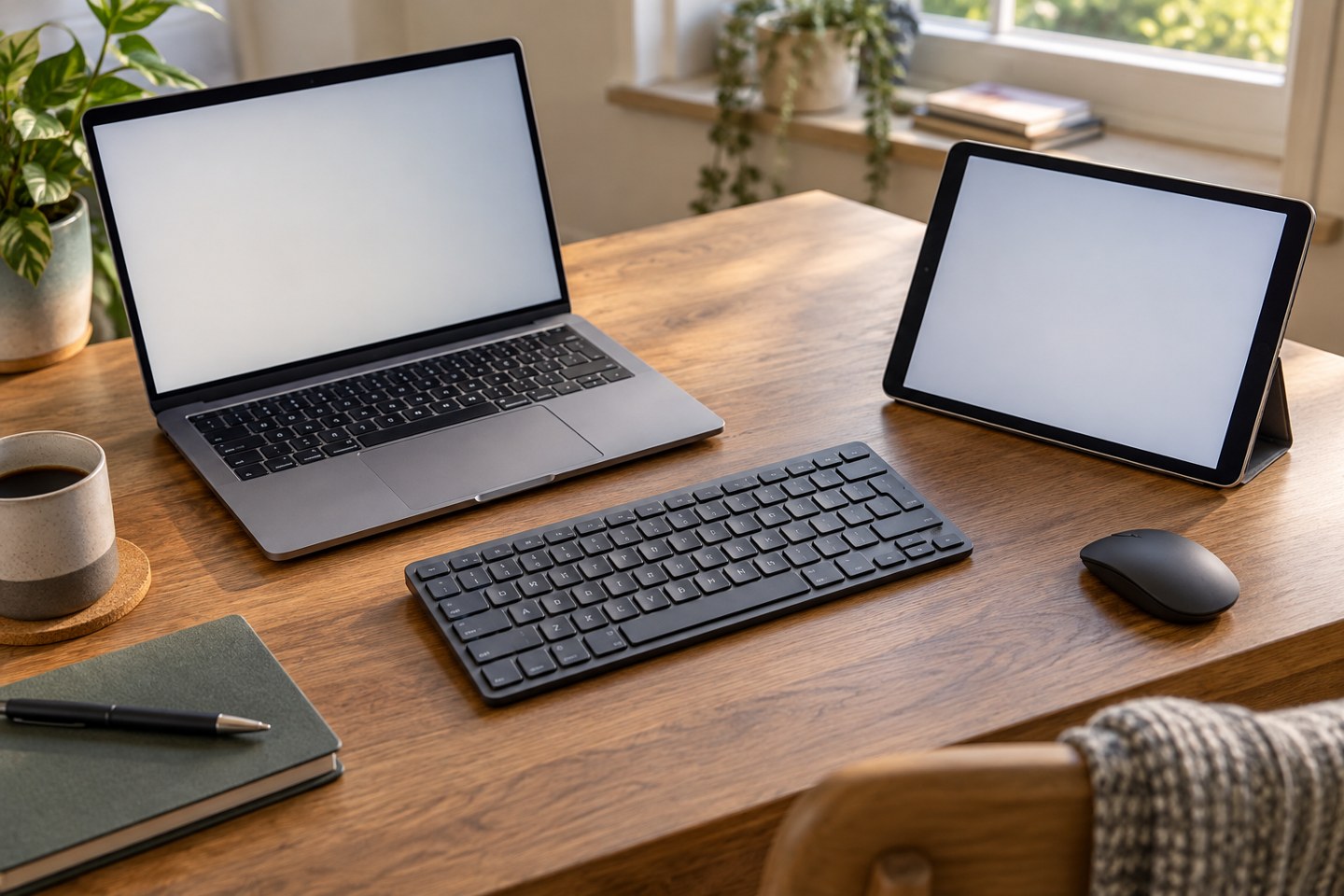
Desk & workspace
Give each device a known connection and check where typing will go before entering anything private.
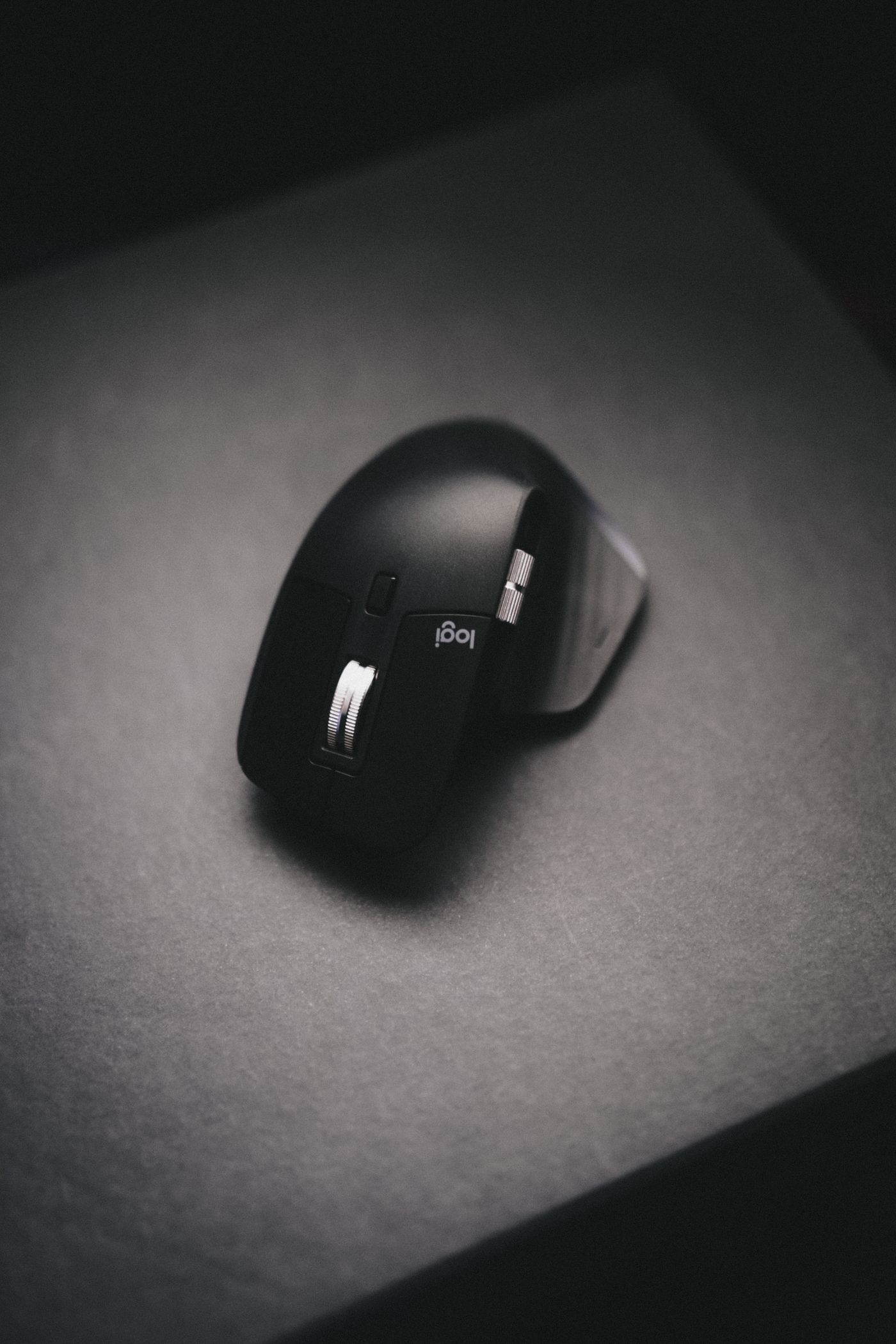
Desk & workspace
Change one part of the connection at a time so you can distinguish a mouse problem from a desk-layout problem.
Desk & workspace
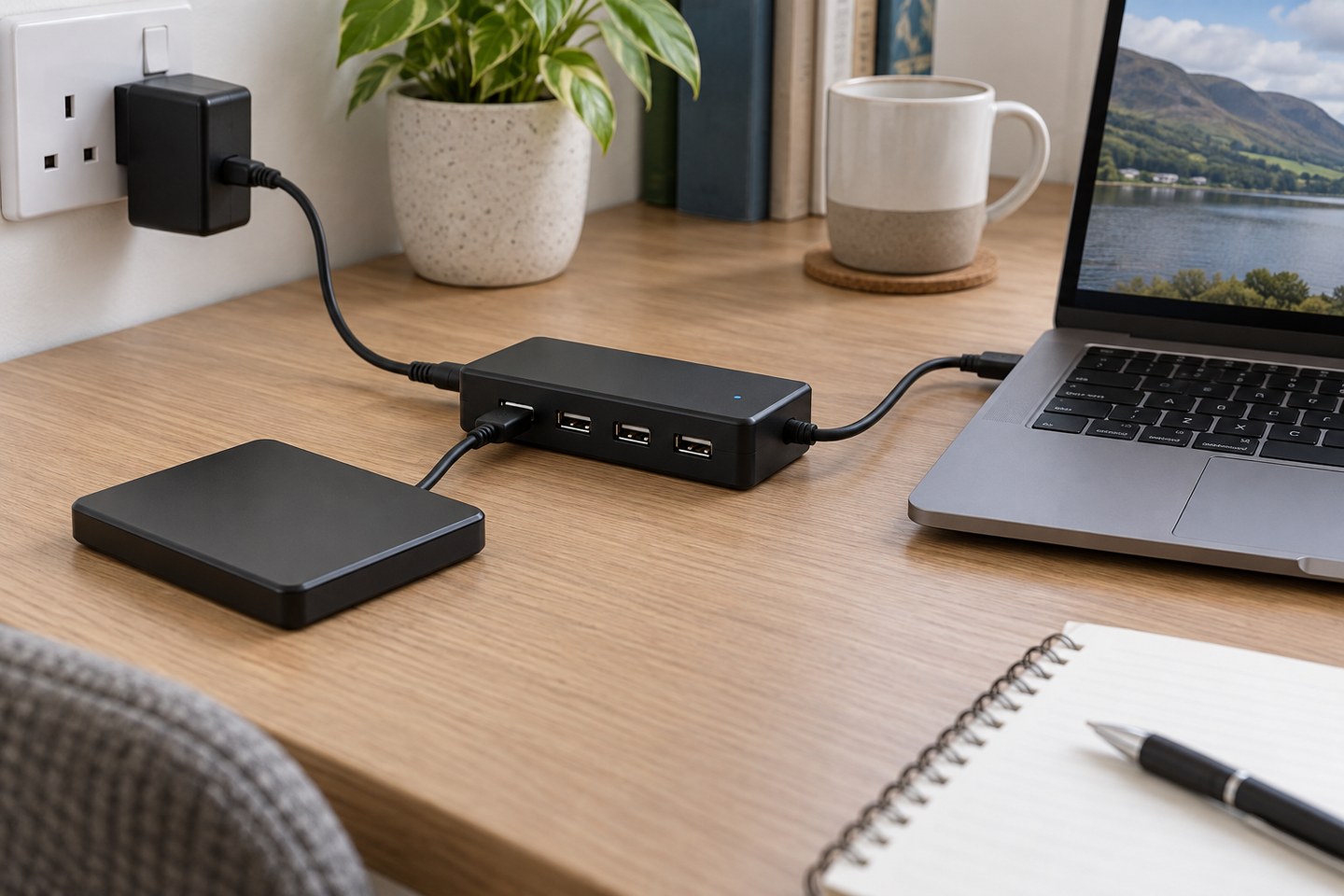
More sockets do not create more power. Check the hub supply, device requirements and connection before blaming an accessory.
Desk & workspace
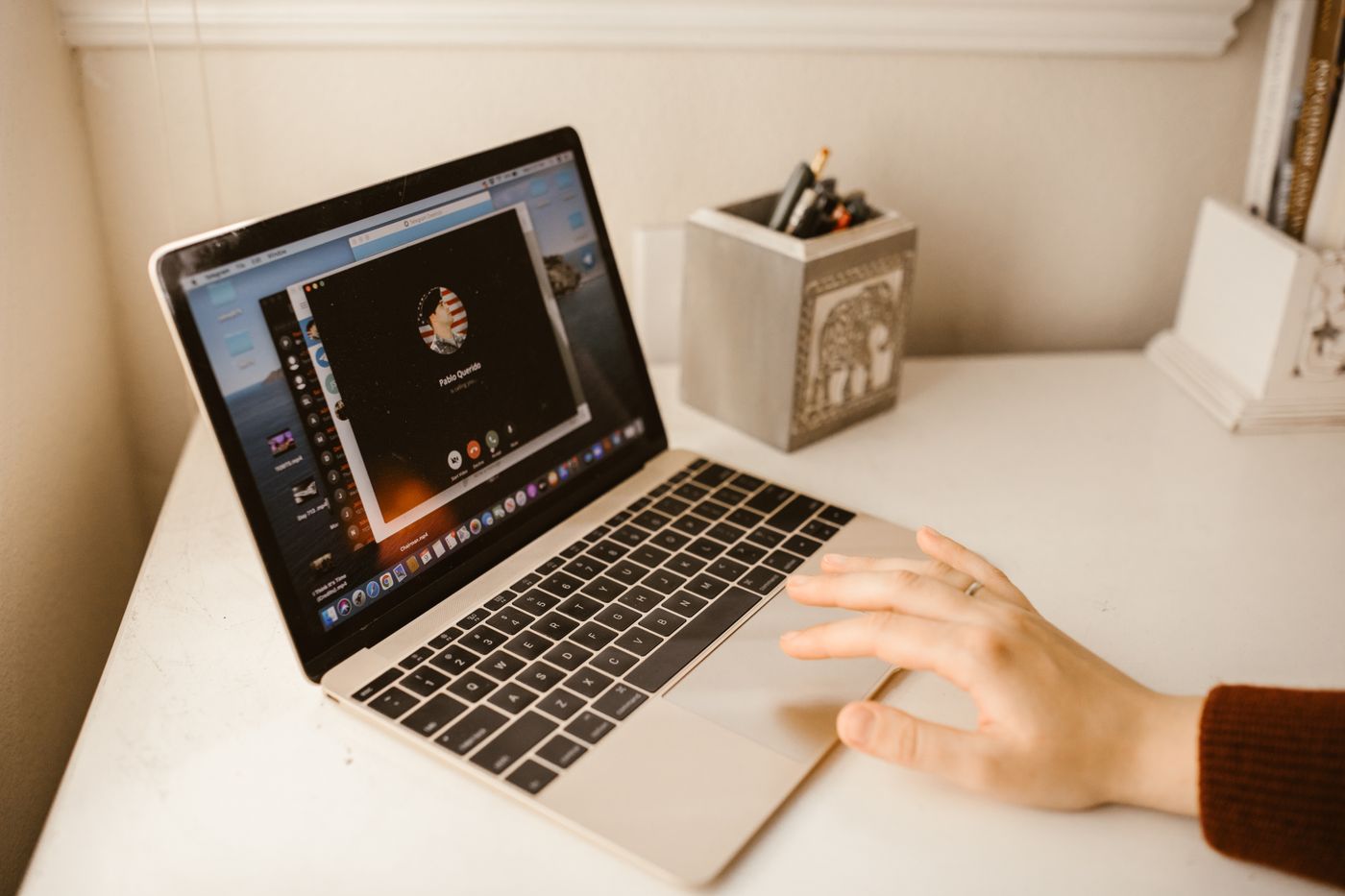
Choose the smallest sharing area that does the job, then preview it before the meeting becomes busy.
Desk & workspace
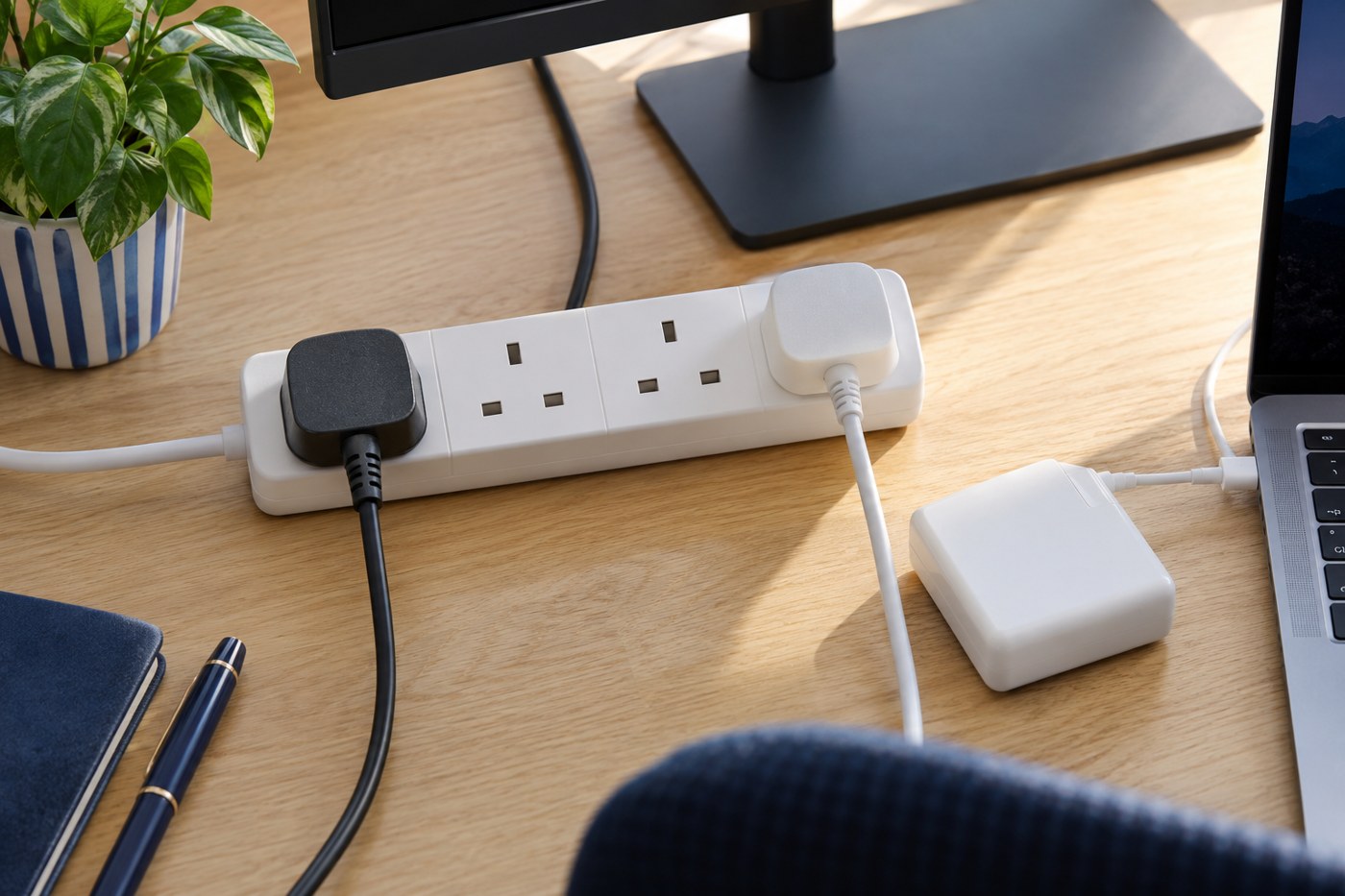
Plan the socket location, total load and cable route before hiding the desk wiring.
Desk & workspace
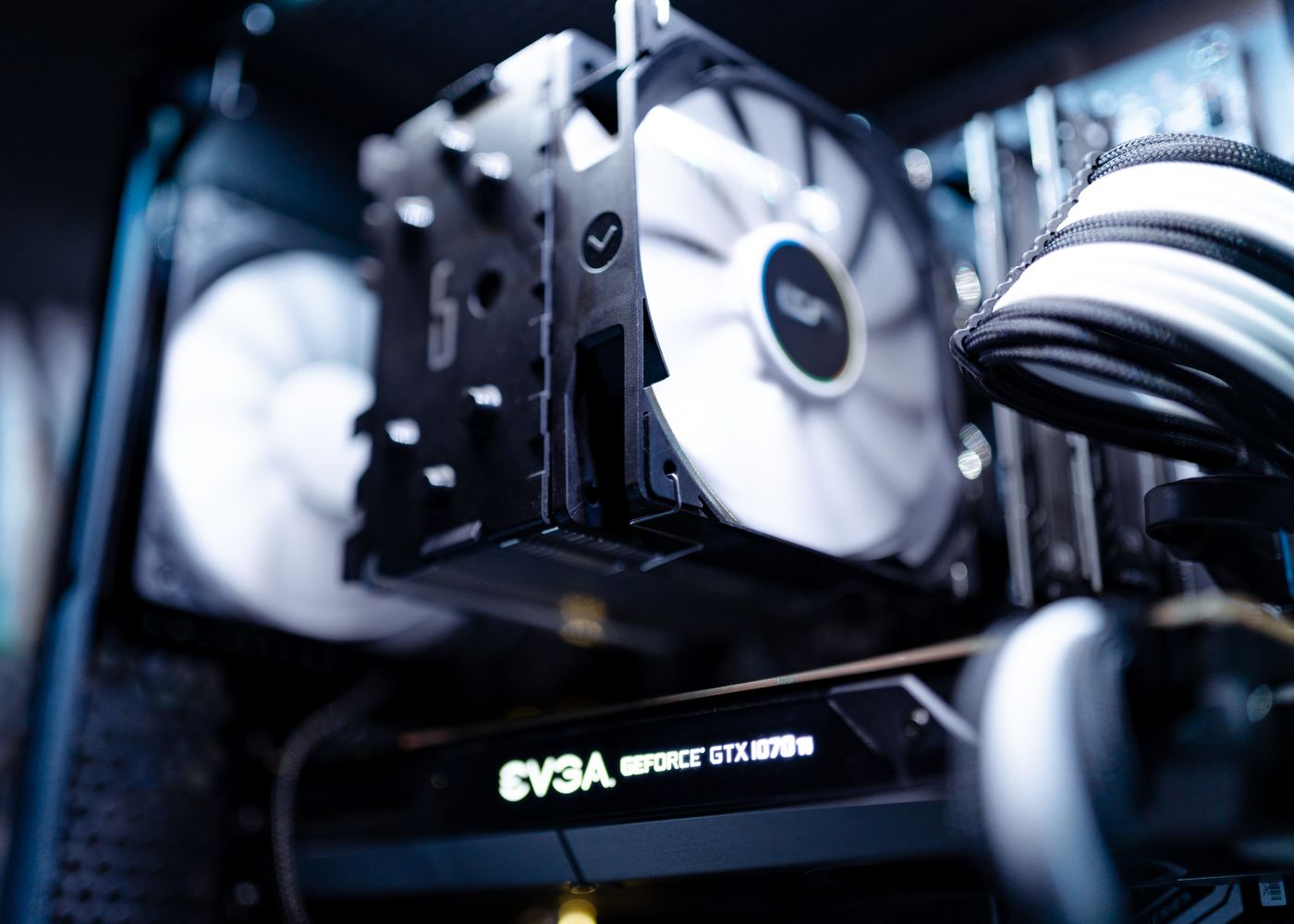
Identify the sound and the device before buying a cooling accessory or changing performance settings.
Desk & workspace
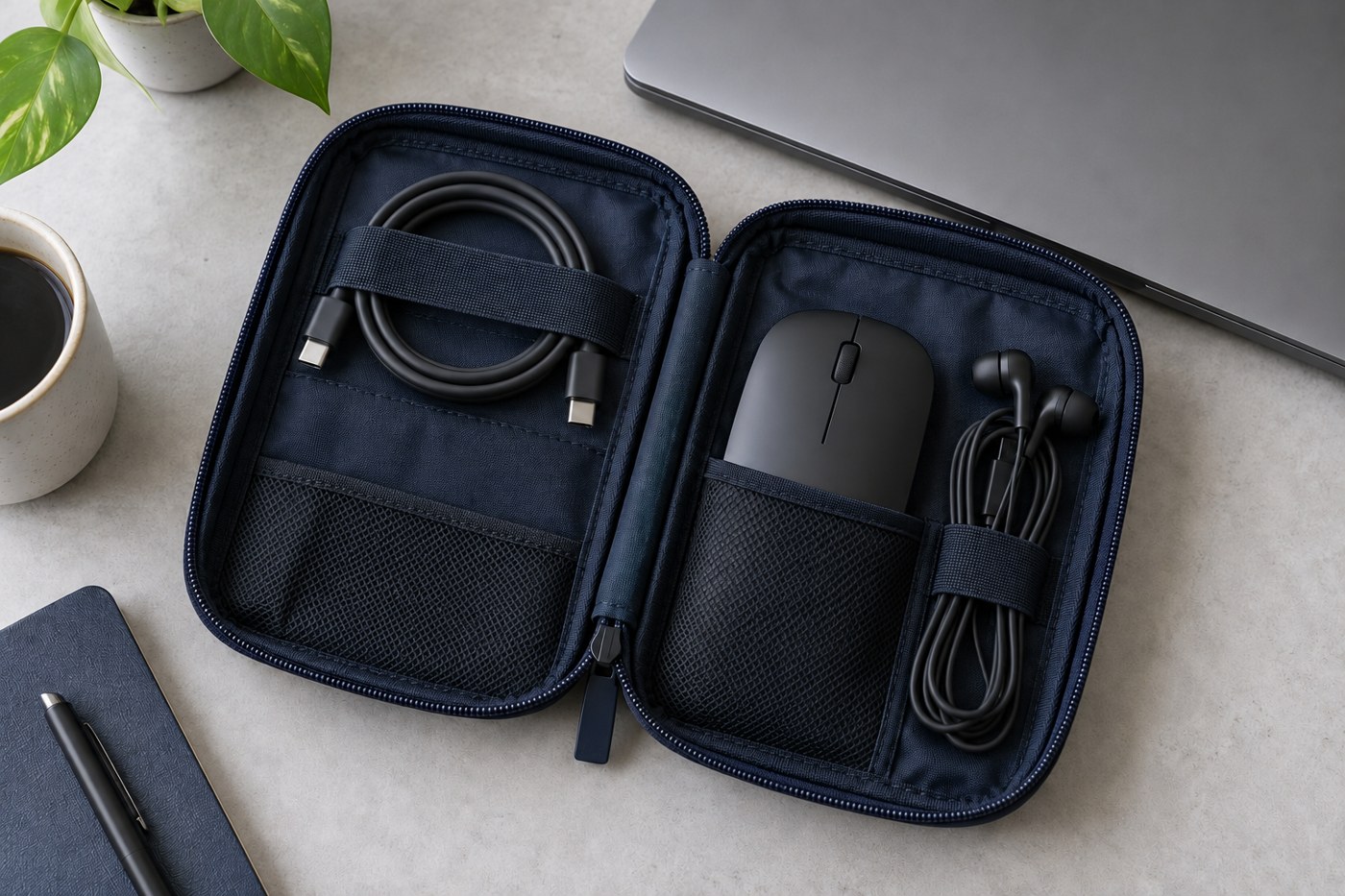
Pack for the connections you expect to use, then test the kit with the laptop before leaving.