Make an equipment list
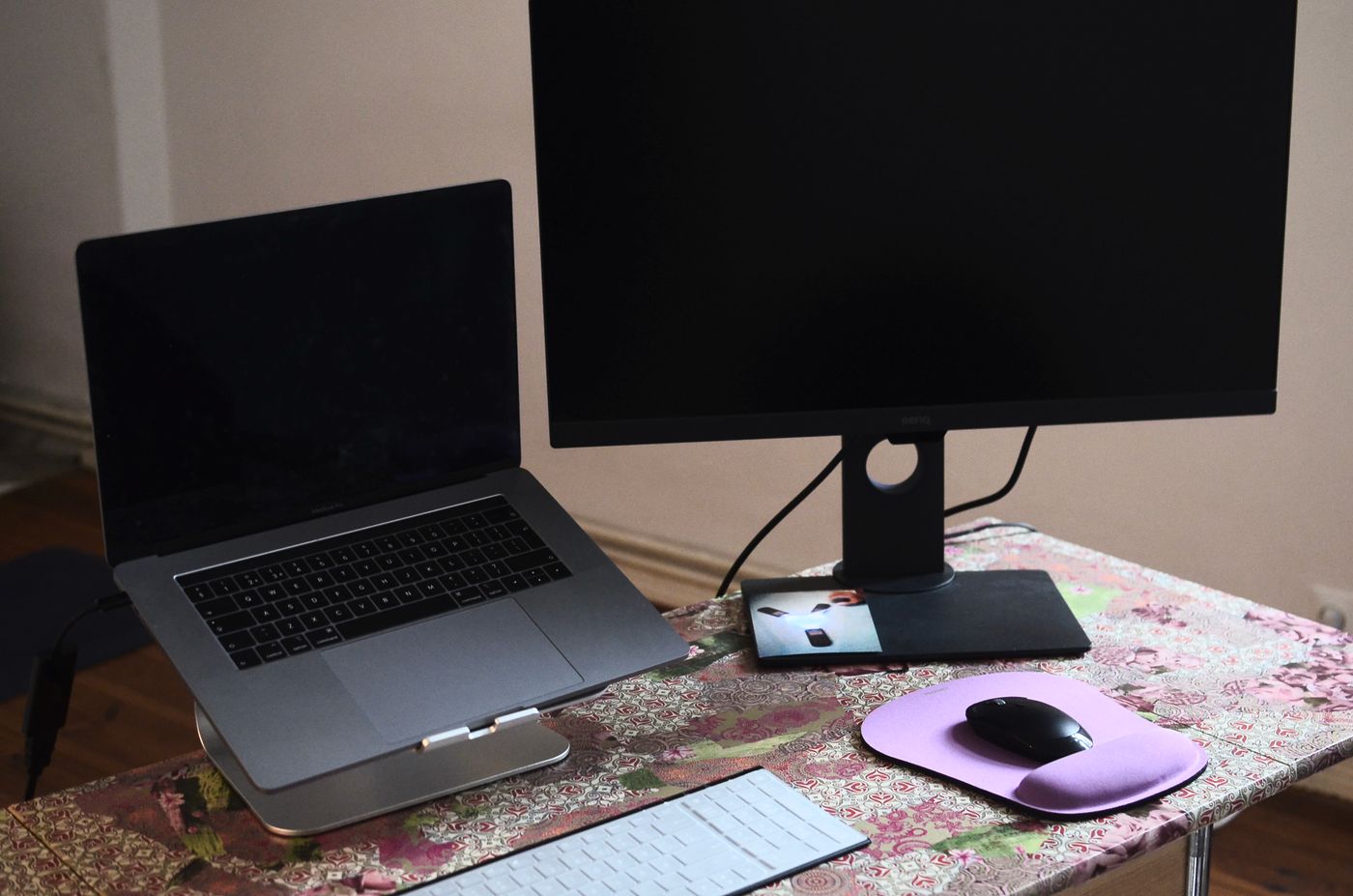
List the mains-powered items used at the desk: computer supply, monitors, lamp, speakers, dock and any chargers. Include equipment occasionally added during a working day. A heater brought in during winter can change the arrangement substantially, so do not base the plan only on a tidy summer photograph.
Read the ratings and instructions on the actual equipment and extension lead. Socket count is not a power allowance. Several small-looking devices and one demanding appliance need to be considered together against the marked limits, rather than judged by how many empty holes remain.
Use a suitable route to the wall
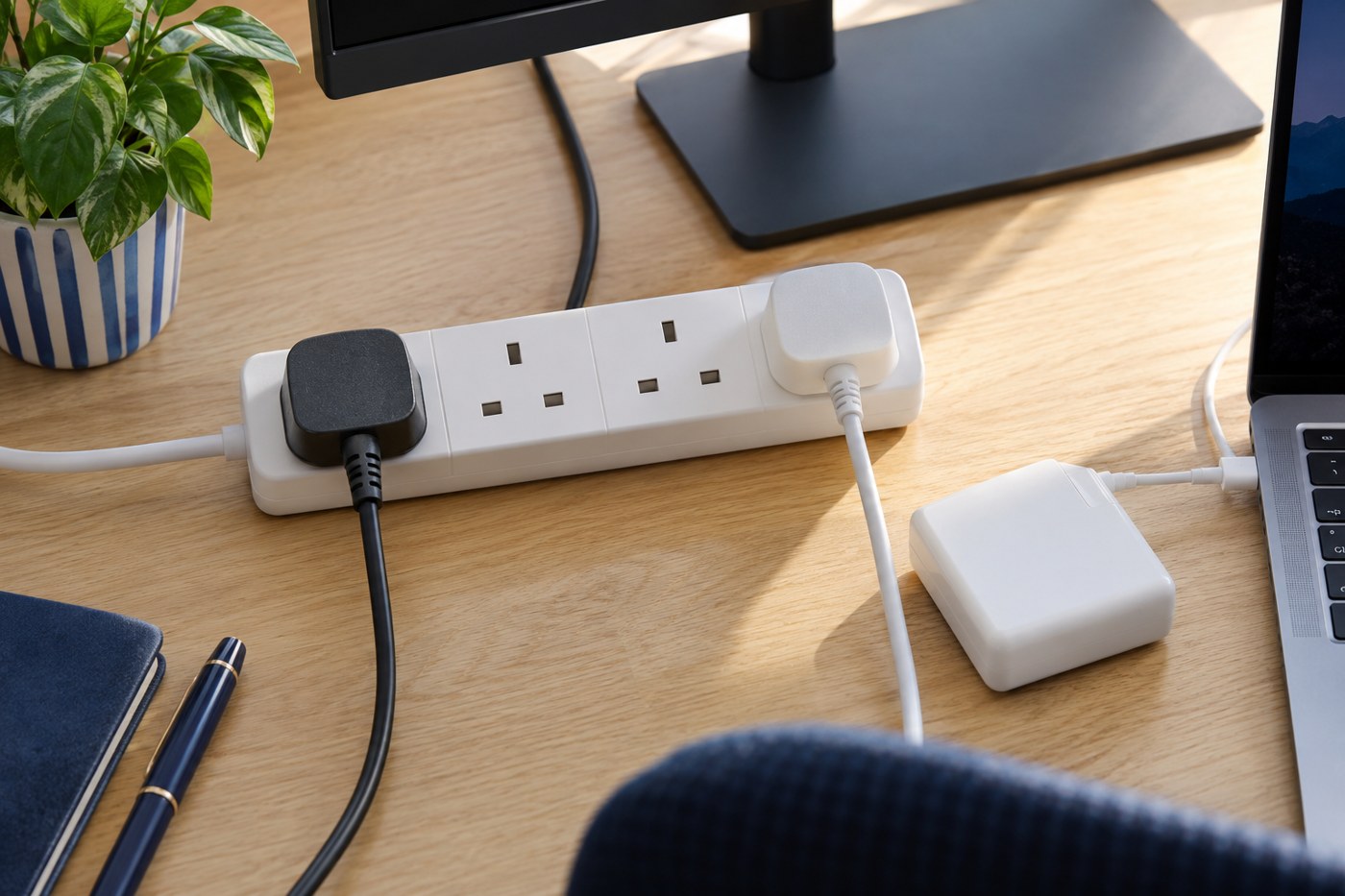
Choose a correctly rated extension lead of suitable length where one is needed. Electrical Safety First advises against plugging one extension lead into another. If the existing socket position repeatedly forces awkward arrangements, discuss additional sockets with a registered electrician rather than building a permanent chain of adapters.
Keep plugs and switches accessible. A power strip wedged behind a heavy cabinet can make inspection and disconnection difficult. Check that bulky adapters do not prevent adjacent plugs seating correctly, and avoid forcing a connection simply to use every socket.
If a cable reel is used, follow its marked ratings and instructions, including unwinding it as required for safe use. For an ordinary permanent desk, choose equipment suited to that job instead of using a wound reel as a decorative cable store.
Allow the equipment to breathe
Power supplies and docks need the clearance and ventilation specified by their manufacturers. Do not pack them tightly inside a small closed cable box because the result looks neater. Keep paper, fabric and other desk clutter away from ventilation openings.
Route leads away from chair wheels, sharp edges and moving mechanisms. For a height-adjustable desk, check the full travel with someone watching the cables. Nothing should become taut, pinch or pull a plug partly from its socket. Secure the route with suitable accessories without crushing the insulation.
Keep drinks and plant watering away from the electrical area. A shelf above the power strip is a poor place for a pot that is regularly watered. Think through ordinary accidents rather than only whether the equipment fits on the day it is installed.
Know which adapter belongs where
Label similar-looking supplies with their intended device. When replacing one, use the manufacturer's approved or specified compatible part. A matching barrel connector or USB-C plug alone does not answer every compatibility question, and an unidentified adapter should not become the default spare.
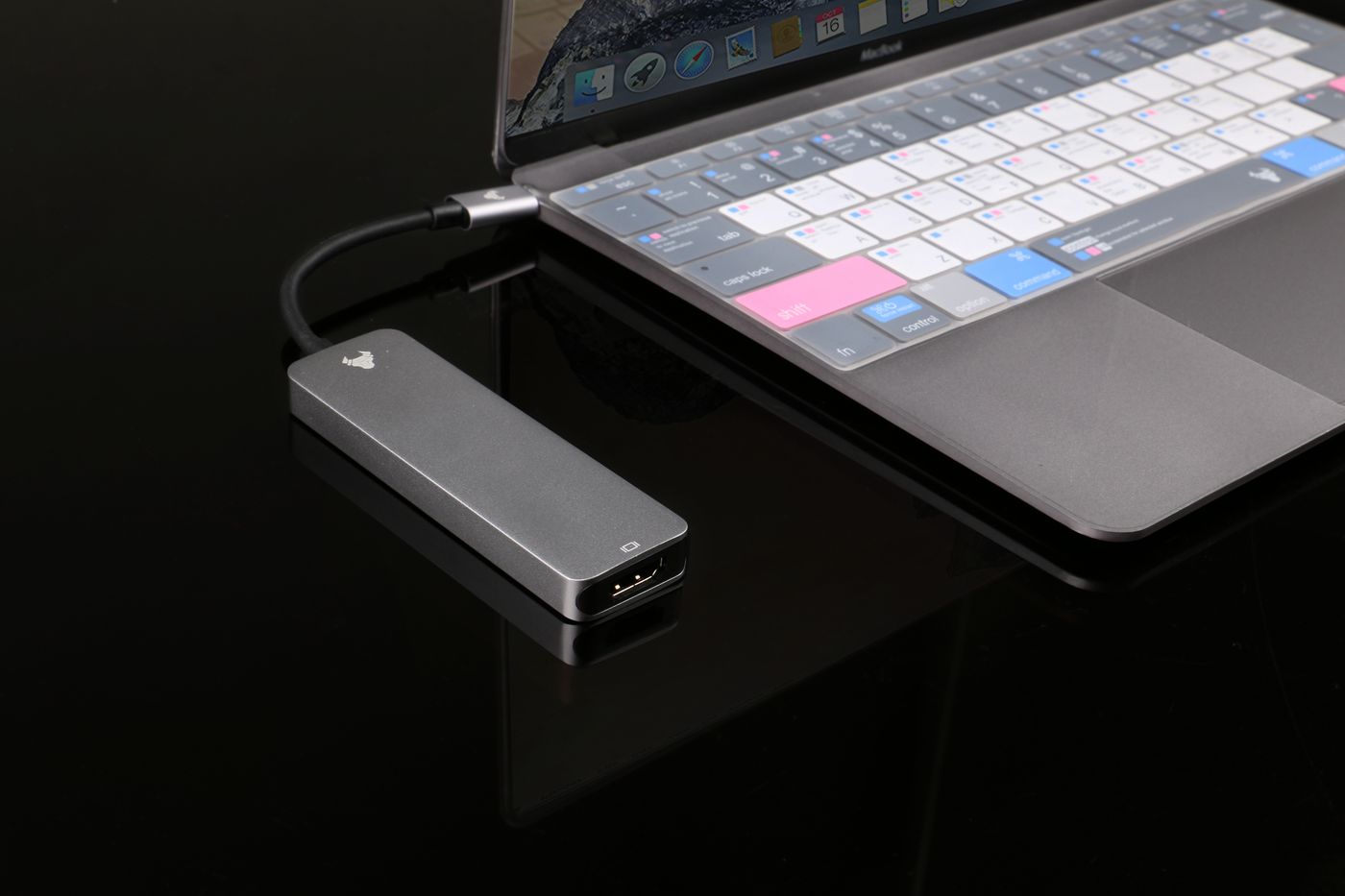
For multiport USB chargers, inspect the output combinations when several devices are connected. That is separate from the mains extension's rating. A charger being safely connected to the wall does not mean every port provides the same output or can meet a laptop's charging requirement.
Keep the original labels readable and retain the model details. Do not cover a rating plate with a decorative sleeve or tape that makes later checks impossible. Clear identification is particularly helpful on a desk shared by several people with different laptops.
Inspect the finished arrangement
Look for damaged insulation, loose connections, scorch marks, unusual smells or other concerning changes. Electrical Safety First identifies these as reasons to stop and seek appropriate help. Do not continue using a suspect lead because the computer still turns on.
Check the layout after a few normal working days. Move the chair, adjust the screen and connect the travelling laptop as usual. A cable that repeatedly falls into the chair path needs a better route, not another hurried push behind the desk.
Keep a modest amount of capacity for normal changes, but avoid adding sockets without considering load. When a new substantial appliance joins the room, reassess the arrangement. The aim is a desk where connections are suitable, visible enough to inspect and easy to change without improvising around the limits.