Separate the two jobs of a hub
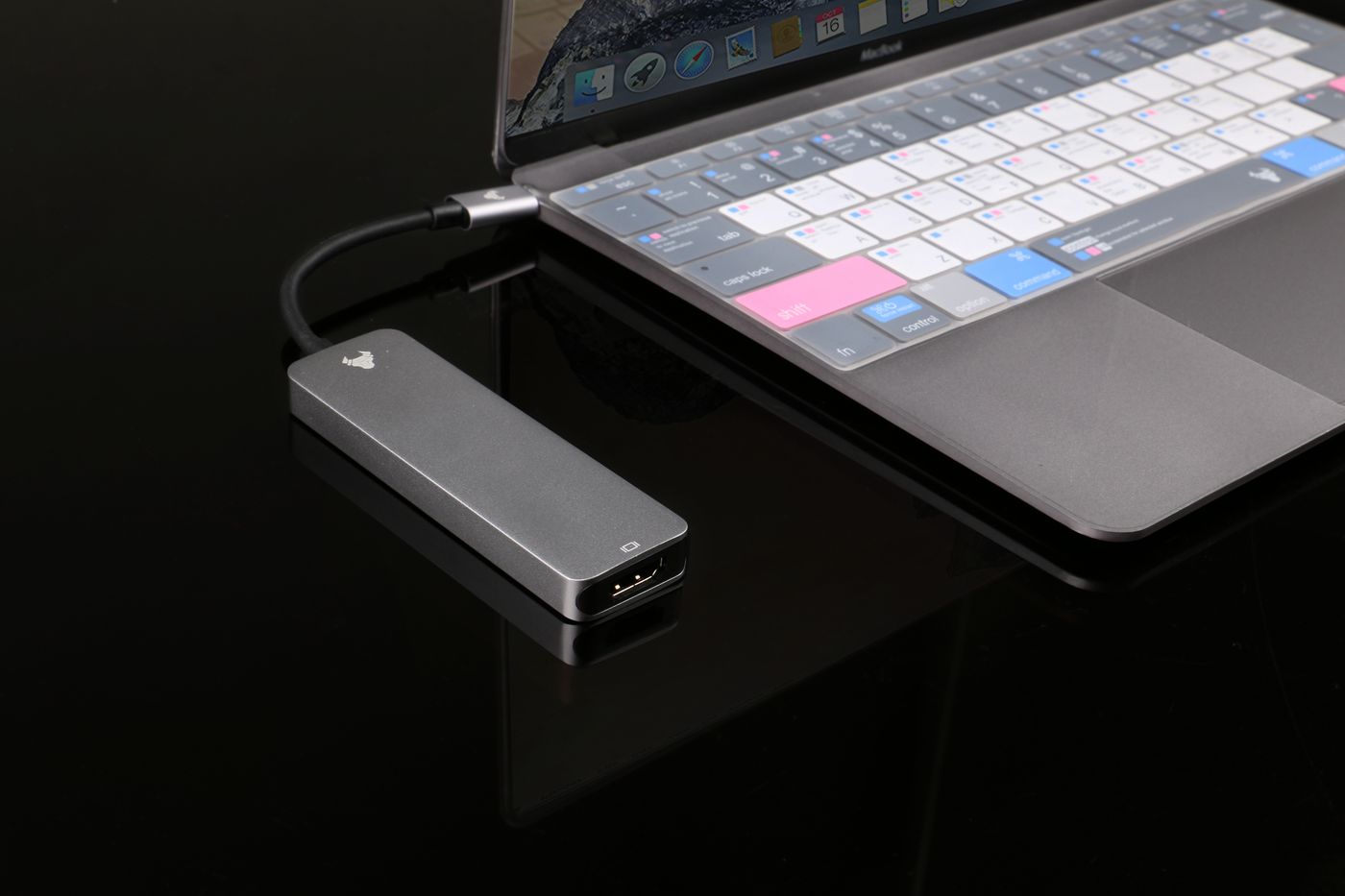
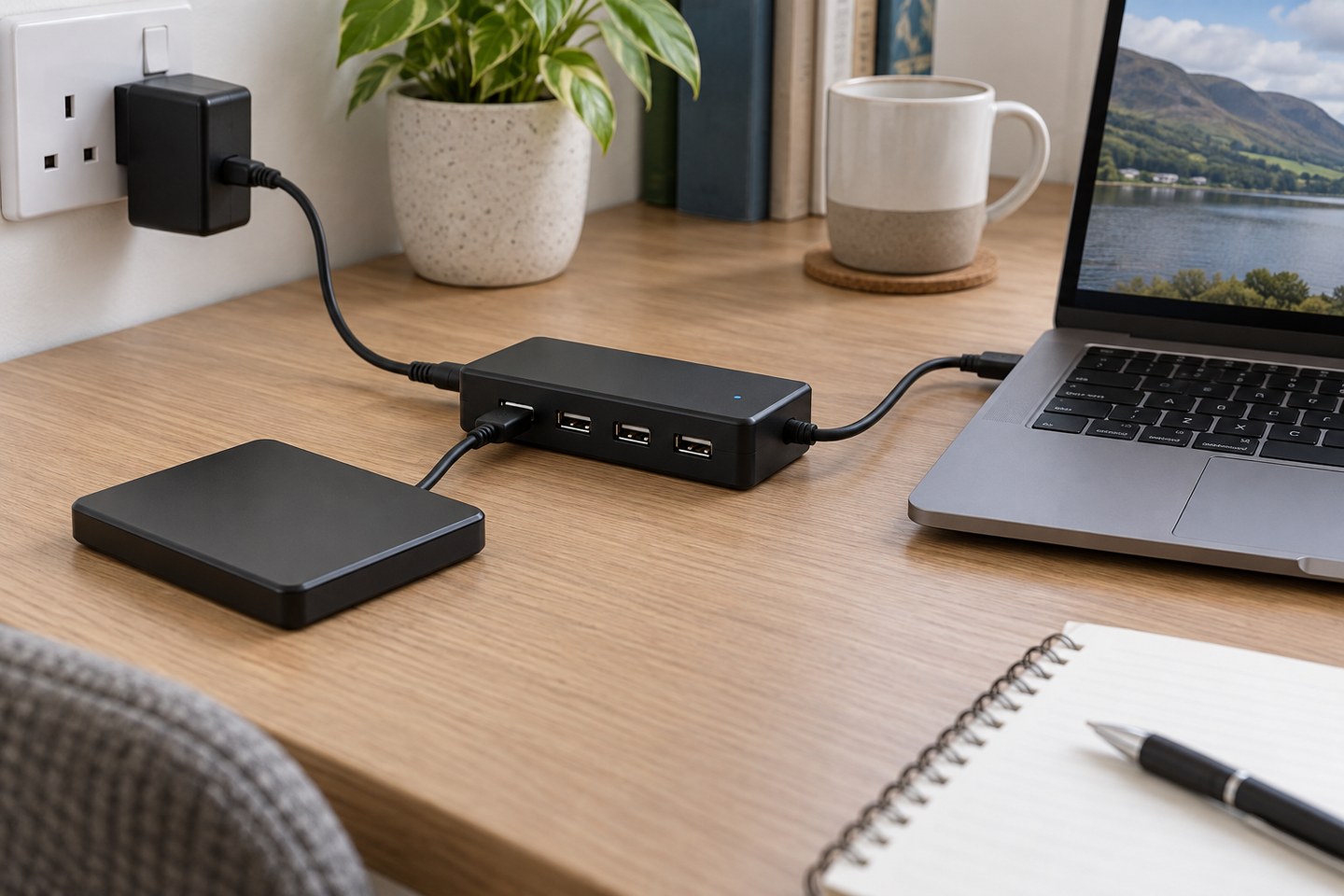
A USB hub provides additional connections, but its ports also have to supply whatever power the attached devices require. A bus-powered hub draws its supply through the computer connection. A self-powered hub uses its own specified supply. That distinction matters when several accessories are attached together.
Neither description promises unlimited capacity. Check the manufacturer's per-port and combined power limits, and use the intended supply. A socket that fits an old power adapter does not establish compatible voltage, polarity or capacity. Do not improvise a supply because it happens to be lying in the cable drawer.
Start with the symptom
An accessory that repeatedly disconnects, fails to start or triggers a power warning deserves a simpler test. Save work and safely eject any storage before changing connections. Then connect the affected accessory directly to a suitable computer port, using its normal cable, and compare the result.
Apple's USB power guidance recommends direct connection when a device is attached through a hub, and checking the AC adapter of a self-powered hub. This helps isolate the hub route; it does not prove that every disconnect is caused by insufficient power. A cable, software issue or unsupported device can produce similar symptoms.
Record whether the accessory works alone but fails when another device is added. If the problem follows the combination, consult the hub's specifications before assuming the accessory is faulty. Keep the test repeatable rather than swapping several cables and ports at once.
Read the power and data labels separately
A hub may offer charging ports, data ports or ports with different capabilities. Read its diagram carefully. A phone charging from a socket does not establish that the socket can carry the data connection needed by a webcam or storage drive.
Likewise, an external power supply does not make the hub's upstream data link faster. If several devices share that link, their data requirements still matter. A camera and a fast drive used together may expose a different limitation from the same accessories sitting idle.
Do not assume a USB-C pass-through charging port powers every downstream accessory in the same way as a dedicated hub supply. Check the product's documented behaviour, including whether the charger is required, supported and included. Similar connector layouts can conceal different internal arrangements.
Test the complete combination
Begin with the powered hub, its supplied or specified adapter and one simple accessory. Add the remaining devices in stages. After each addition, exercise the relevant function rather than merely checking that a light turns on. For storage, copy an expendable test file and verify it; for a webcam, inspect a live preview.
If something fails, return to the last working combination. Try the affected accessory's documented cable or a known-compatible replacement. Keep a note of which port was used, because a mixed-capability hub may have ports that are not equivalent.
Check operation after sleep and wake if that is when the problem occurs. A setup that runs continuously for an hour may still reveal a reconnection issue after the computer sleeps. Record that distinction for support rather than describing it simply as unreliable USB.
Decide whether a powered hub is the answer
A suitably powered hub can be sensible when the documented device requirements exceed what the existing arrangement can provide. But if the issue is a damaged cable, unsupported video connection or missing driver, adding a power supply does not solve the underlying problem.
Consider leaving a demanding or important accessory directly connected while less demanding items use the hub. That may be a simpler arrangement than forcing every device through one box. Plan the cable route so the direct connection remains convenient.
If warnings continue with a supported setup, stop repeating unsuccessful combinations and consult the manufacturer with the hub model, supply details, computer and device list. Do not use improvised power-injection cables or modified adapters. A useful diagnosis identifies the limit and chooses suitable equipment rather than trying to defeat the warning.