Begin with the day's work
List the tasks that must work away from the desk: charging, joining a call, presenting on a display or transferring a file. Pack an item only when it supports one of those tasks or provides a sensible fallback. A pouch full of unidentified adapters is heavy without necessarily being useful.
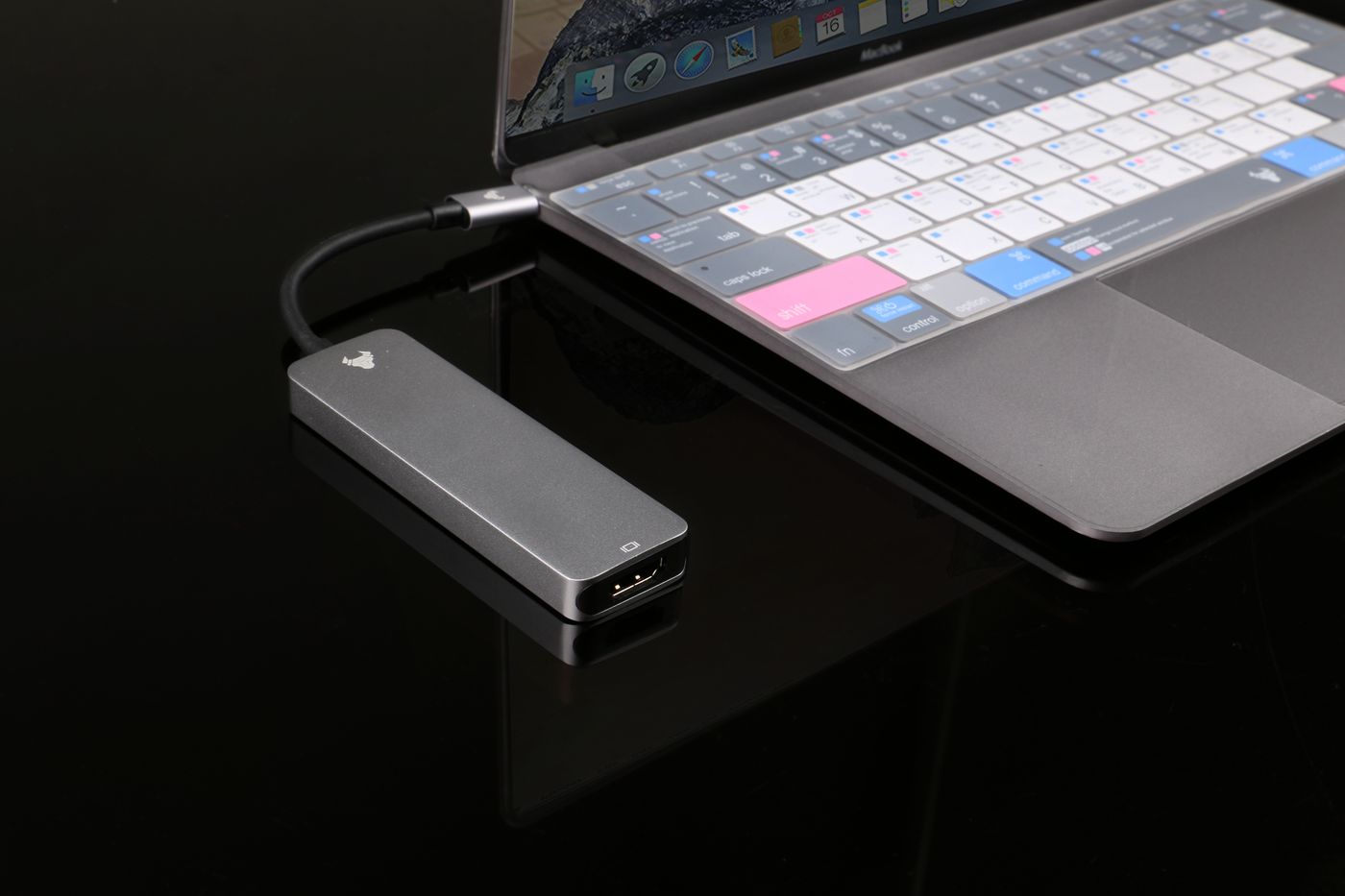
Check the destination's available connections where possible. If a meeting room supplies HDMI, verify that your laptop and chosen adapter support the intended route. The presence of a USB-C plug does not establish video compatibility. Test the actual adapter with the laptop before relying on it at the meeting.
Keep the essentials together
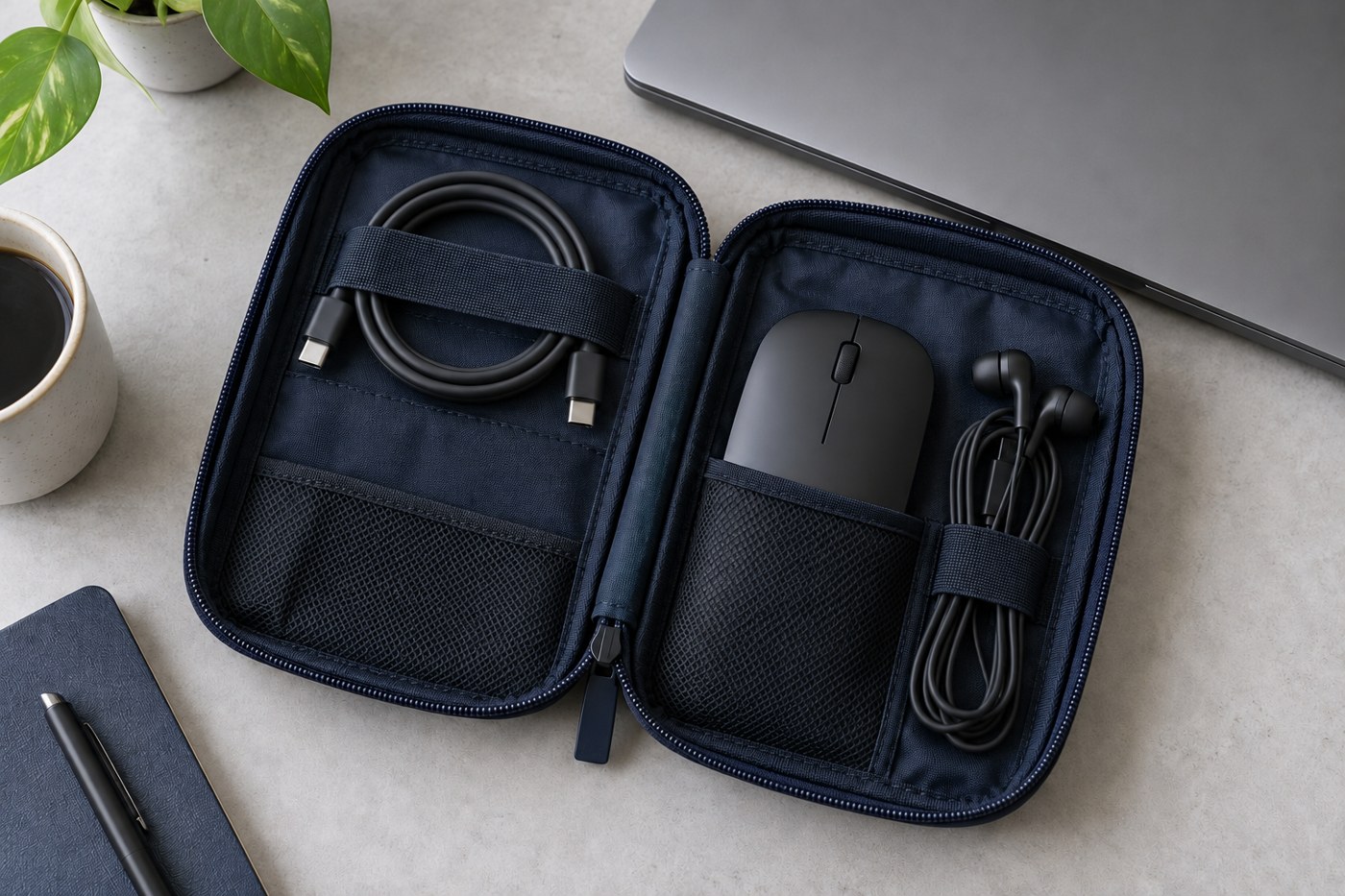
Use the correct charger and a suitable cable, plus the audio device you normally use for calls. Add a small pointing device if it materially helps your work. Keep receiver dongles in a secure compartment and label adapters whose purpose is not obvious from their shape.
Inspect the leads for damage and avoid tightly bending them around the charger. Leave enough space in the pouch that plugs are not forced against the laptop screen in the bag. A protective case should make equipment easier to carry, not compress it into an unsafe bundle.
Rehearse without the desk
Disconnect from the home dock and try the kit on another clear surface. Charge the laptop, select the intended microphone and connect the display adapter if needed. This catches the easy mistake of packing a hub that only works with a power supply left under the desk.
Make sure any required software is already installed through the appropriate approved route. On a managed work computer, resolve permissions before travel rather than assuming an unfamiliar accessory can be configured in the meeting room.
After the trip, note what was actually used and what was missing. Remove redundant duplicates, but keep a proven fallback where a failed connection would seriously interrupt the day. A compact kit improves through these specific observations, not through collecting every connector available.