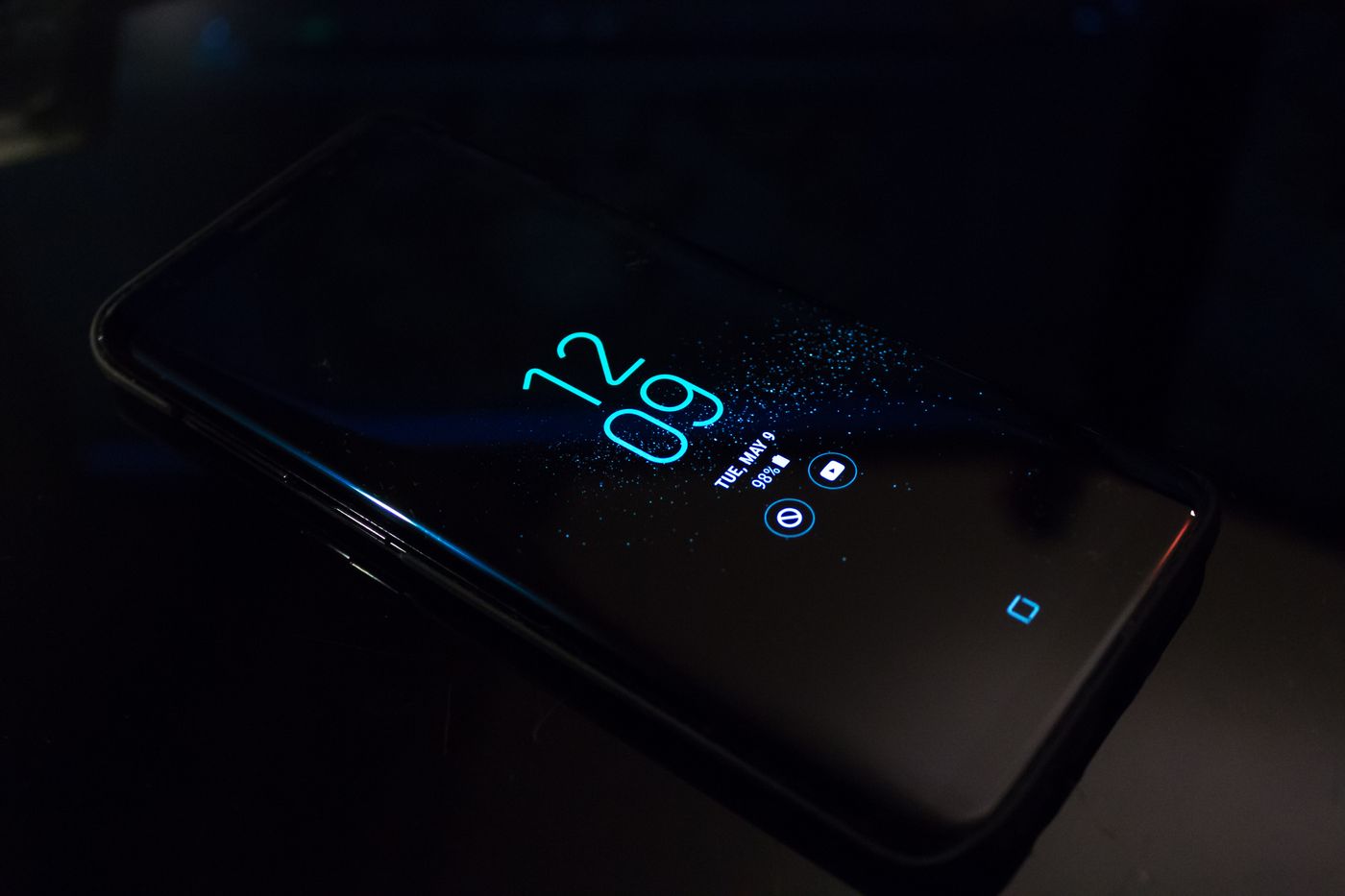
Look beyond the hour
A device can show a plausible time while having the wrong day, year or time zone. Check all four against another reliable clock. This is particularly useful after a device has been unused for a long period, lost power or been set up manually.
Time matters to more than the clock in the corner. Secure connections and sign-in processes can depend on it, so a large mismatch may produce confusing errors. That does not mean every certificate or account warning is caused by time. It simply makes the date a quick, non-destructive check before you change network settings.
Restore ordinary time settings
Use the device's normal date-and-time controls. Where supported, enable automatic time and the appropriate automatic time-zone setting, then allow the device to connect to its time service. Check the displayed result rather than assuming that a switch marked automatic has already corrected it.
If the automatic result is wrong, confirm the region or time-zone choice and whether the device actually has internet access. A computer managed by an employer may use settings you cannot change; report the mismatch to the administrator instead of installing a separate clock utility. Manual correction can be a useful comparison on your own device, but it should not become a way to conceal a recurring fault.
Retry the original task
Close and reopen the affected app or page after correcting the clock. Record whether the same warning remains. If only one website still reports a security problem, its certificate or configuration may be at fault. Do not lower browser security, install an unknown certificate or enter passwords through the warning just because the date now looks right.
If the clock drifts again or resets whenever power is removed, note that pattern and consult the device manufacturer's guidance. The cause may require attention beyond a settings change. Include whether other preferences are also being forgotten.
For an appointment or scheduled routine, confirm the time zone within the app as well. A calendar entry or automation can have its own scheduling rules even when the device clock is correct. Checking both prevents an unnecessary factory reset for what is really a scheduling mismatch.