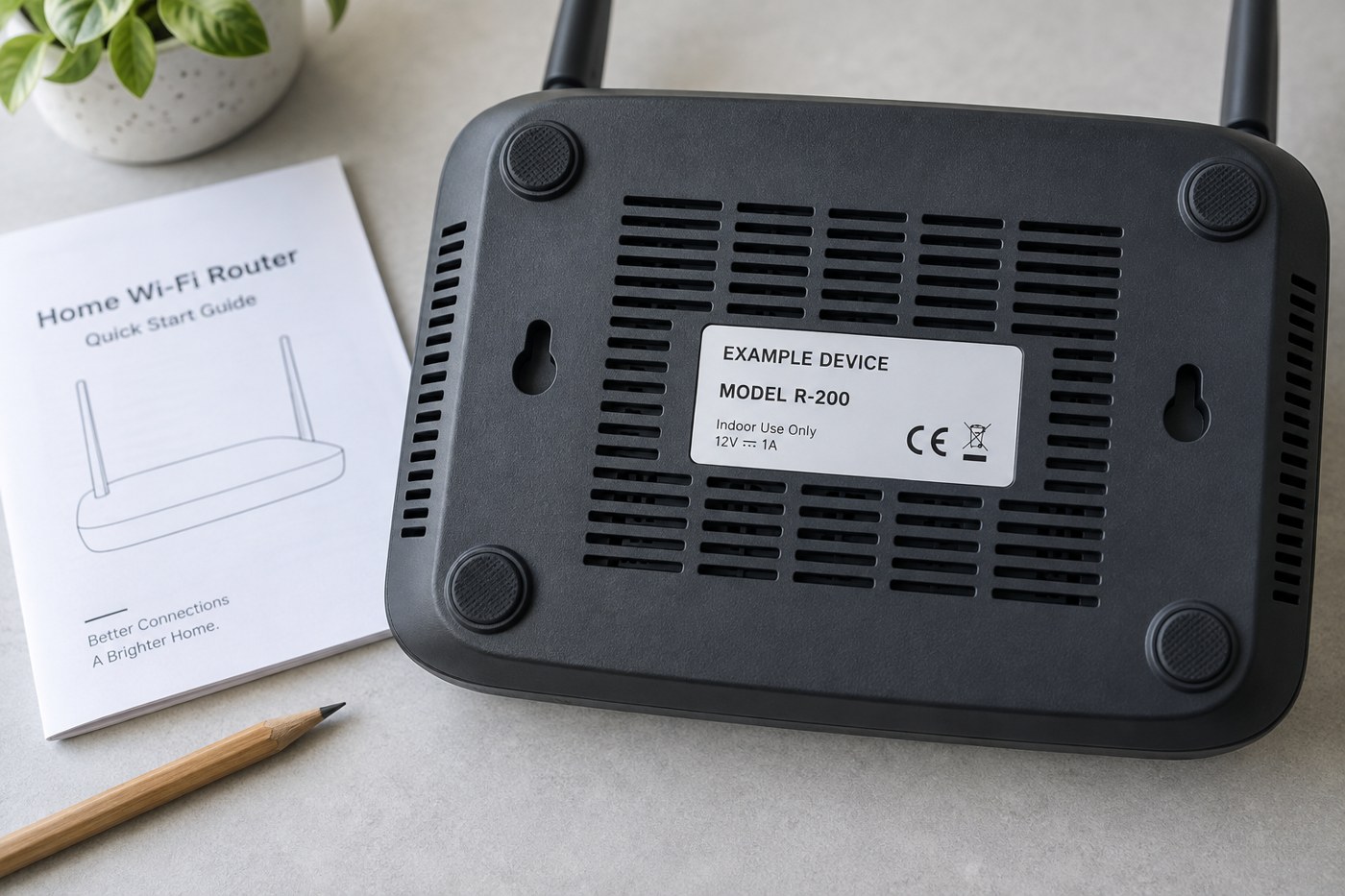
Look for the printed identifier
Check the accessible label on the underside or rear of the device, or its normal information screen. Use good light and take a photo if the lettering is small. There is no need to open the casing. If reaching the label would strain a connected cable, disconnect the equipment safely first and record where the cables belong.
Copy the model exactly, including suffixes. A familiar family name on the front can cover several products. Keep the model number separate from the serial number, network name and account identifier; each serves a different purpose. The serial number usually identifies your individual unit, while the model helps find shared documentation.
Check which version the page describes
Hardware revisions may appear as a version number on the label or in the device's administration screen. TP-Link, for example, distinguishes the hardware revision from the installed firmware version. Both can matter when selecting support information, even though only one of them changes during a software update.
Search the manufacturer's official support site using the full identifier. Compare the listed device, ports and region with your equipment. If the page asks you to select a revision, do not accept the default without checking it. A manual for a newer revision may describe buttons or features that your unit does not have.
Save a useful record
Download the matching manual and give the file a recognisable name. Note its source page alongside the model and revision so that you can find an updated edition later. Keep the original label photograph privately if it contains a serial number, default Wi-Fi password or setup code.
When asking for help, provide the model and relevant version in text as well as any carefully cropped photo. That makes the information searchable and reduces errors caused by a blurred character. If the label is missing or unreadable, explain that and use the manufacturer's identification process rather than guessing from appearance.
Finding a plausible manual is not enough to authorise a firmware download from the same search results. Check that separate file against the exact device and official update instructions. Similar-looking hardware can have different requirements, and a near match is not a useful shortcut.