A room is not a diagnosis
The bedroom is slow, but that description leaves several possibilities open. The laptop may have a weak wireless connection, the whole household may be sharing a busy broadband line, or the service you are using may be struggling. Start with an ordinary task that reliably feels wrong: loading the same page, joining a test call or downloading the same modest file. Avoid using a different activity in every room.
Use one device for the first comparison. A new phone beside an old laptop is not a controlled test, even when both show a similar signal icon. Make sure the device is connected to your home network rather than mobile data or a nearby saved hotspot. Keep any VPN in the same state throughout the comparison; a work VPN can introduce another route that you may need to discuss with workplace support.
Walk back towards the router
Try the task at the usual seat, near the room's doorway and then near the router. Write down what happens rather than relying on memory. Does the connection fail altogether, pause occasionally or simply transfer data more slowly? If performance improves as you approach the router, the wireless path deserves attention. A stronger signal is useful evidence, but bars alone do not measure a working internet service.
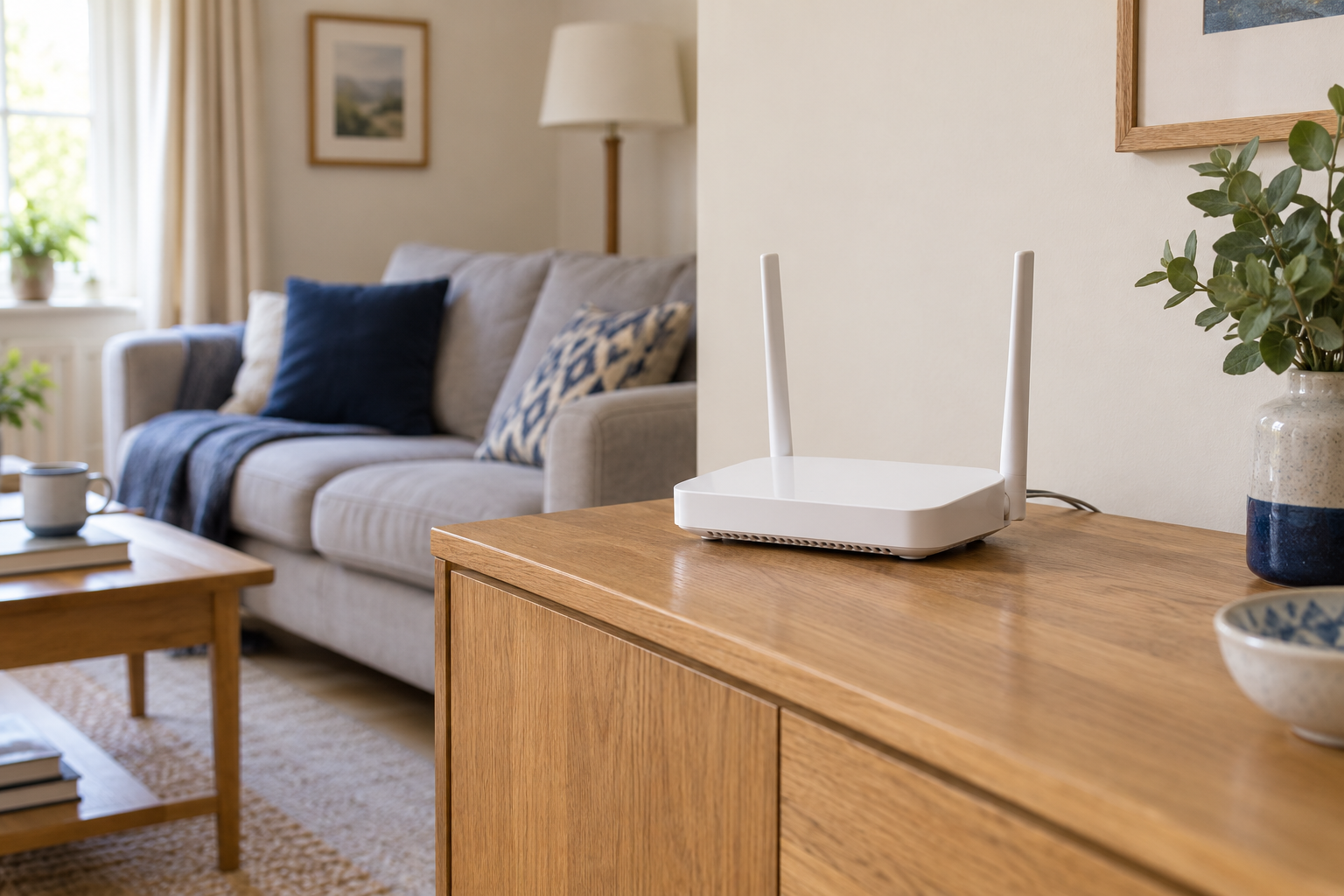
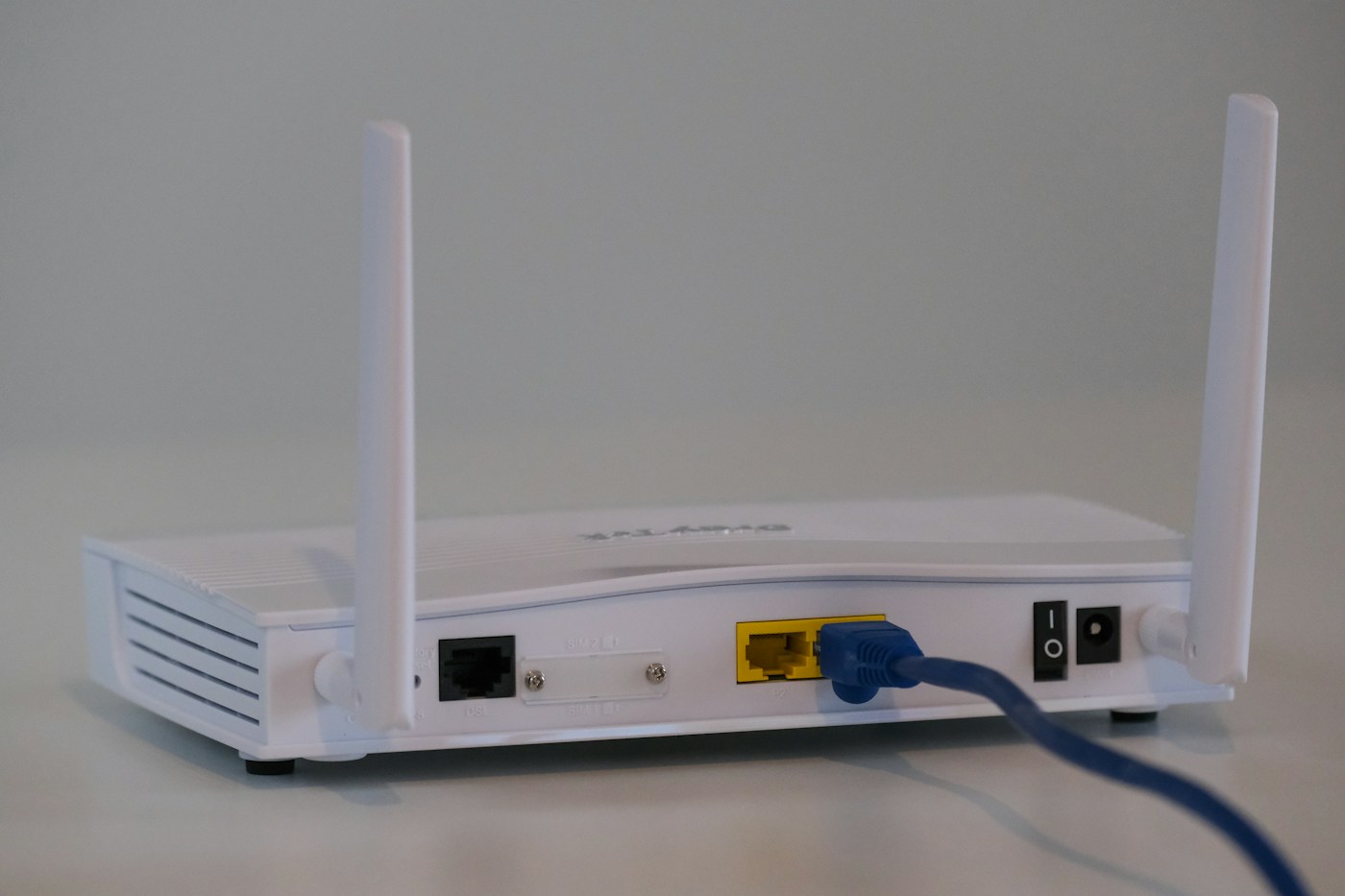
Look at the route between the two positions. A cupboard, several walls or a television directly beside the router may be more relevant than the straight-line distance. Try a practical nearby position that keeps the router ventilated and its cables safe. Do not move incoming equipment or disturb provider-installed fibre to achieve an ideal spot on a floor plan.
Repeat the same checks after the move. Also visit a room that previously worked well. Improving the bedroom while breaking the kitchen connection is a trade-off, not a complete fix. Keep the original position available until you understand the result.
Separate a room problem from a device problem
Now try a second device at the troublesome seat. If both struggle there and work near the router, the room is the common factor. If only the laptop struggles wherever it goes, inspect its connection status, updates and background activity before buying coverage equipment. A device may also be connecting to a different band or access point; the router's device list can sometimes show this.
Repeat at a quiet time and during the period when the problem usually occurs. A laptop that works well at midday but struggles during evening downloads presents a different problem from a permanent dead spot. Ask household members before pausing transfers. Record what you paused so the test can be repeated fairly.
Choose the next step from the evidence
For a fixed desk, a safe Ethernet route may be a simpler answer than expanding wireless coverage. For several rooms, a mesh system or access point may help, but its link back to the router must also work. A wireless node placed inside the existing dead spot cannot magically create a good upstream connection.
If every room is poor, check provider status and compare a suitable wired connection where possible. Keep your notes for support: device, room, time, task and what changed. Those details make a report much more useful than a single disappointing speed-test screenshot. Stop when the actual activity becomes reliable; chasing the highest possible number can create unnecessary changes to a setup that now does its job.