Record what you recognise
Open the router's connected-device view through its official app or administration page. Compare it with the devices you know are in the household. Names may be vague, duplicated or based on a manufacturer rather than the product you recognise. Do not assume an unfamiliar label is automatically an intruder.
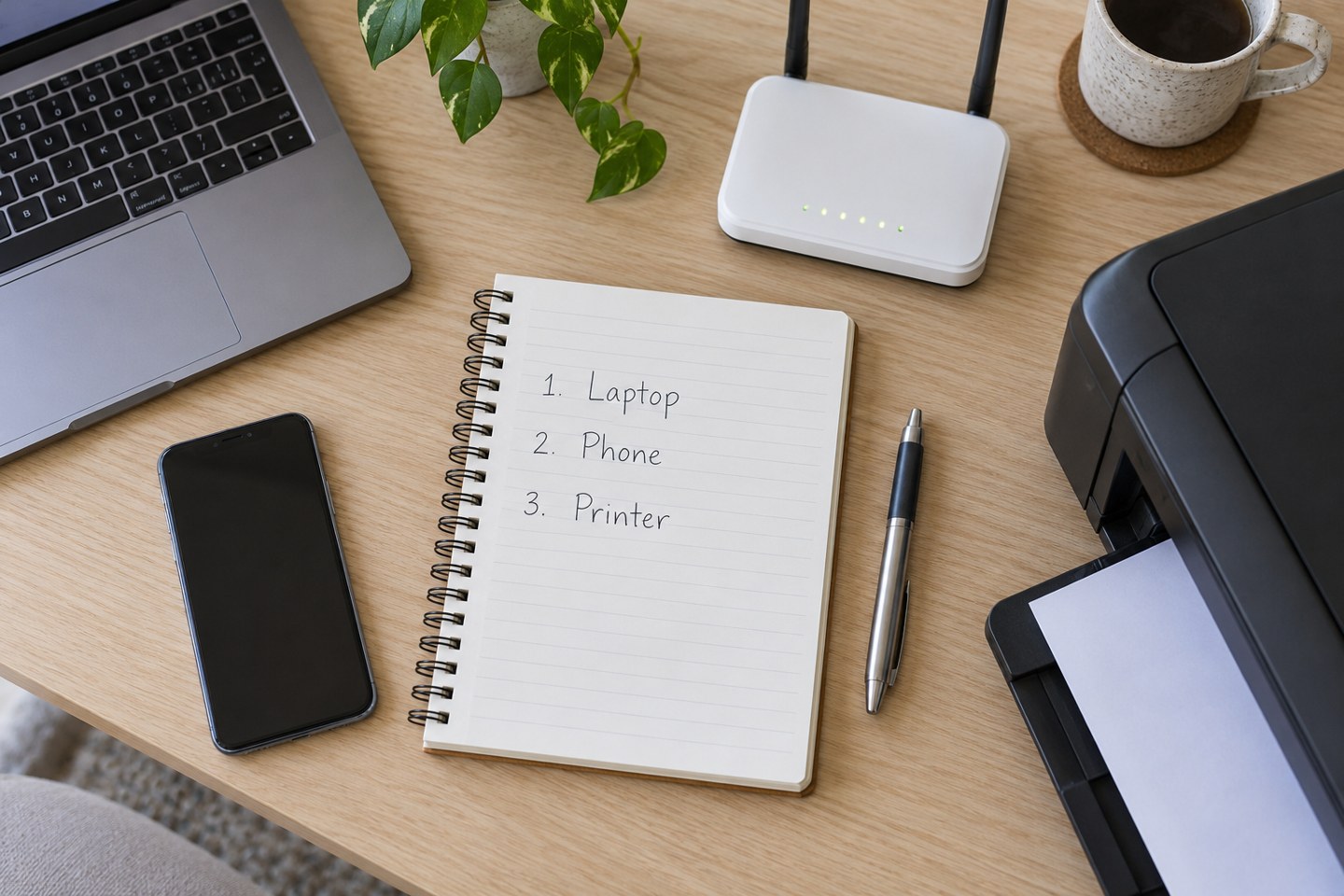
Create a simple private list with a friendly name, room, connection type and owner where useful. “Kitchen speaker” is more helpful than a long hardware identifier for ordinary troubleshooting. Add whether a device normally uses the main or guest network and which app manages it.
Identify the quiet devices
Include printers, televisions, smart-home hubs, doorbells and any network storage. These are easy to miss because they may work for months without direct attention. If a label is unclear, compare the device's own network information or temporarily disconnect it with the household's agreement and watch the list update.
Some devices use private or changing network addresses, so the router list may not remain identical forever. Treat the inventory as a practical aid rather than a perfect permanent identity system. Avoid recording passwords in an ordinary shared note alongside the list.
Keep only useful detail
A model number and link to the official setup instructions can help when equipment must be reconnected. Full serial numbers, account recovery codes and screenshots exposing credentials are usually unnecessary for this purpose. Store any sensitive account information separately and securely.
After a router change, work through the list and test the devices rather than relying only on their online indicators. Printing a page or controlling a lamp confirms more than seeing a familiar name in the app.
Update the list when a device is sold, replaced or moved. If an unknown item remains after sensible identification checks, use the router manufacturer's security guidance. The inventory is valuable because it gives you context for that decision, not because every new label should trigger a factory reset.