Do not start in the dead spot
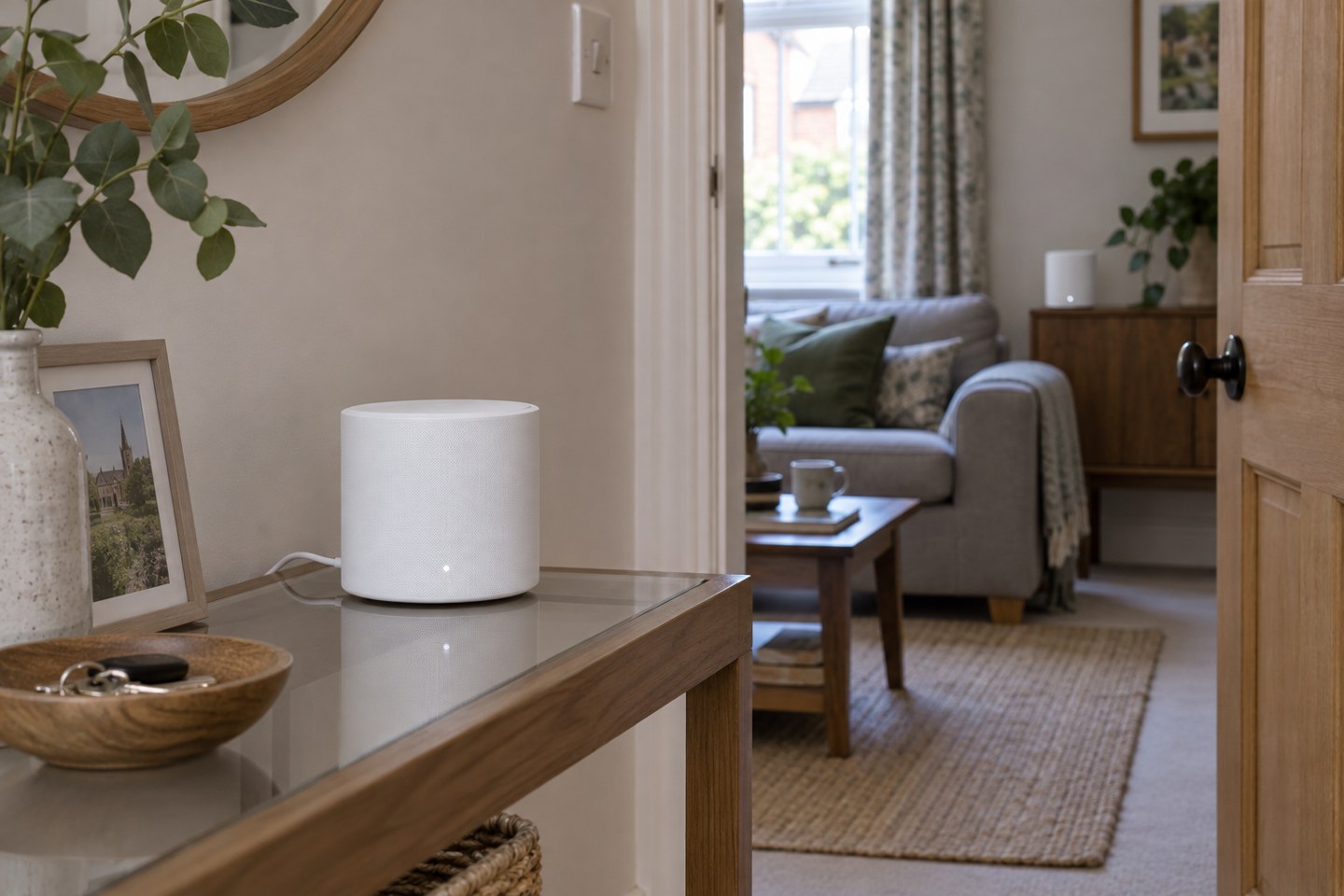
It is tempting to put a new mesh node at the very back of the room that has no signal. For a wireless mesh, that may leave the node struggling to reach the rest of the system. Start between the main unit and the area you want to serve, then use the manufacturer's placement feedback and your own device tests to adjust it.
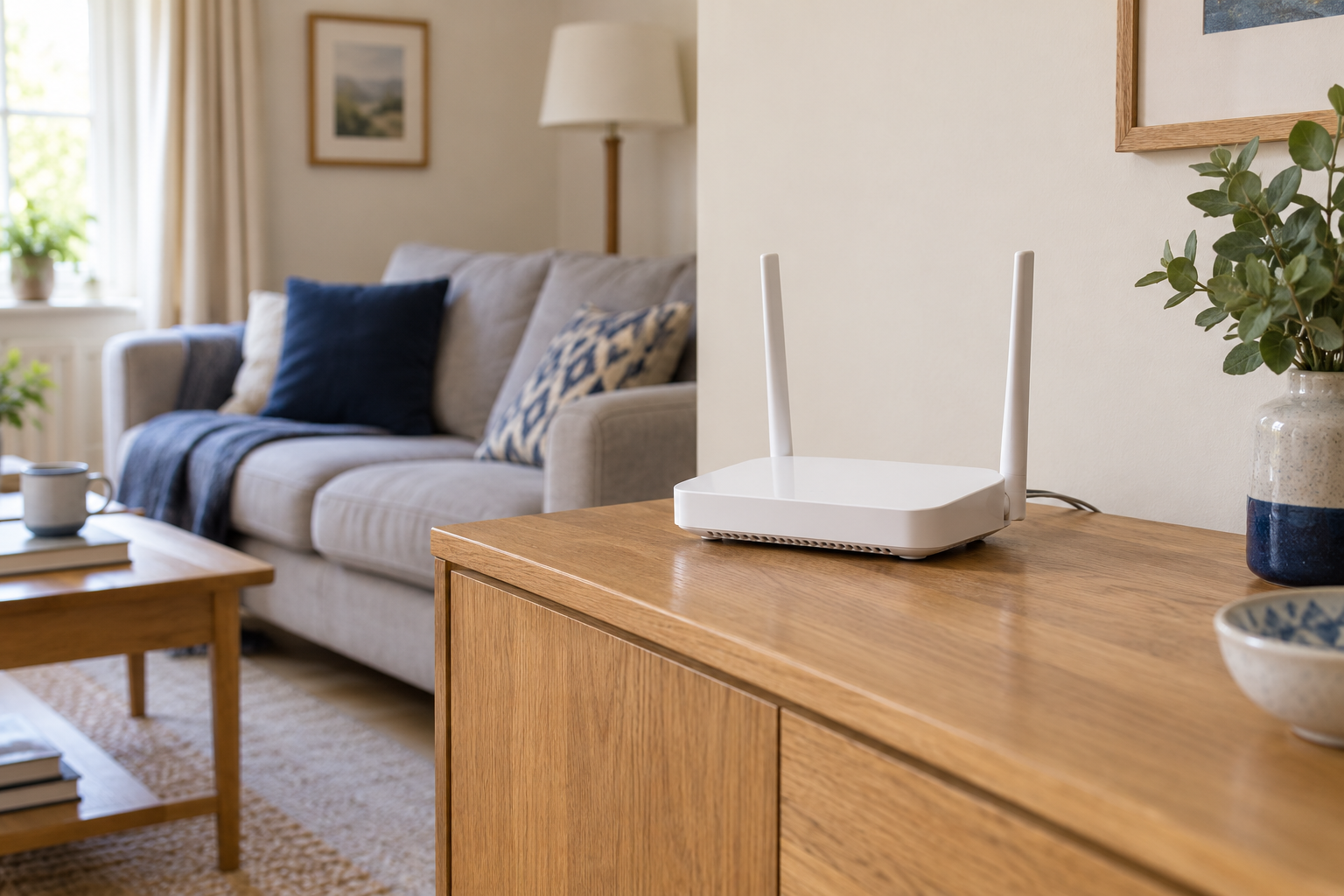
Plan around available power sockets and sensible cable routes. A hallway shelf might be a better compromise than a distant corner behind a television. Keep the unit open to the room and follow its ventilation guidance. Do not hide it inside furniture just because the light is distracting; check whether the app offers a light setting instead.
Add one node, then measure the result
Set up the main unit according to the system instructions before placing additional units. Add one satellite at a time. Confirm it has joined the intended network, and let the system settle before judging the result. App descriptions such as “good” are useful starting points, not a substitute for trying the activity that previously failed.
Test at the actual desk or sofa, then in a room that already worked. Walk between the areas with the device if roaming matters to you. A device may not switch nodes at the instant you expect; this behaviour depends on the system and client. Avoid repeatedly moving every node at once, because you will lose track of which change helped.
Think about the route between units
The most convenient straight line on a floor plan may pass through several difficult walls. A slightly longer route through a landing or doorway can be worth testing. If the system reports which unit each satellite uses for its upstream connection, compare that information with your intended layout.
More units are not automatically better. An unnecessary node can add expense and complexity without helping the room you care about. Before adding another, try moving the existing satellite a modest distance and repeat the same test. Keep a note of the locations that worked so you can restore them after cleaning or rearranging furniture.
Consider a wired link where it fits
Some mesh systems support Ethernet backhaul, allowing a cable between units to carry their upstream traffic. Compatibility and permitted wiring layouts differ, so check the exact system documentation before connecting ports or adding switches. A wired route may let a satellite serve a distant room without depending on a weak wireless hop.
The finished layout should support the household's real activities, not merely produce a neat row of green icons. Try an ordinary video call, a stream and a walk through the home. If those work consistently, leave the layout alone and keep the app notes for future reference.