Give the mesh a better route home
A mesh unit has two jobs: serving nearby devices and carrying their traffic back towards the internet connection. With wireless backhaul, that return journey uses a wireless link. With supported Ethernet backhaul, a cable carries it instead. This can be useful where walls or distance make the connection between units less reliable than the connection from a nearby laptop to its satellite.
It does not increase the speed of the broadband service you buy. It also does not guarantee that an old client device will become faster. The benefit is a better path within the home, particularly for a satellite that otherwise depends on an awkward wireless route. Decide which room or activity needs that improvement before buying cables and switches.
Check the exact system first
Look up the model and hardware version of each mesh unit. Similar brand names do not establish that separate product families can form one system or use the same wired topology. Read the manufacturer's Ethernet-backhaul instructions, including supported operating modes, port roles and switch limitations.
Sketch the proposed arrangement. Include the provider equipment, main mesh unit, any switch and each satellite. In some router-mode systems, satellites need to connect on the LAN side of the main mesh router. Do not assume that plugging every unit into whichever socket is nearest is equivalent. Follow the topology specified for your equipment.
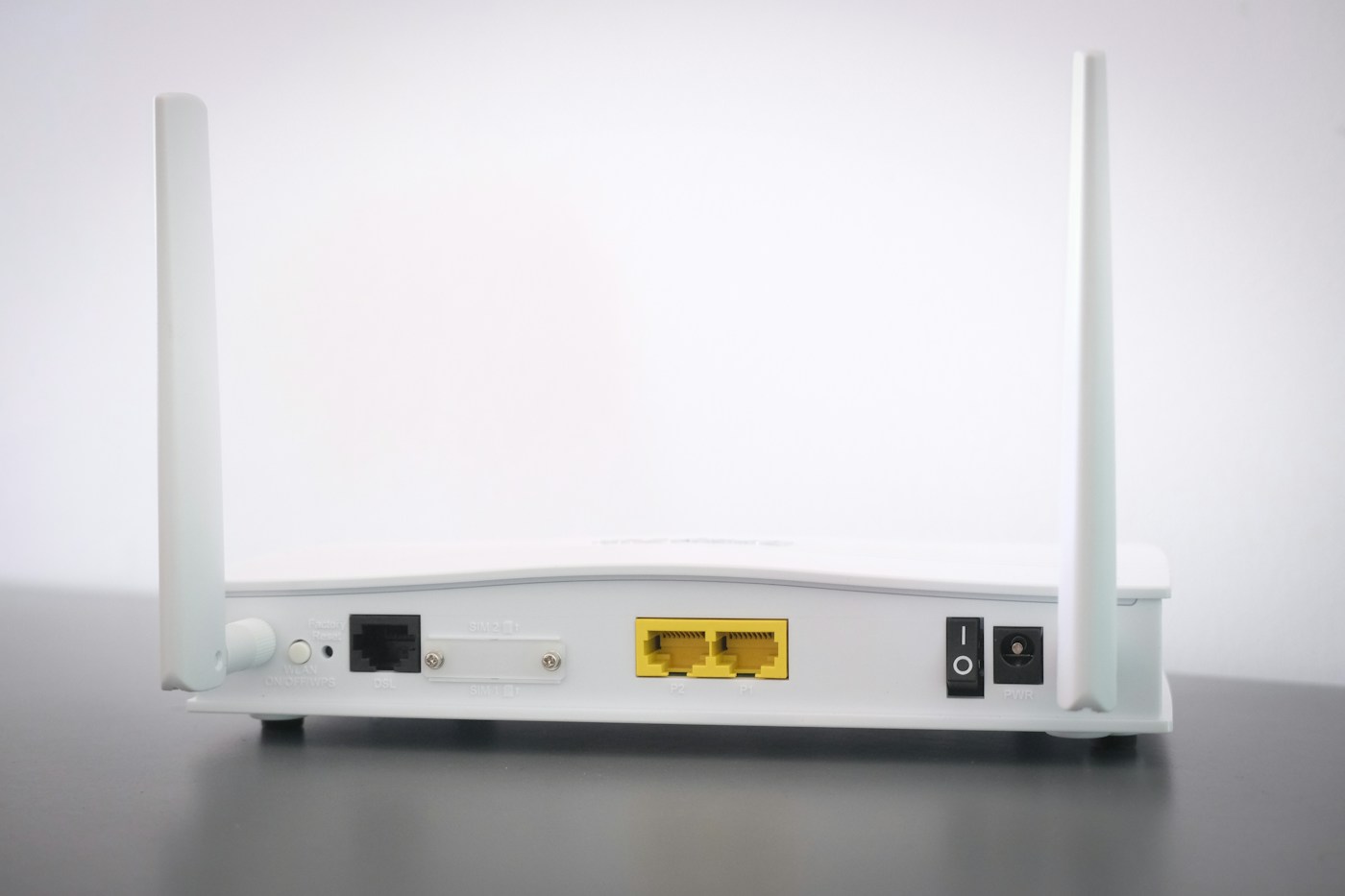
Check port speeds too. A link can be working correctly while a slower port limits the maximum transfer rate. That may still be entirely adequate for the room, but it is better to recognise the limitation than to diagnose it later as a mysterious fault. Existing in-wall cabling also deserves verification before you rely on it.
Prove the connection before hiding the cable
If practical, test the units with a short known working Ethernet cable in an accessible location. Confirm in the system app or interface that the satellite is actually using the wired link. A connected cable alone is not proof: the system may still be using wireless, or the cable may be in an unsuitable port.
Once the basic arrangement works, try the intended cable route temporarily without creating a trip hazard. Test the device at its usual seat, then check the rest of the household network. Leave the equipment accessible until you have confirmed that reconnecting and restarting it still produces the expected arrangement.
Make the permanent route practical
Measure the route around skirting and furniture rather than across open floor space. Allow enough slack to move a unit for cleaning without pulling on its socket. Use suitable cable management that does not crush the cable or force tight bends. Avoid door pinch points, hot equipment and routes that encourage someone to tug the lead out.
For drilling, concealed routes, outdoor runs or work near electrical services, use an appropriately competent installer. The convenience of a wired network is not a reason to improvise with building or mains wiring. Ask the installer to label both ends so the connection remains understandable later.
Know when the effort is worthwhile
A fixed office, a garden-facing room or a satellite across several substantial walls can justify the work. A small home with an already reliable wireless mesh may gain little that is noticeable in ordinary use. Compare the task you care about before and after, rather than using a headline speed alone.
Keep a simple network sketch with the port connections and operating mode. If a future router replacement disrupts the arrangement, that record will be more useful than trying to remember why a particular cable went into a particular socket. A successful wired backhaul should make the network easier to live with, including when something needs reconnecting.