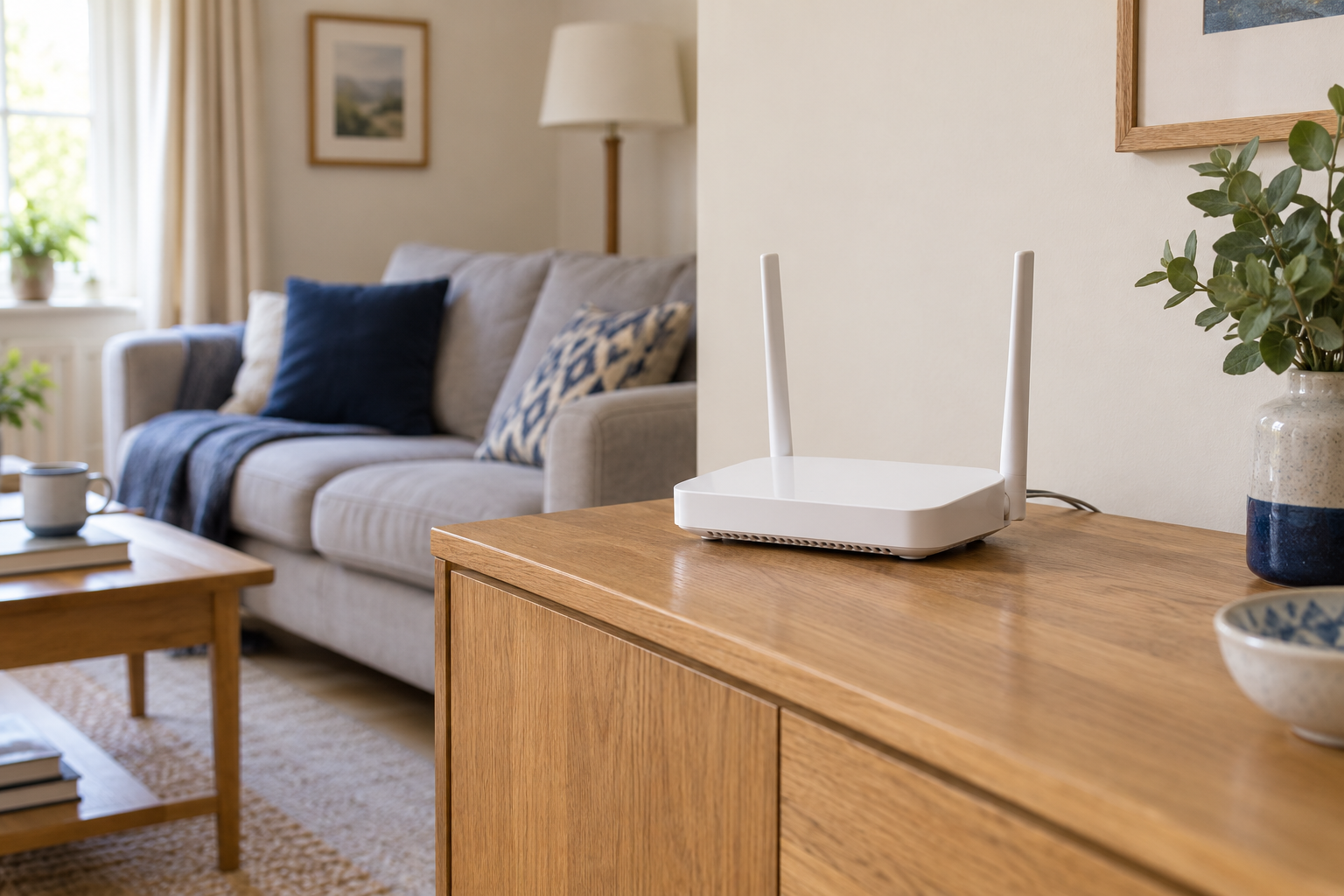
Make a short connection list
Before renaming the Wi-Fi, list devices that are easy to forget: a printer, doorbell, television, smart speaker and any equipment that runs without a screen. Check how each one changes networks. A laptop usually makes the process obvious; an installed sensor may require its app or a button sequence.
Choose a quiet time when nobody depends on the connection for a call or an upload. Keep the router's official instructions and administration details available. If you are using Wi-Fi to edit the name, expect that connection to drop when the change takes effect. This is not necessarily a sign that the router has failed.
Pick a name that is useful at home
A short recognisable name is easier to select from a crowded list. Avoid including an address, phone number or unnecessary identifying information. If the router uses separate band names, keep their relationship clear. Check whether a mesh system applies the change across all its units automatically.
Record the old name and the new one before saving. Do not change the password, security mode and band arrangement at the same time unless you have a specific reason. Keeping the scope small makes reconnecting simpler and gives you a clearer explanation if one older device struggles.
Reconnect in a sensible order
Join with your own phone or computer first and verify that a normal website loads. Then work through the device list. Use the supported network-change procedure for each product; factory resetting everything is usually an unnecessarily disruptive first move.
Test devices that need to communicate locally, such as a laptop and printer, after they have rejoined. Remove the old saved network from personal devices if it is no longer needed and you are confident the new arrangement works. Update any household instructions or connection cards.
Finally, keep the new name and password in your secure household record. If something appears offline the following day, consult the checklist before assuming it has developed a separate fault. Renaming is complete when the less visible devices work too.