Choose the two endpoints
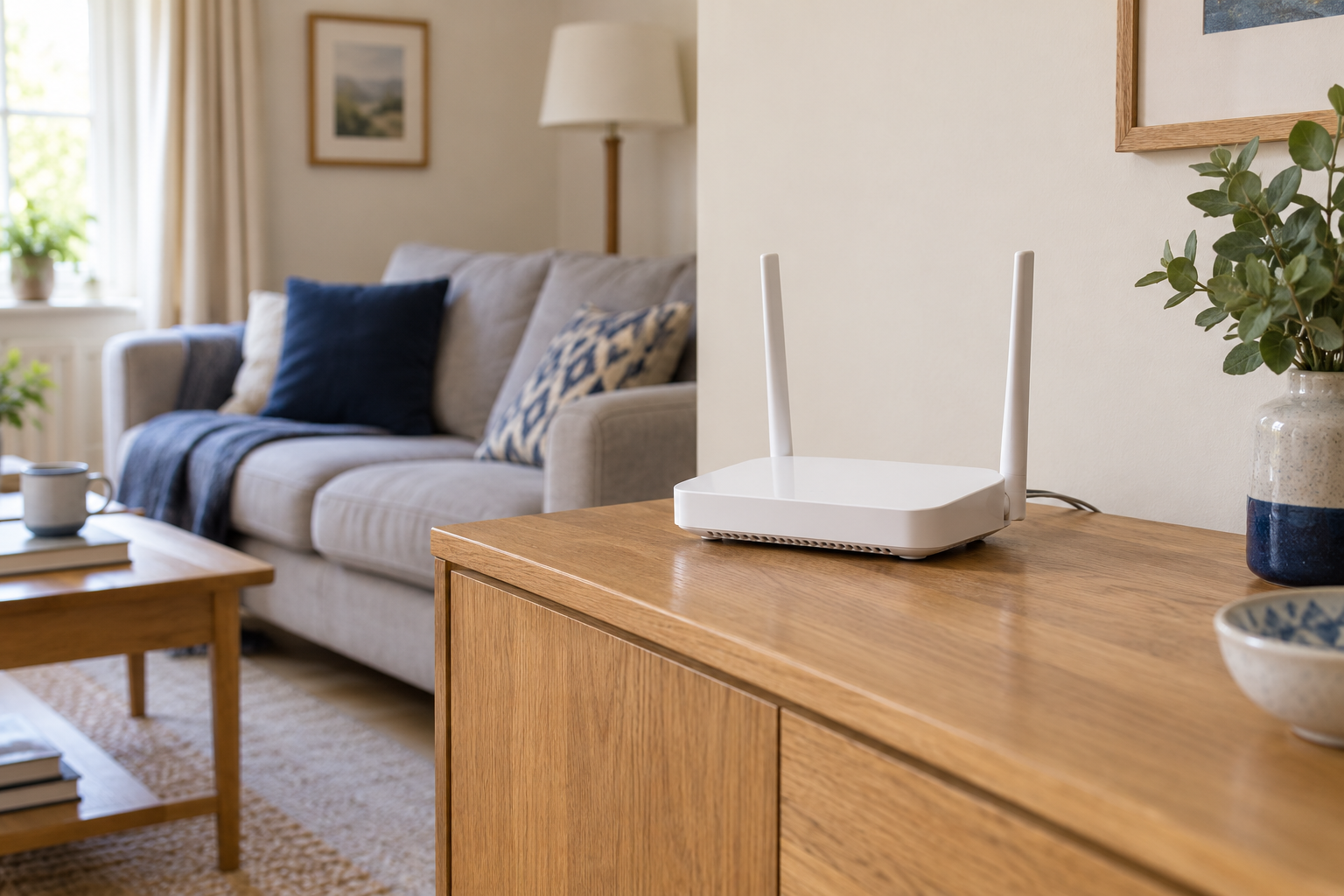
Identify the router or network switch socket and the device you want to connect. Check whether the device has Ethernet or needs a compatible adapter. A USB adapter must suit the computer and the performance you need; the shape of its plug alone is not a full specification.
Measure a route around the room, including corners, furniture and a little slack at each end. Do not measure only the straight-line distance. Think about where a chair rolls, where a door closes and how the room is cleaned. The best route is one you will not have to keep stepping over.
Test before securing anything
Connect a suitable known working cable temporarily in a safe position. Check that the computer reports a wired connection and repeat the activity that motivated the change. If necessary, confirm which connection is active so that working Wi-Fi does not disguise an Ethernet problem.
Look at the negotiated link speed if the operating system exposes it. A lower-than-expected value can involve the cable, port or adapter; it is not automatically a broadband issue. Try one substitution at a time before committing the lead to a permanent route.
Keep the cable comfortable
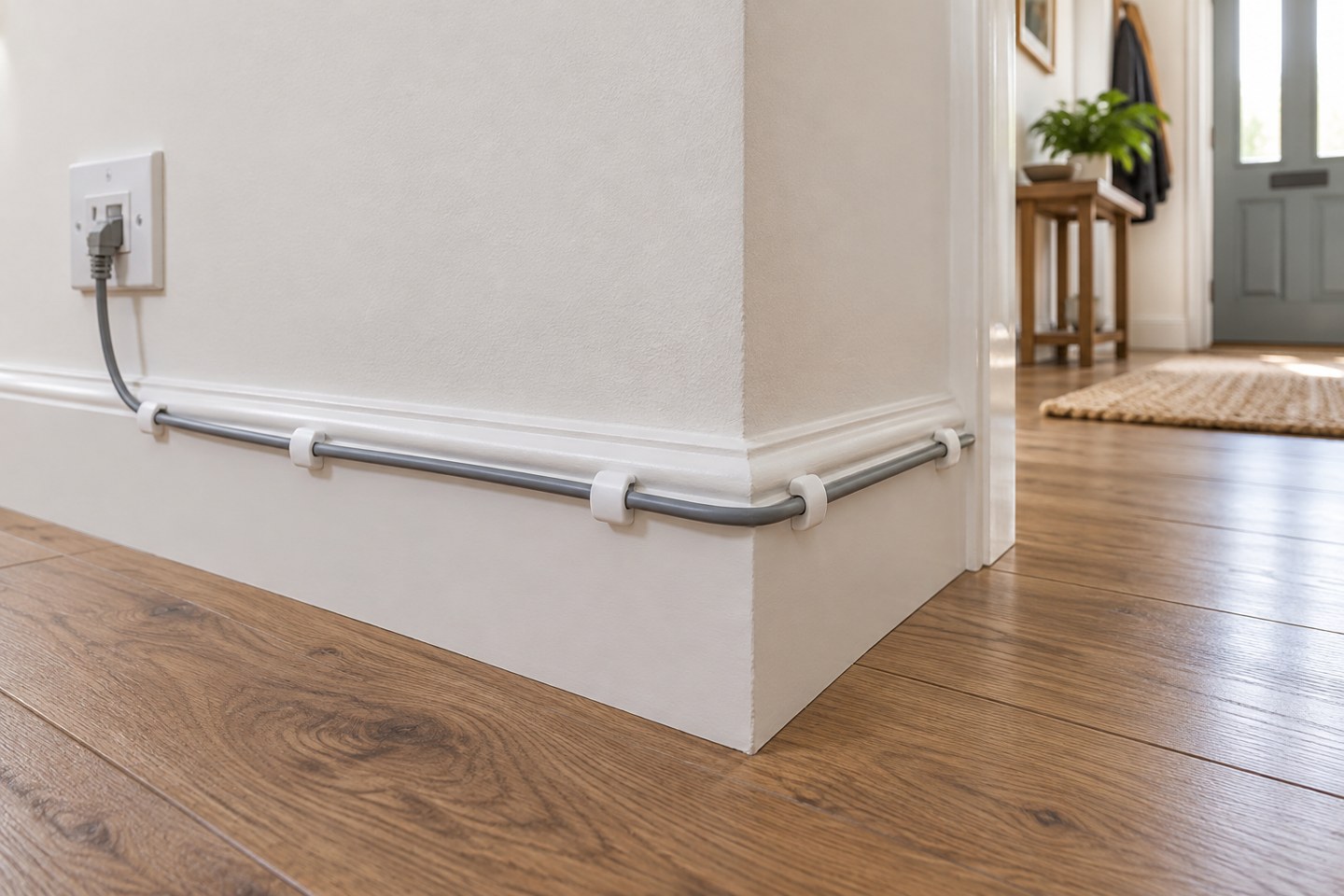
Use appropriate clips or a cable channel without crushing the cable. Avoid sharp bends and tension at the plugs. Leave enough movement to slide a laptop dock or router aside for cleaning. Labels at both ends are useful when several similar leads meet behind a desk.
Do not trap the cable under a door or put it where it becomes a trip hazard. For drilling, concealed routes or work near electrical services, use a competent installer. Network convenience does not justify guessing what is inside a wall.
Finish with an everyday check
Restart or reconnect the device in the way you normally use it, then verify that Ethernet returns without special attention. Test a call or file transfer rather than only looking for a connection icon. If you use a laptop, make sure disconnecting the cable and returning to Wi-Fi also behaves as expected.
Keep a note of the port and adapter used. A single reliable wired desk can be enough to solve an important problem even when the rest of the house stays wireless. There is no need to redesign the entire network merely because one fixed device benefits from a cable.