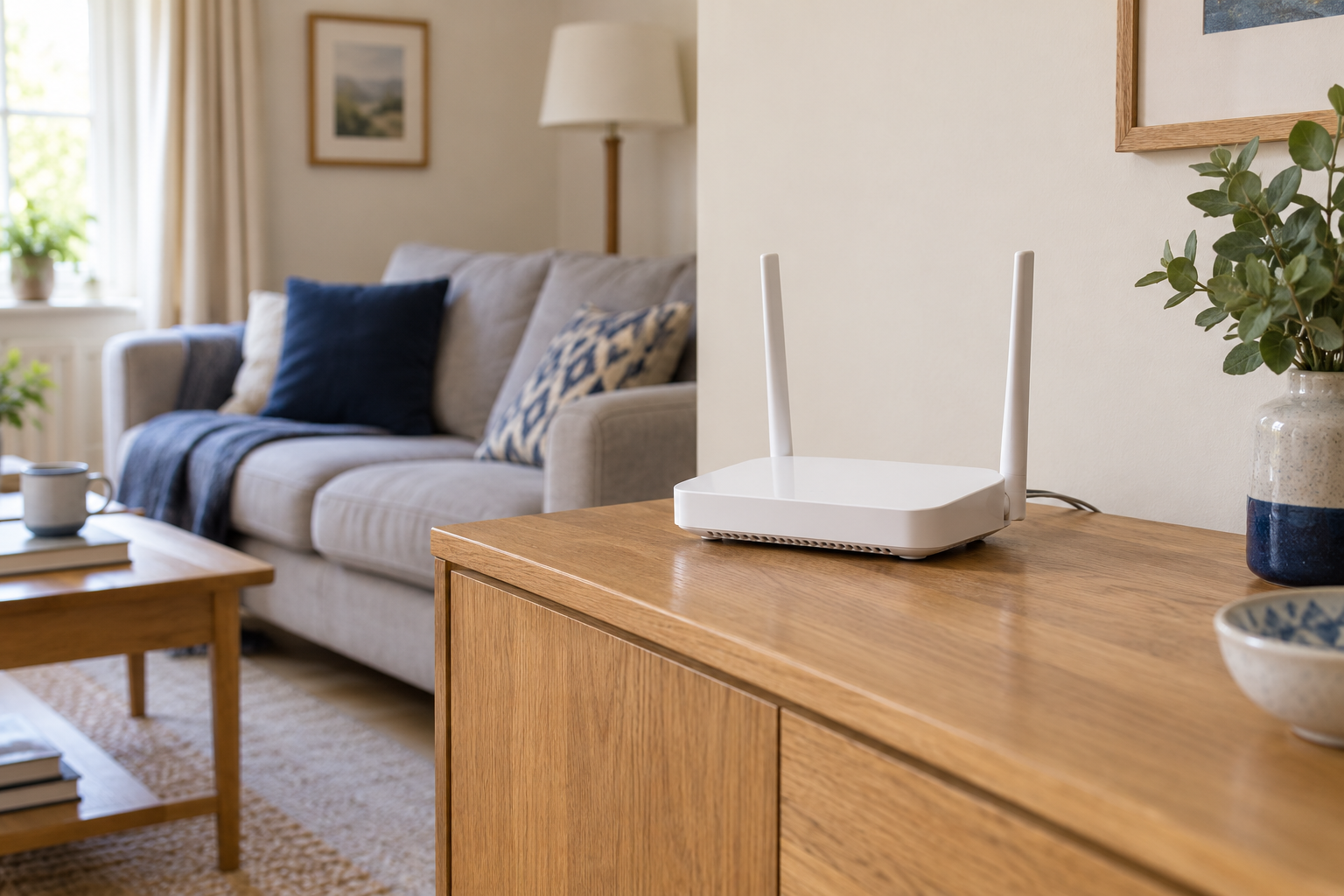
Know which password you are changing
The Wi-Fi password lets devices join the wireless network. The router's administration password controls its settings. They may be different, and changing one does not necessarily change the other. Identify the intended setting in the official app or router interface before saving anything.
Choose a strong new network password and store it securely. Avoid putting personal details into it. Use the security options recommended for the exact router and devices rather than copying an unfamiliar setting from another model's guide.
Prepare for the interruption
List the equipment that will need to reconnect, including devices without screens. Check their network-change instructions while they are still online. Pick a time when nobody needs an uninterrupted call or upload, and let the household know what will happen.
Keep a way to reach the router's instructions after the wireless connection drops. If you are making the change over Wi-Fi, losing that connection is expected once the new password takes effect. It does not by itself mean the router has stopped working.
Rejoin with one device first
Connect your phone or computer using the new password and check an ordinary website. If it keeps trying the old saved credentials, use the operating system's supported method to update or forget that network, then join again. Take care not to remove unrelated saved connections unnecessarily.
Continue through the household list. Some smart devices offer a network update in their app; others require a particular setup procedure. Do not factory reset everything by default. Test local functions, such as printing or speaker control, once their devices have rejoined.
Close the loop
Update a guest connection card only if that network's password also changed. Remove obsolete shared notes that would confuse the next person trying to connect. Keep the main password within the household and use a guest network for visitors where the router supports an appropriate setup.
If the change was prompted by a security concern, review the router's administration access and updates using official guidance as a separate step. Replacing a Wi-Fi password is useful for controlling network access, but it should not be treated as a universal remedy for every possible account or device problem.