Open the door before changing settings
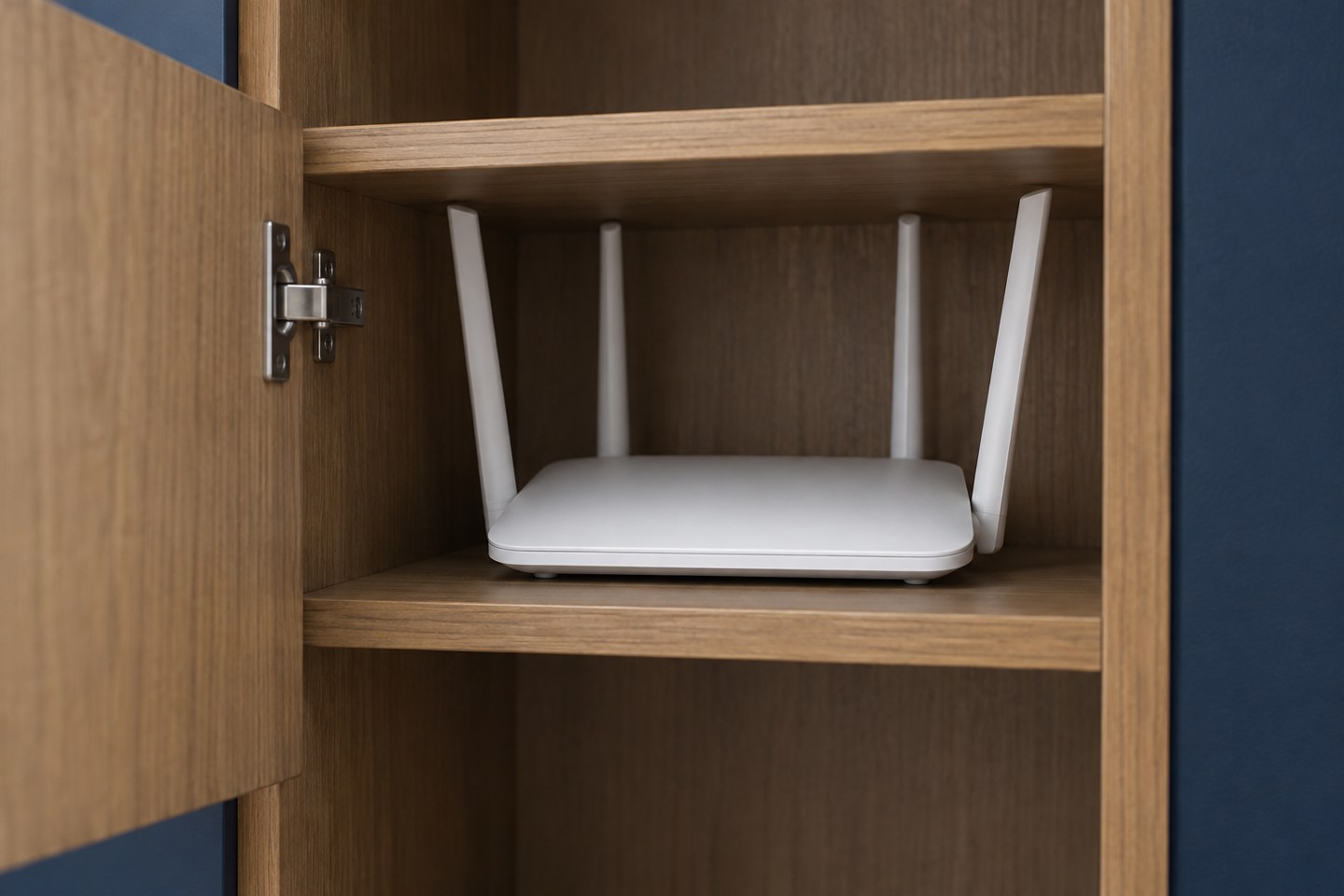
If the router sits inside furniture, compare the same task with the cupboard door open and closed. Use the same device in its usual place. The result will not explain every wireless problem, but it can show whether that location deserves a closer look before you start changing channels or buying extra hardware.
Look at what surrounds the router. Dense furniture, nearby electronics and a cramped cable bundle can make the space awkward. Follow the manufacturer's ventilation instructions. Do not stack objects on the unit or block its vents to keep the cupboard tidy.
Try a nearby clear position
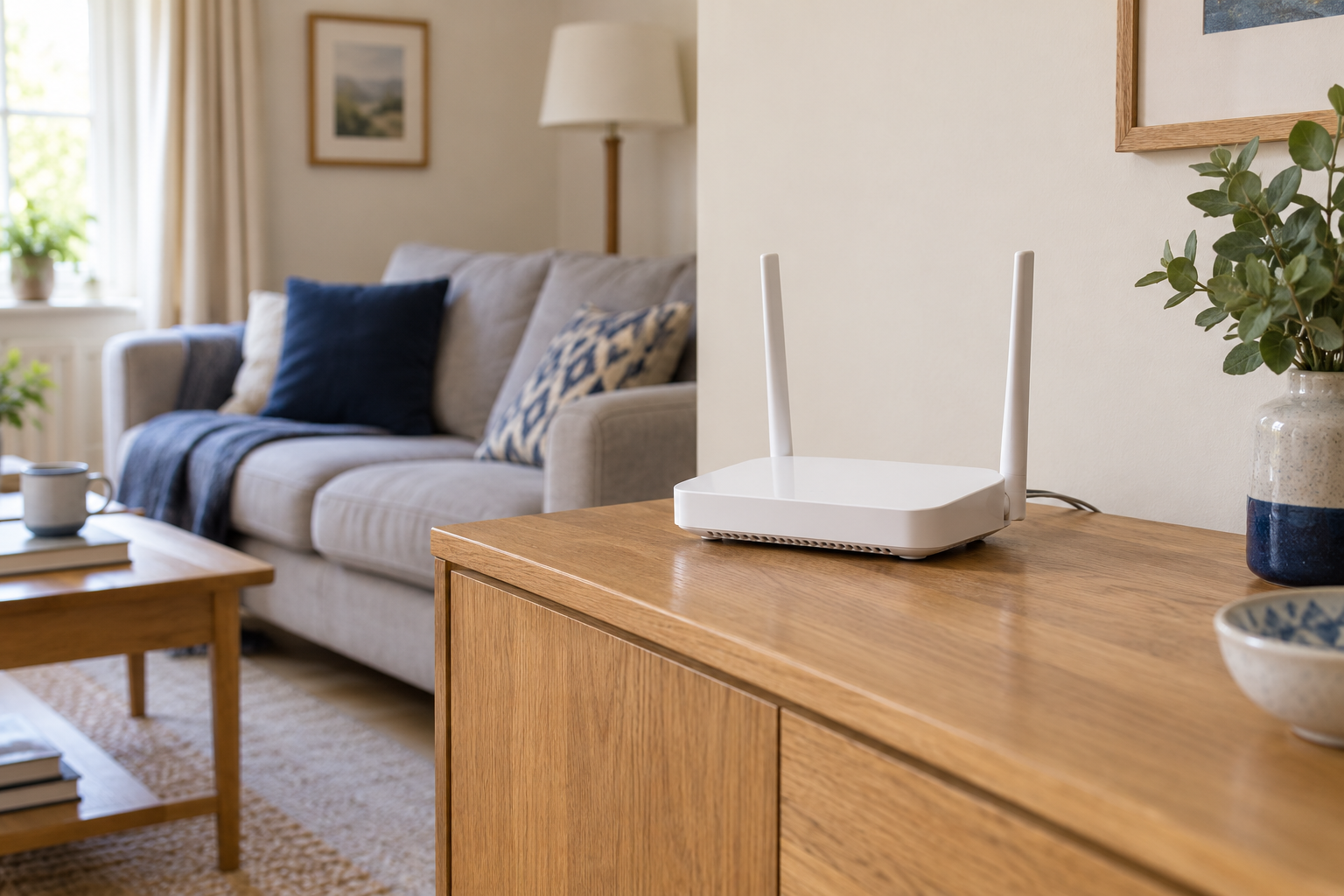
A shelf or sideboard outside the cupboard may provide a practical test without relocating the incoming connection. Keep the router stable, leave its cables relaxed and avoid creating a trip hazard. Use the orientation recommended for the equipment rather than assuming that standing every antenna in the same direction is always correct.
If the existing leads do not reach, do not pull on the provider's incoming cable to gain a few centimetres. Test a closer clear position instead, or ask the provider what extensions or relocation options are supported. A small improvement you can maintain safely is more useful than a dramatic temporary move that strains a connector.
Repeat the original task, then check another room. If the change helps, live with the position long enough to test ordinary household use. A single successful page load is less convincing than a stable call at the time the problem usually occurs.
Make the working position sustainable
Leave access to the power connection and status lights. If the router is likely to be pushed back into the cupboard during cleaning, give it a clear place and explain why it is there. Cable clips or a modest rearrangement can make an open position feel deliberate rather than temporary.
If moving it makes no useful difference, restore the original arrangement only if ventilation is suitable. Investigate the next part of the route, such as a distant mesh link or the device itself. The point of the test is to learn whether the cupboard matters, not to assume that every enclosed router is the sole cause of a slow network.