Start with a trial, not a promise
Powerline networking can be convenient when a room is difficult to reach with Wi-Fi and a new Ethernet run is impractical. Its performance depends on the electrical installation and connected equipment. A headline speed printed on the kit is not a guarantee of the usable connection between two sockets in your home.
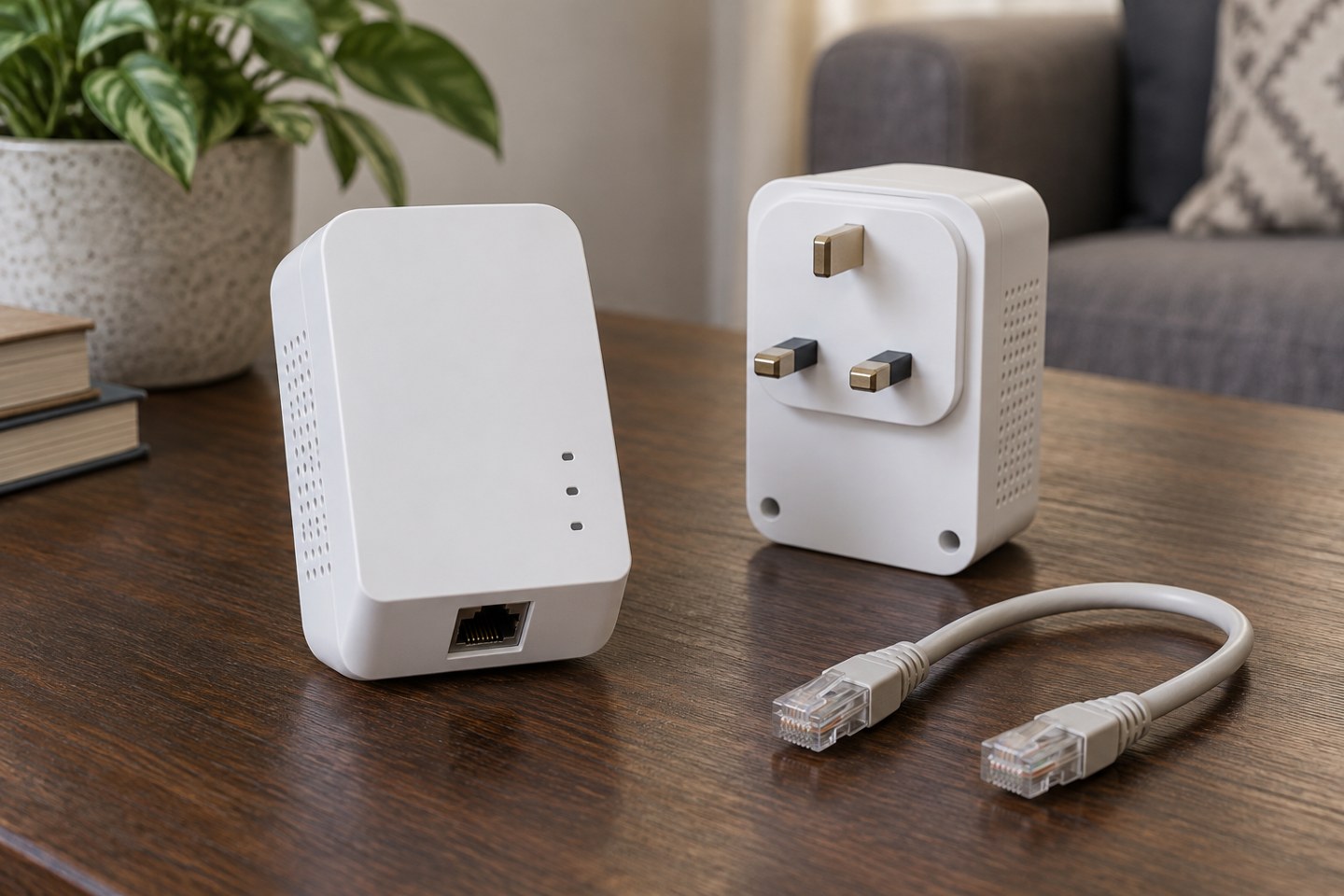
Identify the intended sockets before buying. One adapter normally connects near the router, while another serves the distant room. Check the manufacturer's requirements for the exact kit, including compatibility between units. Products that look similar are not necessarily part of the same interoperable system.
Use the installation guidance literally
Manufacturers commonly recommend plugging adapters directly into wall sockets rather than filtered extensions or surge-protected strips. Follow the documentation for the product. Do not defeat electrical protection or overload a socket to create a preferred arrangement. If socket access is awkward, reconsider the layout or seek suitable advice.
Check whether the distant unit offers Ethernet only or also creates Wi-Fi. These are different experiences: an Ethernet adapter will not by itself give a phone a wireless network. A Wi-Fi model may require its own setup and may not behave like a unified mesh system.
Pair and secure the units using the supported procedure. Avoid assuming that simply plugging them in establishes the intended private network. Keep the manual available and note what each status light means for that model.
Test the room and the time of day
Start with the intended device and ordinary activity. A laptop connected to the distant adapter is a useful direct comparison before you add another wireless hop. Test at the times you expect to use it, not just during a quiet afternoon setup session.
If results vary, note which household appliances or activities coincide with the change. Do not open electrical equipment or alter the wiring to investigate. Try another suitable socket only where it is safe and practical, and change one element at a time so the result remains interpretable.
Compare with the original Wi-Fi connection. The goal may be steadier calls rather than the largest download number. Record both the benefit and any remaining interruptions. A connection that appears fast briefly but drops during work may not solve the original problem.
Compare the alternatives fairly
A mesh unit may suit a home where there is a reasonable wireless path between rooms. A wired access point may be better where a permanent cable route is possible. Powerline can be worth trying when those options are inconvenient, but its dependence on the building makes a real in-home test especially valuable.
Check the seller's return conditions before ordering, and keep the packaging while testing. Do not rely on a neighbour's result, even in a similar house. The relevant evidence is the performance between your actual sockets with your ordinary equipment running.
Keep the arrangement understandable
Label the adapter near the router and the one in the distant room. Explain to the household why unplugging either affects the connection. If an adapter includes a pass-through socket, follow its rating and instructions rather than treating it as unlimited extra capacity.
Once the setup works, save the pairing instructions and any configuration details. If it becomes unreliable later, check whether a unit was moved or a new appliance was added before resetting everything. A simple record of the successful arrangement gives you a much better starting point.