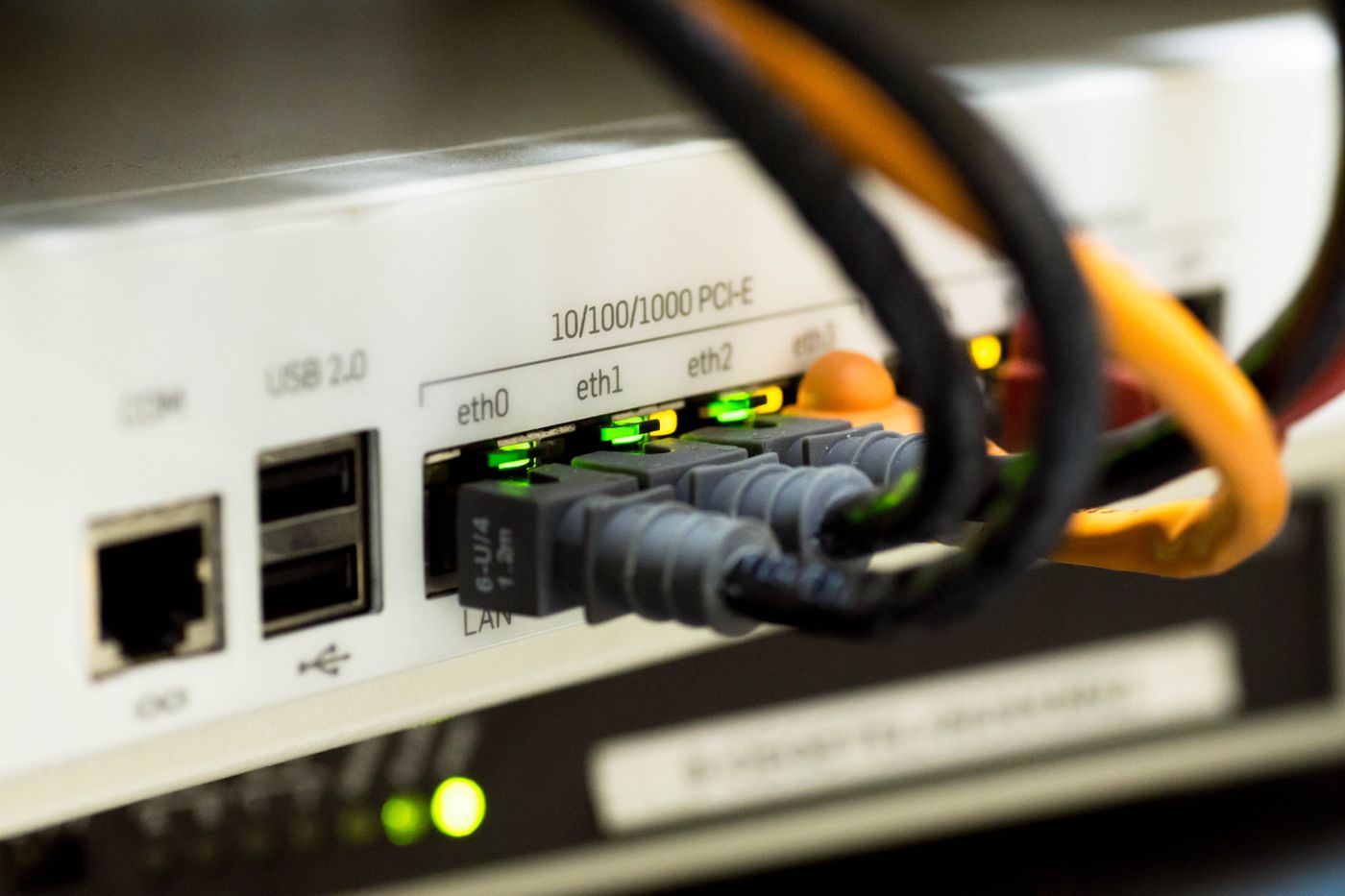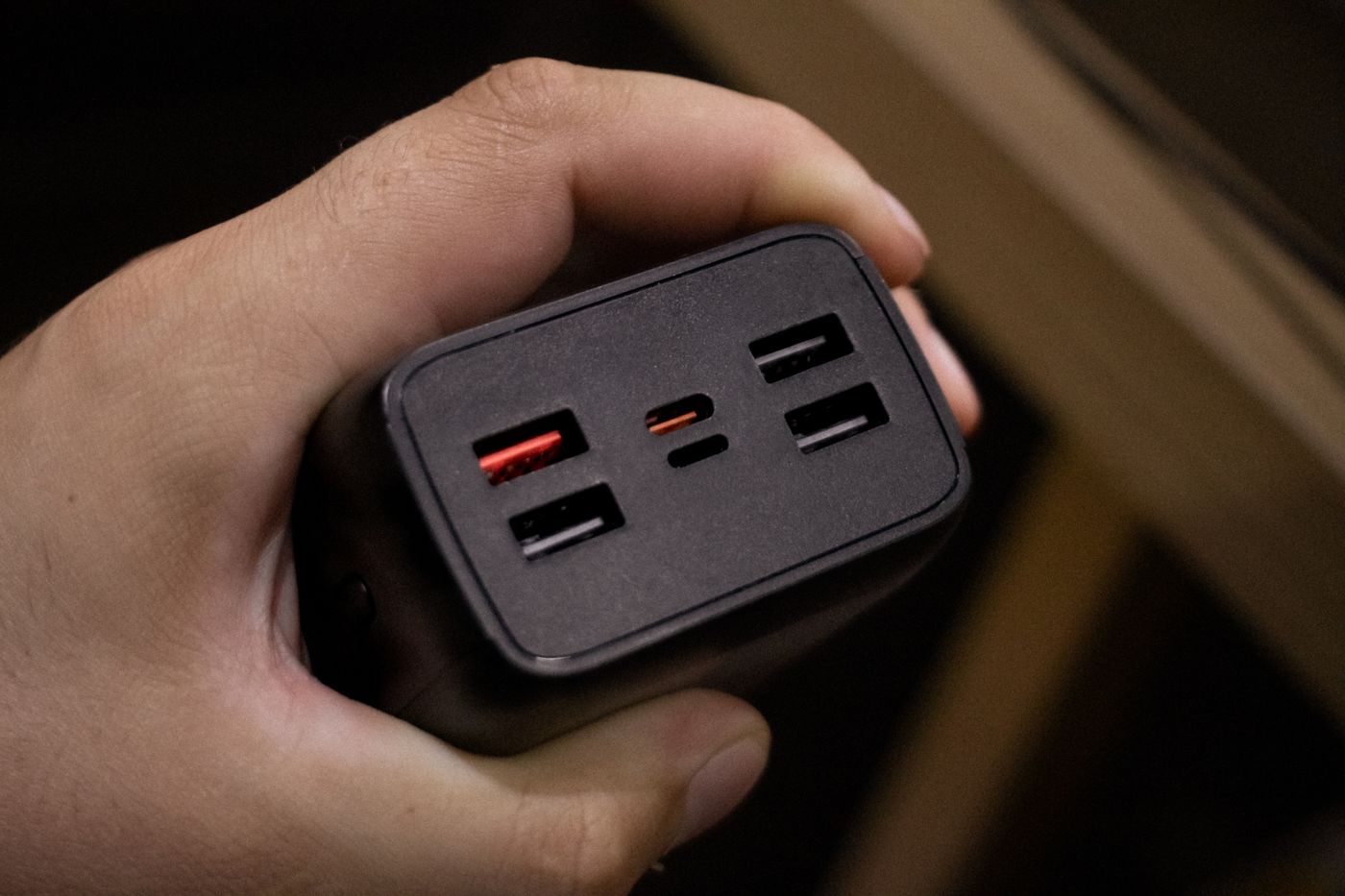
List the devices that charge together
Begin with the ordinary combination: perhaps a laptop, phone and earbuds on the desk. Check each device's charging guidance, including supported protocols and recommended power. Count the devices that actually charge simultaneously rather than buying ports for every cable in the house.
A charger may advertise a total output shared across its sockets. One port used alone can behave differently when another device is connected. Read the manufacturer's output table for the exact model and port combination. If that information is missing or unclear, choose a product with better documentation.
Follow the whole charging path
The charger, cable and device all participate in the result. A suitable charger cannot overcome an unsuitable cable, and a device may accept less than the charger can offer. USB-C shape alone does not establish support for the power mode your laptop needs.
Use the port arrangement specified for the important device. Some chargers label a particular socket for the highest output. Adding a second device may redistribute power or briefly renegotiate connections; check the product's stated behaviour and test whether it interrupts anything that matters to you.
Compare the physical arrangement
A compact block is not always convenient if its weight pulls awkwardly on a wall socket or its ports face a tight corner. Think about the cable route, ventilation and access for unplugging. A desktop charger with a suitable lead may suit a fixed workspace differently from a travel plug.
Buy from a reputable source and inspect the product on arrival. Do not treat a printed safety mark or impressive specification as a substitute for a traceable seller and appropriate documentation. Use equipment intended for the local supply and follow the manufacturer's instructions.
Test your normal combination
Charge the laptop while the other devices are connected in their planned ports. Confirm that the laptop reports charging as expected during ordinary work, not only while asleep. Compare with its original charger if the result is unclear.
Keep the port allocation simple enough for someone else to understand. A small label or a note in the cable drawer can prevent the laptop being moved to a lower-powered socket later. If the charger becomes damaged or behaves abnormally, stop using it and seek manufacturer guidance rather than compensating with a different cable position.