One awkward corner or several weak rooms?
Start by mapping where the connection works and where it fails. Use one device and a repeatable task. If the whole home is slow even near the router, extra wireless coverage may not address the cause. Check the incoming service and household traffic before choosing between a mesh kit and an extender.
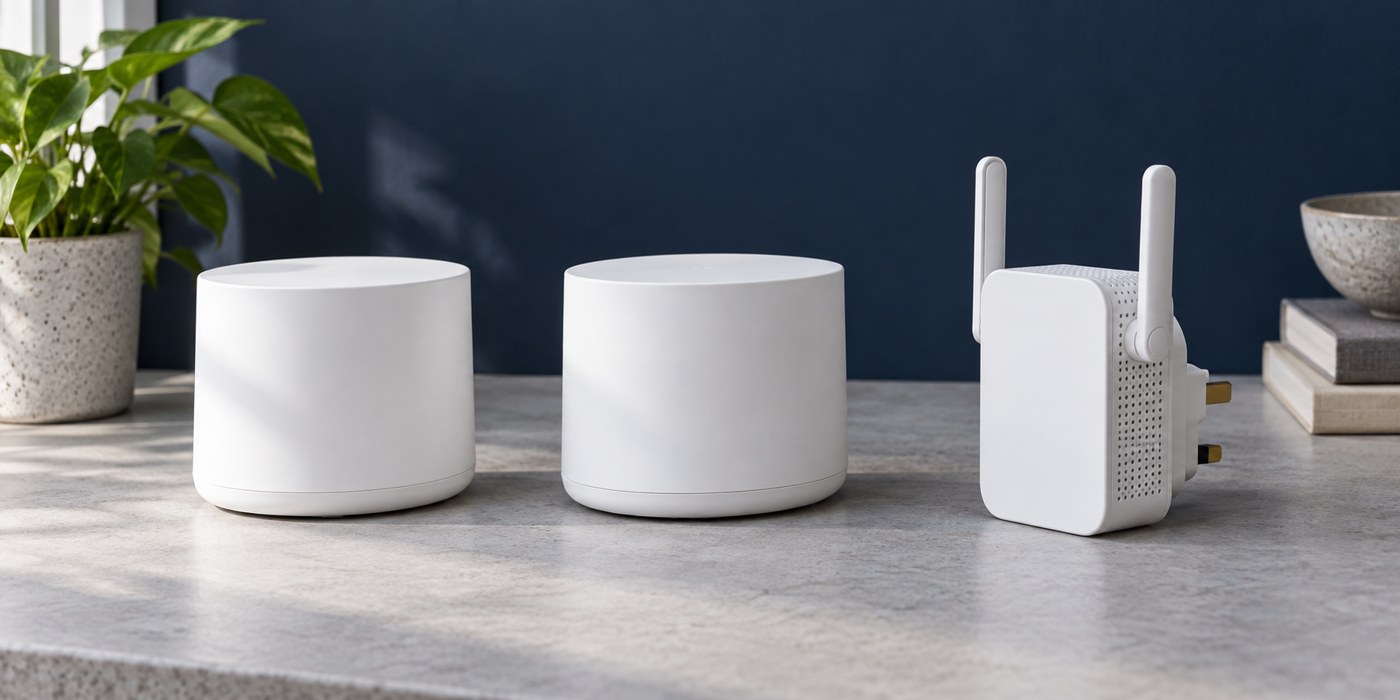
For one modest weak area, a compatible extender may be enough. For several rooms, a mesh system can offer a more coordinated arrangement. Neither label guarantees a result in a particular building. Both depend on placement and, where wireless links connect the units, a usable route back towards the router.
Understand what joins what
An extender typically connects to an existing wireless network and provides coverage from another location. Its network naming, roaming behaviour and compatibility depend on the product. A mesh system uses compatible units designed to operate together, but separate product families are not necessarily interchangeable even when they share a brand.
Check the exact router and proposed accessory on the manufacturer's compatibility list. Do not treat the word “mesh” on two boxes as proof that they form one managed network. Also check whether an existing provider router remains in the setup and which operating mode the new equipment should use.
Plan the middle of the route
The new unit should not simply sit at the point where the original signal has already disappeared. A wireless upstream connection needs a good enough position to carry traffic back. A landing between floors or an open shelf before the weak room may be a more useful starting point than its far corner.
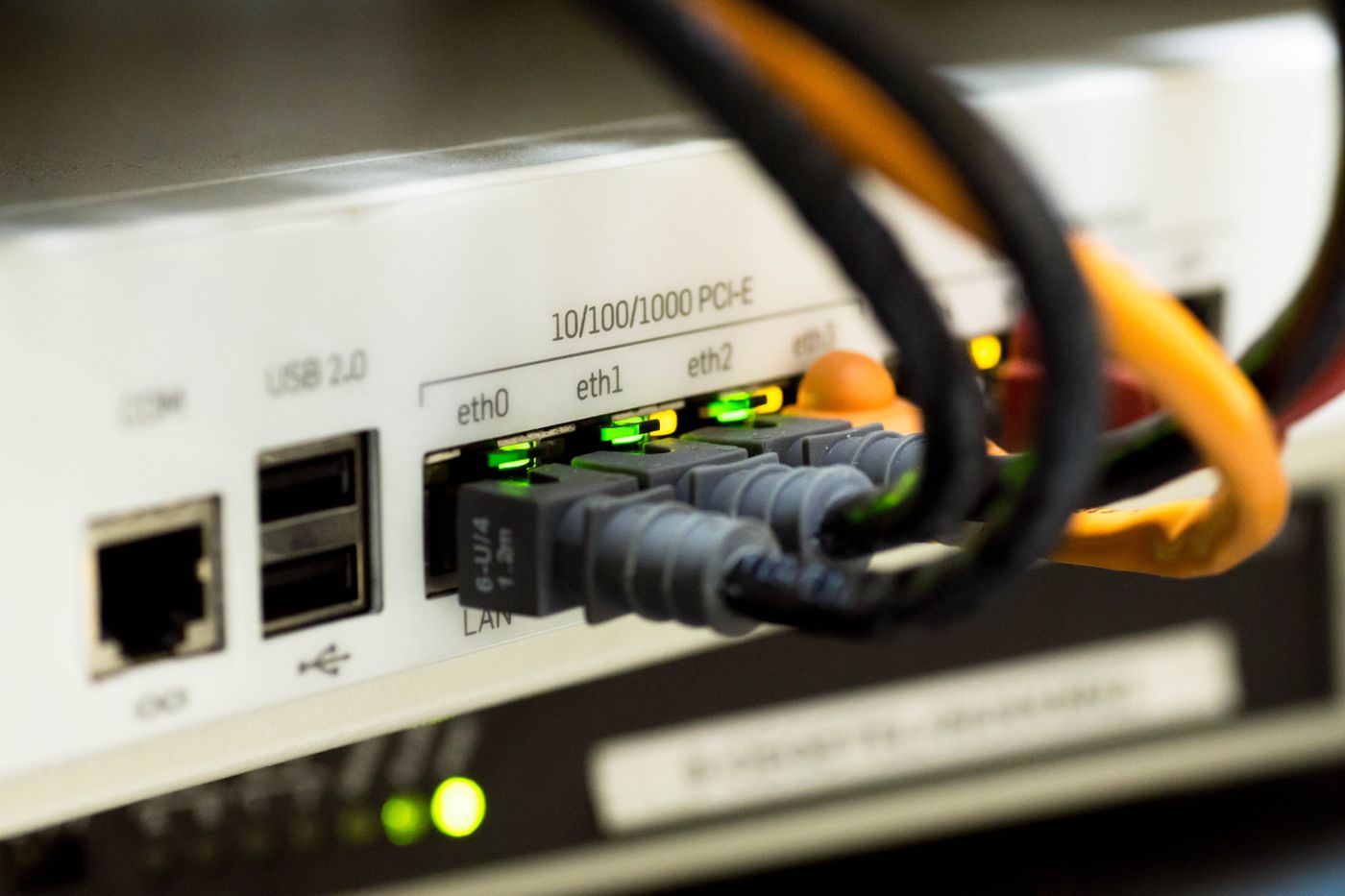
If a safe Ethernet route exists, compare a wired access point or supported Ethernet-backhaul arrangement. It may solve a difficult wall-to-wall link more predictably than another wireless hop. Check the permitted wiring topology and port roles for the chosen system rather than assuming all sockets are equivalent.
Compare daily use and management
Think about who will maintain the network. Is setup performed through an account-based app, a local interface or both? Can another household member understand the arrangement? Check which features remain available without an optional subscription and how updates are delivered.
Count sockets and usable positions, not just units in the box. An extra satellite is less helpful if the only convenient socket puts it behind a television or inside furniture. Start with the equipment needed for the actual coverage gap, then expand only if tests show a remaining need.
Test before declaring the purchase successful
Try the original problem activity in the usual seat. Then check rooms that previously worked, and walk between areas if seamless movement matters. Record the working positions and leave time to observe ordinary busy periods.
Keep packaging and check the seller's return conditions before purchase. The right option is the one that produces a reliable useful connection in your home with manageable complexity. A more expensive system is not automatically the better answer to a single small weak spot.