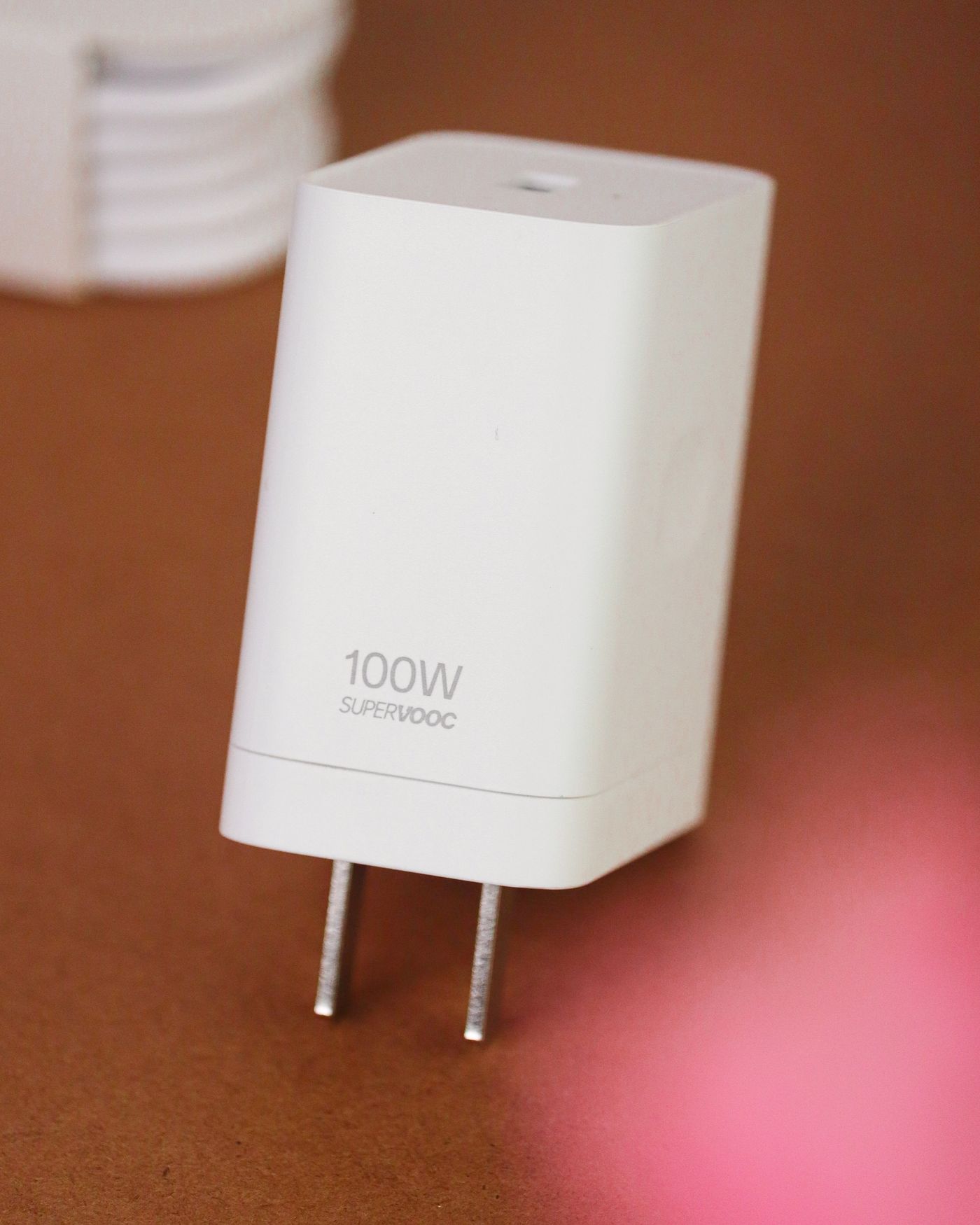
Identify the exact device
Find the device model and the manufacturer's charging requirements before buying a replacement. Keep the original charger's label or a clear private photograph if it is still available. The brand alone is not enough: products from one range can use different power levels, connectors or charging methods.
Read the output information on the charger, not only its mains input rating. The output describes what it can provide to the device. If the label is damaged or the charger cannot be identified, use the device maker's guidance to find an appropriate replacement rather than guessing from the shape and weight of the adapter.
Separate USB-C from older fixed-output supplies
USB-C is a connector type used with several charging arrangements. Compatible USB Power Delivery equipment negotiates supported power, but the device, charger and cable all need to meet the relevant requirements. A high headline wattage does not mean every connected device will charge at that rate.
Apple's Mac guidance is a useful example: compatible USB-C power adapters can have a higher or lower wattage than the recommended adapter, with charging performance affected by the arrangement. That should not be generalised to every old barrel-plug supply in a drawer. Fixed-output adapters require the correct voltage, polarity, connector and adequate current specification for the equipment. A plug that physically fits is not enough to establish that match.
When the requirements are unclear, ask the manufacturer or a competent supplier using the exact model number. Do not test an unidentified adapter on valuable equipment just to see whether it starts. Clear compatibility information is more useful than a listing that claims to charge everything.
Include the cable in the decision
A charging cable can limit an otherwise capable setup. Check its supported power rating and the device maker's requirements, especially for higher-power laptops. Inspect the plugs and cable jacket for damage. A frayed cable or a loose, overheating connector is a reason to stop using the affected item, not a reason to bend it until it works.
Consider the practical length too. A lead that barely reaches may pull sideways on a port, while an unnecessarily long one may cross a walking route. Choose a route with some slack and keep the charger ventilated rather than buried under bedding or cushions.
Read multi-port ratings carefully
On a charger with several ports, the advertised total is not necessarily available from every socket at the same time. Look for the output allocation when two or more devices are connected. A laptop that charges normally on its own may receive less power when another device is added, depending on the charger's design.
Test the ordinary combination you will use: laptop and phone together, for example. Observe whether the laptop maintains charge during normal work rather than judging only by the presence of a charging icon. A lower-power setup may be sufficient for an idle device yet fall behind under a heavier workload.
Buy an identifiable replacement
Choose a reputable supplier and a charger with clear model and safety information appropriate to its intended market. Keep the receipt and compatibility details. Avoid using travel plug adapters as a substitute for checking the electrical and device requirements of an unfamiliar charger.
Once a suitable combination is established, label the cable or storage pouch if several similar items share a drawer. Keep that note factual, such as the device it belongs to and the charger's model. The goal is a repeatable, understood charging arrangement, so that the next person does not have to guess from a connector that happens to fit.