Pixels need a physical screen
Resolution describes the number of pixels available; screen size describes the physical area they occupy. The same resolution can look different on a small monitor and a much larger one. Before comparing specifications, measure the space on the desk and the distance from your normal seat.
Think about the work. Reading documents, comparing spreadsheets and editing images create different priorities from simply making a laptop picture larger. A higher resolution can offer sharper detail or more workspace, but the operating system's scaling determines how large text and controls appear.
Do not judge by tiny text
Running everything at a small interface size is not a requirement for using a high-resolution screen. Supported scaling can make text and controls comfortable while retaining detail. Try a realistic document or application at the setting you would actually use, rather than judging only a bright promotional image.
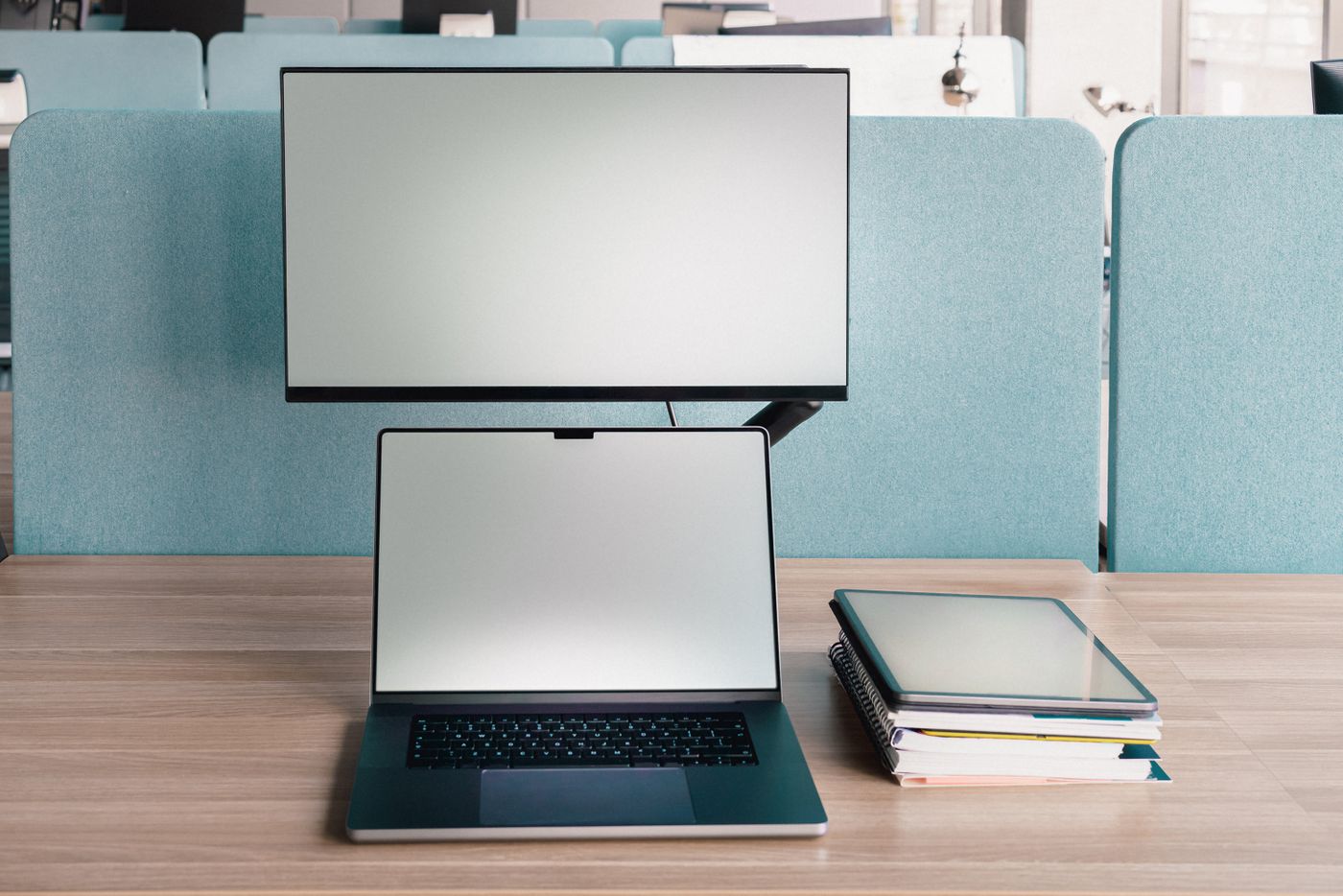
Check how your important applications behave when windows move between the laptop and external screen. Different pixel densities and scaling choices can affect the apparent size of a window. This is especially relevant if the laptop remains open beside the monitor throughout the day.
Check the computer and connection
Find the display modes supported by the exact laptop, adapter or dock. Resolution and refresh rate must be considered together, and adding another monitor can change the supported arrangement. A monitor's maximum specification does not guarantee that your particular connection can drive it at that setting.
Read the monitor's input-specific information as well. Different sockets may have different capabilities. Select the cable for the intended connection and avoid assuming that any USB-C lead carries video. If a dock is required, include its documented limits in the comparison before ordering the screen.
Look beyond the panel specification
An adjustable stand, sensible input access and enough desk depth can make a larger practical difference than a specification you rarely use. Check the stand's footprint as well as the screen width. Leave space for the keyboard and the comfortable distance you need from the display.
If possible, inspect text on a comparable screen before choosing. When buying remotely, check the seller's return conditions and test promptly with your own applications. Keep the packaging while deciding. A useful monitor is one whose detail, size and connection suit your actual workspace, not simply the model with the largest resolution number.