Count a realistic month
Look at your recent printing rather than guessing from a busy week. Separate ordinary black text, colour documents and photos. Note whether you print regularly or leave the machine unused for long periods. A printer that suits frequent home-office documents may be a poor fit for occasional photographs, and vice versa.
Write down the features you actually need. Automatic double-sided printing, a document feeder and a scanner can be useful, but each should solve a real task. Check whether double-sided capability applies to printing, scanning or both; product summaries can make those distinctions easy to miss.
Price the supplies by exact model
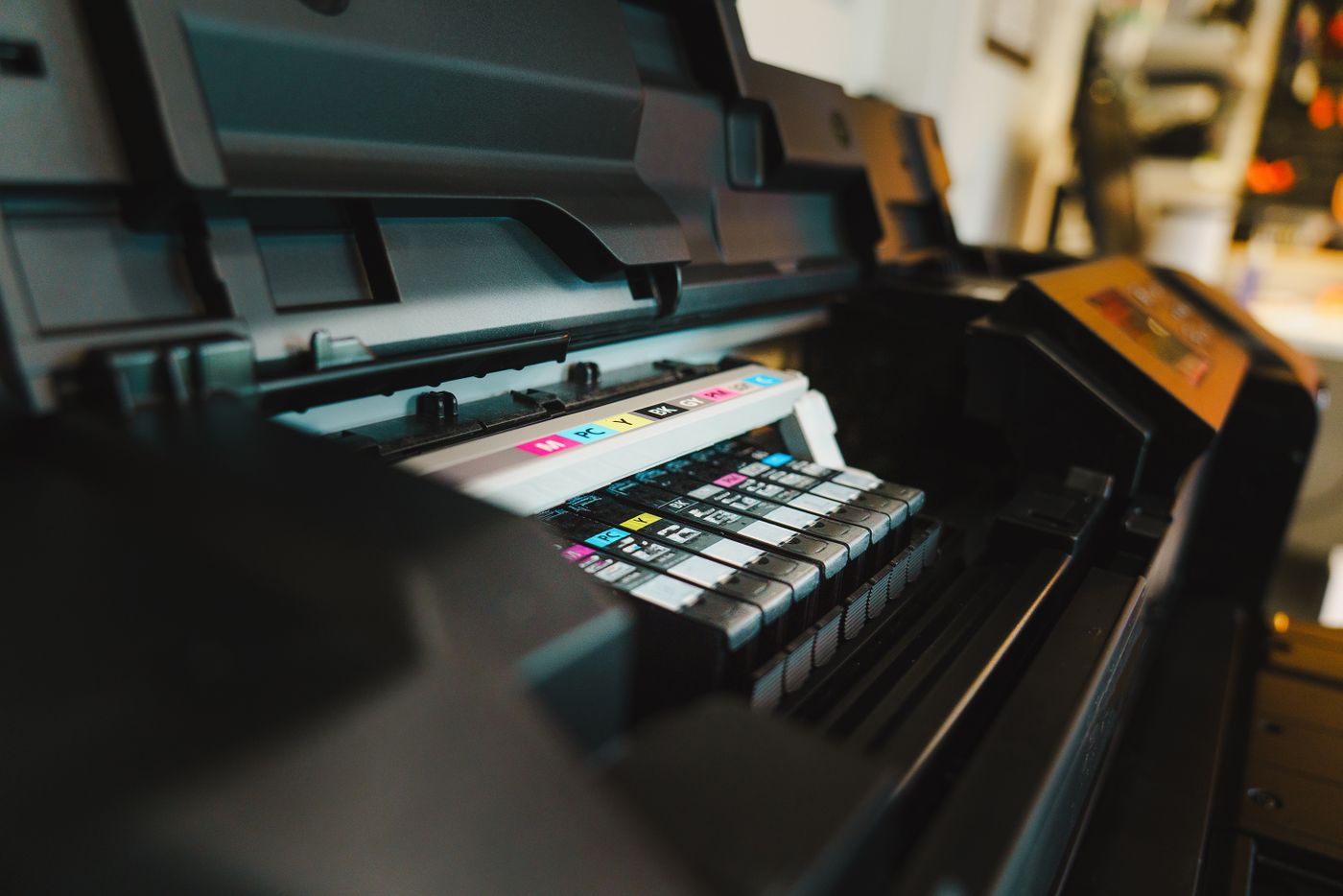
Find the cartridge or bottle codes for the proposed printer. Compare their current prices and stated yields, and check whether the box includes full-capacity supplies or a smaller starter set. The initial purchase can look attractive while the first replacement arrives sooner than expected.
Published yields use defined test conditions and do not guarantee the same number of your pages. Dense graphics, photos and usage patterns can change consumption. Use yield figures as a comparison aid, then leave room for variation rather than calculating a precise household bill from them.
For a rough comparison, divide the supply price by the stated yield, keeping like-for-like assumptions. Do not compare a black-text figure from one printer with a colour composite figure from another as though they measure the same job. Include any separately replaceable maintenance items mentioned in the documentation.
Understand subscriptions before enrolling
Some printers offer optional supply plans based on pages or other usage measures. Read the current terms, including unused allowance, excess use, cancellation and what happens to plan-provided supplies afterwards. An occasional household may value flexibility differently from one that prints a steady volume every month.
Check which features work without enrolling and whether an account or internet connection is required for your intended setup. Avoid assuming that a low advertised hardware price represents the whole arrangement. Keep a copy of the plan information used for your decision, because terms can change.
Include the practical costs
Measure space with trays open and allow access for replacing supplies or clearing paper. Check supported paper sizes and connection methods. A printer that cannot sit where its Wi-Fi connection is reliable may create a new setup problem before it prints its first page.
Consider whether you need colour at home at all. If almost everything is text and rare photo jobs can be handled elsewhere, a different type of machine may make sense. Equally, a household that prints images regularly should assess sample quality and suitable paper costs rather than choosing only by text-page economics.
Test the jobs that matter
Print a representative document, try the scanner and check two-sided operation where needed. Confirm that each household device can use the printer through the intended connection. Save the supply codes somewhere easy to find so a future order is based on the model, not a similar-looking cartridge.
The aim is a manageable total cost and a machine suited to your pattern of use. A slightly higher purchase price can be reasonable if it reduces recurring expense or friction, but only when those advantages apply to the pages you actually produce.