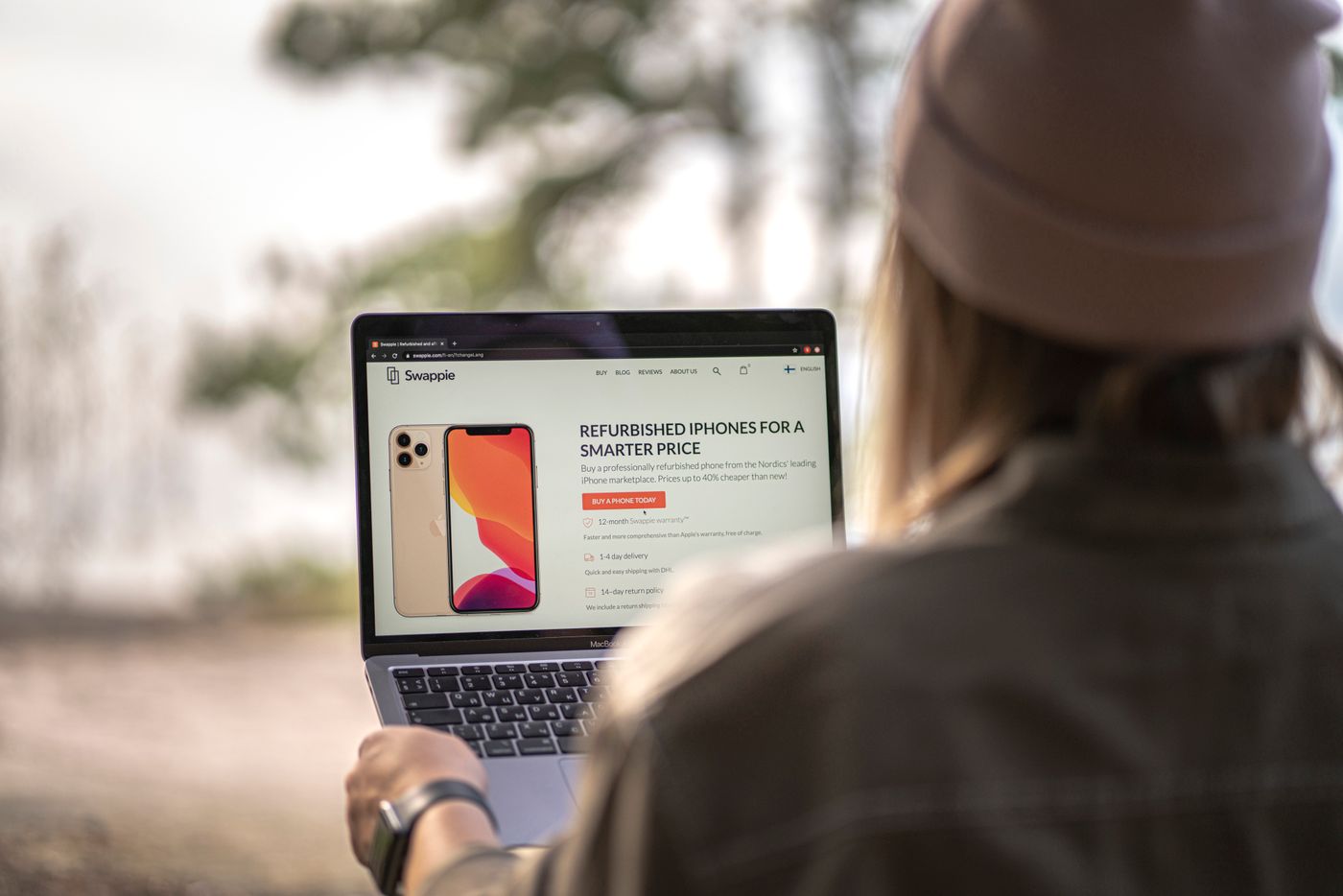
Ask what “refurbished” includes
The term can cover different levels of inspection, repair and cosmetic grading. Read the seller's definition for the exact listing. Find out what has been tested, which accessories are included and whether any parts were replaced. A grade describing scratches does not necessarily describe battery health or remaining software support.
Check the model and specification carefully. Similar names can cover different generations, memory, storage and ports. Ask for enough detail to identify the exact product before comparing prices. Do not rely on a generic stock photograph as evidence of the unit's condition.
Look at the years ahead
Check the manufacturer's current software and security-support information. A device can be physically sound yet have little supported life remaining. The relevant comparison is not only the saving against a new item, but whether the device can safely and practically serve the period you intend to keep it.
Consider the software you need. A work application, school service or accessory may have requirements that an older model cannot meet. Verify those requirements directly. Buying extra storage or a new charger will not solve an unsupported operating system or an incompatible processor.
Make battery and accessories explicit
For portable equipment, ask how battery condition is described and what the seller promises. A vague statement that the battery “works” may mean less than you expect for a full day away from a socket. Check whether replacement is available and how much inconvenience it would create.
Confirm that the supplied charger is appropriate for the device and local use. Missing adapters, docks or proprietary accessories can erode the apparent saving. Use traceable, suitable replacements rather than choosing an unknown charger purely because its connector fits.
Read the purchase conditions before paying
Check the seller's stated warranty, return process and who handles a fault. Keep the listing and order details. This article does not set out legal rights; current terms and applicable consumer rules should be checked for the actual transaction, especially when comparing a business seller with a private sale.
Plan a prompt inspection after arrival. Look for damage, confirm the advertised specification and complete setup without another person's account or management lock. If the device appears tied to a previous owner or organisation, contact the seller through the official process rather than trying to bypass the restriction.
Test an ordinary day
Install available updates through official channels, then try the tasks you bought it for. Check ports, camera, sound, wireless connection and charging as relevant. Open and save a few files, reconnect your accessories and observe the battery during normal use.
Keep personal migration modest until you are satisfied the device matches the listing. If it needs to be returned, follow a supported procedure to remove your accounts and data. A refurbished purchase is most convincing when its specification, support and condition fit your actual needs, not simply when the discount looks large.