Identify the daily controls
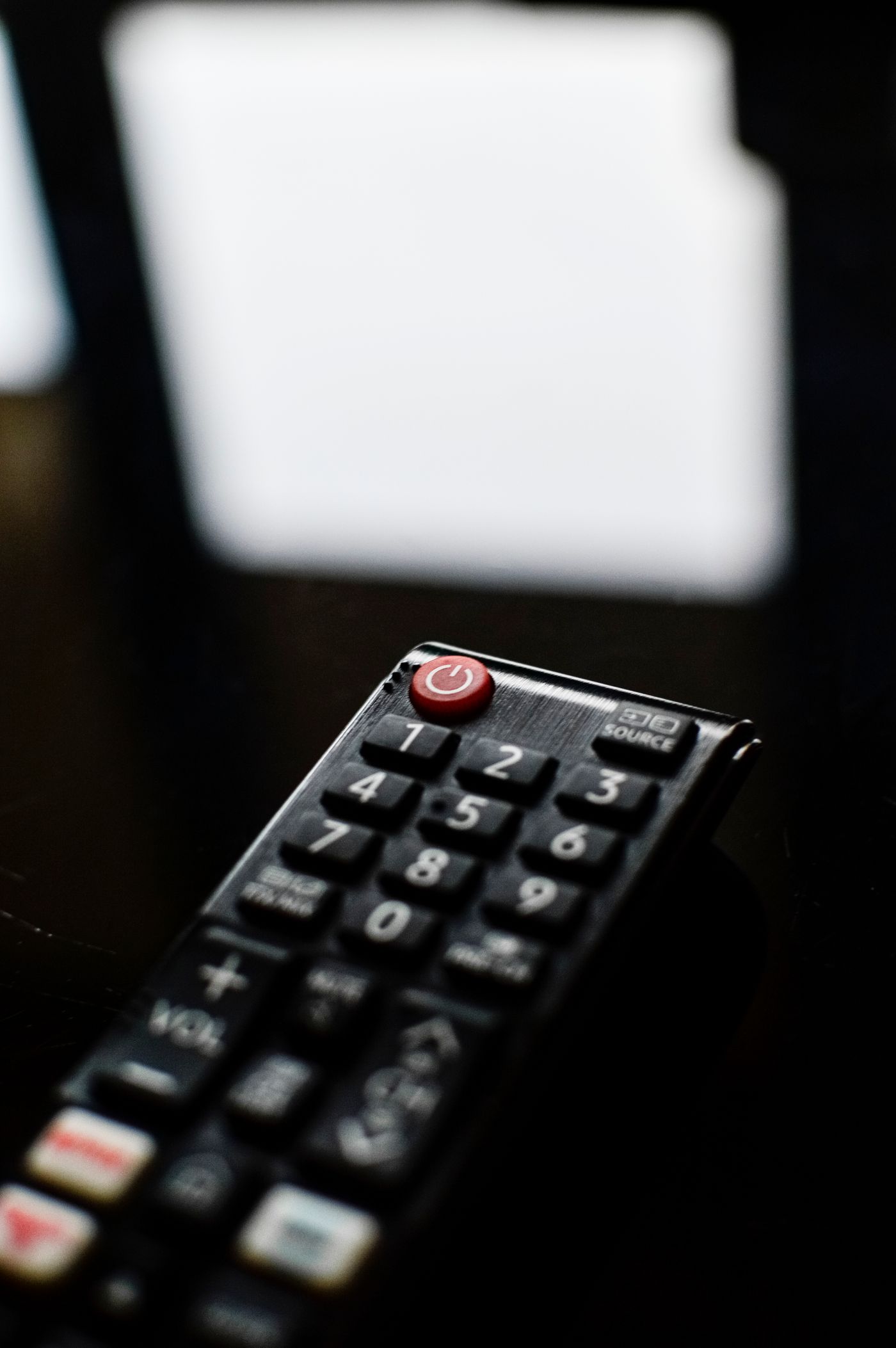
Lay the remotes on a table and identify which device each belongs to. Test power, volume and input selection separately. Two handsets may both change volume while only one can open the television's settings. Write down the difference instead of assuming that every working button means complete control.
Choose the normal viewing activity first. Someone who mainly watches a streaming box needs a different routine from someone who switches regularly between television channels, a disc player and a console. Keep the remote needed for that main activity within easy reach and store occasional controls somewhere obvious.
Make labels useful
A small removable label on the back can name the device without covering buttons or the battery compartment. Use clear words such as TV or Soundbar rather than colour codes that visitors must learn. Replace weak batteries where appropriate and keep the correct battery type available, away from children.
If a remote can be programmed for another device, follow its exact instructions and test only the functions you need. Successful volume control does not guarantee reliable power or input switching. Save any setup code or pairing method so replacing batteries or changing equipment is less frustrating later.
Check the one-remote promise
HDMI control features sometimes let a television remote adjust a soundbar or wake another device. Their behaviour depends on the connected equipment and settings. Test it through a complete viewing session: turn everything on, change source, adjust volume and finish by putting the system into standby.
If that arrangement behaves unpredictably, retaining two clearly labelled remotes may be easier than adding more automation. Keep a direct way to select the television input, particularly if a streaming device normally switches it automatically. A fallback should take a few familiar button presses, not a factory reset.
Finally, let another household member try the routine without being talked through every step. Notice where the labels or instructions fail, then simplify that part. A short note beside the remotes can explain the starting point, but it should not become a full manual for every feature the equipment offers.