Decide what the recipient needs
Before scanning, check whether the document must be one PDF, separate images or a particular file size. A form with several pages is often easier to handle as one ordered file, while a photograph may need an image format. Follow the recipient's instructions where they exist instead of assuming that any readable attachment will be accepted.
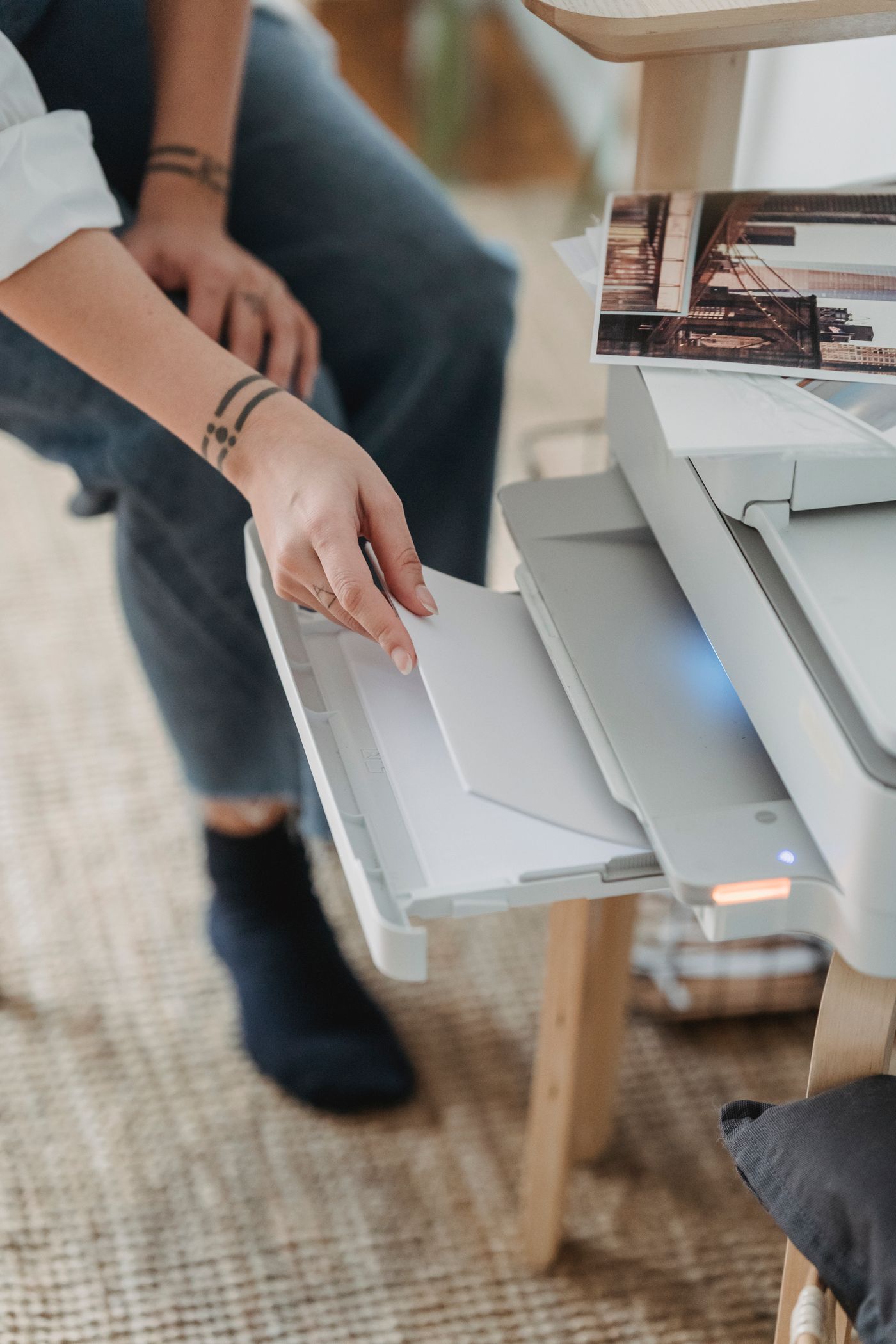
Remove loose clips or folds that prevent the page lying flat. Keep every page, including relevant reverse sides, in order beside the scanner. If the document is delicate, bound or otherwise unsuitable for a feeder, use an appropriate flat surface or camera method rather than forcing it through.
Capture the whole page
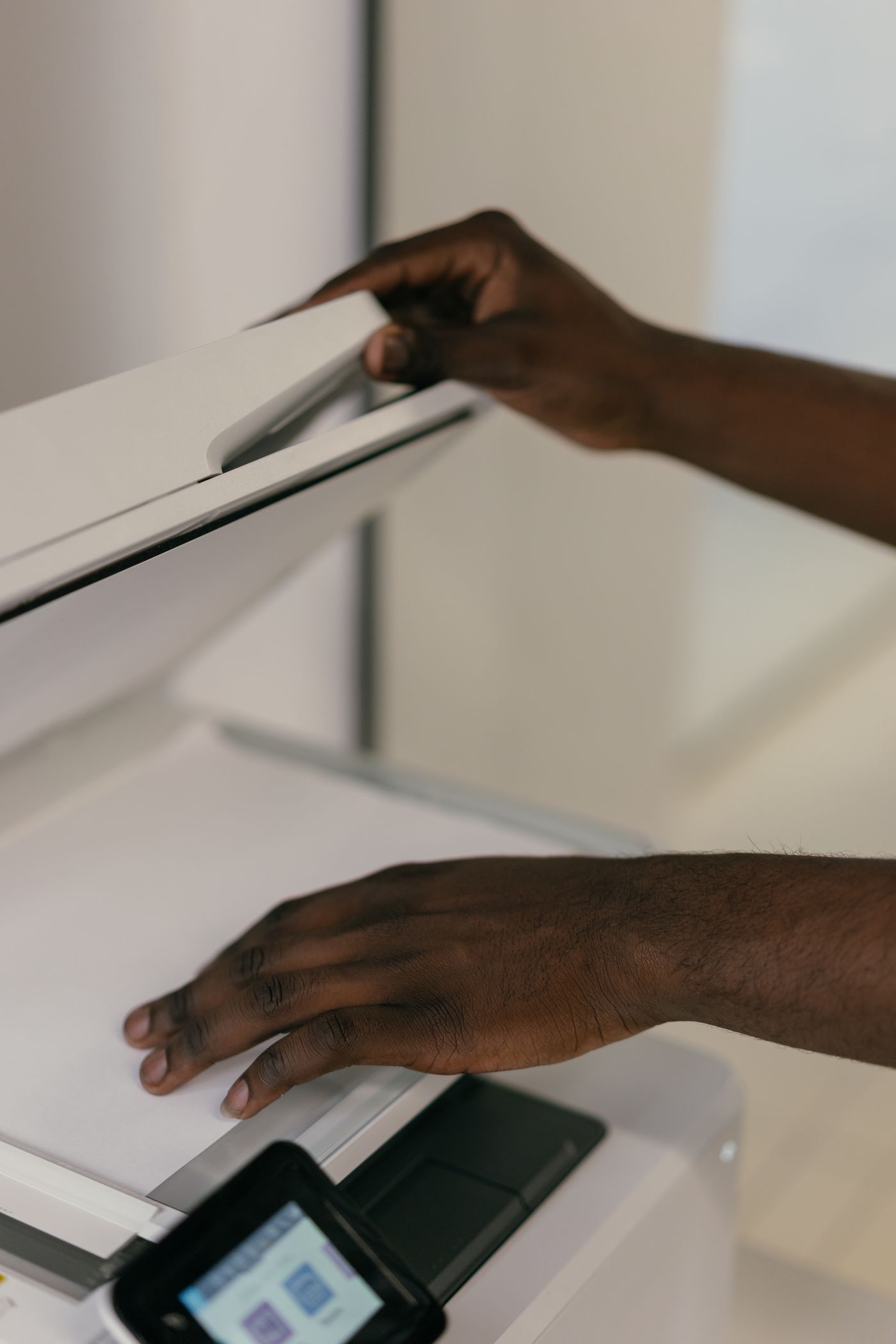
For a flatbed scanner, align the page and preview the result where that option exists. For a phone, use an even surface with enough contrast around the paper and avoid casting a shadow over it. Hold the camera square to the page instead of taking a steeply angled photograph. Good lighting can reduce blur and make small print easier to read.
Apple's Notes app supports document scanning on iPhone and iPad; other devices offer their own tools. Use a method you understand, especially for personal paperwork. There is no need to upload sensitive documents to an unfamiliar conversion website merely to combine a few pages.
Inspect before putting the paper away
Open the finished file at a normal reading size, then enlarge the smallest important print. Check all four corners, signatures, dates and any faint pencil marks. An automatic crop can cut off an edge without making the thumbnail look obviously wrong. Turn through every page rather than checking only the first.
If text recognition is available, treat its output as a convenience that needs checking. Names, reference numbers and handwritten notes can be misread. The visible scanned page should remain usable even when a search or copied line contains an error.
Rotate pages that are sideways and remove accidental duplicates. Keep blank pages only when they are required or clarify the original document. For a multi-page form, verify that the sequence matches the original before naming the file.
Store and send deliberately
Use a filename that gives the document's purpose and, where useful, a date. Avoid putting unnecessary personal identifiers in the filename, since attachment names can be exposed more widely than the file contents. Save it in a folder you will recognise later.
Check the attachment itself before sending, particularly if several similarly named drafts exist. Keep the original paper when it is legally or practically important; a scan is not automatically a substitute for every original. Once the task is finished, clear temporary duplicates from shared devices according to your normal privacy practices.