Try the lamp's own switch first
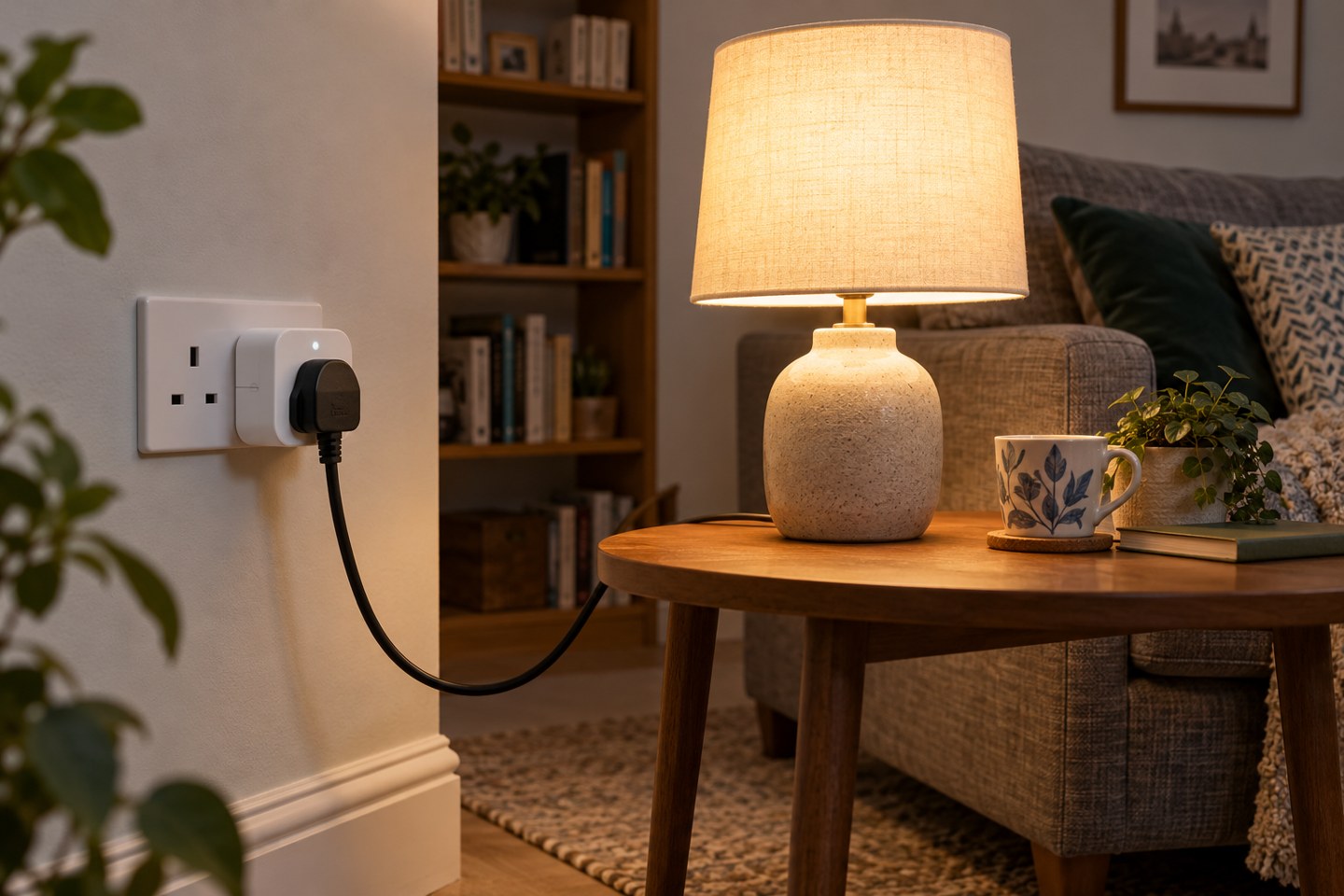
An ordinary lamp with a mechanical on/off switch is a useful starting point for a smart plug. Before buying anything, turn the lamp on, switch its socket off and then restore power. If the lamp comes back on without another press or touch, it behaves as a simple switched load. If it stays off, a smart plug may only be able to remove its power, not turn the light on again.
Touch controls, electronic dimmers and lamps with memory settings deserve particular attention. Their behaviour varies, so check the lamp's manual and do this simple power-return test. Do not assume that every lamp with a plug is suitable just because the connectors fit.
Match the plug to the job
Choose the correct UK model and read its supported load types and rating. Use it within the manufacturer's limits. Keep this experiment to the lamp; adding a heater, a power strip or several other appliances changes the job and the electrical requirements. There is no benefit in making a straightforward lighting setup unnecessarily complicated.
Check the physical space as well. A bulky smart plug can cover the neighbouring socket or push furniture further from the wall. Leave the manufacturer's required clearance and keep its button accessible. A device that has to be pulled out every time somebody wants manual control is poorly placed.
Look at networking requirements before pairing. For example, TP-Link lists 2.4 GHz Wi-Fi for the Tapo models covered by its smart-plug FAQ. That is model-specific information, not a promise that every smart plug uses the same connection. Use the instructions for the exact product and hardware version you have.
Set up one useful action
Give the plug a name that describes the lamp rather than its socket: Reading lamp is easier to recognise than Plug 3. Check on and off from the app while standing beside it. Then try the physical button. Leave the lamp's own switch in the position that lets the smart plug control it, and explain this arrangement to the household.
A single evening schedule is enough for an initial trial. Choose a time you can observe, then confirm both the start and finish. If you want sunrise or sunset control, verify the location and available scheduling options rather than copying a time from someone else's setup.
Know how it recovers
Read the documented behaviour after a power interruption. Some models offer a configurable restore state; others handle it differently. Test during the day, with the lamp in sight, so an unexpected return to full light does not become a night-time surprise.
Finally, distinguish local control from away-from-home control and automation. These can have different dependencies. Keep the lamp usable by a person in the room even when an app or internet service is unavailable. Once the ordinary on/off task is dependable, you can decide whether any additional automation is worth adding.