Measure what is already there
Look at the space used by documents, photos, videos and applications on your current device. Separate files you genuinely need from downloads you can replace. Do not delete unfamiliar system folders to make the numbers look smaller; use the operating system's storage view to understand the broad categories first.
Estimate growth from your own habits. A household saving occasional documents differs from one recording long videos. Check a recent month's additions and consider whether that month was typical. Leave working space rather than planning to fill a new drive immediately.
Capacity is not a backup plan
Buying a larger drive gives you more room, but a single copy remains vulnerable to device failure, loss or accidental deletion. Decide where a separate backup will live and how you will confirm it works. A second folder on the same drive is not a separate physical copy.
If you use cloud storage, understand what is stored locally and what is available only when connected. Synchronisation and backup can behave differently, especially when files are deleted. Read the service's recovery and retention information instead of assuming that anything in the cloud can always be restored.
Match the drive to the route
For external storage, check the computer's ports, the cable and the drive's supported connection. A fast drive may be limited by an older port or adapter. Compatibility with your operating systems and intended file sizes also matters; follow the manufacturer's setup guidance before choosing a format.
Do not format a drive that already contains needed files without making and verifying another copy. Formatting can erase data. Label drives clearly so a backup disk is not confused with an empty working disk during setup.
Leave room for ordinary use
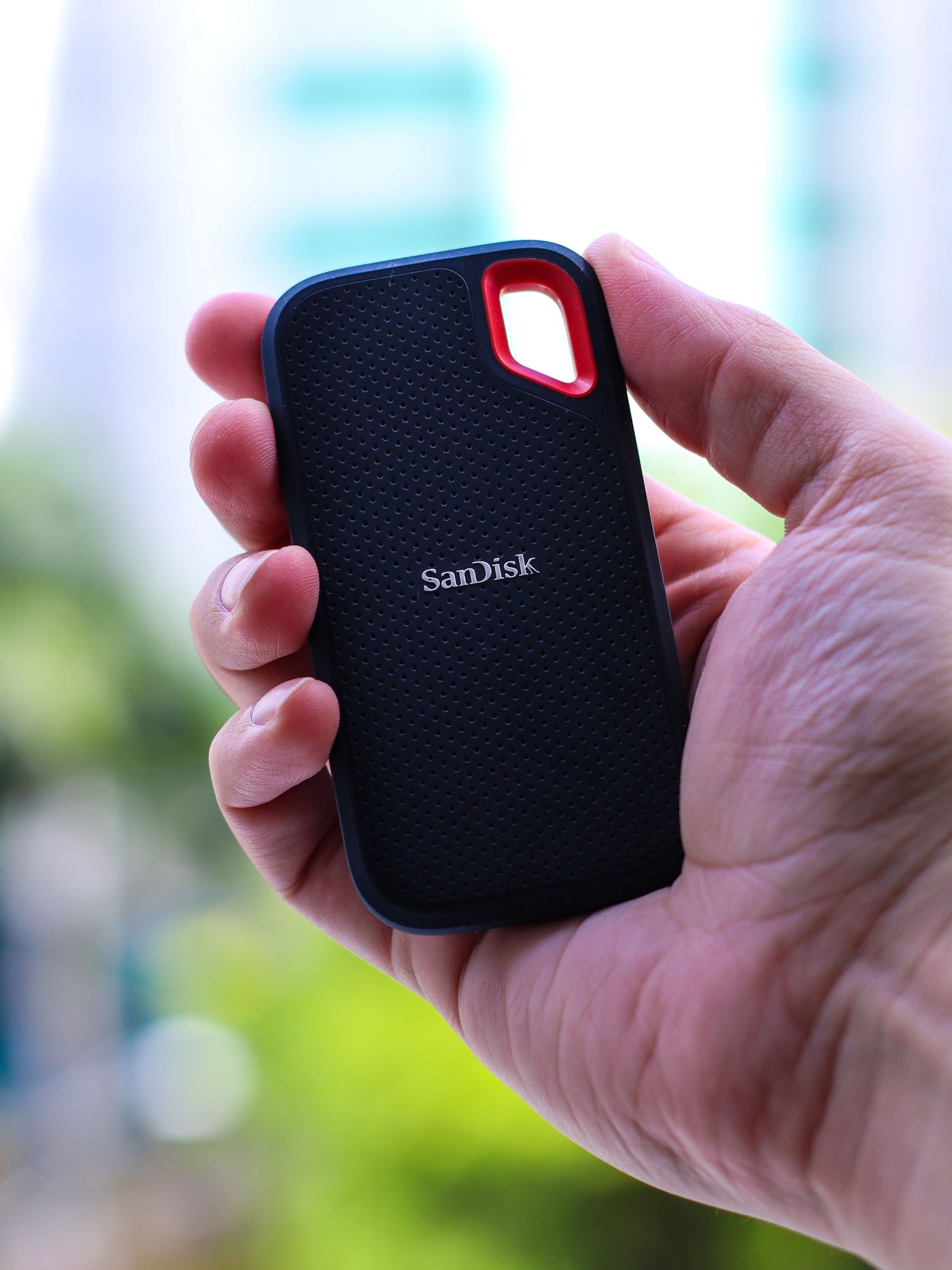
Compare capacity alongside portability, physical protection and how often the drive will move. A desktop backup device and a pocket drive used between locations have different practical needs. Keep cables and any required power supply with the equipment so the storage is actually usable when needed.
After copying files, open a selection from the destination and check that important folders are present. Keep the original until the copy is verified. The useful purchase is enough space within an understandable storage and backup arrangement, not simply the largest drive available.