Trace one cable at a time
The television's input list describes connection points, not necessarily the names you use for the devices. HDMI 1 might be the games console, while HDMI 2 is a streaming box. Read the socket labels and trace each cable before renaming anything. If the television is wall-mounted, consult an existing installation note or use a phone camera carefully rather than pulling the screen forward unsafely.
Write the pairing down in plain language. Include an audio-return connection if a soundbar uses one, since that socket may have a specific role. A cable plugged into a socket does not mean that input needs to be selected for every activity. A built-in television app, for example, is opened from the television's own home screen.
Give the inputs familiar names
If the television allows custom labels, use names the household recognises: Games console, Streaming box or Disc player. Avoid a person's name if several people use the same device. Keep the label short enough to remain readable in the on-screen menu.
Some televisions offer automatic names or icons. These can be helpful, but check the result against the physical connection. A device moved to another socket can leave an old label behind. Hiding unused inputs may simplify the menu where the feature exists; retain access to anything that is only used occasionally.
Rehearse the ordinary activities
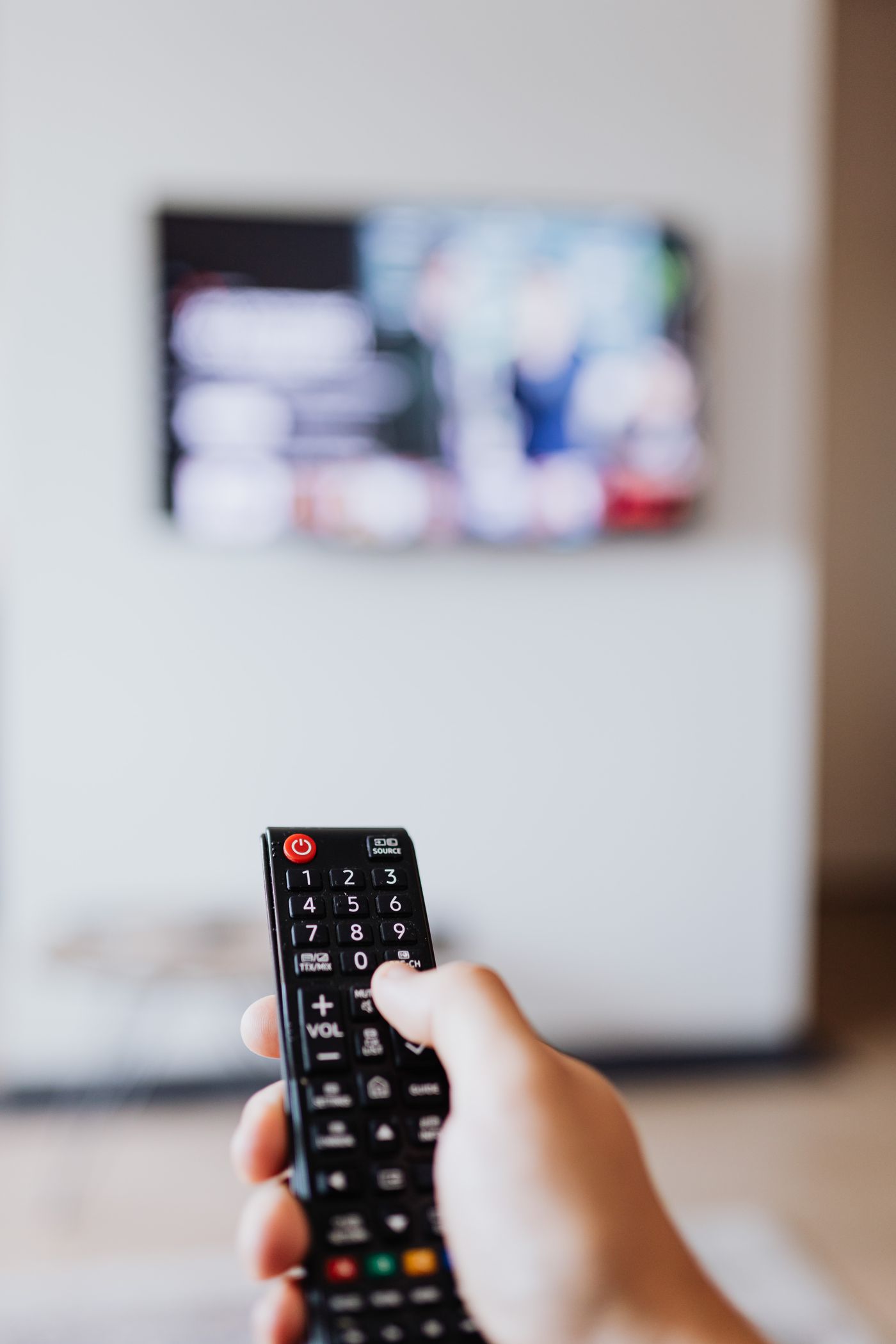
Try watching a television channel, starting the streaming box and playing the console. Note which remote wakes each device and which input produces the expected picture. An automatic switch may work in one direction but not another, so keep a simple manual route available.
If the screen says No signal, first confirm that the intended device is awake and the correct input is selected. That message alone does not prove the television or cable is broken. Check the obvious route before changing picture settings or resetting equipment.
Put the finished three-line map somewhere convenient, such as the inside of the television cabinet. Update it when a cable moves. The aim is to make ordinary viewing repeatable for anyone in the room, including someone who has no interest in remembering the socket numbers.