Try moving the light first
A laptop camera can look much worse when a bright window sits behind you or the room is dim. Test facing a softer light source and placing the camera near eye level. Use the preview in the application you normally call with, because its processing and settings affect the result others receive.
If the picture becomes acceptable, you may need a better position rather than a new camera. If it remains unsuitable, write down what is missing: detail, a narrower view, a more flexible mount or reliable control over framing. That gives the purchase a purpose beyond replacing a device because it is built in.
Choose a field of view for the room
A wide view can include several people, but it may also show more of the room than you want. For a single desk, consider how much background should appear. Digital cropping and automatic framing may help, but check the exact software requirements and whether those features work on your computer.
Resolution is only part of the result. A higher-resolution camera does not guarantee that the meeting service sends or displays that resolution under your conditions. Lighting, compression and the connection still matter. Compare ordinary call use rather than treating a local recording specification as a promise about every meeting.
Check mounting and controls
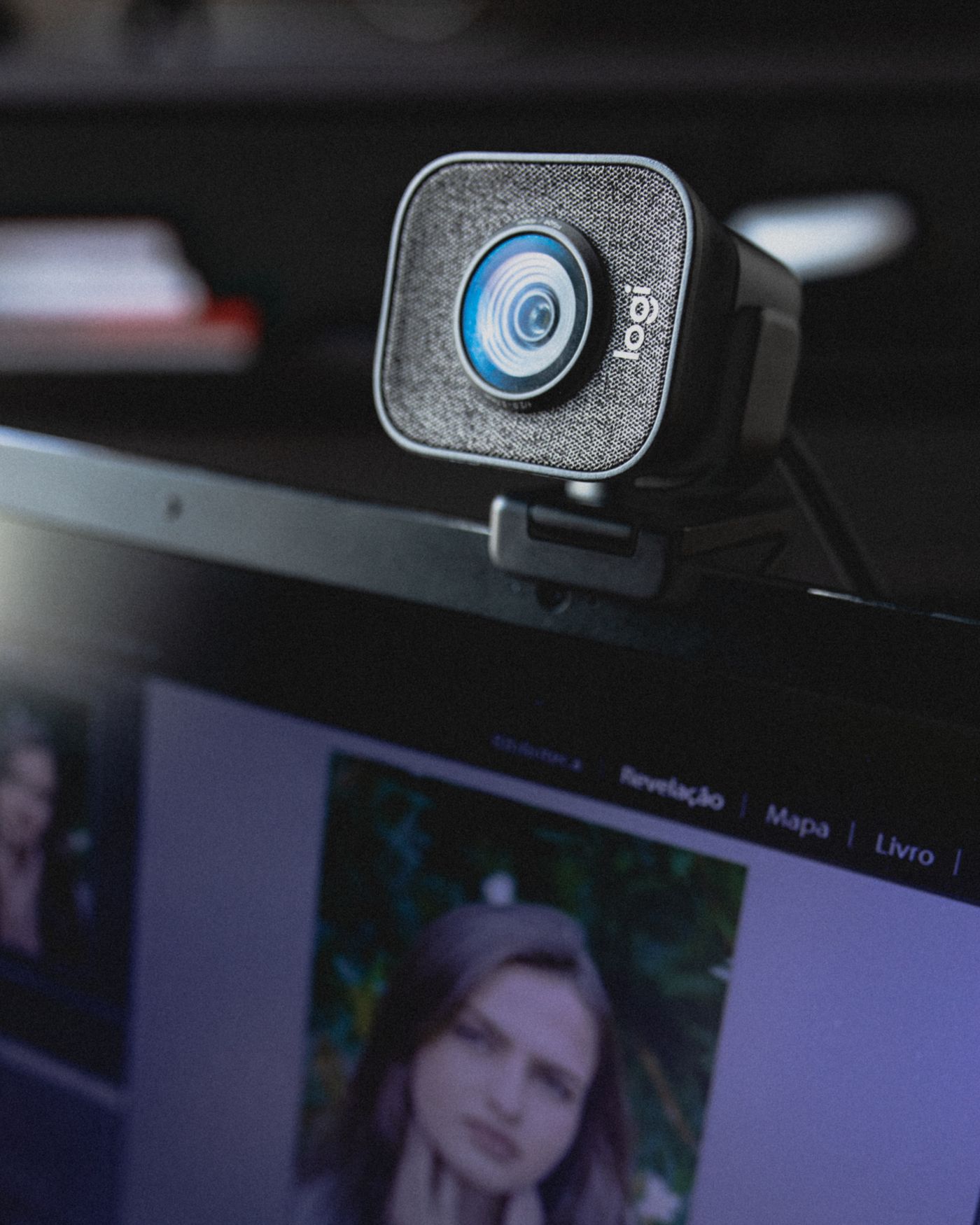
Look at the monitor edge, laptop lid or stand where the camera will sit. Confirm the mount is suitable and will not cover the screen or leave the camera unstable. Measure the USB route and check whether an adapter is needed. Keep the cable relaxed when the screen moves.
Decide whether a physical privacy cover and accessible indicator are useful for your routine. Check which controls work without optional software and whether a managed work computer permits the required installation. Avoid buying around a feature you cannot use on that machine.
Test the whole call
Once connected, select the new camera in the meeting application and make a short test call. Confirm the microphone separately; changing cameras can also change the selected audio device. Try ordinary daylight and your usual evening lighting if both matter.
Save a working position and leave a little time to test reconnection after sleep. A camera that looks good only after a complicated sequence is inconvenient for everyday calls. Choose for the view and routine you need, then keep the setup simple.