Write down what actually happened
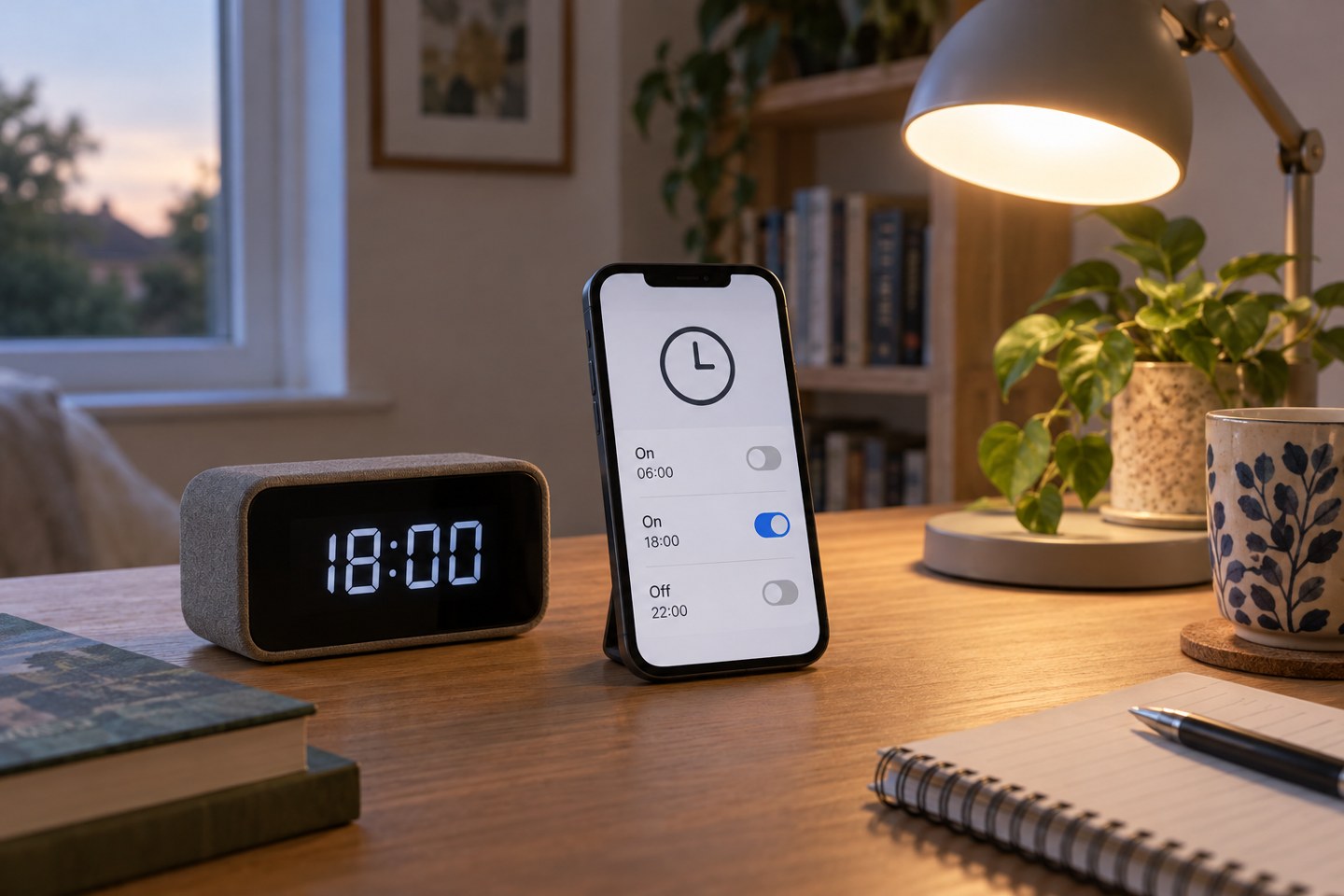
Record the time a light changed, what it did and what you expected. Note whether the error is consistent: exactly an hour early suggests a different investigation from random changes throughout an evening. If the app offers automation history, compare the logged event with the time you observed rather than relying on memory.
Check whether the action was really produced by that automation. A lamp can also respond to its own schedule, another platform, a physical remote or a household member. A rule being scheduled nearby does not prove it was the cause. Give competing rules distinct names so their history is easier to interpret.
Inspect time and location separately
Confirm the home's time zone and location using the platform's documented settings. A sunset rule depends on location as well as the clock. A fixed-time rule may be using a device or service time zone that differs from the phone's current display, especially after travel or a setup change.
Use the manufacturer's instructions for correcting time. TP-Link publishes different guidance for Kasa and Tapo time problems. That is a reason to consult the exact product instructions, not a reason to copy a reset procedure across every smart device in the house.
If the shift appeared around a seasonal clock change, check daylight-saving handling rather than permanently moving the schedule an hour to compensate. A manual workaround can become wrong again later. Keep a screenshot of the original settings so you can undo an experiment cleanly.
Read the trigger as an event
A condition does not necessarily make an automation run when the condition becomes true. It may only decide whether a separate trigger is allowed to proceed. For example, a rule triggered by arrival with an after-sunset condition may do nothing if you arrived before sunset and then stayed home. The arrival already happened.
Decide which event should start the action. Perhaps you need a sunset trigger while somebody is home, an arrival trigger after dark, or both as separate supported routes. The correct construction depends on the platform's available starters and conditions. Write the intended behaviour in plain language before editing the app.
Check how multiple triggers and conditions combine. Any and all are different choices. Google Home's automation documentation explains that supported capabilities vary by device and editor. Do not assume a tutorial for an older editor describes the controls currently visible in your account.
Reduce the rule for a controlled test
Temporarily test one harmless light with a nearby fixed time and no unnecessary conditions. Watch the scheduled moment. If it runs correctly, reintroduce the original conditions one at a time. If it does not, investigate device availability, time settings and the platform's service status before adding more rules.
Restore or remove the test schedule immediately afterwards. Forgotten experiments are a common source of future confusion: a lamp turning on at an unusual afternoon time may simply be following last week's test. Name temporary rules clearly and keep a short note of what you changed.
For delayed actions, check how another trigger affects a pending delay. Platforms can handle repeated events differently. Rather than assuming that every new movement resets an off timer, observe the documented behaviour with the exact rule. If it is difficult to predict, choose a simpler supported arrangement.
Check the other controller
Review the manufacturer's app as well as the broader smart-home platform. A device can have its own saved schedule while also belonging to a household automation. Disable only the conflicting test rule, observe the result, and avoid deleting all routines at once.
Ask other residents whether they use a shortcut or voice command for the same light. This is a practical check, not an accusation. Shared controls are meant to be used, and the automation should accommodate ordinary manual changes where possible.
If the problem persists, collect the rule settings, device model, firmware version and a small set of event times for support. Exclude account passwords and private camera footage. Specific evidence makes a support request more useful than saying the whole smart home sometimes acts strangely, and it lets you preserve the working parts while the faulty rule is investigated.