Give the camera a specific purpose
Before choosing a shelf, describe why the camera is there. Checking whether a pet has reached its feeding area is a narrower task than recording the whole living room. A specific purpose helps you choose a view and a schedule without treating every available feature as something that needs to be enabled.
Discuss the plan with the people who live in or regularly use the space. Show them the proposed view rather than describing it vaguely as a corner of the room. A wide-angle lens may include a doorway, a desk or a reflective surface that was not obvious when looking at the camera from outside.
Avoid positioning cameras in spaces where people reasonably expect privacy. If the intended task can be met with a door sensor, a timed check or another less intrusive arrangement, consider that before committing to continuous video. More footage is not automatically more useful.
Inspect the whole frame
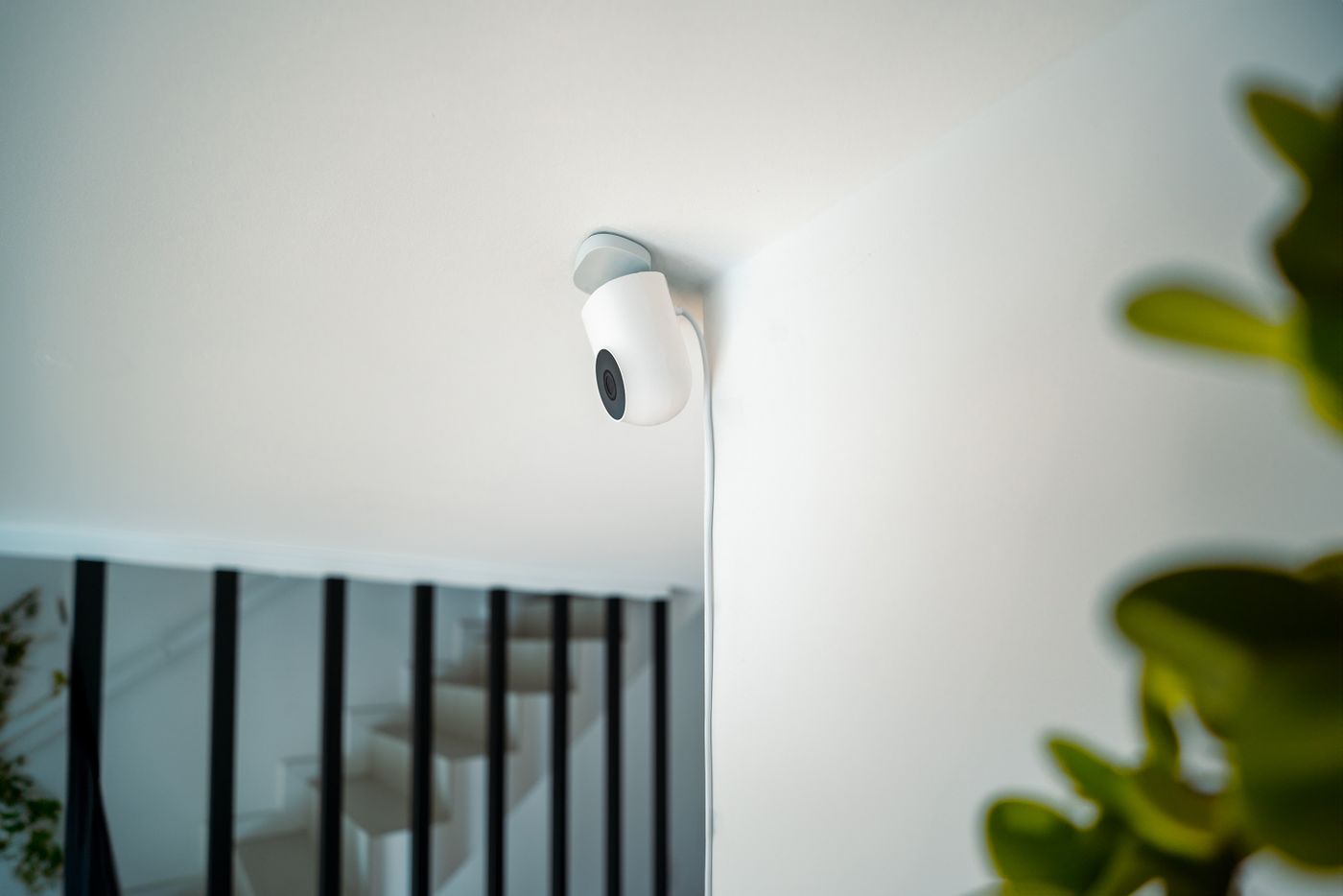
Place the camera temporarily in a stable, permitted position and open its live view. Check all edges of the image. Look for mirrors, computer screens, paperwork and views through windows. Move the camera or reduce its view where the model allows rather than assuming these details will be unrecognisable in recordings.
Test the same position at night. Infrared illumination, room lighting and reflections can change the useful image. A camera pointing through glass may produce poor results, and a model's motion detection may not work as intended there. Follow its installation guidance rather than treating indoor placement behind a window as equivalent to an outdoor camera.
Secure the power cable so the camera cannot be pulled over or left hanging from its connector. Leave ventilation and access as specified. If a child or pet can reach the device, rethink the placement rather than relying on the camera's small weight to make it harmless.
Separate notifications from recording limits
An activity zone often decides which movement produces an alert. It does not necessarily hide or stop recording the rest of the picture. Google explicitly explains that Nest Activity Zones do not change the camera's entire streamed view. Other manufacturers use different terms, so read the documentation for the exact feature.
If you need to exclude an area from captured footage, investigate the model's actual privacy masking or view-limiting controls and verify the recorded result. Do not judge solely from a quiet notification list. Open a saved clip and check the area you meant to exclude.
If the view extends outside your property into neighbouring or communal areas, read the current ICO guidance on home CCTV. The relevant considerations include what is captured and how recordings are handled. A camera being physically indoors does not settle those questions when its lens looks beyond the home.
Decide who can see what
Check the account-sharing permissions before inviting another person. Some platforms bundle camera access with broader home controls. Inspect live-view access, recorded history and settings separately where options exist. Use individual supported accounts instead of distributing the owner's password.
Choose a retention arrangement that matches the purpose and available product features. Understand whether footage is stored on a removable card, a home recorder, a cloud service or some combination. Also check what happens when the internet connection fails. A live-view screen, an event history and continuous recording are different capabilities.
Save only clips you have a reason to retain, and know how to delete them from the relevant location. Exporting a clip creates another copy that may outlast the camera's automatic retention period. Keep that in mind before casually forwarding video to a group chat.
Make being at home comfortable
Where supported, a clear off control, physical shutter or deliberate schedule can make everyday operation more understandable. Test the resulting behaviour rather than relying only on an app label. If location-based automation is used, consider the other residents and what happens when one phone is away while somebody remains home.
Revisit the view when furniture moves or the room's use changes. A camera that once faced an empty passage might later face a homework table. The best ongoing check is practical: does this camera still show only what is useful for the reason it was installed, and can everyone affected understand when it is operating?