Start with the exact model requirements
Doorbells differ in power, wireless support and installation needs. Read the manual for the model you intend to fit, including its permitted power supply and chime arrangement. A battery model is not necessarily identical to a wired model with a battery added. Existing doorbell wires also do not prove compatibility with a new product.
If installation involves fixed wiring or an unfamiliar transformer, arrange suitable professional help. Do not select a transformer by appearance or experiment with mains connections. You can still check the network and viewing position before that work takes place.
Test where the doorbell will actually sit
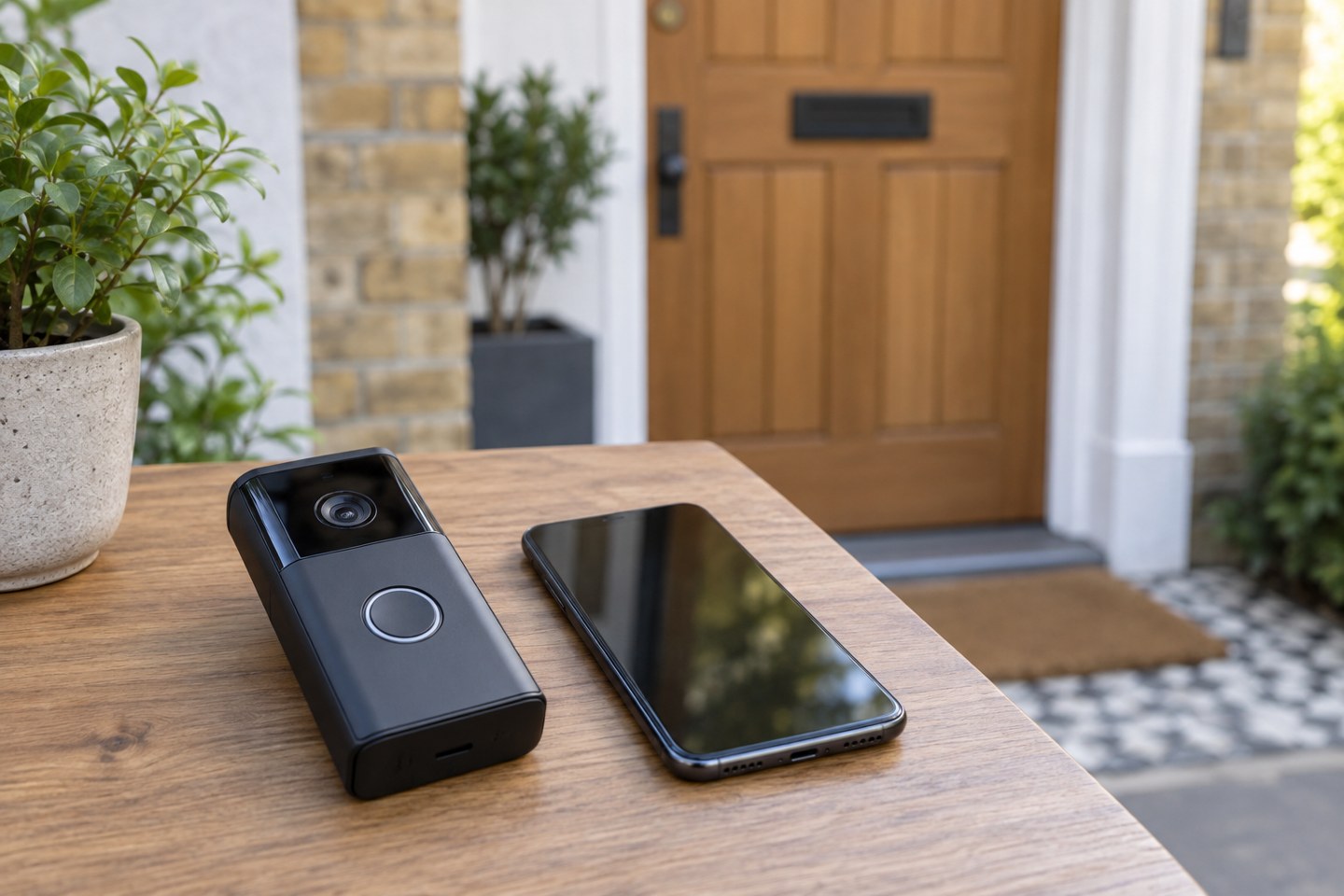
Bring a phone onto the home's Wi-Fi at the proposed position and turn off mobile data for the initial connection check. This gives a useful early indication, but the phone's result does not guarantee the doorbell will perform equally well. Its radio and antenna can behave differently, so test the actual doorbell before final mounting whenever the setup process permits.
Close the front door during the test. The connection that works from an open doorway may change with a thick door, foil-backed construction or metalwork between the device and the router. Keep the doorbell secure while testing and follow the manufacturer's temporary placement guidance.
Try the live view, a button press and a two-way conversation with another household member. Check the receiving phone's notifications and permissions as well as the video. A doorbell can be connected while an alert is suppressed on the phone, so a missing notification is not conclusive evidence of poor Wi-Fi.
Look beyond a signal icon
Observe whether the picture starts promptly, remains usable and carries intelligible audio. Try again when the household is using the network normally. If the connection is unreliable, improve the network route before fixing the doorbell in place. Moving a compatible access point or mesh node to a useful intermediate position may be more sensible than relying on a device installed at the very edge of coverage.
Check the manufacturer's network requirements and troubleshooting guidance rather than opening ports or weakening network security at random. Google notes that an offline Nest camera or doorbell cannot stream live video or upload footage to the cloud; local recording behaviour is a separate, model-dependent question.
Check the frame and future access
Use the live picture to judge the mounting angle. Aim for the area needed for the door, and minimise unnecessary views of neighbouring or shared spaces. Consult current ICO guidance if the camera will capture beyond your property. Alert zones are not automatically privacy masks.
Leave a practical way to remove, charge or reset the device according to its design. Save the model details and setup information privately. A successful installation should be maintainable after the first afternoon, not just look tidy in its final mounting position.