Read the requirements as a small equipment list
Look for the setup section of the exact product, not just the feature list on the shop page. Write down every required component: phone app, account, network, bridge or controller. Mark what you already own and what you would have to buy. Include the model or generation where the manufacturer specifies one.
Some devices connect directly to Wi-Fi. Others communicate through a manufacturer's bridge. A Matter-over-Thread product can need both a suitable platform controller and a Thread border router, even if it does not require a brand-specific bridge. These functions may be built into equipment already in the house, so a requirement does not always mean another purchase.
Ask what the extra device does
The useful distinction is functional. Does the box connect a particular radio network to your home network? Does it run automations? Does it provide remote access? Does it expose accessories to another platform? A product called a hub can combine several of these roles, which is why comparing names alone becomes confusing.
Take a battery sensor that should switch on a hallway light. Work backwards from that action. The sensor must be supported, its event must reach the automation system, and that system must be able to command the light. A successful sensor pairing by itself proves only part of the chain.
Check accessory compatibility separately from platform compatibility. A bridge that works with your chosen app is not necessarily compatible with every sensor carrying a familiar radio label. Use the manufacturer's supported-device list and note any stated firmware requirements.
Plan a home for it
Allow for power, ventilation and whatever network connection is specified. An Ethernet-connected bridge needs a practical cable route to a network port; a wireless controller still needs dependable coverage. Avoid choosing a cupboard simply because it hides the box, then discovering that cables or radio coverage make the location unsuitable.
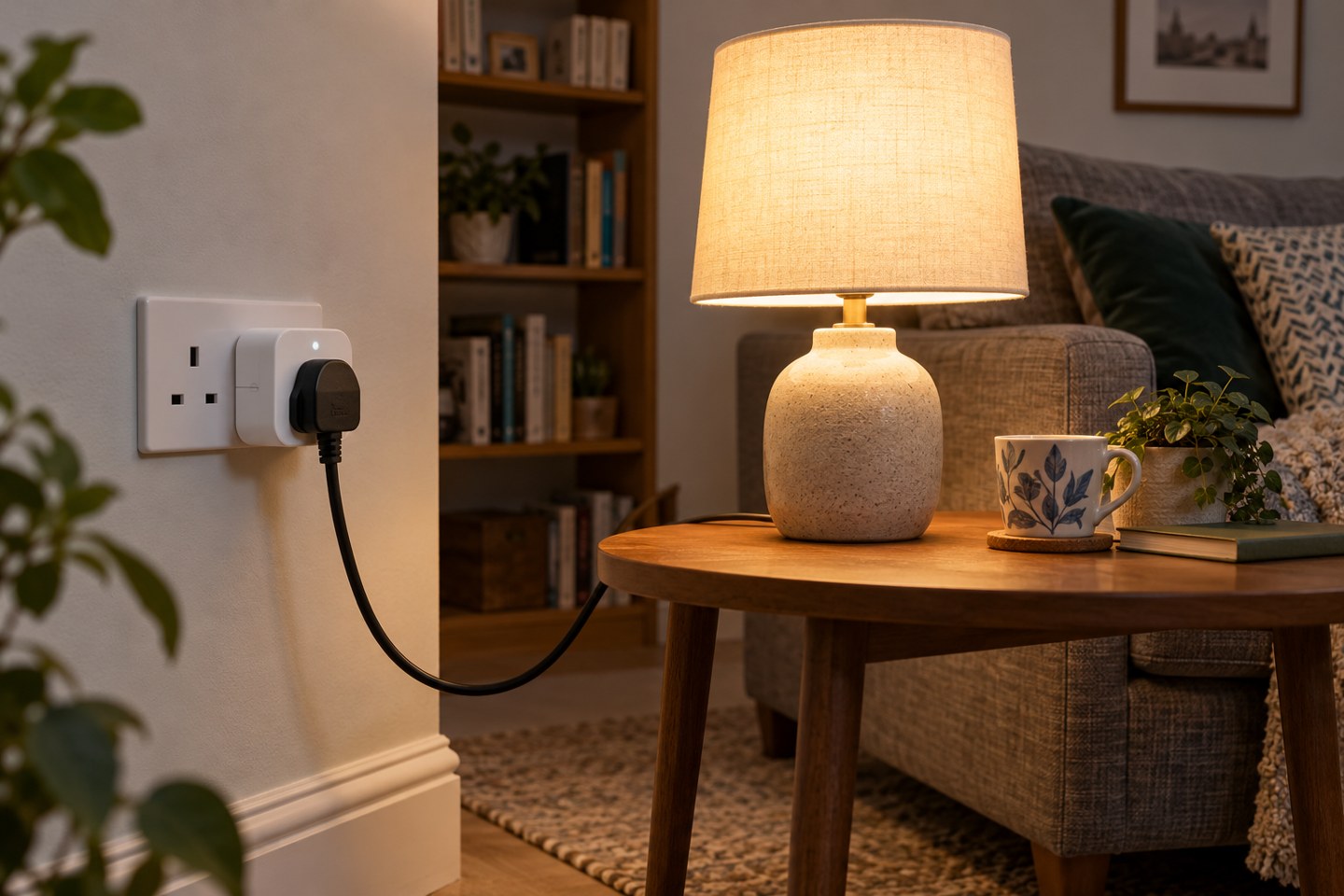
Consider who might switch it off. If a hub shares a switched socket with a decorative lamp, an innocent evening habit could remove the controller that several routines depend on. A clear label and sensible placement are often more helpful than adding another automation to explain the first one.
Decide using the whole setup
Compare the complete cost and daily operation of the alternatives. One bridge supporting several useful accessories may be easier to manage than several unrelated direct-to-Wi-Fi products and apps. For a single lamp, the opposite may be true. There is no universal advantage in having the fewest boxes if it makes the actual controls awkward.
Before expanding, confirm one device, one manual action and one intended routine. Keep a short record of which controller each accessory depends on. When something later goes offline, that record narrows the investigation far more quickly than a drawer of unlabeled hubs.