Desk & workspace
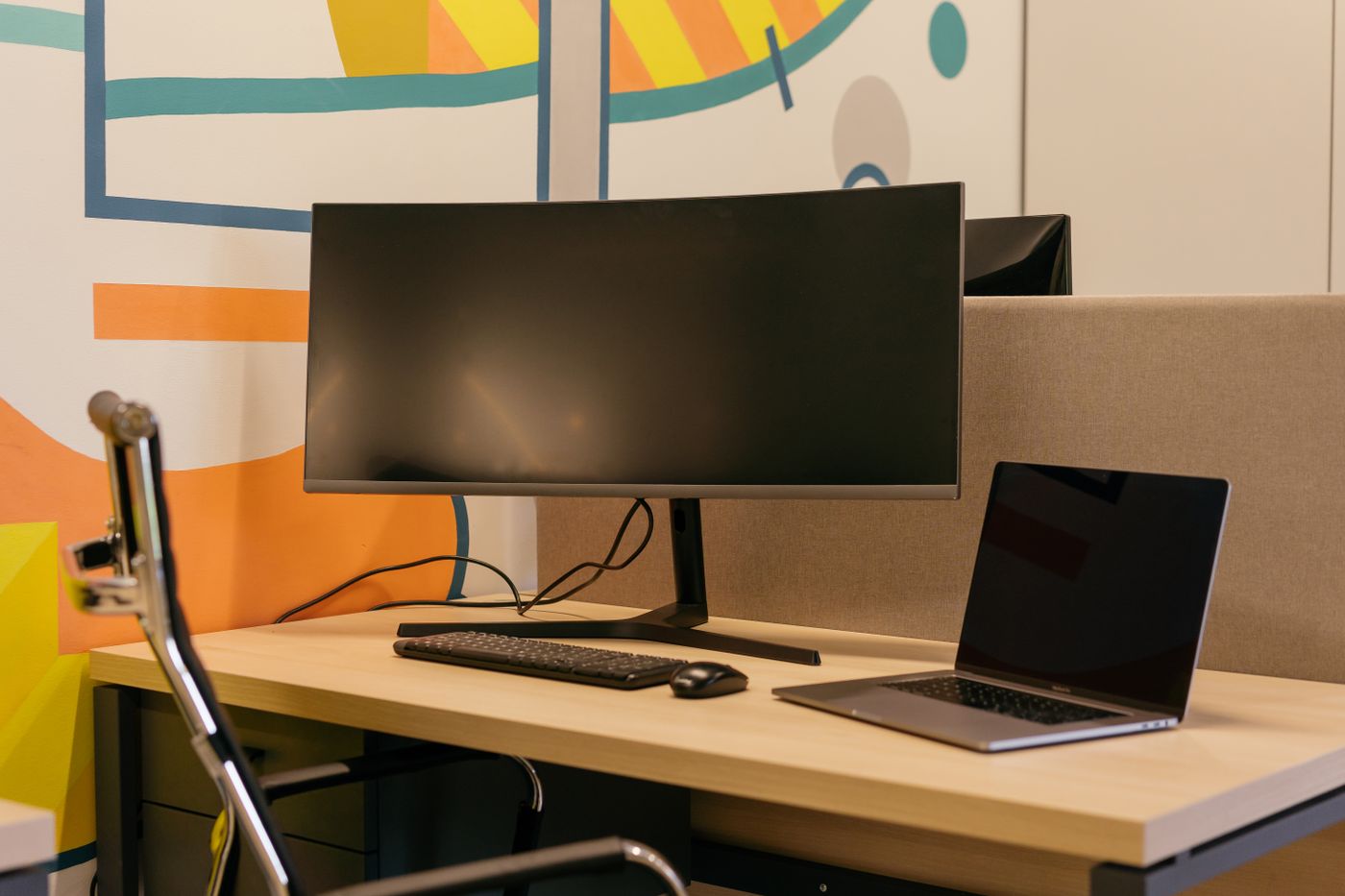
Measuring a desk before choosing a monitor
The screen diagonal is only one measurement. Include the stand, cables and space for your hands before ordering.
Home technology
Find the right connections for screens, calls and the equipment on your desk.
The screen diagonal is only one measurement. Include the stand, cables and space for your hands before ordering.
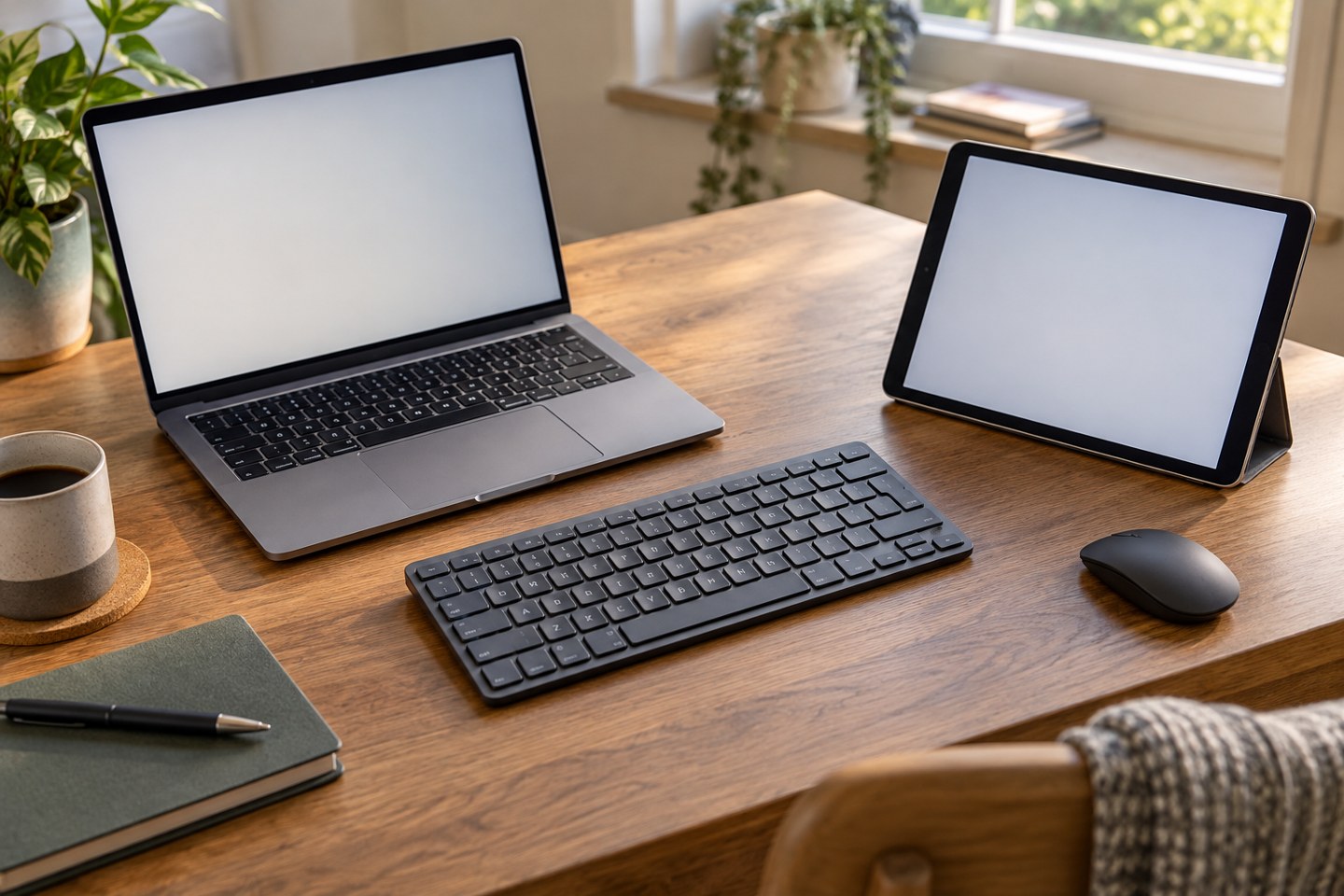
Give each device a known connection and check where typing will go before entering anything private.
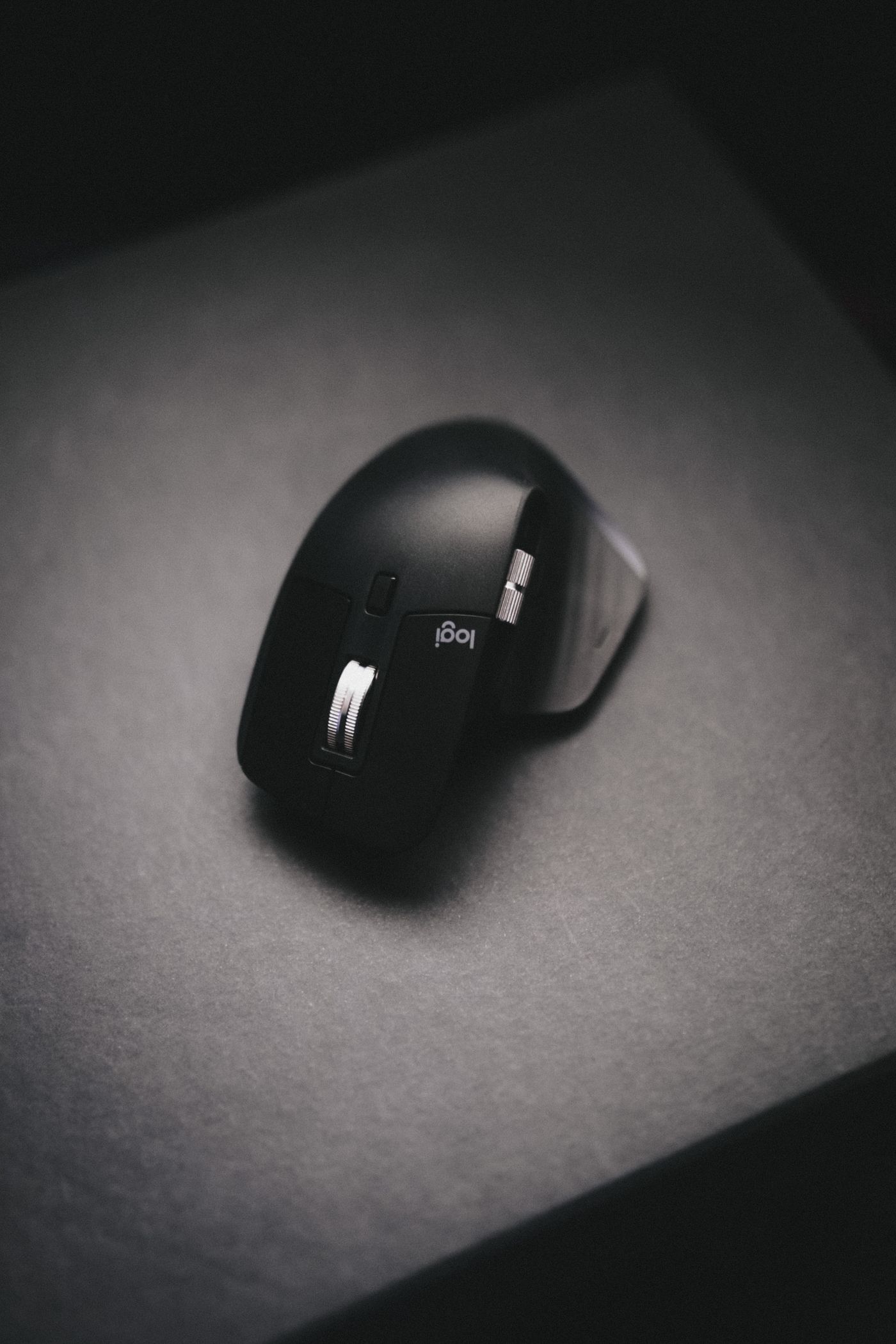
Change one part of the connection at a time so you can distinguish a mouse problem from a desk-layout problem.
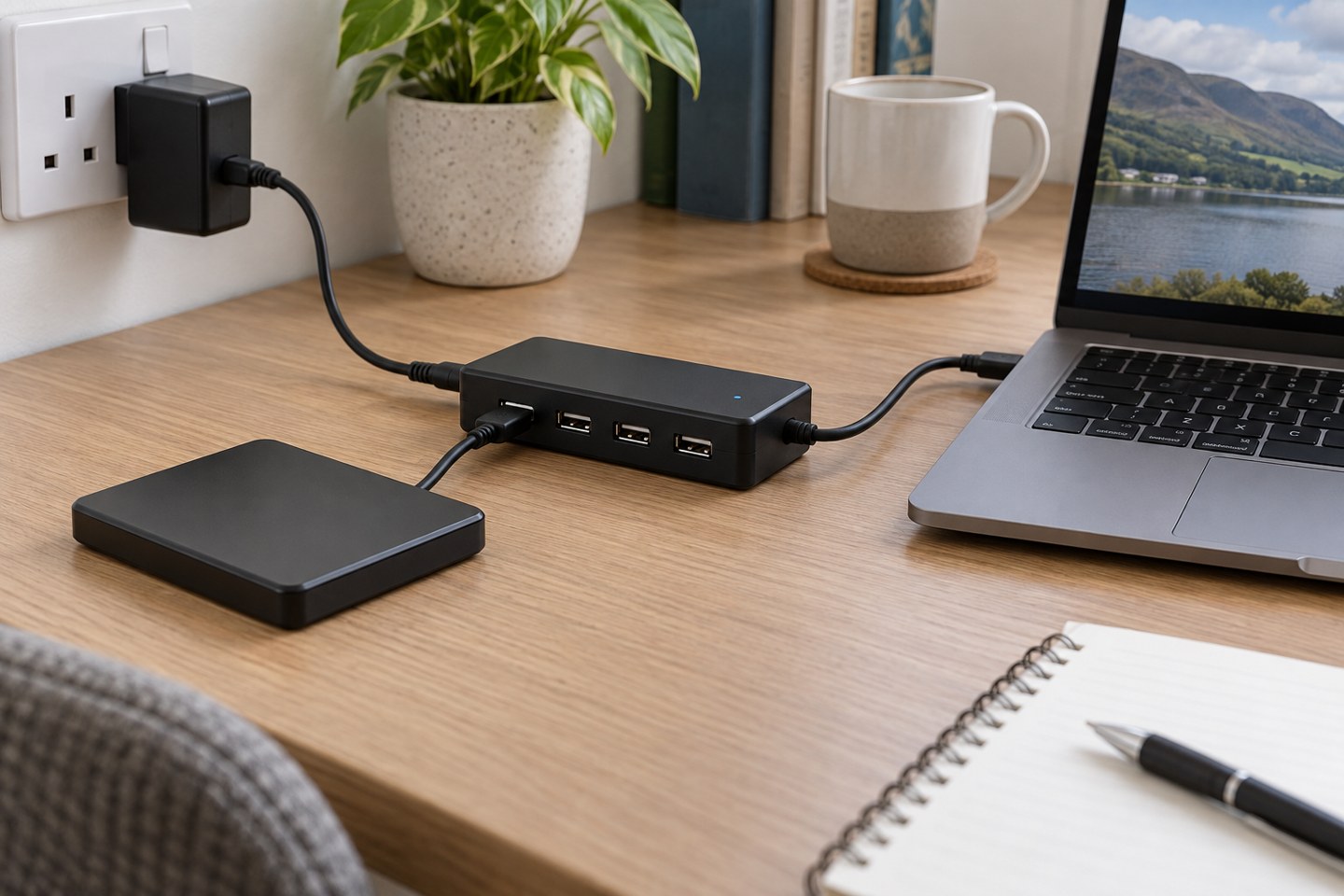
More sockets do not create more power. Check the hub supply, device requirements and connection before blaming an accessory.
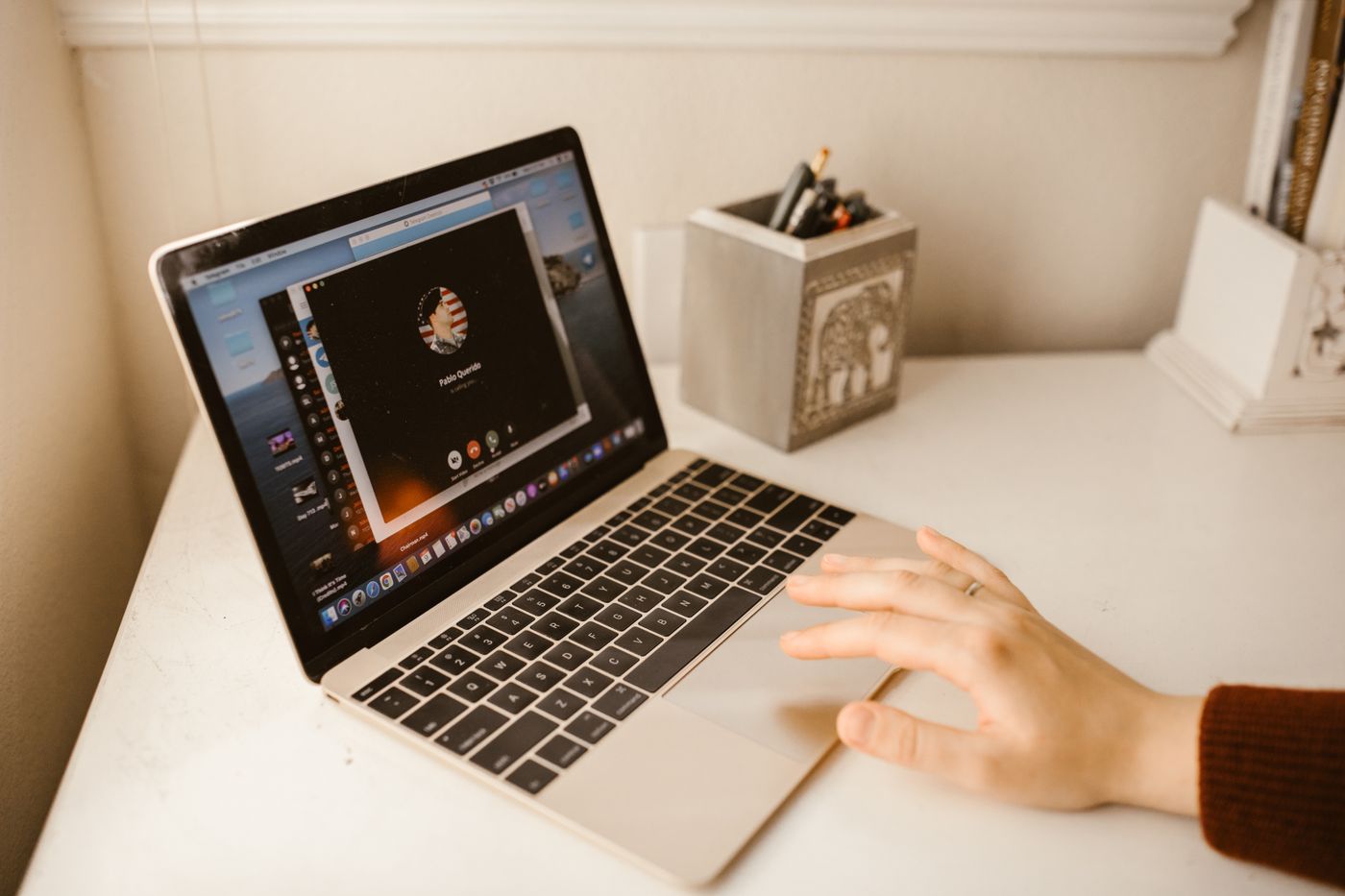
Choose the smallest sharing area that does the job, then preview it before the meeting becomes busy.
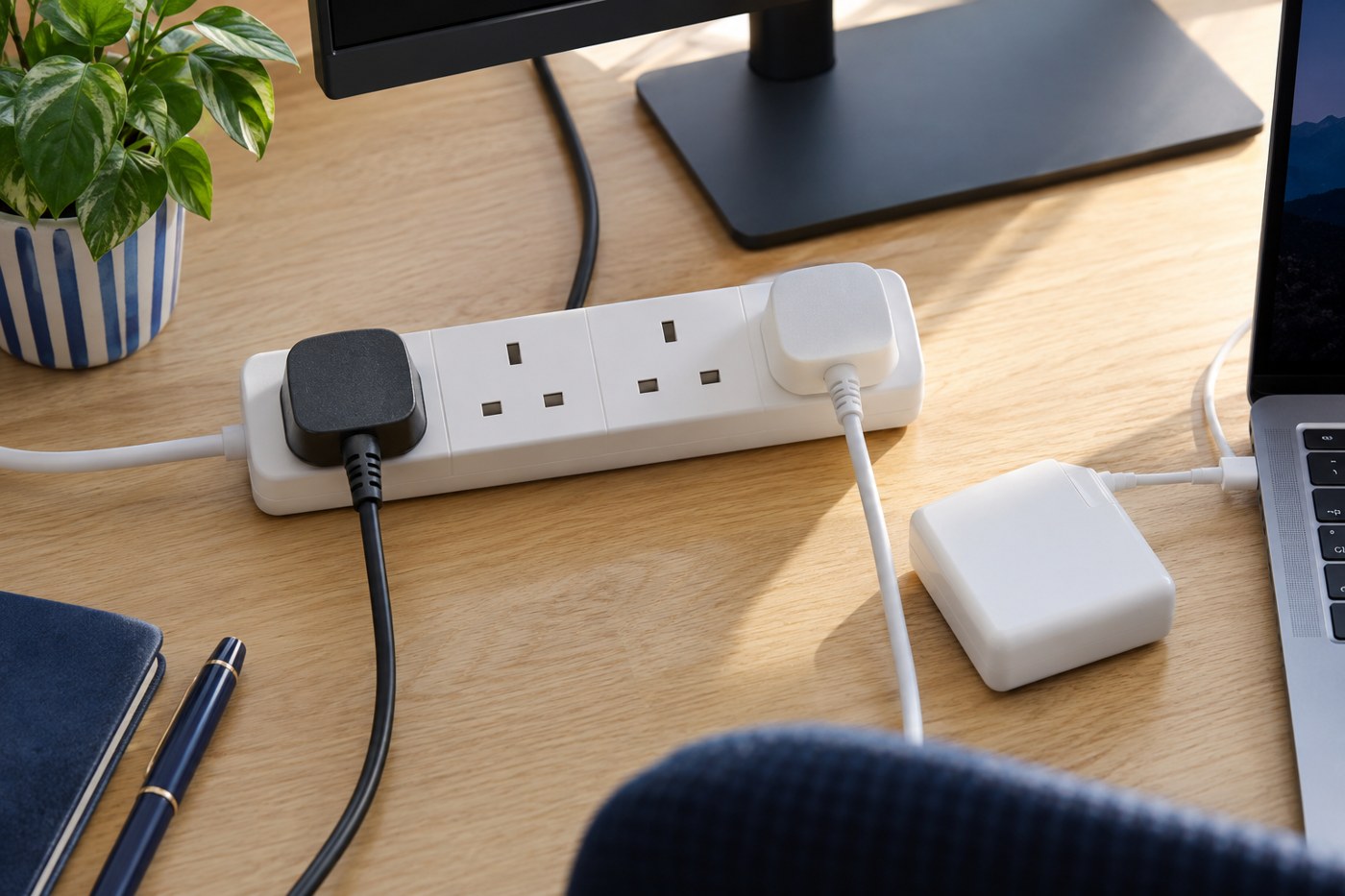
Plan the socket location, total load and cable route before hiding the desk wiring.
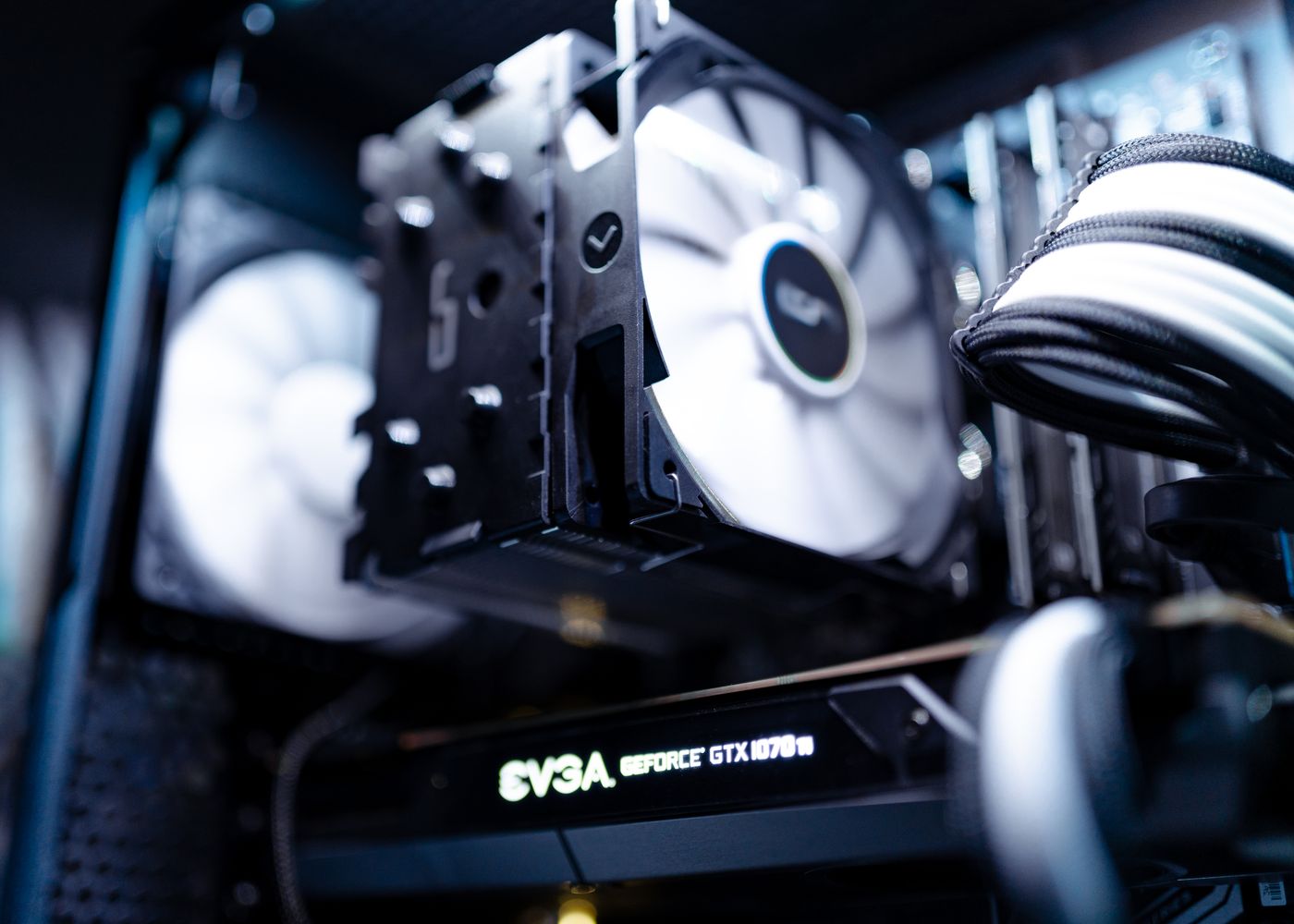
Identify the sound and the device before buying a cooling accessory or changing performance settings.
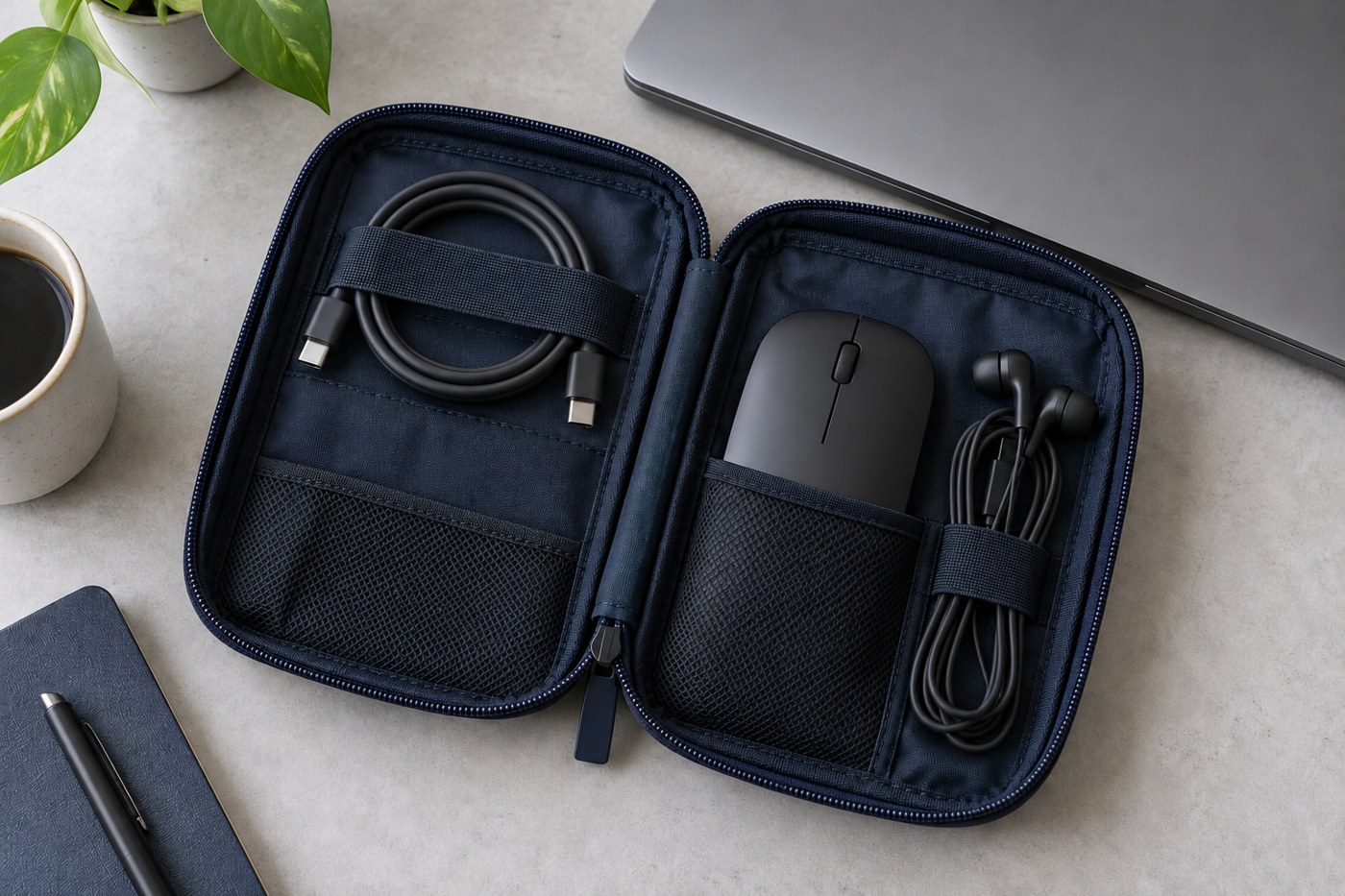
Pack for the connections you expect to use, then test the kit with the laptop before leaving.